Category: Windows
In this category on TechCommuters you will find the easiest how to guides for Windows users.
System Restore: Complete Guide for Windows 11
Introduction: Your Windows 11 PC can run into problems at any time. A bad update, a new app, or a wrong setting can break things fast. When that happens, you need a quick fix. System Restore is one of the best built-in tools Windows offers for these moments. It helps you roll back your PC […]
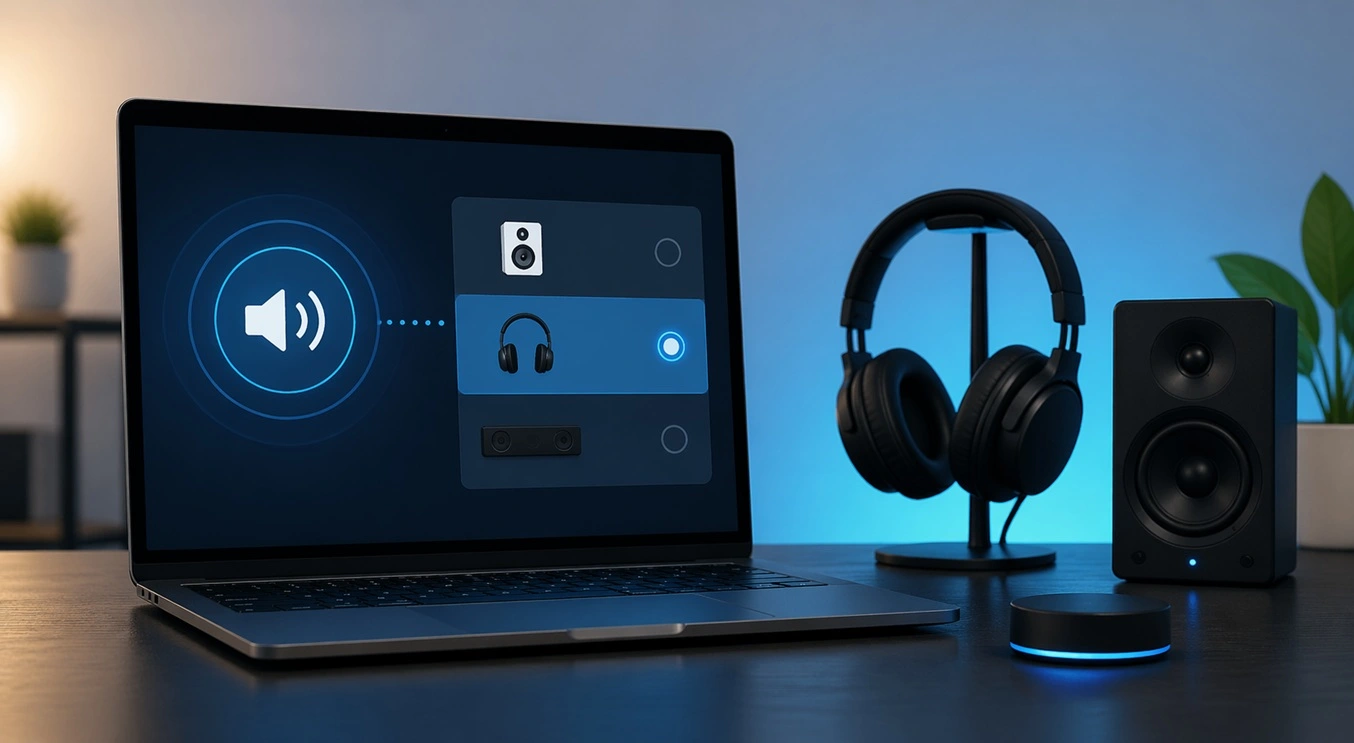
Setting Up Default Audio Device: Complete Guide [2026]
Introduction: Sound is a big part of how we use computers every day. Whether you are watching a movie, joining a video call, or listening to music, your audio needs to work properly. Setting up default audio device is one of the first things you should do when you connect new speakers, headphones, or a […]
Emptying the Recycle Bin In Windows: Complete Guide
Introduction: When a file is deleted in Windows, it is not erased immediately. It is first sent to the Recycle Bin, where it stays until it is removed permanently. Clearing the Recycle Bin is a quick way to regain storage space. Many users do this often to keep their system clean and working properly. Knowing […]
How To Close Games Assist: Simple Methods to Try
Introduction Do you have a feature on your device that keeps popping up while you play games? Many users want to know how to close Games Assist because it shows up at the wrong time. It can be distracting. It can slow down your game. And sometimes, you just do not need it running in […]

Optimizing Graphics Performance: Complete Guide [2026]
Introduction: If your games stutter or your videos look choppy, your graphics might need some help. Optimizing graphics performance is one of the best things you can do for your PC. It makes everything look better and run faster without buying new hardware. Many people think better visuals require expensive upgrades. But that is not […]
Updating Printer Drivers: Complete Guide For 2026
Introduction: Your printer may stop responding without warning. You click print, but nothing comes out. In some cases, the output quality also becomes poor. There is no need to worry right away. The solution is often quite simple. Many common printer issues are linked to outdated drivers. Updating printer drivers can quickly restore normal function. […]
Managing Update Delivery Optimization: Latest Guide for Windows
Windows updates are essential. They keep your computer secure and fix bugs. But updates can be large. They can slow down your internet without warning. Videos buffer. Pages load slowly. Most people do not know why this happens. The reason is often updates running quietly in the background. That is where managing update delivery optimization […]

Change Power and Sleep Settings in Windows: Latest Guide
Introduction: Computers power our work, study, and play. Many people use them for hours without thinking about energy use. A few quick tweaks can boost performance and save power. They also help your PC stay fast and efficient. This guide shows how to adjust power and sleep settings in Windows step by step. Power and […]
Resolving App-Specific GPU Problems: Complete Guide (8 Quick Methods)
Introduction: Modern computers rely heavily on the GPU for smooth performance. Well, yes! It helps run games, design software, video editing tools, and many other apps. When the GPU works well, everything feels fast and stable. But when issues appear in a single app, it can become confusing and frustrating. Many users face cases where […]
Adjusting Volume Balance Settings On Windows 11: Complete Guide
Introduction: Sound is an important part of using a computer every day. You may watch videos, listen to music, attend online meetings, or play games. In all these tasks, clear and balanced sound makes a big difference. Sometimes, audio may not feel right. One side may sound louder than the other. This can make listening […]

Recent Post