Category: Windows
In this category on TechCommuters you will find the easiest how to guides for Windows users.
5 Best Bloatware Removal Tools for Windows
Introduction: Is your Windows computer cluttered with pre-installed software that you never use? Are you tired of dealing with bloatware that slows down your system and takes up valuable storage space? If so, you’re not alone. Bloatware, or pre-installed software or junkware, has become an unwelcome nuisance for many Windows users. But fret not! In […]

Protect your Data From Prying Eyes: EncryptionSafe (Complete Review)
Introduction: In today’s digital age, where information flows freely and data breaches are all too common, safeguarding our sensitive data has never been more crucial. Whether you’re a business professional handling confidential documents or an individual user with personal files, the threat of prying eyes looms over us all. Isn’t it? Well, that’s where EncryptionSafe […]
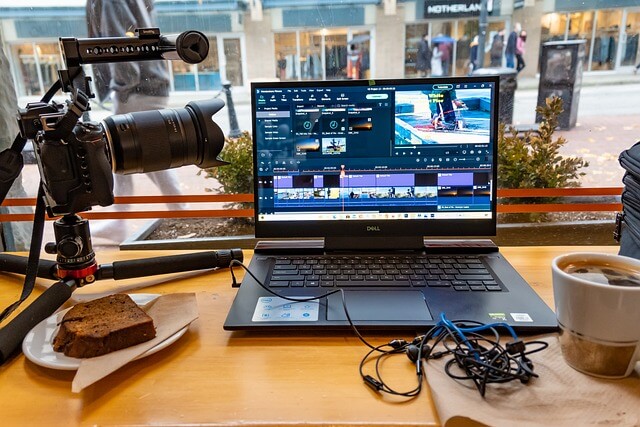
Top 10 AI Video Editor for Windows and Mac
Remember those days when we used to spend long hours struggling to work on complex video editing software? Well, thanks to AI, anyone can now unleash their creativity and produce impressive videos without any hassle. These AI video editors are equipped with intelligent features and algorithms that automate repetitive tasks, enhance visual quality, and provide […]
How to Fix USB Port Not Working in Windows 11
Introduction: USB ports have become an indispensable part of our daily lives, allowing us to connect various devices and peripherals to our computers effortlessly. Whether it’s transferring data, charging our smartphones, or connecting external storage, USB ports offer unparalleled convenience. However, encountering issues with USB ports can be frustrating, especially when they stop working altogether. […]
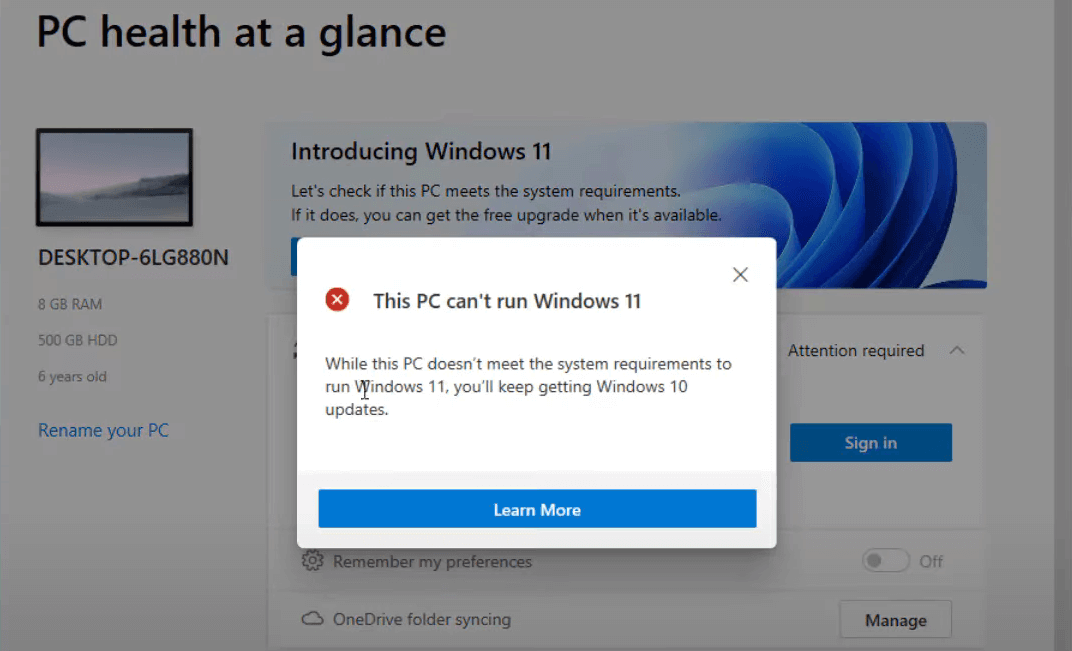
How to Fix the “This pc can’t run Windows 11” Error
Introduction This pc can’t run Windows 11 problem may result from two crucial security settings being disabled if you have attempted downloading Windows 11 or employing the Microsoft PC Health Check app after getting that warning. They are known as Secure Boot with TPM 2.0. These two options are now necessary for Windows 11-powered machines. […]
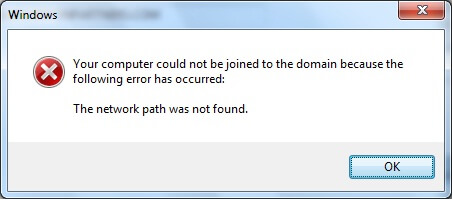
How to Fix the “Network Path Was Not Found” Error on Windows
Introduction: Having a reliable network connection is crucial for seamless communication and uninterrupted access to shared resources. However, encountering errors can disrupt our productivity and leave us scratching our heads for solutions. One such frustrating error is the “Network Path Was Not Found.” This error message typically pops up when attempting to access files or […]
How to Fix Black Screen at Boot on Windows 11/10
Introduction: Whether as an individual or a professional, we are all strictly reliant on technology in some or the other way. And amidst this, encountering frustrating issues like a black screen at boot hits us like a roadblock. The black screen boot issue can affect both laptops and desktop computers running various versions of Windows. […]
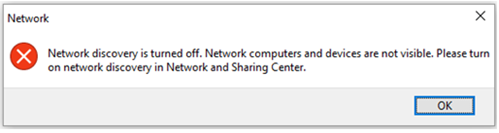
“Network Discovery is Turned Off” Error on Windows 11/10
Introduction: Among many common Windows errors, the “network discovery is turned off” error is an annoying obstacle that disrupts your workflow. Whether you’re trying to share files, stream media, or access shared printers, encountering this error can be perplexing and disruptive. The good news is that understanding the causes and solutions for this error can […]
How to Disable the Lock Screen on Windows 11
Introduction: In the world of productivity, every single second counts. The last thing anyone wants is to be hindered by unnecessary obstacles while using their computer. One such obstacle is the lock screen that appears every time you wake up your Windows device. Though it may appear as a minor inconvenience, those valuable seconds spent […]
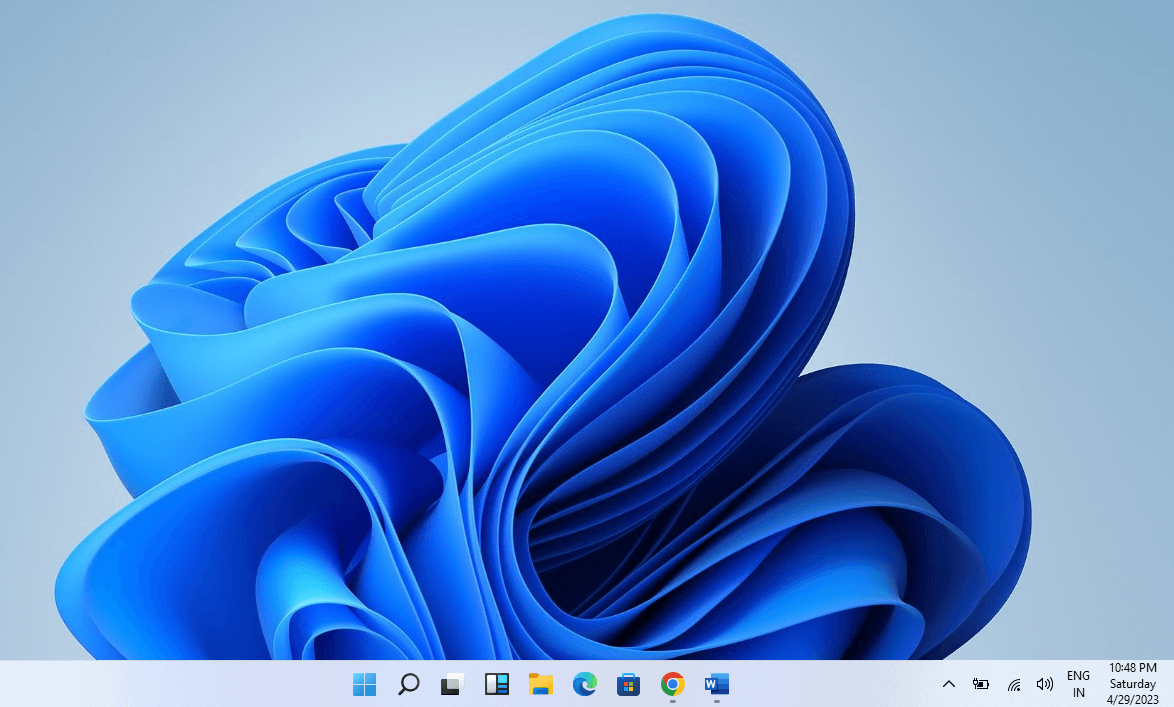
How to Operate the Taskbar in Windows
Introduction The Taskbar in the Windows system is not limited to showing time or access to the Windows button. Generally, Taskbar helps the user quickly navigate the system’s different components and applications. It helps the user to work more efficiently by navigating the background apps directly from the Taskbar. Therefore it makes you work easily […]

Recent Post