Category: Windows
In this category on TechCommuters you will find the easiest how to guides for Windows users.
9 Best Video Enhancer Tools For Windows
In the growing digital world, people are more creative and selective with content creation and editing. You can find thousands of software and applications that can help you enhance your video quality. People have different experiences with the tools, but you must find out the best editing tool. So don’t get fussy with different opinions; […]
The Best 5 Ways to Change the Screen Timeout on Windows 11
Do you always get frustrated when the laptop or PC screen gets blank after a few seconds of inactivity on Windows 11? This is a common scenario that most people have to deal with. As a result, they always try to keep the screen active by moving the mouse or pressing any random key. Although […]
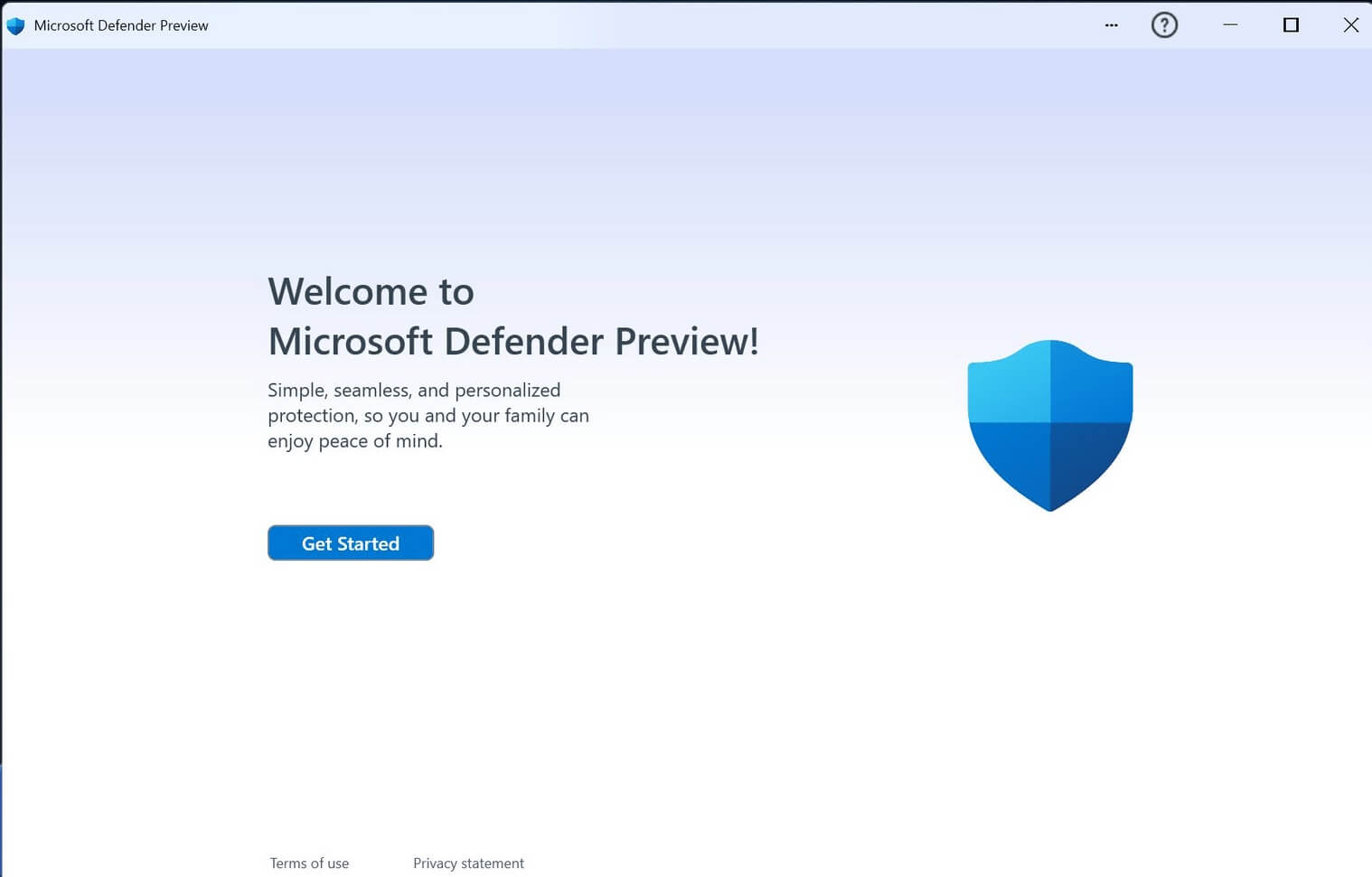
Disable Microsoft Defender in Windows 11: Step-by-Step Guide
Introduction Since its introduction in 2006, Microsoft Defender has been integral to all Windows operating systems, offering free and thorough antivirus protection. It is capable of finding and containing malware and providing ongoing security. On the downside, it’s a resource-consuming and will only stop running in the background if permanently deactivated. Why Do Users Turn […]
How to Enable God Mode on Windows 11?
Introduction Multiple features are available within Windows, shaped to make usability smoother for users. Among them, the God Mode Windows 11 is one rarely noticeable but powerful feature in Windows that improves productivity and user experience. Since the initial launch of Windows Vista 2007, this feature has worked in Windows to categorize all Control Panel […]

How to turn off/disable OneDrive on Windows?
Cloud storage is the ultimate solution for the different needs of modern smart device users. Windows has solved the dilemma of selecting the perfect cloud solution for its users by introducing OneDrive, which works seamlessly on all the latest versions. However, many people look for different ways to turn off/ disable OneDrive on Windows 10. Let […]
How to Change The Mouse Cursor On Windows 11 & 10
Introduction Cursors are necessary to perform different operations while using a desktop system. Hence, these are useful in performing different functions on your system. With so much to offer, do you know that it is possible to change the mouse cursor settings on Windows? So today, let us help you understand how to change the […]
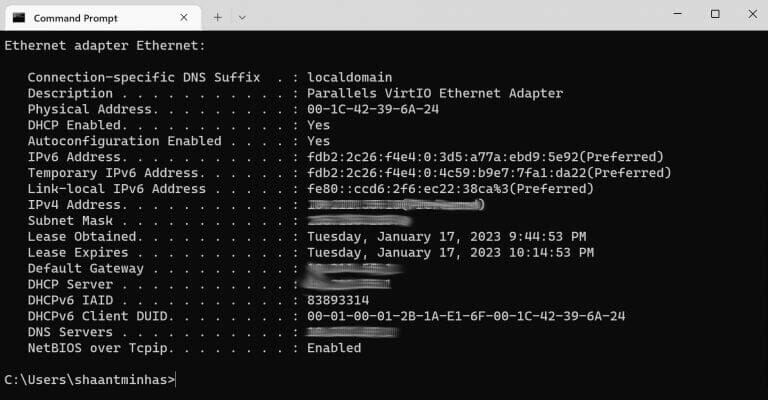
How to Find the MAC Address on Windows 10/11?
Introduction The different devices that sync with a network all have unique ID numbers assigned to them. So, the mobile devices, computers, tablets, and other tools people access and use, have an embedded Media Access Control or MAC address assigned to their physical network adapter (Bluetooth/WiFi/Ethernet). The benefit of this 12-digit hexadecimal number is simple- […]

How to Fix Activation Key Not Working on Windows 11?
Introduction While trying to access Windows 11, some issues can affect the System’s proper functioning. For example, the inability to activate Windows 11 without a key, like a valid digital license or activated key, is common in this context. The issue can be frustrating to handle, but it is possible to fix it. The error […]
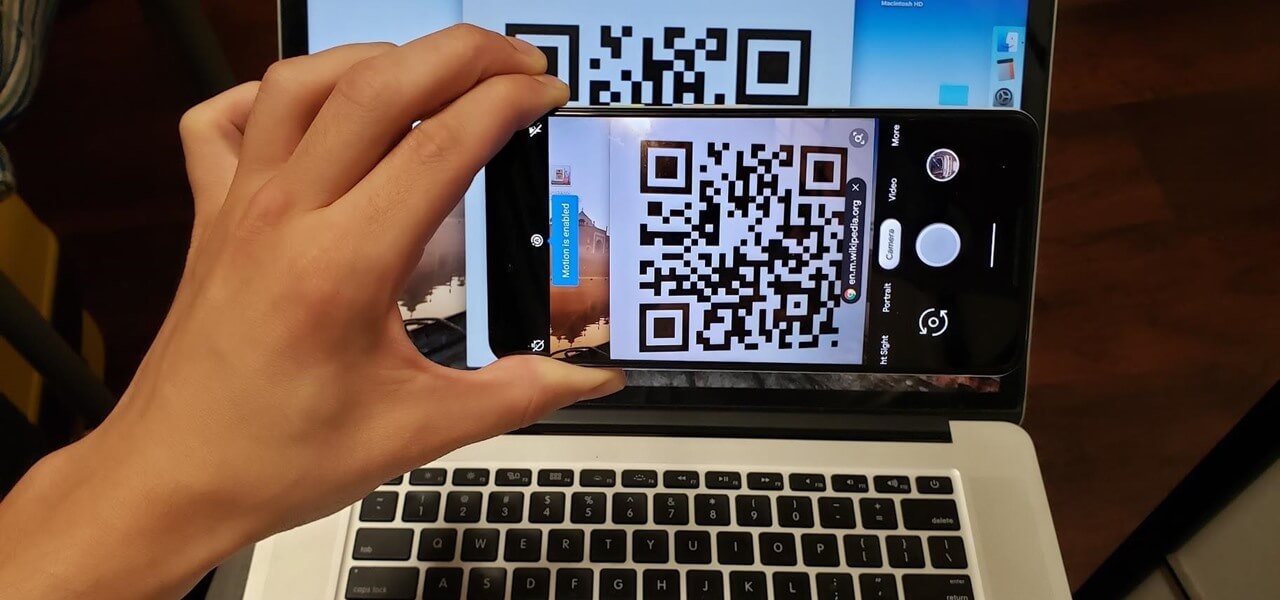
How to Scan QR Codes on Windows [5 Easy Ways]
Introduction The QR code or Quick Response Code is very useful for scanning and activating specific functions, like making payments, accessing deals/offers, etc. However, activating the QR code-based functions via the browser on Windows requires too many steps typically. First, you must use your phone camera to scan the code and then share this URL […]
How to Fix Computer Speakers Not Working? [Updated]
Introduction Watching movies or shows on the computer is one of the favorite things for many people to do. Since the screen is bigger and the sound quality of the speakers is clear and loud, it further improves the experience. However, what happens if no sound comes out of the speakers when you hit the […]

Recent Post