












Introduction: Antivirus software helps protect Windows PCs from digital threats. It detects viruses, blocks ransomware, and alerts users about unsafe websites. However, some security tools consume too much RAM and CPU power. This can make everyday tasks feel slow. Older laptops and low-end PCs often face this problem. The computer may take longer to start. […]
Clean & Secure Your MacBook Air with CleanMyMac X: Review
Cleanmymac X Review: Introduction
Having a clean, clutter-free space to work in is a necessity, for it is where great ideas flourish. Why should your Mac get treated any differently? Just like you have a vacuum cleaner or a cleaning person making rounds in your workspace every week, the best Mac cleaner for your Mac is equally important.
Whether you have recently bought a new MacBook Air or you have an older Mac version, it is never too early to buy a cleaner. One of the best Mac cleaners available for your Mac today that is compatible with the latest OS Catalina is CleanMyMac X.
Before we get into why the CleanMyMac X is best suited for you, let’s dive into the features of the latest MacBook Air, which is now more powerful than ever. Reducing their carbon footprint, the new sleek wedge-shaped Mac is designed with 100% recycled aluminium. You can now unlock your Mac with the Touch ID without even typing the password. The Mac is jam-packed with new and redesigned features.
Features that make MacBook Air desirable include-
- Up to 2X faster CPU and 80% faster graphics performance
- Can be configured up to 2TB
- Comes with Magic keyboard with redesigned scissor mechanism with 1-mm travel
- 20% larger Force Touch trackpad
- Two Thunderbolt 3(USB-C) ports
- Apple T2 security chip for extra security
Every machine depreciates with time, and you are bound to run into problems with computers. However, every problem has a solution; you just have to learn how to fix it. Users usually run into some common problems with their Mac, or sometimes they just get stuck. There are plenty of ways to manually fix common problems to reduce the depreciation of your machine and keep it running smoothly. Remember, you can always use the best Mac cleaners, such as CleanMyMac X to get instant and accurate results.
How to Fix Some Common Mac Problems?
Delete unused apps
There must be at least more than a few apps that you haven’t really used since you downloaded them. Just drag them and trash them. Also, manually search and remove application-related preferences and support files.
Empty out the trash
You cannot keep filling up the trash bin and not empty it every once in a while. The trash isn’t actually gone unless it is out of the bin. This will make your Mac run comparatively smoothly. You might need to restart or shut down your computer to see the space cleared on your hard drive.
Compress and archive old files
A great way to free up space is to compress old files to make them dramatically smaller. Old compressed files that aren’t used regularly can be stored on a CD, thumb drive or any external hard drive.
Clean up the system logs and temporary files
UNIX maintenance scripts are automatically run on the latest MacBook Air. But if you still want to do it manually. Simply follow these steps.
-Access terminal by navigating to Applications → Utilities → Terminal
-In Terminal, type in “sudo periodic daily weekly monthly”.Hit Enter
-Type in Mac admin password
-Wait for system to run the maintenance. You’ll be returned to the Terminal
Remove old iOS backups
Many devices are automatically backed up when you plug them in and deleting old back ups help free up space. Simply- navigate to Home → Library → Application Support → MobileSync → Backup folder. Then, just look for the newer and the older backups. Delete the older backups.
Run Disk Utility to verify and repair “Permissions”
Installing and uninstalling of programs can lead to changes in the permissions of the program over time. To avoid unnecessary processing and to protect the programs from becoming obsolete follow these steps-
-Open Disk Utility (Finder –> Applications –> Utilities (folder))
-Select hard drive and select “verify permissions” (if you do 1/month, should take 9 minutes. If for the first time in 2 years, may take 30mins)
-Once “verify permissions” is complete, select “repair permissions” (the time it takes applies like above).
Protect Mac from Malware
While cleaning up storage and regular maintenance of your computer is important to keep it running faster and performing at top speed. You still have to protect your Mac from digital thieves, vandals and hackers.
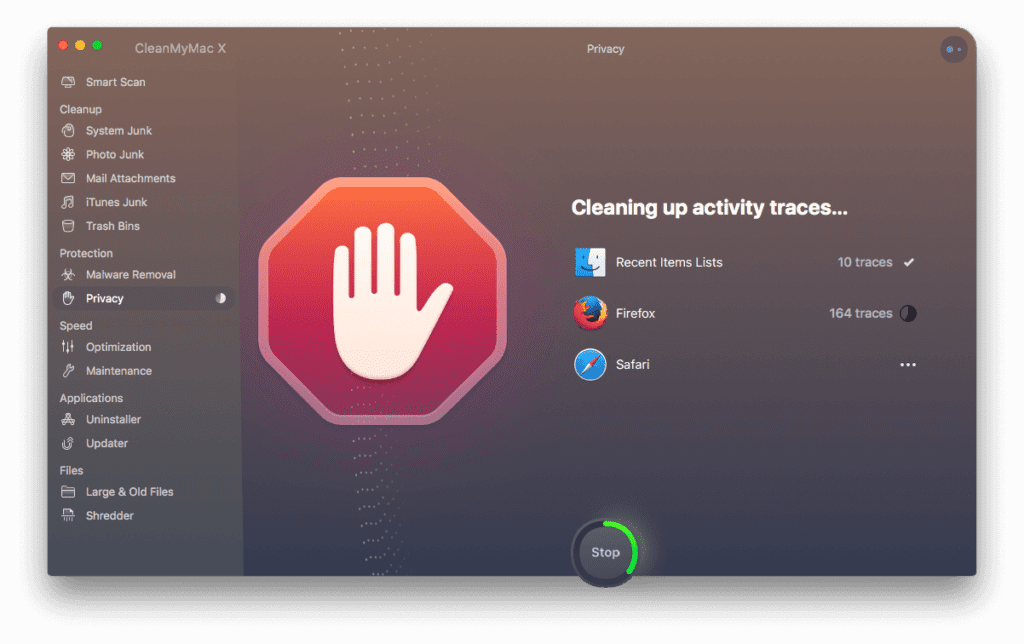
While you can keep your actions in check, can delete downloads or conversations or passwords from everywhere manually. It is easy to use a tool like CleanMyMac X to protect your Mac from online thefts. The tool doesn’t magically make your computer safe and secure.
However, it deletes sensitive information like your browsing history, autofill forms and chat logs etc. So, if hackers get in, they will only get privy to very less information, which mostly won’t be enough for identity theft like your email attachments or Skype conversations.
Why Use CleanMyMac X?
It doesn’t just protect you from online thefts and hackers, CleanMyMac X is the best tool available on the market for your Mac. Whether you need to free up storage, optimize your computer’s performance or just want to clean up unused applications automatically, CleanMyMac X is the best cleaner for you. It did not win the iF Design Award for 2020 for nothing.
The latest version of the app is compatible with the OS Catalina and will run smoothly on your new MacBook Air. The developers at MacPaw claim that the cleaner works three times faster than its previous versions.
With improved accessibility, easy interface, improved icons, animations, sound and boosted performance, this tool will help you keep your Mac in great shape.
Few distinct features that the CleanMyMac X boasts include-
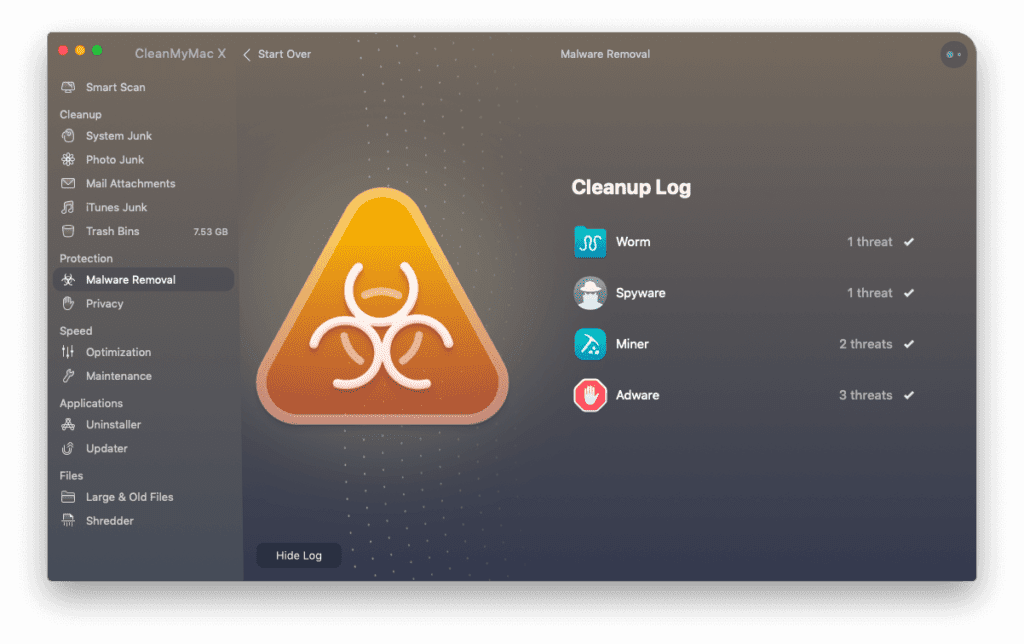
- CleanMyMac X detects malware, adware, and other malicious files on one’s Mac.
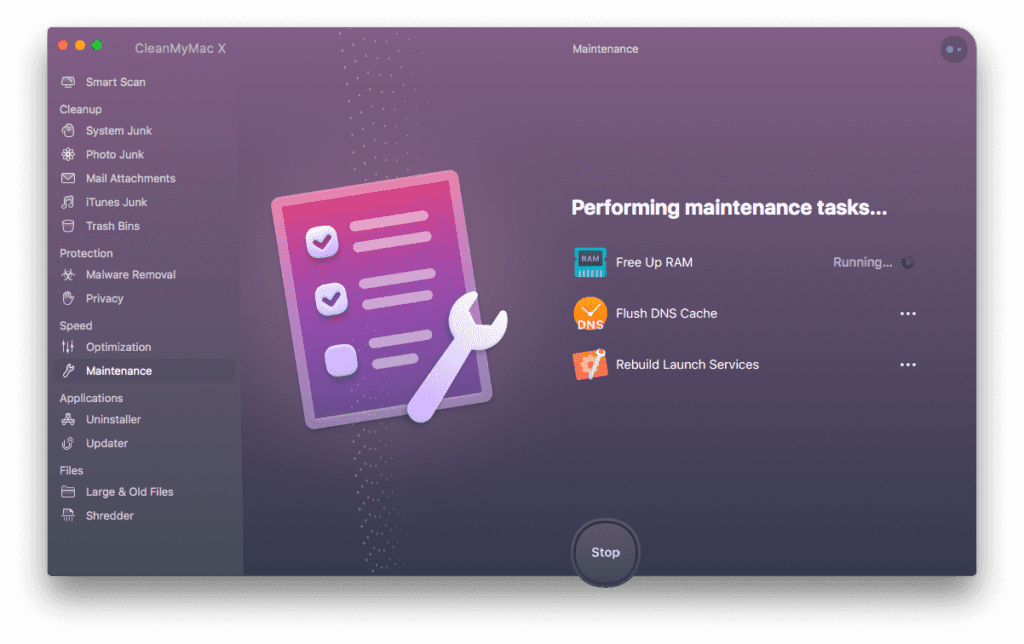
- Speeds up Mac with new advanced tools
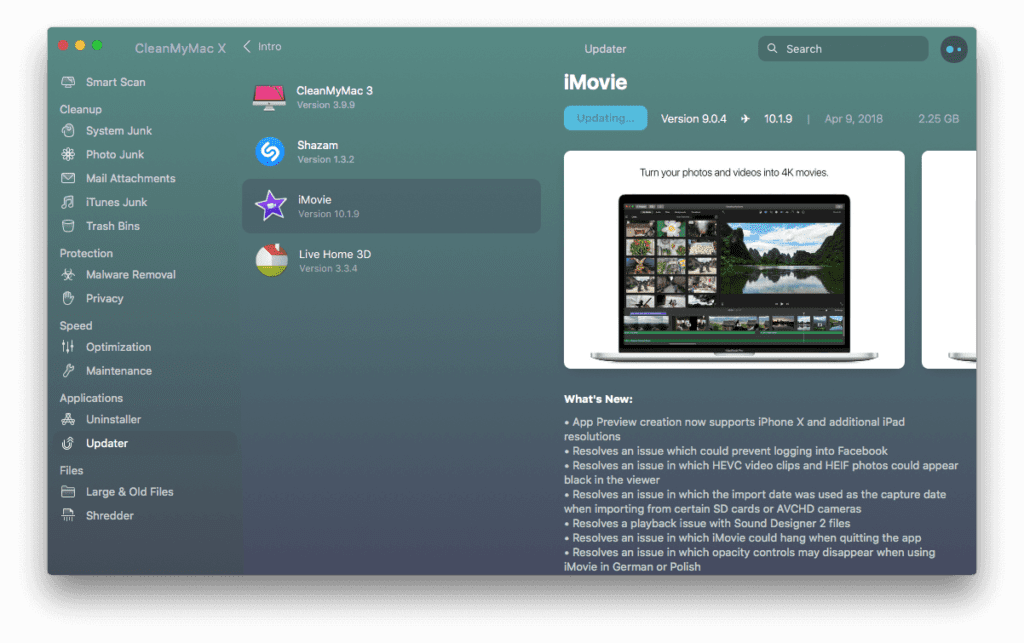
- Updates outdated applications
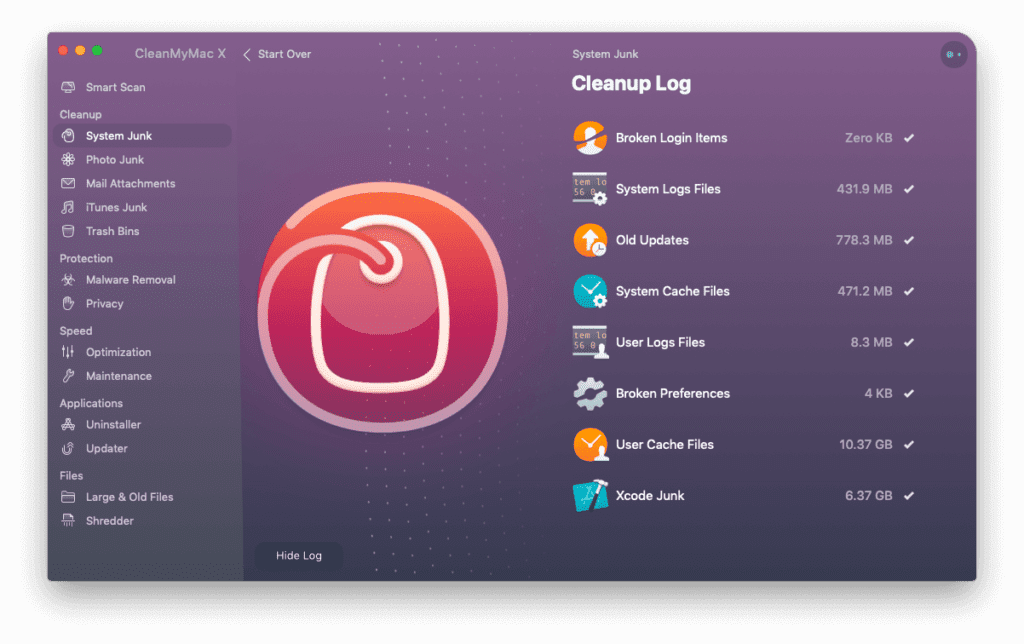
- Finds system junk in all corners
- Gives personalized cleanup tips via Assistant
- Stay in control of app permissions
- Keep online activity private
- Free up gigabytes of space
- Trial version available to download for free
Conclusion
CleanMyMac X is a worthy opponent in the market is surely one of the best Mac cleaners there is. It is compatible with the latest MacBook Air and it works really fast too. However, comfort comes at a price. While this tool is a bit on the pricey side, it surely gives you your money’s worth. If you like a clean space, don’t like compromising on the performance and speed of your Mac, and above all, if you want to keep your work away from hackers, CleanMyMac X is for you.
Fix your problems manually or let this easy-to-use great cleaner do it for you.
You just relax and think of great ideas.
Always keep it clean!!
Author Bio:
Dinesh Lakhwani 

Dinesh Lakhwani, the entrepreneurial brain behind “TechCommuters,” achieved big things in the tech world. He started the company to make smart and user-friendly tech solutions. Thanks to his sharp thinking, focus on quality and the motto of never giving up, TechCommuters became a top player in the industry. His commitment to excellence has propelled the company to a leading position in the industry.
Popular Post
Recent Post

How To Disable Cookies in Browser [Complete Guide]
So, search for a pair of shoes once online. Close the tab. By evening, those same shoes are sitting on your news site, your video app, and even your recipe blog. Nobody placed them there by chance. A cookie did. Well, yes! Cookies are small files that websites place on your device while you browse. […]

How To Disable Background Apps In Windows: 4 Quick Methods
A slow PC rarely gives a warning. One day, it simply takes longer to start. Apps open late. The fan runs loud, even when the screen is almost empty. Most people blame old hardware. Often, that is not the real reason. The real reason is hiding in plain sight. Windows keeps many apps active in […]
How to Activate Windows with a Product Key for Windows 11 & Windows 10
It always shows up at the worst time. You are halfway through a report, or about to join a video call. Then you spot it in the bottom right corner of the screen. Activate Windows. Go to Settings to activate Windows. Initially, an unactivated copy of Windows may seem like a minor inconvenience. Over time, […]

Is Easy Duplicate Finder Worth It? Honest Review
The photos folder looked normal at first glance. Then the storage warning popped up. One trip photo appeared four times. A tax PDF sat in three different folders. Two old setup files were still in Downloads, and each one was over 500 MB. Nobody plans this mess. Copies pile up slowly. A download runs twice. […]

Wise Duplicate Finder Review: Real Results from Wise Duplicate Finder
Read my honest Wise Duplicate Finder review. See features, pricing, pros and cons, and real PC test results. Find out if this free duplicate cleaner can free up your Windows storage.

How to Recover Deleted Files from Pen drive, USB Drive, SD Card
Introduction: On tech forums, you’ll often see posts like this: “I connected my pen drive to my laptop this morning, but the folder was empty. All my college project files had vanished. I don’t have a backup. Can someone help me?” Stories like this are very common. Pen drives, USB drives and SD cards are […]

How To Recover Files Deleted from the Recycle Bin [Windows 11]
Losing a file can happen in seconds. You clear your desktop, hit Delete, and empty the Recycle Bin. Then, just when you need that file again, it seems to have vanished. This guide will walk you through ways to restore files removed from the Recycle Bin. We will begin with simple fixes, then look at […]

Disk Drill Data Recovery Tool Explained: Full Review and Guide
It happens in a split second. You delete a folder by mistake. Your drive stops showing up. A photo album from your last trip just vanishes. And your stomach drops. Lost files feel personal. They are not just data. They are memories, work hours, and sometimes years of effort packed into a few gigabytes. When […]
Recover Deleted Files In Windows 11 With Software & Without
Introduction What is the first thing that goes through your mind the second an important file vanishes from a Windows 11 PC? For most people, it is a mix of panic and disbelief, followed by a frantic click through every folder that file could possibly be hiding in. It happens in a split second: one […]

