












Your monitor shows colors every single day. But are those colors actually correct? Most people never stop to check this. They just use the screen as it comes out of the box. This habit can lead to wrong colors in photos, videos, and work files. Colors may look too warm or too cold without you […]
Top 8 Identity Theft Protection Software in 2026
Internet is the most vulnerable source of identity theft. You never know when your identity is compromised and when you become a victim of ransomware. This article has been designed to introduce best identity theft protection software to protect yourself against ID fraud and stay safe across all areas of your digital life.
These best ID theft protection services will protect you while browsing social media, web browsing, online banking, and online data transfers. Here is our roundup of the best identity theft prevention software.
8 Finest Identity Theft Protection Software 2026
1. LifeLock – (Best Data Monitoring Service)
Pros
Sends fraud alerts by text or mobile App
Monitors Dark Websites for your information
Provides support for restoring your identity
Best ID theft protection service
Cons
Bit expensive services compared to similar competitors
Monthly credit score monitors only one out of three bureaus
May not be able to monitor all transactions
Cost
LifeLock Standard – $8.99/Month
LifeLock Advantage – $17.99/Month
LifeLock Ultimate Plus – $26.99/Month
Everyone we remember has seen the commercials of LifeLock where the CEO gives out his social security number. LifeLock certainly has the best marketing campaigns compared to any of the Identity Theft protection companies we reviewed.
LifeLock services do stand-up as the best identity theft protection and credit monitoring services which should be considered by anyone who is looking forward to the best ID theft protection services.
2. Identity Guard – (Best Tool for Low Budget)
Pros
Comprehensive service at low cost
Monitors driver’s license information & other IDs for fraud
Removes personal information from junk mailing lists
Cons
Doesn’t monitor sex offender registries
Doesn’t share fraud alerts with credit bureaus
24/7 phone support not available
Cost
Identity Guard – $16.99/Month
Identity Guard is one of the best-valued products and best identity theft prevention software among its genre. This product gives you wide coverage and provides timely notification while putting the price at the forefront.
It monitors your address, Social Security number, and credit card details as well as other identity aspects such as criminal records and driver’s license information.
3. Intelius Identity Protector – (Best for Credit Reports)

Pros
Best for Public Record Monitoring
Recovery experts suggest help with suspicious activities
24/7 fraud resolution-expert service
Cons
Unable to freeze your credit reports for you
Cost
Intelius ID Protect – $29.95/Month
Intelius is the best fit for background checks and public record searches. Its ID theft protection service ‘IdentityProtect’ is one of the best identity theft protection software for tracking your personal information that appears in public records searches.
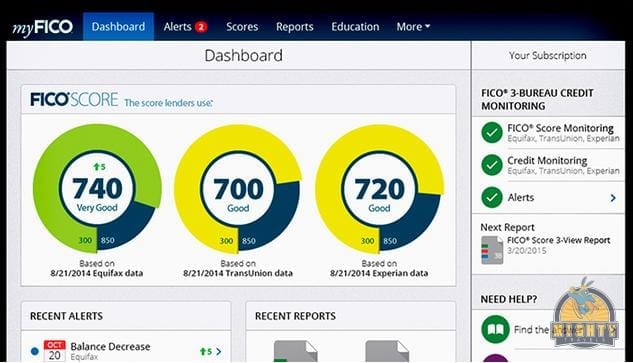
4. IDFreeze by MyFICO – (Best for Credit Report Monitoring)
Pros
IDFreeze monitors all three bureaus and sends you updated scores
Monitors Dark Web for stolen identity
Best for Credit Report Monitoring
Cons
It doesn’t look at public records
Cost
FICO Identity Ultimate 3B – $29.95/Month
IDFreeze by MyFICO comprises complete credit monitoring and shows you regular reports from all three credit bureaus: Equifax, TransUnion, and Experian. If you think it’s costly, it’s worth it!
It sends you timely alerts whenever there is any suspicious activity detected. In addition to it, FICO Identity Ultimate also includes dark web monitoring to identify if your personal information is compromised or getting misused.
5. ID Watchdog – (Best for Identity Theft Victims)

ID Watchdog, Inc. logo. (PRNewsFoto/ID Watchdog, Inc.)
Pros
Monitors Payday loan database
Best after-effect resolution and monitoring
Best restoration services among all
Cons
Doesn’t remove your identity from mailing lists
Resolution services by fraud experts
Cost
ID Watchdog Platinum – $17.95/Month
ID Watchdog has numerous tools for monitoring your identity and resolving fraud activities done by ID theft. It not only prevents your information from getting stolen but also notifies you about any suspicious activity.
ID Watchdog’s restoration services directly connect you with a specialist to work with you and resolve fraudulent problems. It also explores few features that others don’t carry, including non-credit loan databases which are rare to catch.
6. IdentityForce (Comprehensive Support)

Pros
Directly sends fraud alerts to credit bureaus
Has comprehensive 24/7 phone support
Offers credit reports from all three bureaus
Cons
Only tracks one bureau’s score a month
All suspicious activities are not guaranteed monitored
Cost
IdentityForce UltraSecure – $14.95/Month
IdentityForce UltraSecure + Credit – $19.95/Month
This is an effective & the best ID theft protection services which alert you as soon as your identity is compromised and being used anywhere. IdentityForce is one of the best identity theft prevention software we have reviewed as it also monitors your Social Security Number, Name, Street Address, and Credit Card Details for signs of fraudulent activities.
7. ID Shield – Best for Families
Pros
24/7 access to licensed private investigators
Personal, financial and credit information monitoring
Social media and online credentials screening
Free Mobile App for Android and iOS
Password manager
Cons
One-bureau monitoring only
No online membership cancellation option (must be done in writing)
No free trial period
Cost
IDShield – 1 Bureau Monitoring – $12.95/Month
IDShield – 3 Bureau Monitoring – $17.95/Month
IDShield is best to monitor personal and financial information and offers various utilities like a mobile App, password manager, prepaid legal help through licensed investigators and updated credit score. Its basic plan lags behind competitors by just monitoring one credit bureau whereas other plan monitors all 3 bureaus.
8. Credit Sesame – Best Free ID Theft Service
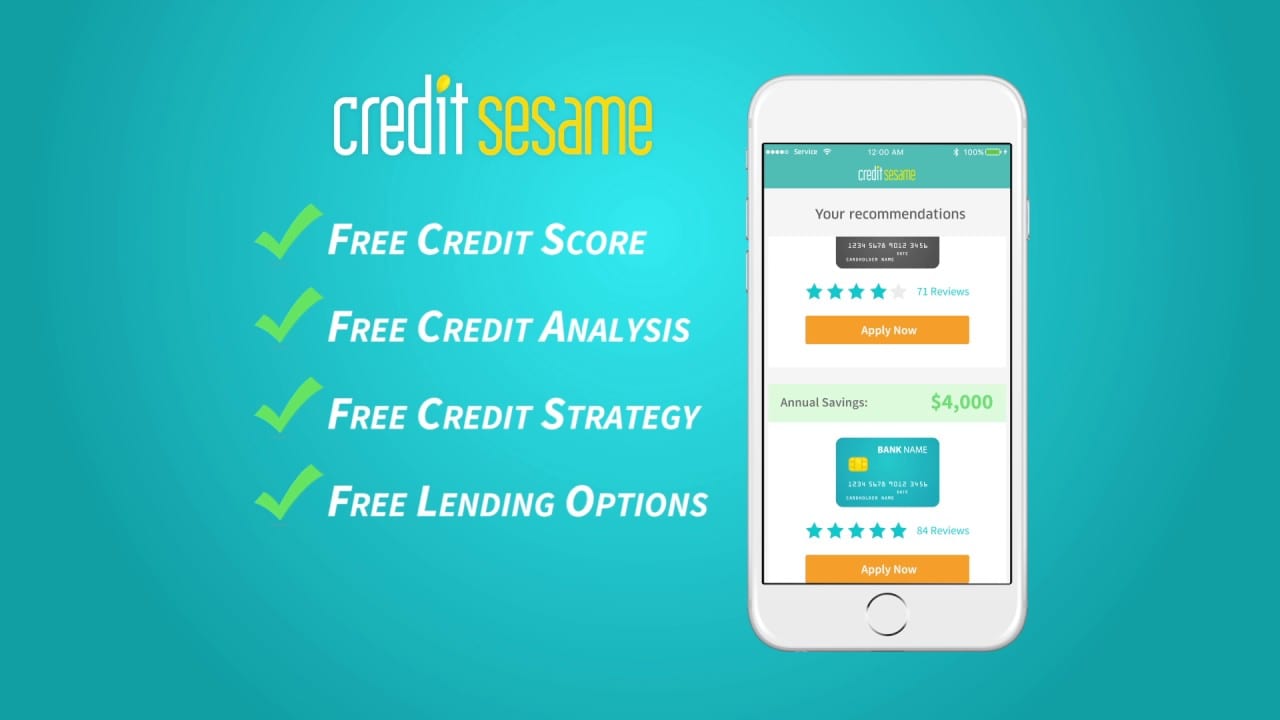
Credit Sesame became popular as they allowed users to check their credit score for free. They have been offering free services since the beginning of the innovation. They also have paid premium services however as a regular consumer, you can relish their services for free.
Product Features
Free credit score, credit report card, and credit monitoring
Find out what is affecting your credit score and how to improve it
Personalized and easy service to avail products based on your credit scores
Safeguard your credit with free credit monitoring and ID theft protection
Protect your identity with $50,000 theft insurance for Free
1 Bureau Credit Monitoring with Alerts for Free
3 Bureau Credit Monitoring with Alerts with Pro Credit & Platinum Protection Plans
Plans
Free Membership Plan
Advance Credit – $9.95/Month
Pro Credit – $15.95/Month
Platinum Protection – $19.95/Month
Pro Credit and Platinum Protection comprise of multiple premium services including 24/7 Live Experts support, Credit Report Inaccuracies, Stolen/Lost Wallet Protection, Black Market Website Monitoring, Public Records Monitoring, and Social Security Number Monitoring.
Wrapping Up
We have reviewed and compared most of the best identity theft protection services in the list to choose from in 2026. If you want to protect your sensitive information such as username, passwords, social security number or credit card information protected, then you must choose one of the best identity theft protection software listed here in this article.
Author Bio:
Dinesh Lakhwani 

Dinesh Lakhwani, the entrepreneurial brain behind “TechCommuters,” achieved big things in the tech world. He started the company to make smart and user-friendly tech solutions. Thanks to his sharp thinking, focus on quality and the motto of never giving up, TechCommuters became a top player in the industry. His commitment to excellence has propelled the company to a leading position in the industry.
Popular Post
Recent Post
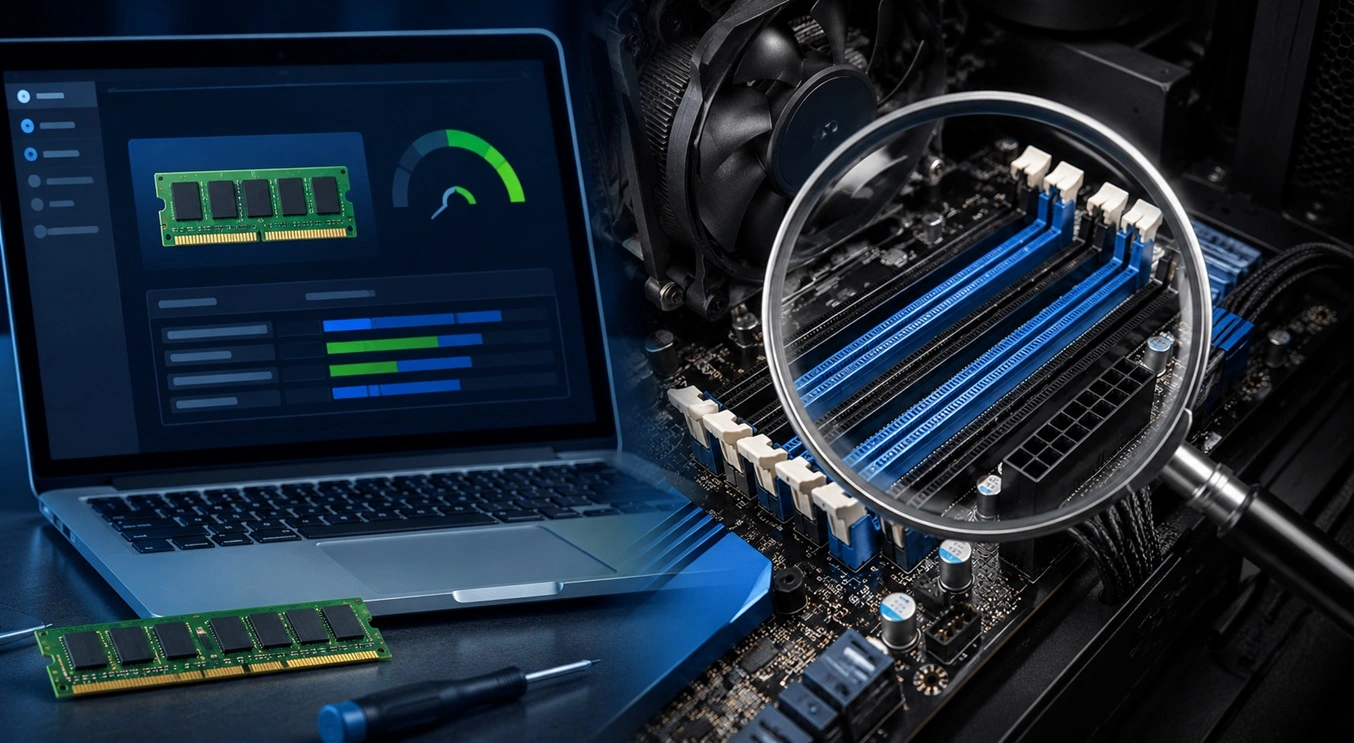
How To Check Installed RAM and RAM Slots [Complete Guide]
RAM plays an important role in how smoothly a computer runs. Short for Random Access Memory, it stores the data and instructions that Windows and active applications need at any given moment. From opening multiple browser tabs to running games and productivity software, RAM helps keep everything responsive. A system with limited memory may experience […]

What is Microsoft Autopilot Everything You Need To Know
Technology has changed the way companies manage computers. Well, yes! Employees now work from offices, homes, and remote locations. Setting up devices manually for every worker takes time and effort. It can also create mistakes that slow down productivity. This is where Microsoft Autopilot becomes useful. It helps businesses prepare and deploy Windows devices with […]

Enable Automatic Device Locking Feature Windows: Complete Guide
Introduction: Your computer stores important information such as emails, documents, passwords, and personal photos. Leaving it unlocked can put that data at risk. Thankfully, Windows includes built-in features that can automatically lock your device when you are away. Setting up automatic device locking is quick and does not require any extra software. In this guide, […]
How to Update Wireless Network Driver in Windows 11 and 10
Your Wi-Fi keeps dropping. Pages load slowly. The connection feels unstable? Well, you are not alone. Most of the time, the problem is not with your internet plan. It is with your wireless network driver. A driver is a small piece of software that helps your computer talk to its hardware. When it gets outdated, […]
Common Windows 11 Problems and Solutions (2026 Version)
Windows 11 has become more polished over the years, but it is still not completely free from problems. Even after regular updates from Microsoft, many users continue to face issues like lagging performance, failed updates, audio troubles, random crashes, and network errors. Some problems appear after installing new features, while others develop gradually as the […]
Fortect Driver Updater Review: Features, Steps, Pros, and Cons.
A new PC usually feels quick and responsive. Applications open instantly, games run smoothly, and everything works as expected. As time passes, however, you may notice slower performance, system crashes, hardware glitches, or devices that stop working properly. While many people assume malware or low storage space is to blame, outdated drivers are often the […]

New Features Coming in Windows 11 This Year [2026]
Microsoft is always working to make Windows better. This year is no exception. The company has announced and rolled out several exciting updates for its users. These updates touch almost every part of the operating system. From the Start menu to system settings, changes are arriving fast. If you use Windows daily, you will want […]

Top 14 Duplicate Photo Finder and Remover For Windows [2026]
Introduction: Photos pile up fast. Well, yes! You take ten shots of the same moment. You download the same image twice. You back up your folder and forget you already did it. Before you know it, your storage is packed with copies. A good duplicate photo finder helps you take back that space without losing […]
Advanced System Settings on Windows 11: Complete Guide
Windows 11 is a powerful operating system. It comes with many features that most users never explore. One of the most useful areas is the System Properties panel. This is where you can control how your computer performs, starts up, and handles memory. Many users only change basic settings like wallpaper or display options. But […]

