











So, search for a pair of shoes once online. Close the tab. By evening, those same shoes are sitting on your news site, your video app, and even your recipe blog. Nobody placed them there by chance. A cookie did. Well, yes! Cookies are small files that websites place on your device while you browse. […]
Monthly Round Up: All Big Incidents Happened for Windows Users in The Month of April 2026
Windows users had a turbulent April 2026. On April 14, Microsoft rolled out its scheduled Patch Tuesday security updates, a routine release meant to close vulnerabilities and resolve known issues. What followed was anything but routine. Rather than strengthening systems, the updates triggered a cascade of fresh problems across Windows 10, Windows 11, and Windows Server environments. Boot loops, login failures, and a growing list of related breakdowns left both everyday users and IT administrators searching for answers, workarounds, and emergency fixes.
While buggy Windows updates have appeared before, April 2026 was different in one key way: the damage went straight to the heart of the operating system. Critical components took the hit, including BitLocker encryption, backup utilities, domain controllers, and the Windows login screen. A number of users could not access their own devices at all. Enterprise environments felt the pain even more sharply, as servers fell into repeated restart loops that brought normal operations to a halt.
The sections below break down every major incident tied to the Windows April 2026 update cycle, one by one.
Safety Checks and Precautions Before Installing Windows Updates
Before you install any major Windows update, it is always smart to run a few safety checks first. The Windows April 2026 incidents proved that even official security patches can cause serious problems. A little preparation before hitting that update button can save you hours of frustration and potential data loss.
Here are eight important precautions every Windows user should follow before applying any significant update.
- Save your BitLocker recovery key: If your device uses BitLocker encryption, locate and save your recovery key before updating. You can find it in your Microsoft account under the Devices section. Store it in a safe place outside your PC, such as a printed copy or a secure note. Without this key, a problematic update could lock you out of your own system completely.
- Create a full system backup: Use a trusted backup tool to take a full image of your system before any update. This gives you a restore point you can fall back on if the update breaks something critical. Make sure the backup completes successfully and verify it before proceeding with the update.
- Check the Microsoft release health dashboard: Before installing any Patch Tuesday update, visit the official Microsoft release health page. It lists all known issues tied to recent updates. If a fresh update already has reported problems, it is worth waiting a few days for Microsoft to release a fix or a rollback.
- Update your BIOS and firmware first: Outdated BIOS or UEFI firmware can conflict with new Windows updates. This is especially true for updates that touch Secure Boot or boot-chain certificates. Check your PC or motherboard manufacturer’s website and install the latest firmware version before applying any major Windows security update.
- Delay updates by at least one week: Windows allows you to pause updates for up to a few weeks. Use this feature to give the community time to report any issues before your system is exposed. Most major problems from the Windows April 2026 incidents surfaced within two to three days of the update going live.
Monthly Round Up: All Big Incidents Happened for Windows Users in The Month of April
1. The April 2026 Patch Tuesday Update: What Was Released
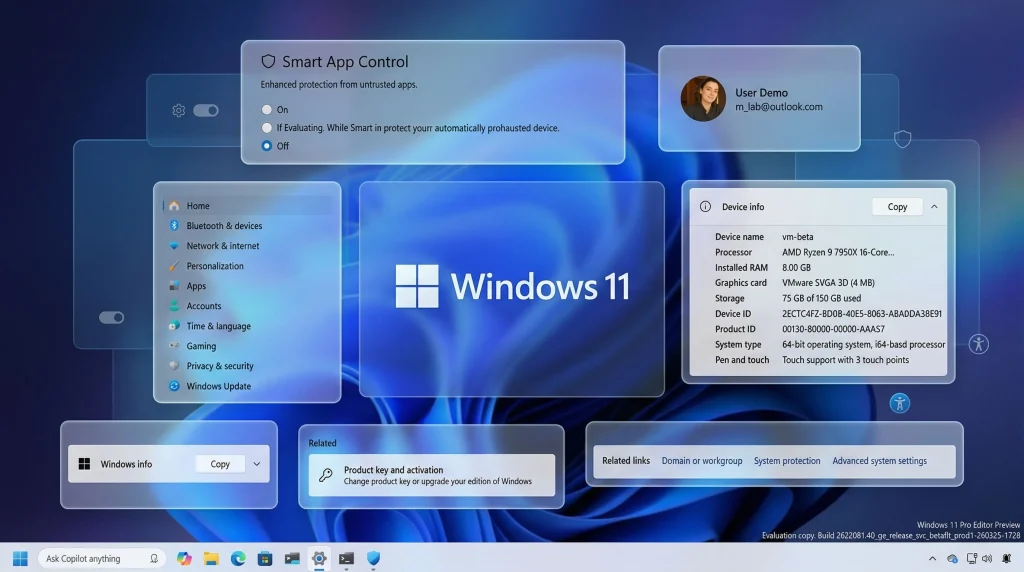
On April 14, 2026, Microsoft pushed out the April 2026 Security Update (KB5083769) for Windows 11, bringing a mix of visual refinements, performance improvements, and bug fixes. The update covered Windows 11 versions 24H2 and 25H2, while Windows 10 and Windows Server received their own cumulative updates the same day.
The goal was straightforward: patch security vulnerabilities and improve overall system stability. Instead, complaints started pouring in from users and administrators within just a few days of deployment. The problems spanned a wide spectrum, from minor disruptions all the way to complete system failures. Microsoft eventually had no choice but to acknowledge the issues publicly and release emergency out-of-band patches to contain the fallout.
2. BitLocker Recovery Prompts Blocked Users From Logging In
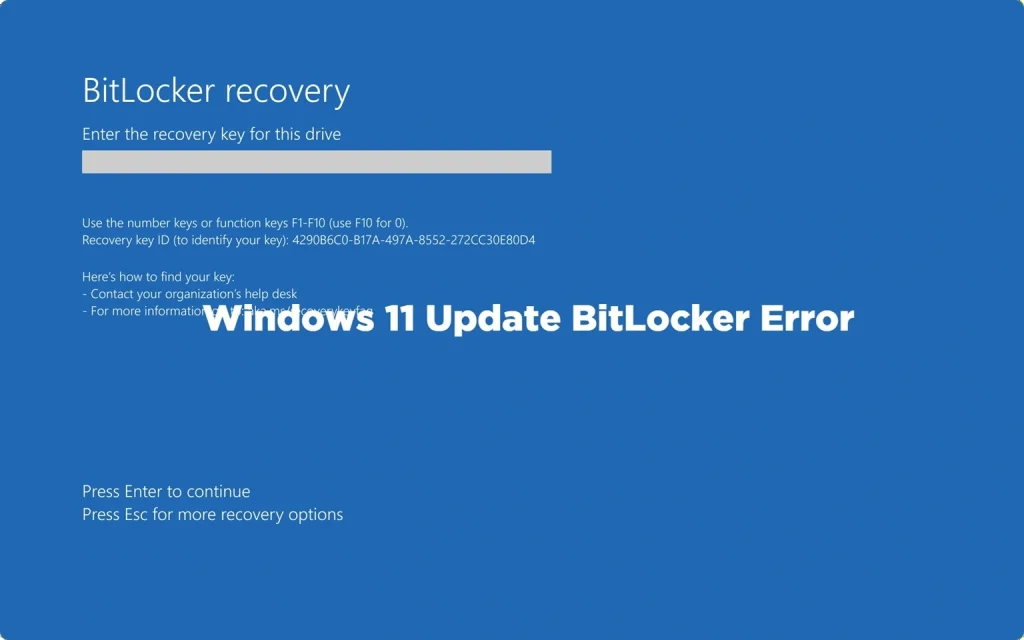
Among the most widely reported Windows April 2026 incidents was a BitLocker recovery problem that caught many users off guard. Microsoft confirmed that certain Windows Server 2025 devices were booting directly into BitLocker recovery mode after the April 2026 security update KB5082063 was installed. BitLocker is a built-in Windows encryption feature designed to protect drive data from unauthorized access. Devices typically enter BitLocker recovery mode following hardware changes or TPM-related events, as a safeguard before granting access to encrypted drives.
Microsoft attributed the behavior to an “unrecommended” BitLocker configuration on affected machines. Because of this, some devices demanded the BitLocker recovery key on the very first restart after the update was applied.
Several factors made this particularly difficult for many users:
- A large number of home users had never stored their BitLocker recovery key after setting up Windows
- Others had originally configured their system under a different account and no longer had access to it
- People using inherited or secondhand PCs had no realistic way to track down the recovery key
- Unlike a repair loop, a BitLocker prompt does at least offer a clear input field and a defined path forward, but for users without the key, that path leads nowhere
- Windows 10 and Windows Server fell outside the permanent fix Microsoft issued for Windows 11, leaving IT teams managing those systems to rely on workarounds rather than a clean patch.
The fix for Windows 11 users came later, bundled into the May update. But for Windows 10 and Windows Server admins, a full permanent solution was still pending at the time of writing.
3. Boot Loops and Blue Screens After KB5083769
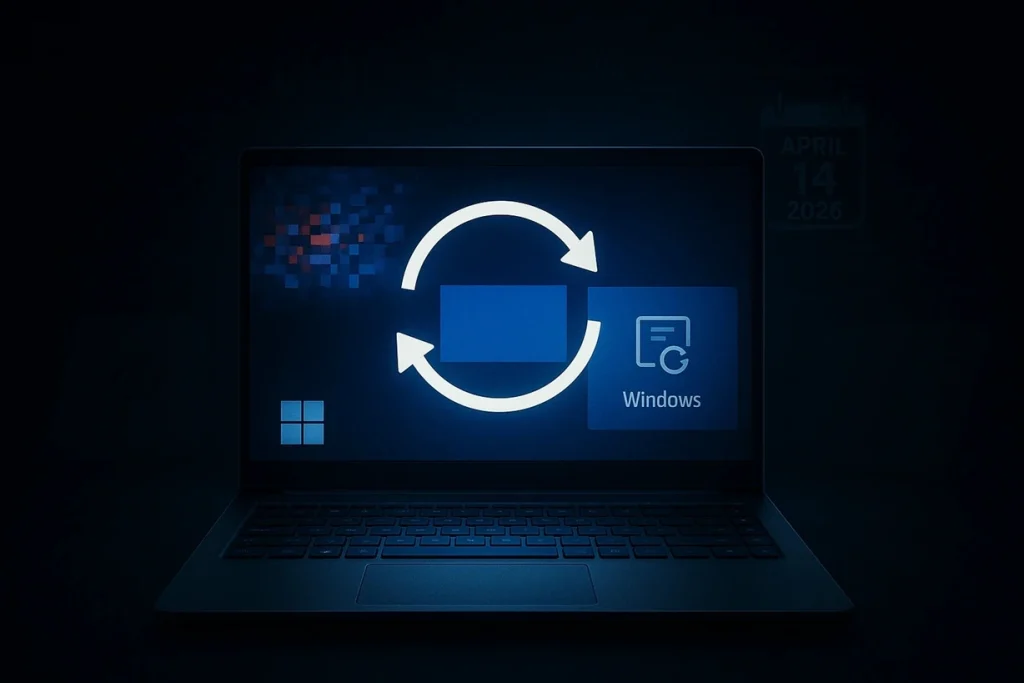
Beyond BitLocker, some users reported far worse outcomes after the April update. Microsoft’s Windows 11 KB5083769 April 2026 update caused critical boot failures, pixelated BSODs, and BitLocker recovery loops on Windows 11 24H2 and 25H2 PCs.
Reports of boot loops, blue screens, BitLocker recovery prompts, and Remote Desktop display problems followed installation. Microsoft has officially acknowledged at least two known issues tied to BitLocker policy configurations and Remote Desktop warning dialogs.
This was one of the more serious Windows April 2026 incidents because users had no easy way out. The steps to recover were:
- Boot into the Windows Recovery Environment manually
- Open the Command Prompt from there
- Use DISM tools to identify and remove the April 2026 update package
- Restart and verify the system loads correctly
For regular users without technical knowledge, this process was nearly impossible without outside help. Many ended up at repair shops or had to rely on friends or IT support.
4. Windows Server Domain Controllers Entered Endless Restart Loops
Enterprise environments got hit particularly hard. Microsoft confirmed that some Windows domain controllers were entering restart loops due to Local Security Authority Subsystem Service (LSASS) crashes after installing the April 2026 security updates. Microsoft also warned that Windows admins may encounter this issue when setting up new domain controllers, or even on existing ones, if the server processes authentication requests very early in the startup process.
The April 2026 update triggered critical failures on some domain controllers. This issue was tied to LSASS crashes, impacting authentication services.
The impact of this among Windows April 2026 incidents was serious for organizations:
- Users could not log in to the company systems at all
- Network file shares became inaccessible
- Directory services stopped functioning
- New domain controllers could not even be set up correctly
- The entire domain could potentially become unavailable
Microsoft released out-of-band (OOB) updates to fix issues affecting Windows Server systems after installing the April 2026 security updates. These emergency patches were pushed outside the normal monthly update cycle because the situation was considered critical enough to warrant immediate action.
5. Third-Party Backup Software Stopped Working
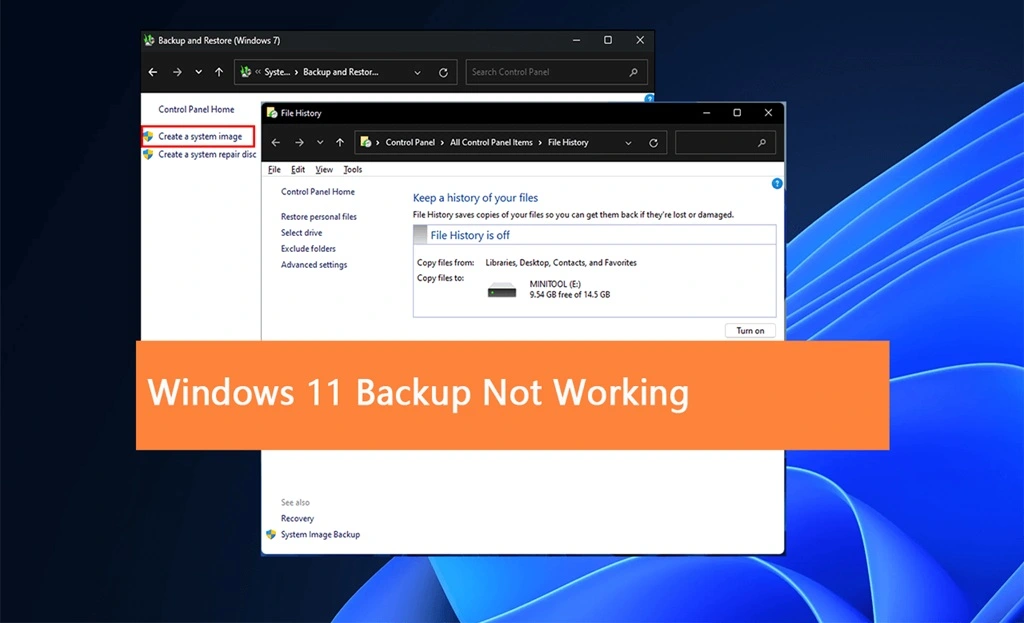
Another major item on the Windows April 2026 incidents list involved backup applications. Microsoft confirmed that the April 2026 security updates were causing failures in third-party backup applications using the psmounterex.sys driver. This issue affected software using VSS (Volume Shadow Copy Service) snapshots and caused failures due to a VSS service timeout. Software impacted included products from Macrium (Reflect), Acronis (Cyber Protect Cloud), UrBackup Server, and NinjaOne Backup running on Windows 11, Windows Server, and Windows 10 devices.
Microsoft confirmed that the April updates include a security hardening change that adds psmounterex.sys to the company’s vulnerable driver blocklist to defend users against attacks targeting a high-severity buffer overflow vulnerability (CVE-2023-43896) that allows attackers to escalate privileges or execute arbitrary code.
In simple terms, Microsoft blocked a dangerous driver to improve security. But blocking that driver also broke the backup tools that relied on it. For businesses that depend on daily or hourly backups, this was a significant risk. If a server failed during the time backups were broken, data recovery would have been very difficult.
6. Login Problems After the April 2026 Updates
The login issues were another common thread running through Windows April 2026 incidents. Users were unable to log in after installing the April 2026 updates. This affected Windows Server, but likely also Windows 11 clients.
The April 2026 quality update corrupted the Windows logon UI and left no supported recovery path short of a full reset in some cases. Some users lost access to their desktops completely. Others could not use Windows Hello, PINs, or passwords to sign in. The login screen itself was broken.
The Secure Boot certificate issue added another layer to this problem. Windows is moving from older Microsoft Secure Boot certificates issued in 2011 to newer 2023 certificates. Those older certificates begin expiring in June 2026. Some systems may still require an OEM firmware or BIOS update to apply them correctly. Older desktops, custom-built PCs, and less common motherboard brands may not receive firmware updates automatically.
This created confusion for users who had no idea what Secure Boot certificates were or why their PC would not start.
Conclusion
April 2026 was a rough month for the Windows ecosystem. The Windows April 2026 incidents covered a wide range of problems, including BitLocker lockouts, boot loops, server crashes, broken backups, and login failures. Most of these issues were directly tied to the Patch Tuesday update KB5083769 and related server updates.
Microsoft eventually released emergency patches and acknowledged the problems officially. But for many users, the damage was already done before any fix arrived.
The bigger takeaway here is the need to be cautious with major Windows updates. Whether you are a home user or an IT administrator, it pays to wait a few days before installing Patch Tuesday updates. Watch for community reports, check the Microsoft release health dashboard, and always back up your BitLocker recovery key before any major update. April’s wave of Windows April 2026 incidents is a reminder that even well-intentioned security patches can go wrong in unexpected ways.
FAQs
Q1. What was the biggest problem caused by the April 2026 Windows update?
The BitLocker recovery issue was the most disruptive problem from the Windows April 2026 incidents. After installing KB5083769 or KB5082063, many devices booted directly into the BitLocker recovery screen instead of the normal login screen. Users were asked to enter a recovery key that most had never saved. Without that key, there was no way to access the system. Microsoft released a fix for Windows 11 through the May update, but Windows 10 and Windows Server users waited longer for a full resolution.
Q2. Were businesses more affected by the April 2026 Windows incidents than home users?
Both groups were affected, but businesses faced the most severe consequences from the Windows April 2026 incidents. Domain controllers running Windows Server entered endless restart loops due to LSASS crashes, bringing entire networks to a standstill. On top of that, backup software from vendors like Acronis, Macrium, and NinjaOne stopped working on Windows Server and Windows 11. Microsoft released emergency out-of-band patches, but the exposure window was long enough to cause real disruption for many organizations.
Q3. How can Windows users protect themselves from problems like the April 2026 incidents in the future?
A few simple steps can help avoid the worst outcomes from issues like the Windows April 2026 incidents. Always save your BitLocker recovery key before any update. Delay Patch Tuesday updates by one to two weeks so the community can spot problems first. IT admins should test updates on non-critical machines before a full rollout. Keep your BIOS and firmware up to date, and always verify that your backup software is running correctly before and after every update.
Author Bio:
Dinesh Lakhwani 

Dinesh Lakhwani, the entrepreneurial brain behind “TechCommuters,” achieved big things in the tech world. He started the company to make smart and user-friendly tech solutions. Thanks to his sharp thinking, focus on quality and the motto of never giving up, TechCommuters became a top player in the industry. His commitment to excellence has propelled the company to a leading position in the industry.
Popular Post
Recent Post
How To Disable Background Apps In Windows: 4 Quick Methods
A slow PC rarely gives a warning. One day, it simply takes longer to start. Apps open late. The fan runs loud, even when the screen is almost empty. Most people blame old hardware. Often, that is not the real reason. The real reason is hiding in plain sight. Windows keeps many apps active in […]
How to Activate Windows with a Product Key for Windows 11 & Windows 10
It always shows up at the worst time. You are halfway through a report, or about to join a video call. Then you spot it in the bottom right corner of the screen. Activate Windows. Go to Settings to activate Windows. Initially, an unactivated copy of Windows may seem like a minor inconvenience. Over time, […]

Is Easy Duplicate Finder Worth It? Honest Review
The photos folder looked normal at first glance. Then the storage warning popped up. One trip photo appeared four times. A tax PDF sat in three different folders. Two old setup files were still in Downloads, and each one was over 500 MB. Nobody plans this mess. Copies pile up slowly. A download runs twice. […]

Wise Duplicate Finder Review: Real Results from Wise Duplicate Finder
Read my honest Wise Duplicate Finder review. See features, pricing, pros and cons, and real PC test results. Find out if this free duplicate cleaner can free up your Windows storage.

How to Recover Deleted Files from Pen drive, USB Drive, SD Card
Introduction: On tech forums, you’ll often see posts like this: “I connected my pen drive to my laptop this morning, but the folder was empty. All my college project files had vanished. I don’t have a backup. Can someone help me?” Stories like this are very common. Pen drives, USB drives and SD cards are […]

How To Recover Files Deleted from the Recycle Bin [Windows 11]
Losing a file can happen in seconds. You clear your desktop, hit Delete, and empty the Recycle Bin. Then, just when you need that file again, it seems to have vanished. This guide will walk you through ways to restore files removed from the Recycle Bin. We will begin with simple fixes, then look at […]

Disk Drill Data Recovery Tool Explained: Full Review and Guide
It happens in a split second. You delete a folder by mistake. Your drive stops showing up. A photo album from your last trip just vanishes. And your stomach drops. Lost files feel personal. They are not just data. They are memories, work hours, and sometimes years of effort packed into a few gigabytes. When […]

Recover Deleted Files In Windows 11 With Software & Without
Introduction What is the first thing that goes through your mind the second an important file vanishes from a Windows 11 PC? For most people, it is a mix of panic and disbelief, followed by a frantic click through every folder that file could possibly be hiding in. It happens in a split second: one […]

EaseUS Data Recovery Wizard: Everything To Know
Data loss does not always come from a big disaster either. Most cases start small and boring. A drive gets formatted by mistake. A laptop freezes mid-save and restarts on its own. A memory card stops showing up after being pulled out too fast. None of these feel like emergencies at first, until you realize […]

