











Imagine this. You spend hours perfecting a video project. You hit save. Then your laptop freezes, reboots, and when the screen comes back. The file is gone. Your stomach sinks. It’s not just you. Lost files happen all the time. A dropped hard drive, a bad update, an accidental delete, or a corrupted partition can […]
Top 10 Best Software to Convert Excel to PDF
Excel is a powerful tool for organizing and analyzing data. But when it’s time to share your spreadsheets or save them in a secure format, converting them to PDF is the smart move. PDFs keep your layout intact, protect your content, and work on any device.
With more people working remotely and using cloud tools, the need for reliable Excel to PDF converters has grown. Whether you’re sending reports, invoices, or project plans, the right converter can save time and make your documents look professional.
This guide highlights the best tools to help you pick the one that fits your needs.
Choosing the Right Excel to PDF Converter: What to Look For
With dozens of tools available, selecting the best Excel to PDF converter can be overwhelming. The ideal solution should balance speed, accuracy, usability, and affordability. Here are the key factors to consider when evaluating your options:
- Formatting Accuracy – Ensure the tool preserves charts, tables, and cell styles without distortion.
- Batch Conversion – Look for tools that support converting multiple files simultaneously to save time.
- Platform Compatibility – Choose software that works across Windows, Mac, and mobile devices.
- Cloud Integration – Seamless access to files from Google Drive, Dropbox, or OneDrive enhances flexibility.
- Editing Capabilities – Some converters allow you to tweak content before finalizing the PDF.
- Security Features – Password protection and encryption options are vital for sensitive documents.
- Speed and Performance – Fast processing without crashes is crucial for large or complex spreadsheets.
- Pricing and Licensing – Consider whether the tool offers a free version, subscription, or one-time purchase.
Feature Comparison: Top Excel to PDF Converters
To simplify your decision-making, here’s a side-by-side comparison of five leading tools based on compatibility, pricing, and standout features.
| Tool | Compatibility | Pricing | Key Features |
| PDFelement | Windows, Mac | $79.99/quarter, $129.99 lifetime | Batch processing, editable content, supports 20+ formats |
| Adobe Acrobat | Web, Windows, Mac | $19.54/month (DC) | Office integration, drag-and-drop, advanced editing |
| SmallPDF | Web, Windows, Mac | Free, $9/month (Pro) | Cloud-based, fast conversion, one-click integration |
| DocFly | Web | Free, Premium plans available | Ideal for scanned docs, simple interface, secure conversion |
| Excel to PDF Converter | Windows | Varies by vendor | Basic conversion, offline support, suitable for small tasks |
Best Options for Excel to PDF Converter to Try
There are multiple options available for high-quality Excel to PDF conversion online. These tools are accessible on different device types and have additional features to make the conversion process smoother. Here are the other apps you can utilize for this function.
1. PDFelement
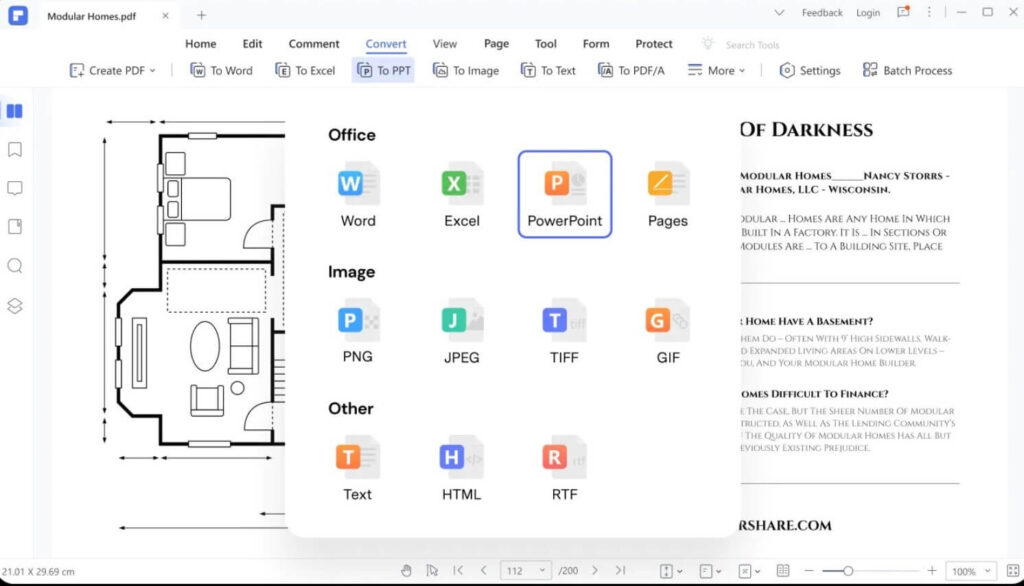
Another best Excel to PDF converter to consider is the Wondershare PDFelement app. The native software is available for Windows and Mac users to try out for quick and instant document conversion processes.
Users can add different types of file formats in their preferred option. Plus, users can edit the content here, making this converter the best choice for many people.
Compatibility: Windows, Mac
Price: Quarterly- USD 79.99, Annual- USD 109.99, Perpetual- USD 129.99
Best Features:
- Over 20+ formats are supported for quick conversion.
- Edit text and other elements in the file before conversion.
- Batch Processing is supported for the conversion process.
- Easily translate text characters as well.
2. Adobe Acrobat
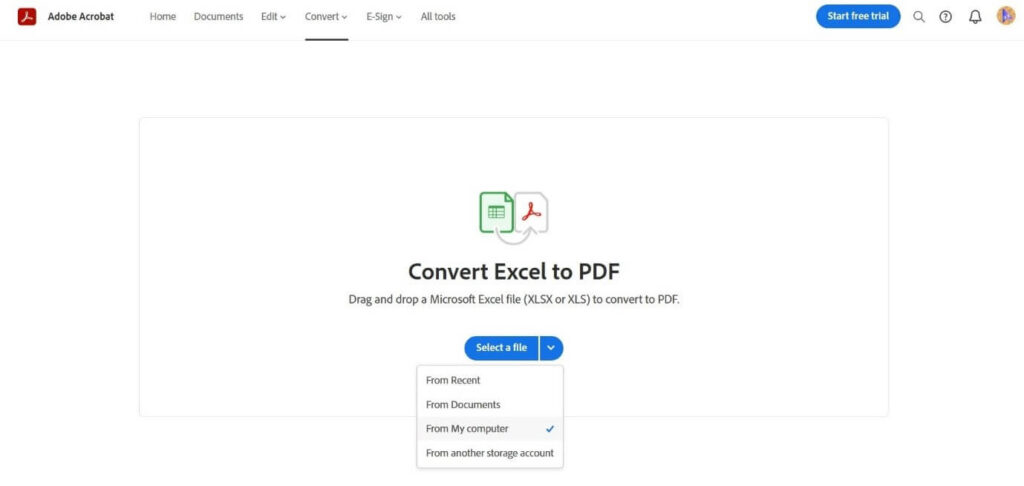
Regarding PSF viewing or conversion, Adobe Acrobat is easily one of the most powerful examples. It is easy to access and view different types of documents here, including Excel files.
Then, you can convert the files into high-quality PDF documents with the software.
Compatibility: web-based, Mac, Windows
Price: Free, Adobe Acrobat DC- USD 19.54 per month
Best Features:
- Supports different format types.
- Import files from any storage location, like a cloud platform, device, or other saving sources.
- Easy drag-and-drop functionality.
- Easier access to other Adobe editing functions.
3. SmallPDF
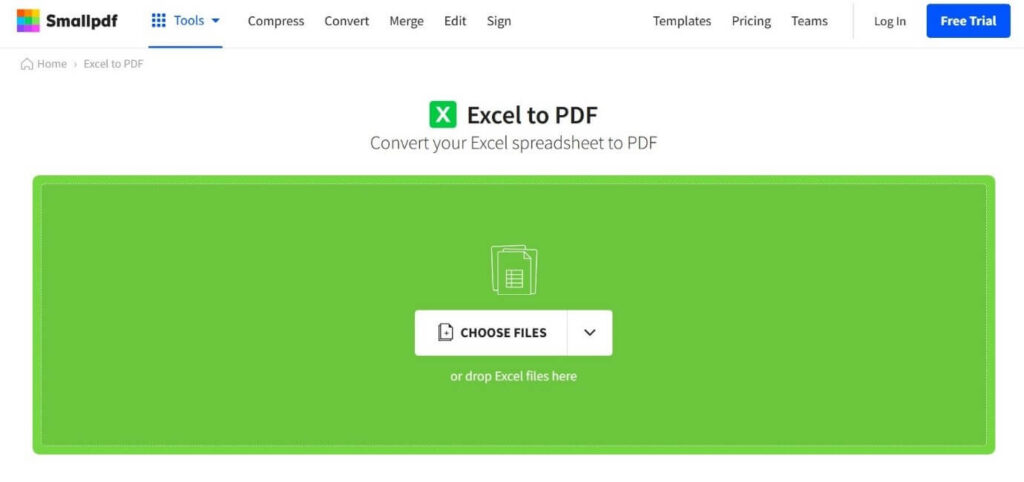
SmallPDF is a suitable online conversion tool for fast and high-quality file conversion for any sized document. You can access the online platforms and quickly upload your Excel spreadsheet into the platform, regardless of the device type.
The functionality of the tool works smoothly in any operating system on which you use it.
Compatibility: Mac, Windows, Linux
Price: Free, Pro- USD 9 per month, Team- USD 7 per month, Business- Custom pricing
Best Features:
- The automatic and quick conversion process.
- The cloud-based conversion process.
- One-click integration for creating new PDF files.
- Avoids keeping the files in the servers to assure data safety and privacy.
4. DocFly
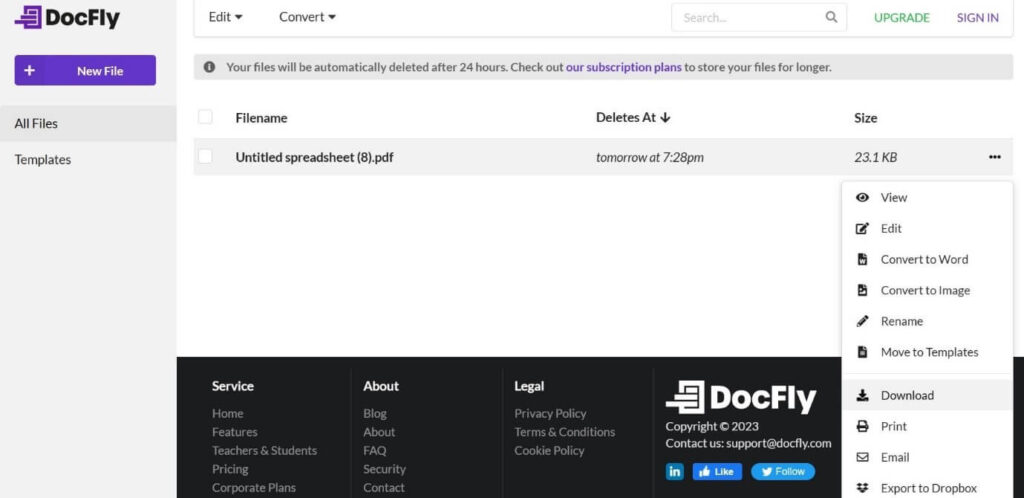
DocFly users can also use the online platform on browsers like Safari, Firefox, Chrome, and more. Then, you can convert your files, like Excel spreadsheets, into PDF files with simple taps on the platform.
The process does not take long to complete, which is useful for people who want quick conversion support for the files. However, remember that only 3 documents are allowed to be exported each month after conversion.
Compatibility: web-based
Price: Free
Best Features:
- The instant conversion process for multiple file types.
- Avoid losing the formatting during the conversion process.
- Easily add from cloud platforms or devices with drag-and-drop functionality.
- HTTPS-protected file uploading process.
5. Excel to PDF Converter
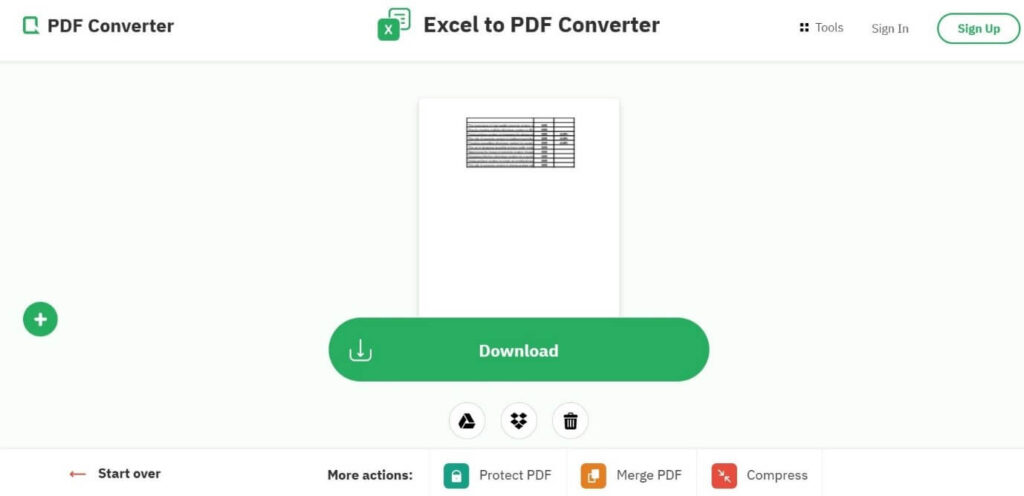
One of the best Excel to PDF-converter tools to consider is the online converter mentioned here. Users must choose their XLSX or XLS file from their device and proceed with the conversion process.
After uploading the files into the software, you can get the final PDF file in seconds to minutes. The online servers do not keep any of the data you add. So, you can use this without any privacy-related worries.
Compatibility: Web-based
Price: Free
Best Features:
- Upload the file from your device library, URL, or cloud storage.
- Uncapped support in terms of file size during conversion.
- Convert multiple files in batches.
- Automated data deletion from the services after users download their files.
6. SodaPDF
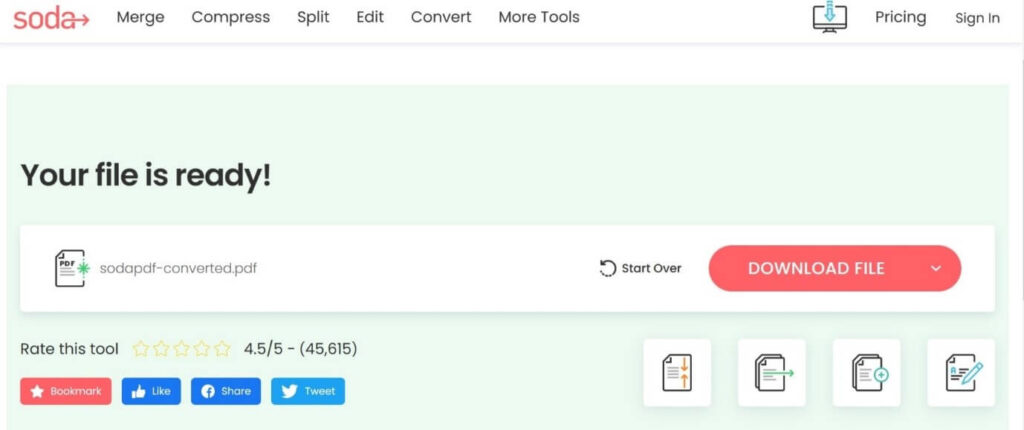
When choosing a straightforward Excel-to-PDF converter, the SodaPDF online tool is worth mentioning. The process of using this software is extremely simple as well. You only must add the file you want to convert or choose multiple ones.
Then, convert the files in seconds and download the final file offline. If you are unsatisfied, you can tap on Start Over to redo the conversion.
Compatibility: web-based
Price: Free, Monthly Access- USD 12.03 per month, Six-Month Access- USD 7.01 per month, Yearly Access- USD 2.99 per month.
Best Features:
- A simple drag-and-drop function adds the Excel file to the platform or directs device-based uploading.
- Instant uploading and conversion process.
- Batch processing is supported for changing file formats.
- Does not store data in the connected servers, so you can use it to convert important files.
7. PDFCandy
You can add your spreadsheet file from different sources like cloud accounts or devices. The online tool automatically kickstarts the conversion process and finishes the transformation in some seconds to minutes, depending on file size.
You can download the final file or upload it to the cloud. Or, you can share it via QR code or URL.
Compatibility: web-based, Windows
Price: Free, desktop + web lifetime- USD 48.96, web monthly- USD 3.67 per month, web yearly- USD 2.55 per month
Best Features:
- Access without additional registration or downloads.
- No watermark on the converted files.
- Single-click integration for conversion.
- Simple sharing function in the end via URL/QR code.
8. Foxit PDF Editor
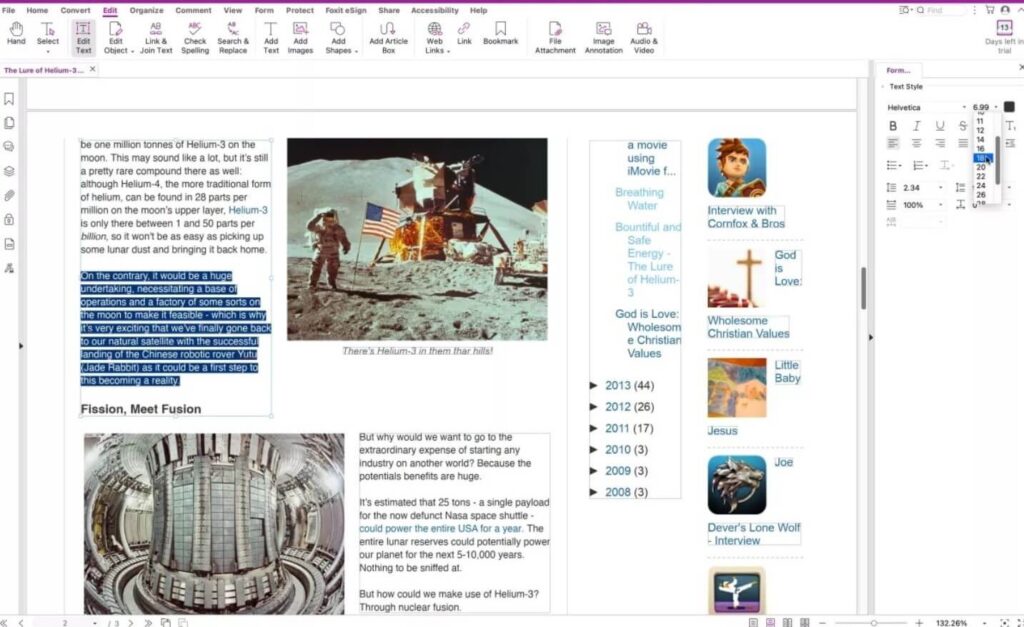
This is one of the best Excel to PDF converter tools for users to depend on for regular Excel to PDF file conversion needs. The software is simple to use owing to its drag-and-drop functionality.
Notably, the app supports both XLSX and XLS formats for the conversion process. It instantly changes the file to PDF after pressing the option. Plus, the tool here is also simple to use for Excel to PDF conversion after an instant switch.
Compatibility: Web-based
Price: Free (trial period), Pro version- USD 16.99 per month
Best Features:
- Users can easily scan the files on any platform.
- Supports a wide range of formats to convert PDF files to and from here.
- Handle reflow and reformat-based texting editing functions quickly.
- User-friendly annotation tool available.
9. EasePDF
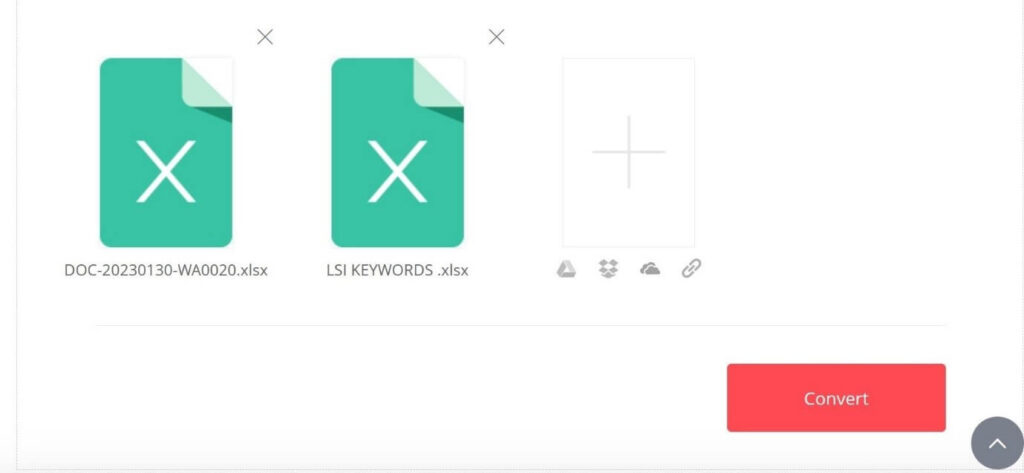
EasePDF is one of the most useful online tools for quick and effortless Excel to PDF conversion. You must upload the document from your internal memory into the platform for quick conversion steps.
The tool here supports URL or cloud-based importing and exporting benefits as well.
Compatibility: web-based
Price: Free
Best Features:
- Multi-device and platform support is provided.
- Share files via QR code, email, or even URL.
- Strong security benefit with 256-bit SSL Encryption support.
- Acceleration mode is embedded to ensure fast-paced conversion processes.
10. ILovePDF
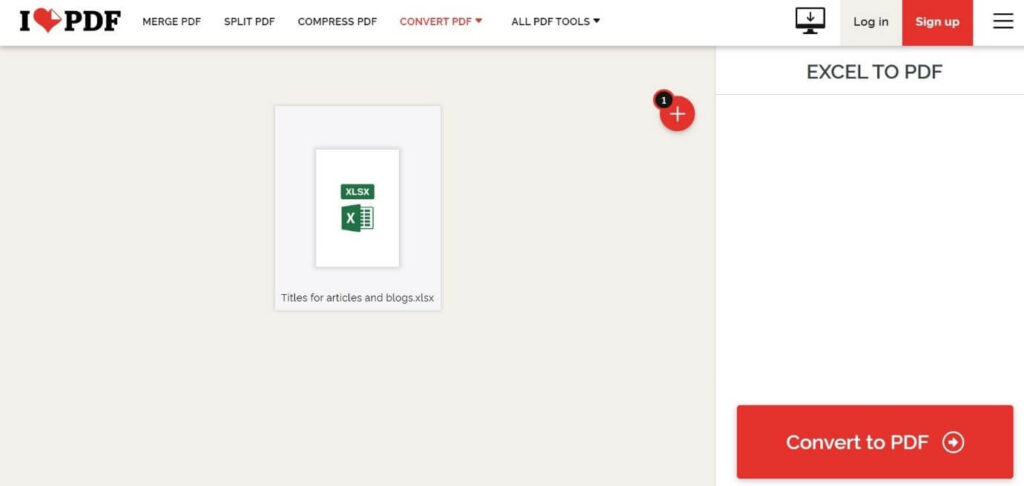
Among the online tools available for document conversions, ILovePDF is a known high-quality converter. Users can use this software for high-quality Excel to PDF conversion as well. You can use this app with limited but high-quality conversion benefits in the free version.
Compatibility: web-based
Price: Free, Business- custom pricing, Premium- USD 6.12 per month
Best Features:
- Add files from cloud platforms like Dropbox and Google Drive,
- Easy conversion process with no editing required.
- A straightforward and fast method of conversion.
- Download three files simultaneously in the free version.
Conclusion
Try the tools here for quick and simple Excel to PDF file conversion. Please go through the features they possess and their uses to decide which application is the best choice for your personal conversion need. Then, choose the best Excel to PDF converter for you. Try out more than one of these to better understand how they work and your best software choice.
Frequently Asked Questions
1. Can I convert Excel to PDF without losing formatting?
Yes, most premium converters like Adobe Acrobat and PDFelement are designed to retain original formatting, including charts, formulas, and cell styles. Free tools may struggle with complex layouts, so testing before large-scale use is recommended.
2. Are online converters safe for sensitive data?
Online tools like SmallPDF and DocFly use encryption and secure servers, but for highly confidential files, desktop solutions with offline capabilities offer better control. Always check the privacy policy and avoid uploading sensitive data to unknown platforms.
3. What’s the best free Excel to PDF converter?
SmallPDF and DocFly offer robust free versions with decent conversion quality. However, they may limit batch processing or advanced features. For occasional use, these are excellent choices, but frequent users may benefit from paid plans.
Dinesh Lakhwani
Author Bio:
Dinesh Lakhwani 

Dinesh Lakhwani, the entrepreneurial brain behind “TechCommuters,” achieved big things in the tech world. He started the company to make smart and user-friendly tech solutions. Thanks to his sharp thinking, focus on quality and the motto of never giving up, TechCommuters became a top player in the industry. His commitment to excellence has propelled the company to a leading position in the industry.
Popular Post
Recent Post

5 Best Data Recovery Software For Windows 11 and Windows 10
A crashed drive can ruin a whole day. One minute your photos, work files, and tax records sit safe on your PC. The next minute they are gone. A power cut, a bad update, or one wrong click can wipe out years of memories and months of work in seconds. That sinking feeling is why […]

How To Update NVIDIA Drivers On Windows 11/10 PC
Learn how to update NVIDIA drivers on Windows 11/10 with simple methods, safety tips, and easy steps for smoother gaming and better PC performance.

Top AI Features Hidden Inside Windows 11
Explore the top AI features in Windows 11, from Copilot to Recall, plus safety tips and simple steps to use each tool the right way.

Customize Your Screen Saver Settings in Windows [Easy Steps]
Learn how to customize screen saver settings in Windows 11 with easy steps, safety tips, and simple tricks to personalize your PC screen.

Driver Easy Windows Driver Updater Tool Review: Tried & Tested
In-depth information about Driver Easy’s functions and features can be found in our review. Learn how to update drivers more easily with this tool for a more seamless computer experience.

Is Avast Driver Updater Worth It? A Hands-On Analysis
A full review of Avast Driver Updater covering features, setup steps, pricing, pros and cons, and real PC results, to help you decide if it is worth buying.

IObit Driver Booster 13 (PRO) Review: [Tried & Tested]
IObit Driver Booster 13 is built for one purpose: keeping your PC drivers up to date. Well, yes! Outdated drivers can cause crashes, slowdowns, and hardware issues. This tool scans fast and updates with one click. The interface is simple. Even beginners can use it without confusion. Updates are pulled from a huge database, covering […]

Auslogics Driver Updater: A Detailed Walkthrough [2026]
This comprehensive review covers the key features, pros, and cons, pricing, and a final verdict on Auslogics’ driver update utility. Learn how it stacks up against manual driver maintenance.

5 Best Driver Updater Tools for Windows to Use (Free and Paid)
Introduction: Most people blame their PC for problems that a driver caused. A driver works like a bridge between your hardware and your operating system. When this bridge cracks, strange things start to happen. Screens flicker without reason. Printers go silent mid-task. Games freeze or crash out of nowhere. Manually finding the right driver is […]

