Category: How To
Find the easiest how to guides for different tech problems. You will find how to guides for multiple devices i.e. Windows, Mac, iOS, and Android.
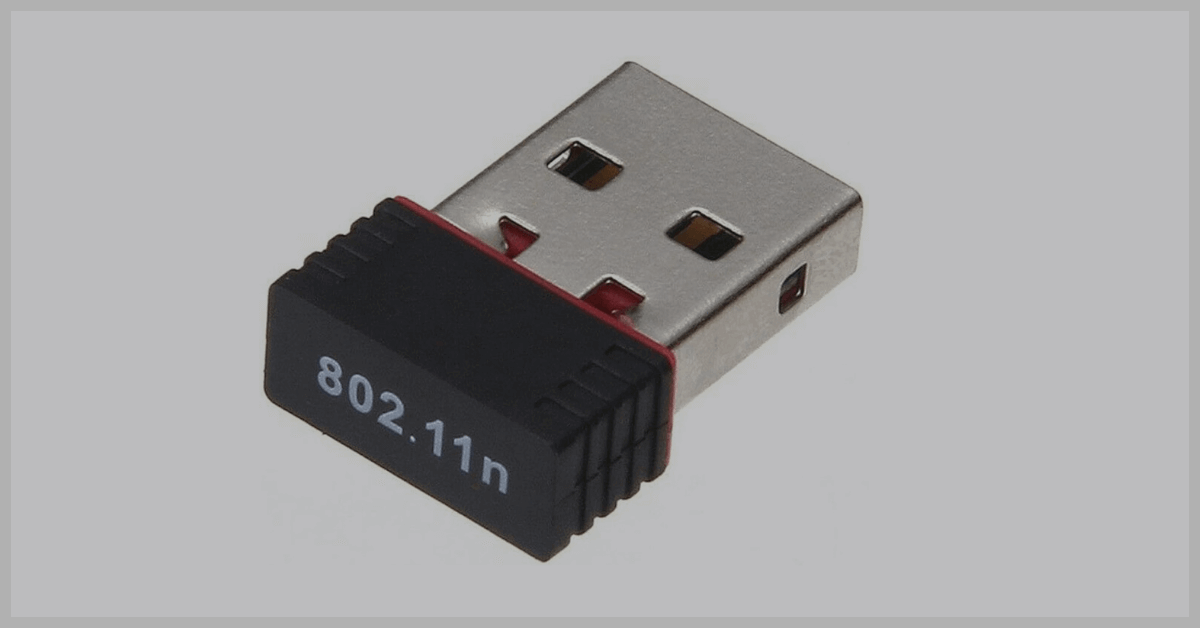
How To Download and Update 802.11n WLAN Driver
Are you facing trouble with your 802.11 N WLAN adapter? Then, check the step-by-step guide and learn how to download and update the 802.11 n WLAN driver.
ASUS Laptop Screen Flickering On Windows 11 & 10: 12 Solutions
Resolve screen flickering on your ASUS laptop running Windows 11 with targeted solutions. Find effective steps to regain a stable display experience on your device.

PC Turns on But No Display or Power to Keyboard and Mouse: 9 Ways To Fix
Troubleshoot common PC issues with no display output or power to peripherals. Explore nine effective solutions, ensuring a comprehensive guide to revive your system’s functionality.

PC Turns Off Randomly But Not From Overheating [10 Fixes]
PC randomly turns off? Resolve random PC shutdowns sans overheating. Learn quick fixes—update drivers, check hardware, scan for malware, and more in this comprehensive troubleshooting guide.

How To Fix Exit Code 1 Minecraft Error: (9 Solutions)
Fix the frustrating Exit Code 1 crash when trying to open Minecraft. This article provides 8 step-by-step solutions to resolve the error. Learn exactly what causes the Exit Code 1 Minecraft crash and how to get Minecraft running smoothly again.
Xnxubd 2021 Frame Rate X 2: Complete Review And Working Process
This in-depth review explores Xnxubd 2021 Frame Rate X 2 – the AI-powered video playback enhancement software that delivers 2X smoother streaming and gaming.
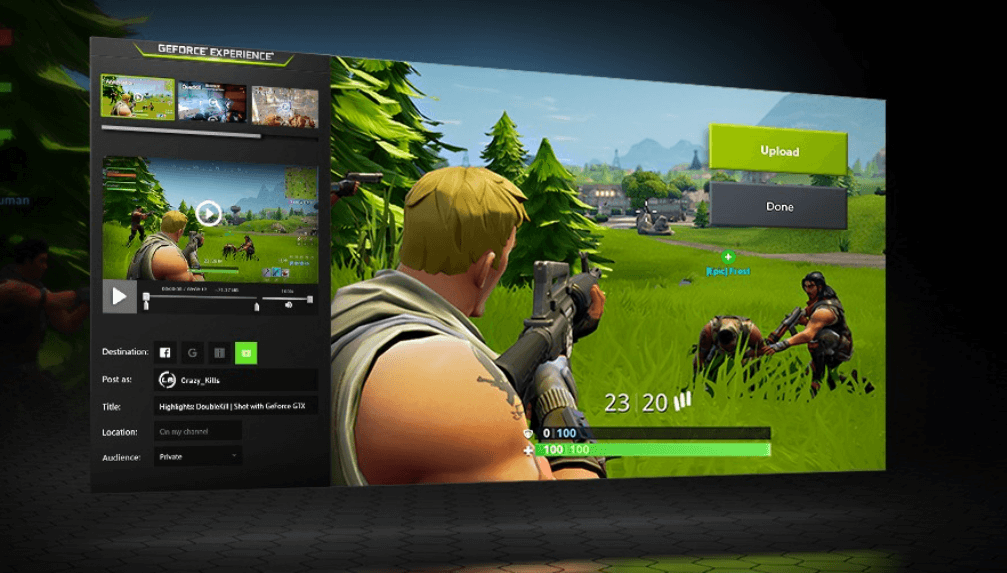
GeForce Experience Error code 0x0003 [9 Ways To Fix]
GeForce Experience error code 0x0003 is a common issue that prevents the Share overlay from working properly. This article provides 9 fixes to resolve error code 0x0003.
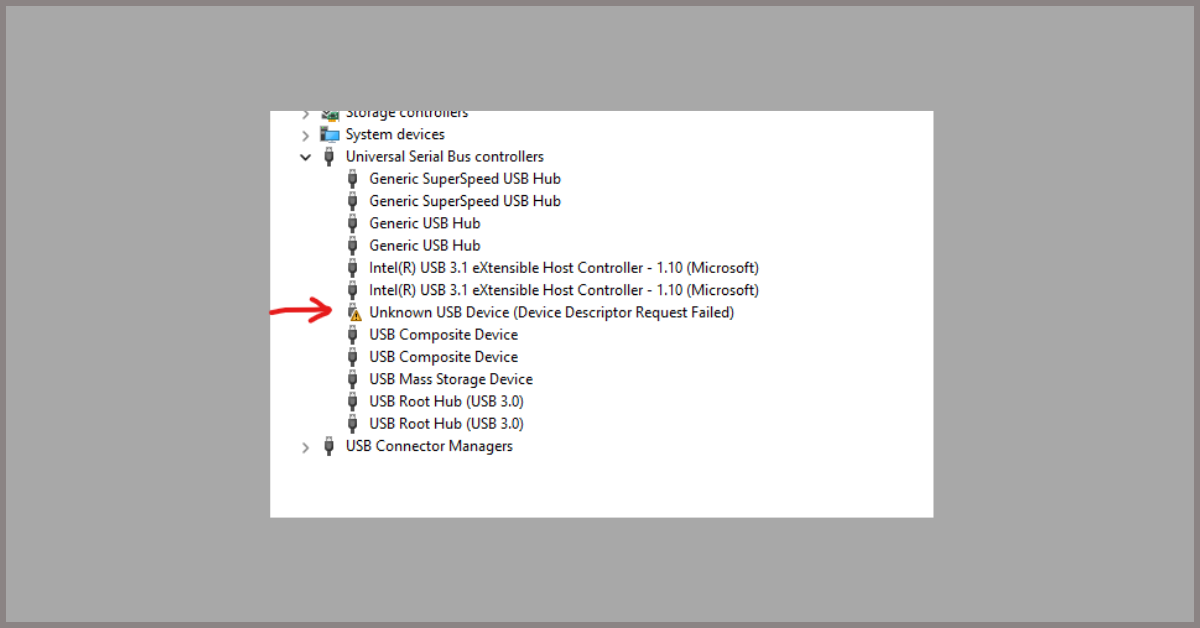
Unknown USB Device (Device Descriptor Request Failed) [Fixed]
How to fix Unknown USB Device error which is also famous as Device Descriptor Request Failed error on Windows 11 and Windows 10 PC.
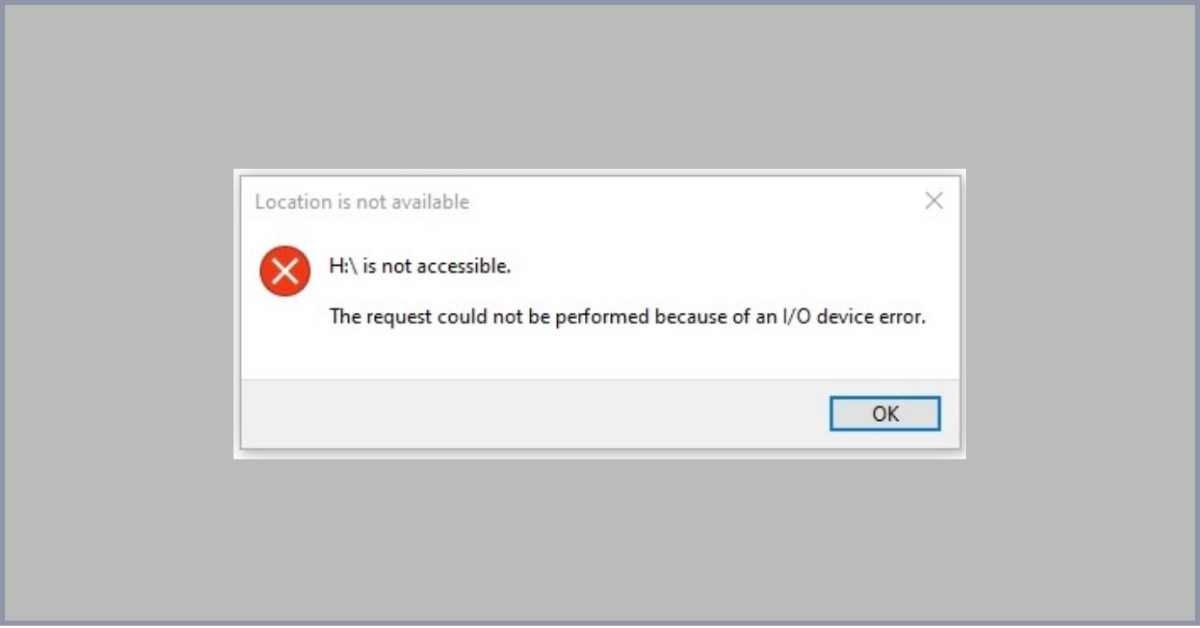
“The Request Could not be Performed Because of an I/O Device Error” [9 ways To Fix]
Got an I/O device error? find 9 ways to fix the request could not be performed because of an I/O device error.
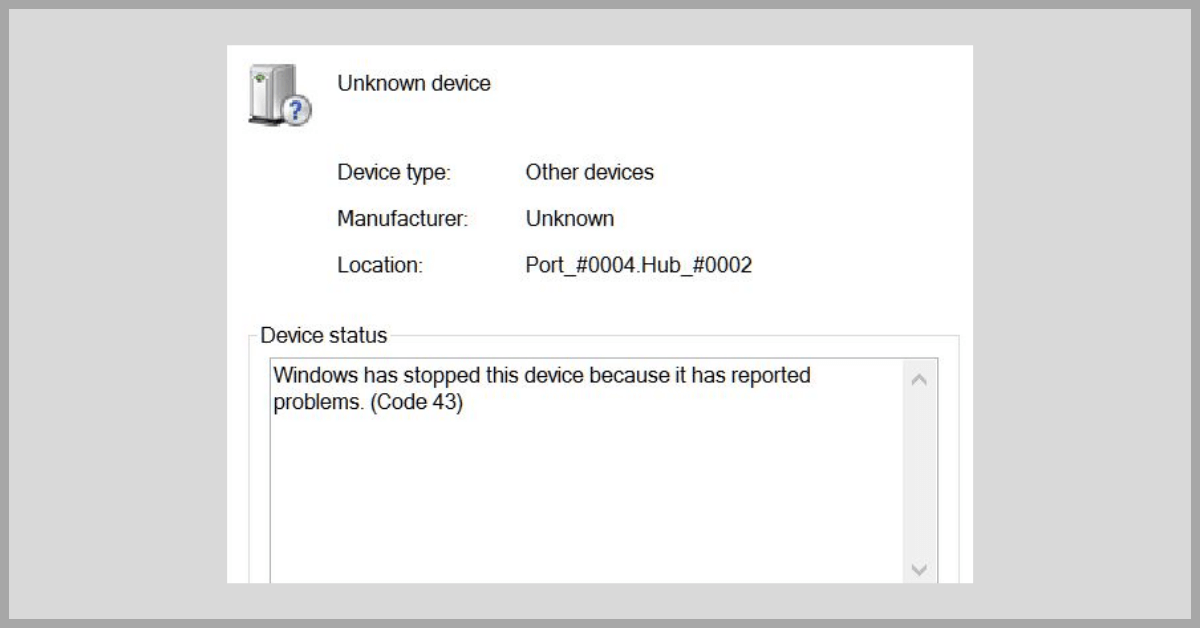
Windows Has Stopped this Device because it has Reported Problems (Code 43)” [9 Ways to Fix]
Fix the error “Windows Has Stopped this Device because it has Reported Problems” or Code 43 error on Windows 11 and Windows 10.

Recent Post