Category: How To
Find the easiest how to guides for different tech problems. You will find how to guides for multiple devices i.e. Windows, Mac, iOS, and Android.

How To Fix Dns_Probe_Started Error [Top 10 Ways]
Introduction: The DNS_PROBE_STARTED error occurs when your DNS lookups are failing. DNS (Domain Name System) is like the phonebook of the internet—it translates domain names (e.g. google.com) into IP addresses needed to load websites. When you attempt to visit a website, your device sends a DNS lookup request to your DNS server. If the DNS […]
How To Download And Install Internet Explorer 11 For Windows 10
Introduction: Internet Explorer (IE) 11 is the latest version of Microsoft’s web browser included with Windows 10. Even though Microsoft Edge has replaced IE as the default browser in Windows 10, many users still prefer using IE for compatibility with older websites and enterprise apps. Internet Explorer 11 includes improved standards support, faster page load […]

How To Fix Hulu Error Code 21 [Latest Guide]
Introduction: With its extensive catalog of television, film, and originals, Hulu stands as a top streaming platform. However, as with any technology, users occasionally run into technical difficulties. A common error Hulu subscribers may encounter is the frustrating Error Code 21. This error code typically appears when there is an issue with the Hulu app […]
How To Fix Preparing Automatic Repair Loop On Windows 10/11
Introduction: The “Preparing automatic repair” loop is a common issue that affects Windows 10 and 11 users when the operating system fails to boot properly. This automatic repair process tries to diagnose and fix boot issues but often gets stuck repeatedly restarting and checking for problems, creating an endless loop. There are several potential causes […]

How to Fix Windows 11 Not Detecting Second Monitor
Windows 11 not detecting second monitor? find the easiest ways to to fix this problem.
How to Stop PS5 from Turning on With TV
The PlayStation 5 (PS5) is a powerful gaming console that offers an immersive gaming experience. However, one common issue that many users face is the console turning on automatically when they turn on their TV. This can be frustrating, especially if you’re not planning to use your PS5 at that moment. Here, we will explore […]
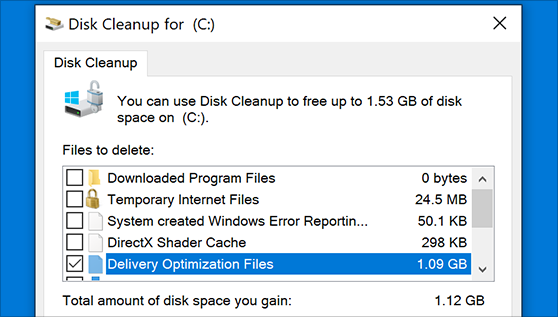
How to Clear the Delivery Optimization Cache in Windows
Delivery Optimization in Windows is a feature that helps users save bandwidth and improve download speeds by downloading updates and apps from other Windows devices on the same network or even from the internet. While this feature is beneficial, it can accumulate a significant amount of cache over time, impacting system performance. Here, we will […]

How to Add Multiple Monitors To Your Windows 10/11 Laptop
Multitasking and productivity are key factors for many individuals. Adding multiple monitors to your Windows 10 or Windows 11 laptop can greatly enhance your workflow, improving your overall efficiency. If you are wondering how to connect 2 or more monitors to your Windows 10 laptop, you are in the right place. Here, we will discuss different […]
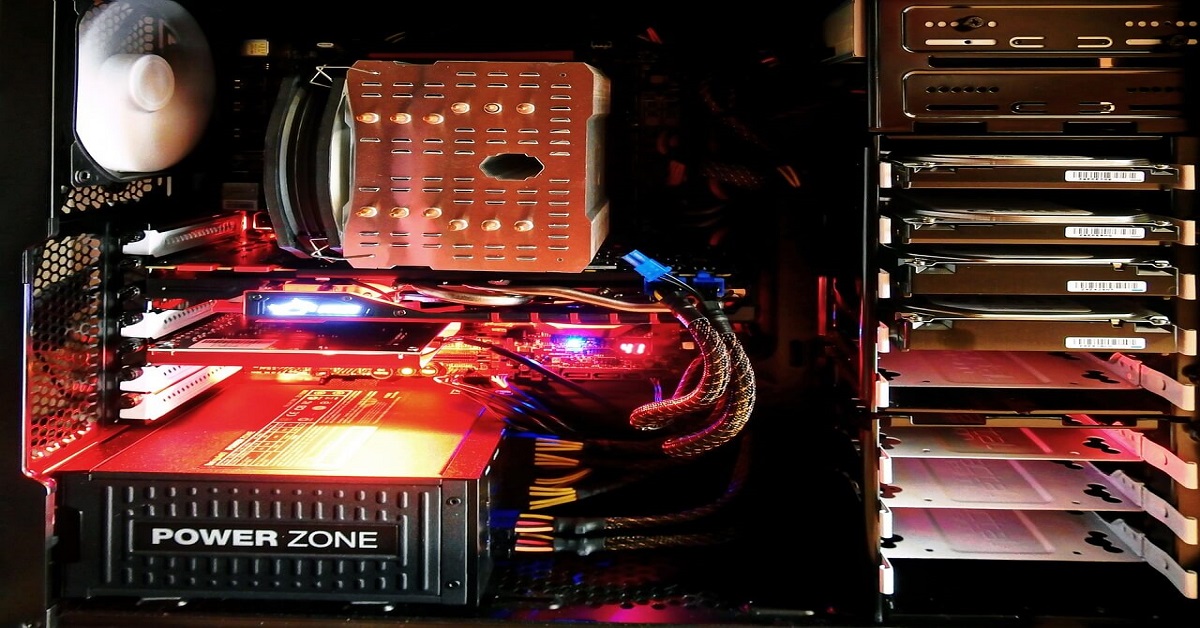
How to Check SSD or HDD in Laptop [Windows 11/10]
Solid State Drives (SSD) and Hard Disk Drives (HDD) are the two main hard drive types that rule the laptop storage industry. Although they both store data, they are very different in terms of durability, speed, and performance. Knowing whether the SSD or HDD in your laptop is important since it may help you better […]

How to Stop Your Phone from Turning Off By Itself
Having your phone unexpectedly turned off can be frustrating and inconvenient, especially when it happens frequently. Whether you’re in the middle of an important call, playing a game, or simply browsing the internet, an unexpected shutdown can disrupt your productivity and disrupt your day. Here, we will explore some effective methods to help you if […]

Recent Post