











Antivirus is the one kind of software that people think about at only two moments. The first is right after installing it. The second is right after something goes wrong. In between, it runs quietly, and most users never check if it is doing a good job. That silence makes the choice harder. Windows 10 […]
How to View Someone’s Snapchat Story without them Knowing?
In this digital era, everything starts and begins with social media. And so, we share important life events on social media platforms via photos, videos, and other media formats. One of the most popular platform for photo and video sharing is Snapchat.
So, if you are among 190 million users of Snapchat, you must have ever wished to view someone’s Snapchat story without them knowing, here we are.
How to View Someone’s Snapchat Story Anonymously (Without Them Knowing)
Don’t be shy, we know sometimes the inner stocker inside you pushes you to see your ex’s Snapchat story. But you fear doing that as you are afraid of getting caught. Worry not, if you ever wished to view someone’s Snapchat story anonymously your wish has come true.
Viewing Someone’s Snapchat Story without Them Knowing
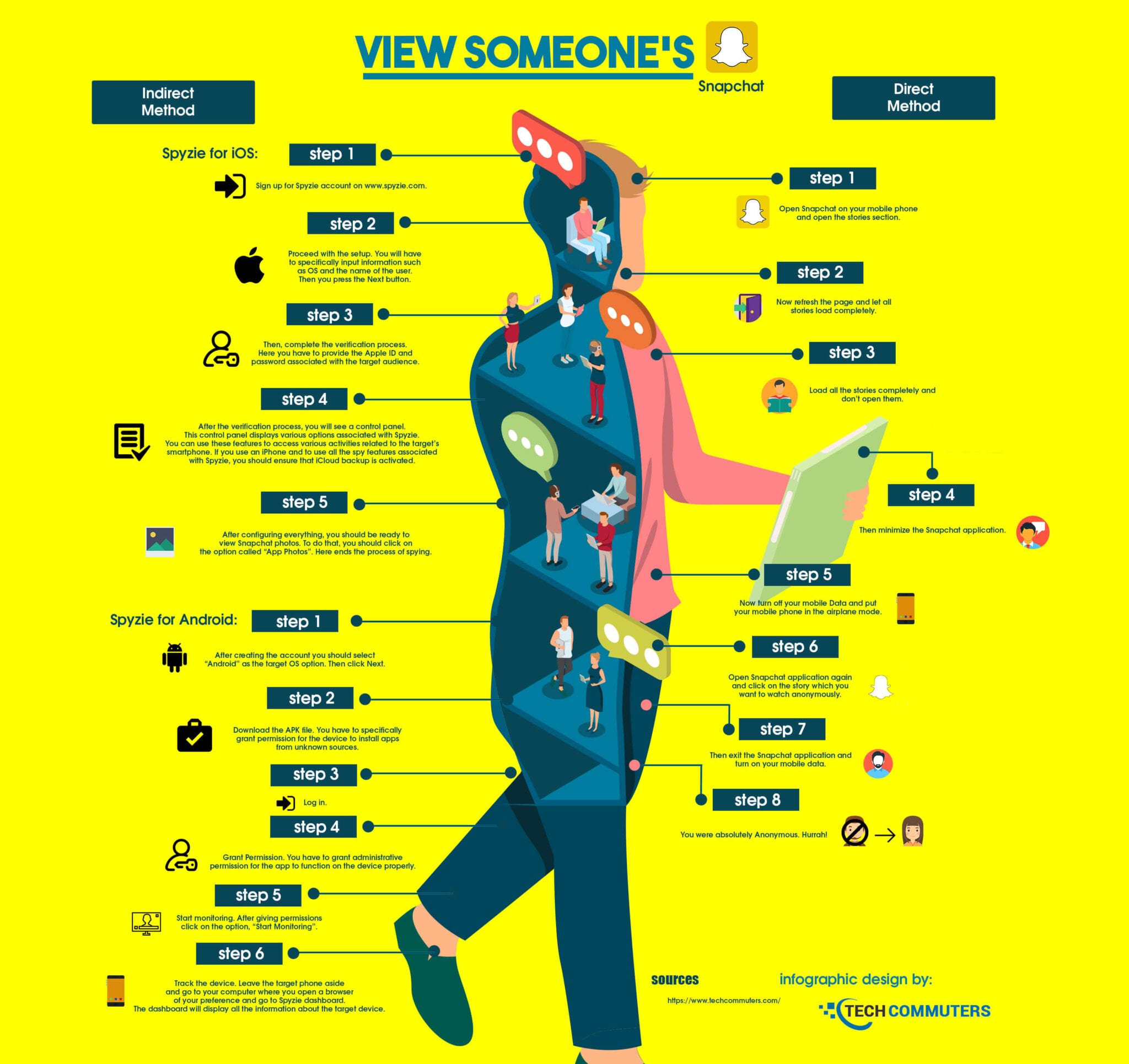
A Snapchat story stays on your account for 24 hours and whenever a story is posted by your friends you are notified. However, if you don’t want a person to know that you have seen his or her story, you can do this easily. To do so, follow the steps below:
Step 1: Open Snapchat and login to your account
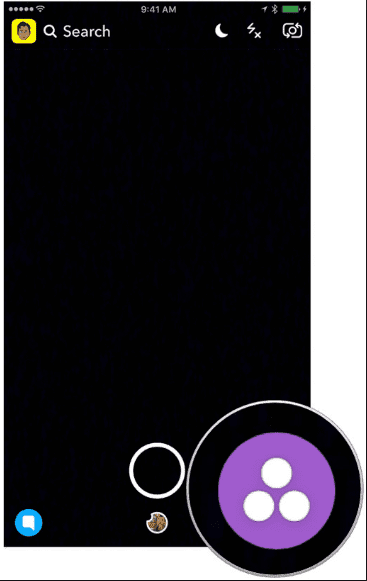
Step 2: Once logged in, tap the Stories icon located at the bottom right corner of your device screen.
Step 3: On the Stories page, refresh the screen and wait for all the latest Snapchat Stories to be loaded.
Note: Do not open any Story else the person will be notified about your visit on its Story page.
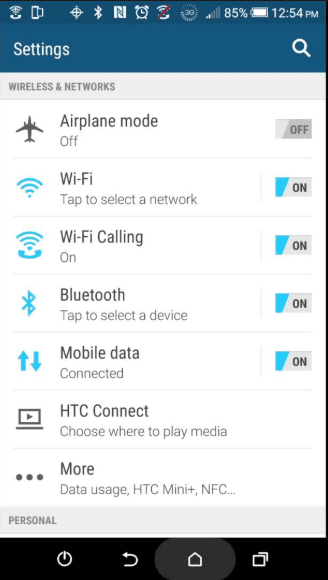
Step 4: When all the latest stories are uploaded on your Story page, close the Snapchat app and switch off the data connectivity on your phone, whether you are using mobile data or Wi-Fi, you need to switch off all.
Step 5: Alternatively, instead of switching off the phone try putting it on the Airplane Mode
Step 6: Next, reopen the Snapchat app and tap the Story page icon from the bottom of the screen.
Step 7: You will now be able to see all the previously loaded Stories on your Snapchat account.
Step 8: Now, if you tap on someone’s preloaded Stories, and see their story no one will know you visited their Snapchat story.
Note: Mobile data should be disconnected or your phone should be running on Airplane mode. Otherwise, there is no purpose of going through all this trouble.
Step 9: Once you are done checking all the stories on Snapchat, exit the app and switch mobile data back on your phone.
Bonus tip: To cover your tracks properly, you should wait till the story reaches near expiry. This would buy you a more solid chance of not getting caught. That’s because once Story has expired, then the owner wouldn’t know if you have seen Story or not.
Also Read: How to Find Someone on Snapchat Without Username
Viewing Snapchat Story Using Friend’s Snapchat Account
Alternatively, you can view Snapchat stories from your friend’s Snapchat profiles. But before doing so keep the following points in mind:
- The friend should be willing to give the phone
- Friends should be friends with whoever they want to view their Snapchat story from
Once all this is done you are all set. You can now view someone’s Snapchat story without letting them know.
Use a Second Snapchat Account to View Someone’s Story
Another way to view someone’s Snapchat story without letting them know is to create a new Snapchat account. Using this secondary account, you can view Snapchat story.
While using this secondary account make sure it doesn’t have any information that can be used to identify you. It should be completely different from your actual Snapchat account.
Note: You can only view someone’s story if they are added as your friend. So, you need to add them as the friend in secondary account also.
Tip: To make people believe your fake account is real post some stories. It will give it a real feel. While doing so make sure you don’t post anything that might reveal information related to you.
So, these are the simple ways to view someone’s Snapchat story without them knowing. You can use any of the methods to view someone’s Snapchat story anonymously.
In addition to this, if you want to learn how to hide Snapchat Story from Someone follow the steps below.
How to Hide a Snapchat Story from Someone
- Launch Snapchat app
- Tap the profile icon
- You’ll now see your story tap the three vertical dots next to the story you want to hide.
- Tap Story Settings
- You’ll get the prompt Who can view My Story
- Select Custom, this will show the list of contacts. Select the contacts you wish to block.
- Now, the blocked contact will not be able to see your Snapchat story.
How to View Snapchat Stories Without Adding Them?
Using the Snapchat Discover feature you can view someone’s Snapchat story without them knowing. To do so follow the steps below:
- Launch Snapchat app
- On the Snapchat home screen, swipe to the left and get the Discover screen option.
Discover sections list the latest stories by websites, celebrities, and other users. - Now scroll the Discover screen until you can find the story you want to view.
- Once you get the profile of the story you want to view, tap it.
- You can now view the story and even share it with your friends. To do so, press and hold the story and get the options to share.
Note: By swiping to the right and left you can explore all available stories in the Discover list. Swiping left will take you to the end of the list and swiping right will take you to the start of the list.
To skip a snap tap, it and pull down. You will be able to skip it.
Is there a third-party app that can help view someone’s Snapchat story without them knowing?
As far as we know there is no such app. Even the apps that claim to hide your, identity reveal it. The best way is to look in the Discover section. If the story is posted publicly you will be able to view it.
How to delete Snapchat Story?
Chances are you created a funny video of your friend and posted it. But now they are upset about it and just want you to delete it. Whatever the reason is here, we explain how to delete Snapchat Story.
- Open Snapchat app
- Tap profile icon
- Tap My Story. This will display all the stories you posted
- Tap the story you want to delete.
- At the bottom, you will see a little trash icon, tap it
- To confirm tap, Delete and you are all set
- However, if you have changed your mind tap Cancel.
So, this is all. We hope using the steps explained above you will be able to view Someone’s Snapchat Story without letting them know. Also, you will be able to delete it and use the Discover feature.
Author Bio:
Dinesh Lakhwani 

Dinesh Lakhwani, the entrepreneurial brain behind “TechCommuters,” achieved big things in the tech world. He started the company to make smart and user-friendly tech solutions. Thanks to his sharp thinking, focus on quality and the motto of never giving up, TechCommuters became a top player in the industry. His commitment to excellence has propelled the company to a leading position in the industry.
Popular Post
Recent Post

Top 5 Lightest Antivirus Software To Protect Your PC
Introduction: Antivirus software helps protect Windows PCs from digital threats. It detects viruses, blocks ransomware, and alerts users about unsafe websites. However, some security tools consume too much RAM and CPU power. This can make everyday tasks feel slow. Older laptops and low-end PCs often face this problem. The computer may take longer to start. […]

How To Disable Cookies in Browser [Complete Guide]
So, search for a pair of shoes once online. Close the tab. By evening, those same shoes are sitting on your news site, your video app, and even your recipe blog. Nobody placed them there by chance. A cookie did. Well, yes! Cookies are small files that websites place on your device while you browse. […]

How To Disable Background Apps In Windows: 4 Quick Methods
A slow PC rarely gives a warning. One day, it simply takes longer to start. Apps open late. The fan runs loud, even when the screen is almost empty. Most people blame old hardware. Often, that is not the real reason. The real reason is hiding in plain sight. Windows keeps many apps active in […]

How to Activate Windows with a Product Key for Windows 11 & Windows 10
It always shows up at the worst time. You are halfway through a report, or about to join a video call. Then you spot it in the bottom right corner of the screen. Activate Windows. Go to Settings to activate Windows. Initially, an unactivated copy of Windows may seem like a minor inconvenience. Over time, […]

Is Easy Duplicate Finder Worth It? Honest Review
The photos folder looked normal at first glance. Then the storage warning popped up. One trip photo appeared four times. A tax PDF sat in three different folders. Two old setup files were still in Downloads, and each one was over 500 MB. Nobody plans this mess. Copies pile up slowly. A download runs twice. […]

Wise Duplicate Finder Review: Real Results from Wise Duplicate Finder
Read my honest Wise Duplicate Finder review. See features, pricing, pros and cons, and real PC test results. Find out if this free duplicate cleaner can free up your Windows storage.

How to Recover Deleted Files from Pen drive, USB Drive, SD Card
Introduction: On tech forums, you’ll often see posts like this: “I connected my pen drive to my laptop this morning, but the folder was empty. All my college project files had vanished. I don’t have a backup. Can someone help me?” Stories like this are very common. Pen drives, USB drives and SD cards are […]

How To Recover Files Deleted from the Recycle Bin [Windows 11]
Losing a file can happen in seconds. You clear your desktop, hit Delete, and empty the Recycle Bin. Then, just when you need that file again, it seems to have vanished. This guide will walk you through ways to restore files removed from the Recycle Bin. We will begin with simple fixes, then look at […]

Disk Drill Data Recovery Tool Explained: Full Review and Guide
It happens in a split second. You delete a folder by mistake. Your drive stops showing up. A photo album from your last trip just vanishes. And your stomach drops. Lost files feel personal. They are not just data. They are memories, work hours, and sometimes years of effort packed into a few gigabytes. When […]

