











Imagine this. You spend hours perfecting a video project. You hit save. Then your laptop freezes, reboots, and when the screen comes back. The file is gone. Your stomach sinks. It’s not just you. Lost files happen all the time. A dropped hard drive, a bad update, an accidental delete, or a corrupted partition can […]
10 Best Email Signature Generator (Free and Paid)
Currently, emails are one of the primary forms of communication, especially for professional reasons and even personal. In addition, companies use this medium for marketing purposes or a branding strategy. A critical element is the email signature, which is the signed name at the end.
Creating unique and memorable signatures is essential for the best promotion and customer engagement. With the best email signature generator, you can create unique email signature designs for different recipients like clients, customers, colleagues, and vendors. In this post, we discuss some of these options.
Best Tools to Generate Email Signatures
With the best free email signature generator, you can visually optimize your email signature’s quality. These applications allow users to add graphics, photos, clickable links, etc., to personalize the signature style. We looked through many such generators before narrowing down a list of the top 10 alternatives.
1. Gimmio
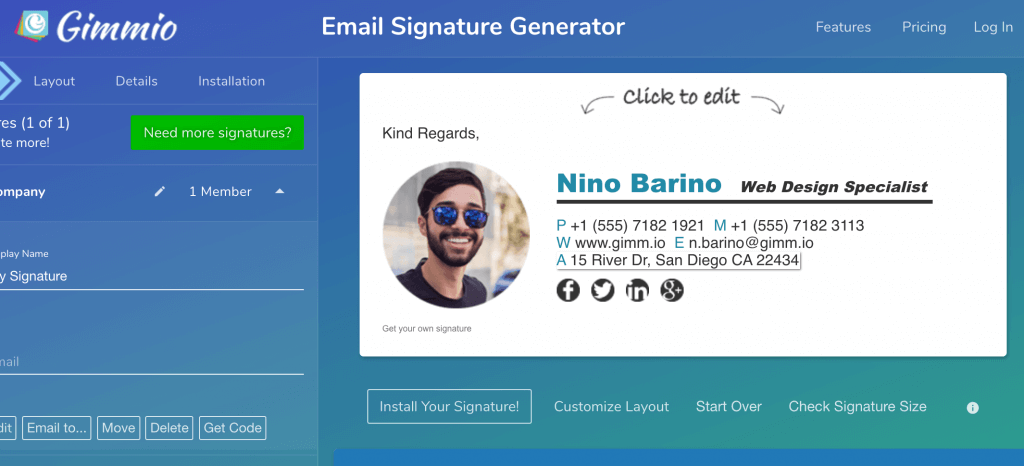
Gimmio is one of the best email signature generator options available, and it allows people to create customized email signature layouts with HTML integration. In addition, the process of building the signatures is quick and straightforward.
For more customization of the signature type, users would get more than 2,046 options for social icons to choose from. In addition, there are more than 1,000 options for fonts. Other than these elements, users can add borders or spacing around the files and include social banners and images in the layout.
Compatibility: Mac, Windows, iOS, Android
Price: Free with in-app features
Features:
- Drag and drop feature
- Pre-saved templates of email signature
- Add elements like social icons, extra images, disclaimers, and banners
- Advanced customization
Pros:
- No subscription necessary to purchase signature templates
- Personalized email signatures for advertising, rebranding, and recruitment
- New theme or logo choice
Cons:
- Limited uses
- Functionality issues can happen on some browsers
2. WiseStamp
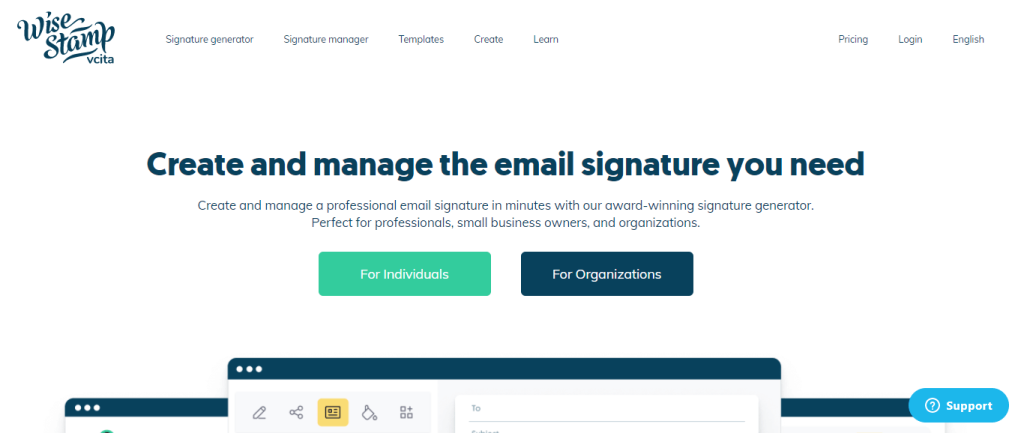
WiseStamp is an intuitive, modern tool for email signature generation and designing. Users can use the application to create appealing and unique custom signatures. Other than that, there are pre-made templates in different designs available in the software for easy customization. Each of these templates has variations with modern and appealing elements.
A good feature of this tool is the high-quality analytics and reporting functionality. For example, it can gather information on the best signature types that get more CTRs.
Compatibility: Mac, Windows, iOS, Android
Price: $5.80 per month
Features:
- Integrate zoom call icon or link
- Ready-to-use email signature templates
- Analytic report on social media and website traffic flow from the email signatures
- Customizable CTA buttons
Pros:
- Suitable for both small businesses and big corporations with more than 1000 users
- Clickable links are easy to integrate
- Range of usable features
Cons:
- Not ideal for Yahoo Mail
- Incompatible with Safari
3. HubSpot Email Signature Generator
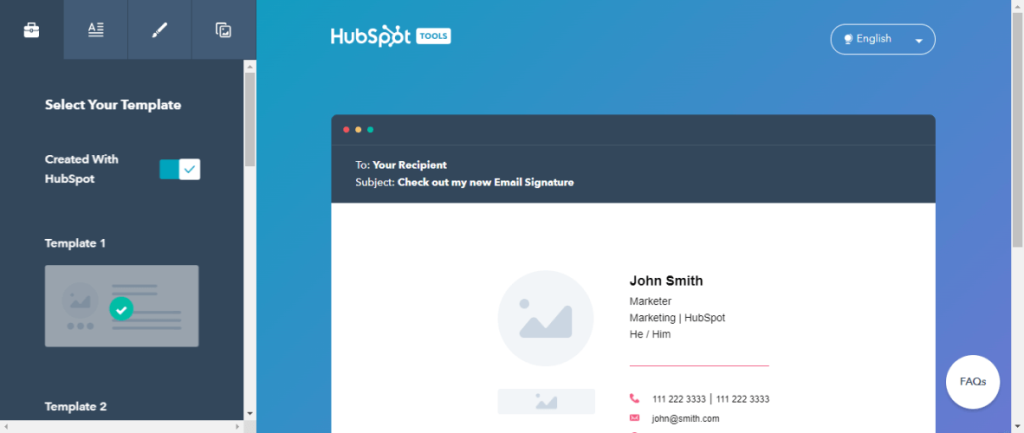
Hubspot offers the easy-to-use and best email signature generator for quick and effective signature building. The interface of this tool is straightforward. Users get a pre-build template library and other options to choose from.
Then, they can optimize the given template for their personalized email signatures, with custom URL, CTA, and images to add. In addition, you can make changes to the CTA style by selecting color choices for the font and CTA buttons.
Compatibility: Mac, Windows, iOS, Android
Price: Free
Features:
- Customizable theme colors and fonts
- Add elements like social icons and images
- Multiple templates available
- Works with different platforms
Pros:
- Simple to use UI
- Support multiple languages
- Quickly add customized signature images and CTAs
Cons:
- Advanced features are missing
- Some functionality issues can occur
4. Mail Signatures
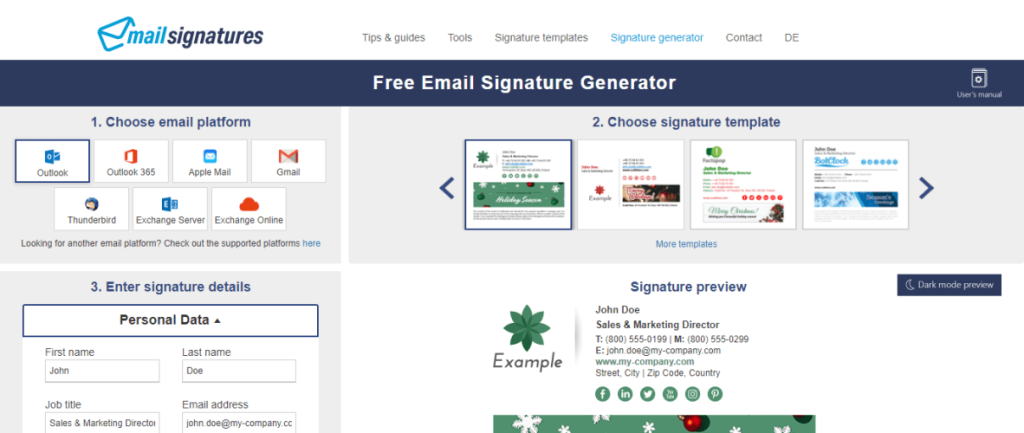
Mail Signatures is another free tool to generate email signatures for personalized email signature development. From freelancers to small companies, anyone can utilize the app for email sign generation.
The software is reliable and versatile, with a wide range of pre-made signature templates for easy usage. This is available in a drag-and-drop menu; you can click on the menu button to get many template options for inspiration. Then, you can build a new signature and apply it to the email accounts.
Compatibility: Mac, Windows, iOS, Android
Price: Free
Features:
- Syncs easily with email service providers like Apple Mail, Thunderbird, Outlook, Gmail, Microsoft 365, etc.
- Simple interface
- Drag and drop editor
- Best for freelancers, small businesses, and regular use
Pros:
- Easy to use
- Unique signature generator for free
- Multiple templates available
Cons:
- Not many advanced features
- Style choices are limited
5. SignMyEmails
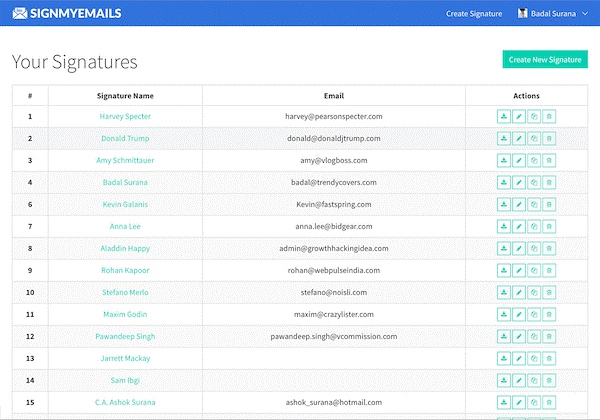
This is the best email signature generator for people with limited coding expertise. The HTML-based email sign generator is easy to use, where users can develop unique new email signatures within a minute.
One must add the relevant information in the correct personal detail fields and high-quality email signs with clickable links. It is easy to manage all email signatures on one dashboard as well.
Compatibility: Mac, Windows, iOS, Android
Price: Free; Pro – $3.99 for 5 signatures
Features:
- Clickable HTML-based email signature building
- Manage all email signatures (pre-made and customized) on one dashboard
- Add images, banners, disclaimers, and social media icons
- Several pre-existing email signature templates are available
Pros:
- Create quick signatures within 60 seconds
- Simple dashboard
- No coding necessary
Cons:
- Simple email signature template types
- Advanced features available under the paid version
6. Convertful Email Signature Generator
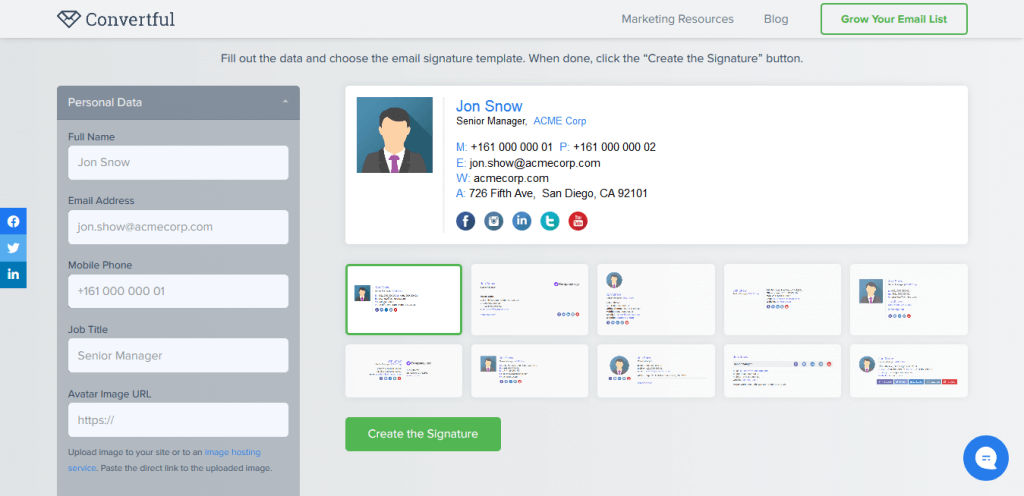
Convertful is one of the finest email signature generator options with a simplistic interface. You can create different types of email signatures by adding the necessary information in the appropriate fields.
Examples include the user’s name, mobile number, email address, company name, and positive. Then, you have to click on the “Create Signature” button, and it will get ready in 5 minutes or less. Many email signatures and CTA templates are also available.
Compatibility: Mac, Windows, iOS, Android
Price: Free
Features:
- Provides account-centric offers
- Add quiz funnels and subscription surveys
- Alerts about cart abandonment and subscription
- Multiple pre-made email signature templates are available
Pros:
- Best for online marketing
- Extra marketing strategies like gamification
- Quick email signature creation
Cons:
- Limited features compared to other
- Not many appealing templates are pre-saved
7. MySignature
MySignature is another suitable app for creating personalized email signatures for corporate use. This signature generator has an intuitive builder that allows users to create customized signatures easily. It is suitable with different email services like Yahoo, Gmail, Outlook, Apple, Mail, etc.
Creating emails is simple and works even without any excess installation steps. You can add the necessary fields to create a custom email signature and adapt the font color/size and background color. Preview it before sending.

Compatibility: Mac, Windows, iOS, Android
Price: Starting from $4 per month for one signature; cost increases with the number of signatures to custom quotes
Features:
- Works with different platforms like Yahoo, Gmail, Apple Mail, Outlook, Office 365, etc.
- Simple editing tool
- Adaptable email signature templates for thought leaders, entrepreneurs, and small businesses
- Comprehensive dashboard for easier management
Pros:
- Mobile intuitive
- Branded email sign templated
- High-quality customer support
Cons:
- Not for free
- Advanced features under the paid versions
8. DesignHill Email Signature
Among the different types of email sign generator options available, DesingHill is a top-quality service provider that offers an intuitive tool choice. This software can use the drag-and-drop builder to custom-build unique email signature looks.
Here, users get options like social media icons, logos, and links that they can add. Besides that, pre-made templates are available. After creation, it is easy to copy the email signature and paste it directly to your email account.

Compatibility: Mac, Windows, iOS, Android
Price: $149 for 5+ designs
Features:
- Customizable email signature and email templates
- Add clickable links for lead generation
- Compatible with Apple Mail, Outlook, Gmail, and more
- Include social media icons
Pros:
- Supports different file formats like JPEG, JPG, animated GIF, and PNG
- High-quality customer service support
- Quick email signature creation
Cons:
- Using this through iOS phones can be complex
- Very high cost
9. Newsoldstamp
Newsoldstamp is a suitable email signature generator that companies and individual users turn to for quick and stylish email signature generation. You have to include different personal data and quickly develop the new email signature styles. Initially, there were pre-made standard templates available.
This software is compatible with over 30 email service providers, clients, and CRM tools. Also, it is possible to create banner campaigns with personalized signatures suitable for different buyer personas with this software.

Compatibility: Mac, Windows, iOS, Android
Price: $11 per month
Features:
- Add 3-4 clickable social media icons for promotion
- Show mobile-optimized email signature
- Easy to add a logo or colorful images
- Include schedules for calendar appointments
Pros:
- Add space dividers
- Mobile-intuitive UI
- Easy to click and call with integrated phone number links
Cons:
- Not for free
- Can show compatibility issues with some browsers
10. Signature.email
One suitable and free email signature generator is Signature.email. It comes with a simplistic interface that makes it easy for users to prepare new signatures. You would get the basic-level templates under the free version.
There are premium templates and filters available to custom-build unique email signatures for an extra payment. This is a common choice for people preparing customized email signs for personal use, social media engagement, or business reach boost.

Compatibility: Mac, Windows, iOS, Android
Price: Free
Features:
- Library of free email signature templates
- Two images and ten fields limit
- Basic level of image hosting
- Around ten signature templates are available, with premium templates as an option
Pros:
- Best for beginners
- The intuitive interface makes it easy to use
- Free version available
Cons:
- Advanced features only under the paid versions
- Can build one signature under the free version only
Conclusion
To create unique elements like the email signature, use the best apps like Gimmeo and Mail Signatures. They are free to use and include customizable options and high-quality features. Make your choice after carefully browsing through all options well.
Author Bio:
Dinesh Lakhwani 

Dinesh Lakhwani, the entrepreneurial brain behind “TechCommuters,” achieved big things in the tech world. He started the company to make smart and user-friendly tech solutions. Thanks to his sharp thinking, focus on quality and the motto of never giving up, TechCommuters became a top player in the industry. His commitment to excellence has propelled the company to a leading position in the industry.
Popular Post
Recent Post

5 Best Data Recovery Software For Windows 11 and Windows 10
A crashed drive can ruin a whole day. One minute your photos, work files, and tax records sit safe on your PC. The next minute they are gone. A power cut, a bad update, or one wrong click can wipe out years of memories and months of work in seconds. That sinking feeling is why […]

How To Update NVIDIA Drivers On Windows 11/10 PC
Learn how to update NVIDIA drivers on Windows 11/10 with simple methods, safety tips, and easy steps for smoother gaming and better PC performance.

Top AI Features Hidden Inside Windows 11
Explore the top AI features in Windows 11, from Copilot to Recall, plus safety tips and simple steps to use each tool the right way.

Customize Your Screen Saver Settings in Windows [Easy Steps]
Learn how to customize screen saver settings in Windows 11 with easy steps, safety tips, and simple tricks to personalize your PC screen.

Driver Easy Windows Driver Updater Tool Review: Tried & Tested
In-depth information about Driver Easy’s functions and features can be found in our review. Learn how to update drivers more easily with this tool for a more seamless computer experience.

Is Avast Driver Updater Worth It? A Hands-On Analysis
A full review of Avast Driver Updater covering features, setup steps, pricing, pros and cons, and real PC results, to help you decide if it is worth buying.

IObit Driver Booster 13 (PRO) Review: [Tried & Tested]
IObit Driver Booster 13 is built for one purpose: keeping your PC drivers up to date. Well, yes! Outdated drivers can cause crashes, slowdowns, and hardware issues. This tool scans fast and updates with one click. The interface is simple. Even beginners can use it without confusion. Updates are pulled from a huge database, covering […]

Auslogics Driver Updater: A Detailed Walkthrough [2026]
This comprehensive review covers the key features, pros, and cons, pricing, and a final verdict on Auslogics’ driver update utility. Learn how it stacks up against manual driver maintenance.

5 Best Driver Updater Tools for Windows to Use (Free and Paid)
Introduction: Most people blame their PC for problems that a driver caused. A driver works like a bridge between your hardware and your operating system. When this bridge cracks, strange things start to happen. Screens flicker without reason. Printers go silent mid-task. Games freeze or crash out of nowhere. Manually finding the right driver is […]

