











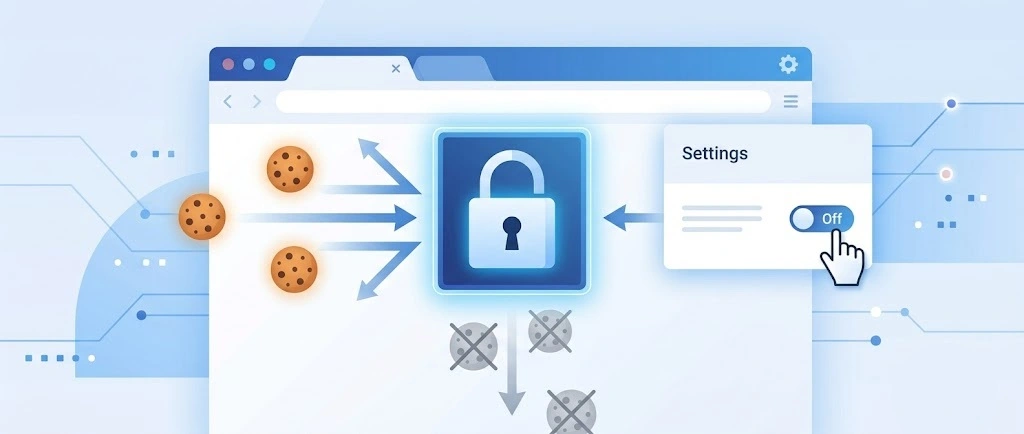
So, search for a pair of shoes once online. Close the tab. By evening, those same shoes are sitting on your news site, your video app, and even your recipe blog. Nobody placed them there by chance. A cookie did. Well, yes! Cookies are small files that websites place on your device while you browse. […]
Guide on Internet Security: How To Protect Yourself Online
What is internet security?
Internet security and network security refer to the same thing. However, internet security is slightly different from cybersecurity. In truth, it won’t be wrong to say that internet security is just but a segment of cybersecurity. It is prudent that you clearly understand the distinction between the two.
By definition, internet security refers to all the measures, strategies, tools taken by an individual, enterprise, or government to secure the confidentiality and integrity of data and networks.
On the other hand, cybersecurity is more concerned with the general security of a system, websites, servers, computers, and everything in cyberspace.
Is Internet Security Necessary?
What is the essence of internet security to an individual or organization? Isn’t the cost of setting up internet security extremely high for me? These are questions most people ask me whenever I mention to them anything to do with internet security.
I often respond to them with one statement: “investing in internet security is a must-do. However, if you think it will be too costly to invest in internet security, perhaps it would help if you checked out how costly a cyber breach could be.”
RiskIQ estimates that cyber breaches cost businesses $2.9 million every minute, on average. The same report further reveals that enterprises lose $25 every minute to cybercriminals.
One reason to get internet security strategy is to protect yourself from such costs. Internet security is also vital in protecting your sensitive data and users’ data against cybersecurity vulnerabilities.
To stay safe on the internet, you first need to be aware of some of your susceptible threats. Below, I have briefly explained some of the most prevalent cybersecurity threats you should be mindful of.
Internet Security Threats: What the Latest Numbers Say?
Staying safe online is more important than ever. Here are some recent facts that show how big the problem is:
- Cyberattacks happen all the time — more than 2,000 times a day, which means one attack every 39 seconds.
- Ransomware is a big threat — it locks your files and asks for money. There were over 236 million cases last year.
- Phishing emails are everywhere — about 3.4 billion fake emails are sent every day to trick people.
- Schools are top targets — they get attacked more than 3,000 times a week.
- Cybercrime costs are huge — it caused over $10 trillion in damage last year and could reach $23 trillion by 2027.
- AI is helping both sides — while it helps protect people, it also helps hackers make smarter attacks.
- Not enough experts — there’s a shortage of 4 million cybersecurity workers, and it could grow to 85 million by 2030.
- Insurance is getting expensive — prices for cyber insurance went up by 28%.
These numbers show that online threats are growing fast. That’s why it’s so important to use strong passwords, be careful with emails, and keep your software updated.
Common internet security threats Nowadays.
1. Phishing
Phishing is one of the social engineering attacks that hackers use to target their victims. A cyber attacker will masquerade as a genuine entity to dupe a target to open an email attachment or click on a malicious link. Upon clicking the attachment or opening the link, the victim might unknowingly download malware, reveal sensitive data, or freeze their network.
Attackers can also use phishing attacks to gain a position in corporate systems as part of a more significant cyber breach like the advanced persistent threat.
Phishing attacks have become so prevalent in recent times. According to a 2021 ProofPoint State of the Phish Report, 76% of businesses were victims of one or more phishing attacks in 2020. Without a doubt, phishing attacks are the most prevalent social-engineering attacks that you should protect yourself from.
2. Hacking and remote access
Remote working has been gaining momentum recently. Most companies are now opting to have their staff work from home. However, although this might be convenient to organizations, it might also expose your business to several internet security threats.
Remote working typically relies on the internet to exchange data outside the corporate infrastructure. For a seamless exchange of such data, one will require tools and devices, including those outside the control of an organization. As such, remote working is vulnerable to eavesdropping, data manipulation, BYOD threats, and Man-in-The-Middle attacks.
3. Malware
The word malware is a combination of malicious and software, which make up the definition of malware as malicious software. A malware attack is a type of cyber-attack that occurs when attackers craft malicious software and install it on a victim’s computer without the victim’s consent.
Malware attacks have been getting more sophisticated each year. It is one of the primary internet threats that could leave your system in shambles.
4. Ransomware
Ransomware is the most widespread malware attack that poses a significant risk to your entire system. It is sometimes called extortion software because it freezes up your entire system, denying you access to the system until you pay a ransom fee.
Mainly, hackers will demand that you pay the ransom fee in the form of Bitcoin to maintain their anonymity.
According to the FBI, there are over 4000 ransomware attacks each day. If you are keen on the cybersecurity news, you might have heard of the havoc the REvil hacking group has caused recently.
5. Denial of Service
Denial of Service attack is yet another common internet vulnerability. It occurs when legitimate users cannot access a system, device, data, or other network resource because of the actions of malicious cyber attackers. Vulnerable services to denial-of-service attacks include websites, emails, online accounts and all services that require the internet.
The five threats explained above can leave your entire system in devastation. To avoid the heavy repercussions of such attacks, it is wise that you have proper security measures to protect yourself from such threats. In the next section, we will learn about the basic security practices that will protect you from internet threats.
Internet Data Security Tips
● Use SSL Protocol
Installing an SSL certificate is one of the best security measures for staying protected on the internet. The SSL certificate is a digital certificate that combines with the HTTP protocol to form the HTTPS protocol that enables the safe transfer of data and information between two internet points such as website servers and website browsers.
If you have a website, you must ensure that you buy an SSL certificate to safeguard all sensitive data from data interceptions. Most websites, especially startups and small business owners, fear purchasing an SSL certificate because they think they are way too expensive.
However, that is usually not the case. There is no harm when you buy the cheapest SSL certificate. All SSL certificates, whether free or the most expensive ones, give the same encryption strength.
One of the critical things you have to check when buying an SSL certificate is the SSL provider. Some of the best SSL certificates you can go for include Rapid SSL certificate, Comodo SSL certificate and GeoTrust SSL certificates.
● Install an Antimalware and Keep It Updated
It would be best if you had antivirus software to safeguard yourself against internet-related malware attacks and viruses. Remember, we mentioned malware as one of the internet securities threats you are likely to encounter. To protect yourself against such threats, it will be wise to get antimalware software.
You must also remember that new malware and new threats are coming up daily, and this is why you must continually update your antimalware software to keep it well-equipped and, in a position, to fight new and emerging threats.
● Explore the Security Tools You Install
Internet security tools are a must-have. They uphold an internet user’s privacy and help safeguard your system against old and novel cyber vulnerabilities. The tools can help you conduct privacy audits and threat scans to find and remove security threats that might exist in your system. Some of the best security tools that you can consider purchasing include.
- TotalAV
- SolarWinds Security Event Manager
- LifeLock
- Acunetix
● Adhere to Best Password Practices
With internet security, having a strong password should never be an option but mandatory. Passwords protect your entire system against unauthorized entries. However, hackers have been known to break through weak passwords by employing dictionary attacks and brute force attacks.
If you are using a weak password, then your entire system is susceptible to data breaches. You can check out this page for some of the best password practices you must adhere to.
● Use Two-Factor Authentication
Passwords have proved to fail in keeping your system safe from cyber vulnerabilities. Therefore, it would be best if you had two-factor authentication to supplement your passwords. In two-factor authentication, apart from using passwords to authorize entry into your online accounts, you will also use extra authentication factors such as security codes, biometric factors and one-time passwords.
● Use up-to-date software and Operating systems.
Hackers usually figure out new hacking techniques. Old software and operating systems might be ill-equipped to protect your network from security threats. As a security measure, you must always ensure that you update your software to prevent any threats due to loopholes existing in old software versions.
To Wrap Up
Internet security threats can take you out of business. You must ensure that you know some of the threats you are vulnerable to and some of the actionable steps to prevent those threats. This article has tackled the meaning of internet security, cybersecurity threats, and solutions to those threats.
As a best practice, always ensure that you use multiple security solutions to strengthen your security walls. Lastly, do not forget to backup, just in case things go south.
Author Bio:
Dinesh Lakhwani 

Dinesh Lakhwani, the entrepreneurial brain behind “TechCommuters,” achieved big things in the tech world. He started the company to make smart and user-friendly tech solutions. Thanks to his sharp thinking, focus on quality and the motto of never giving up, TechCommuters became a top player in the industry. His commitment to excellence has propelled the company to a leading position in the industry.
Popular Post
Recent Post
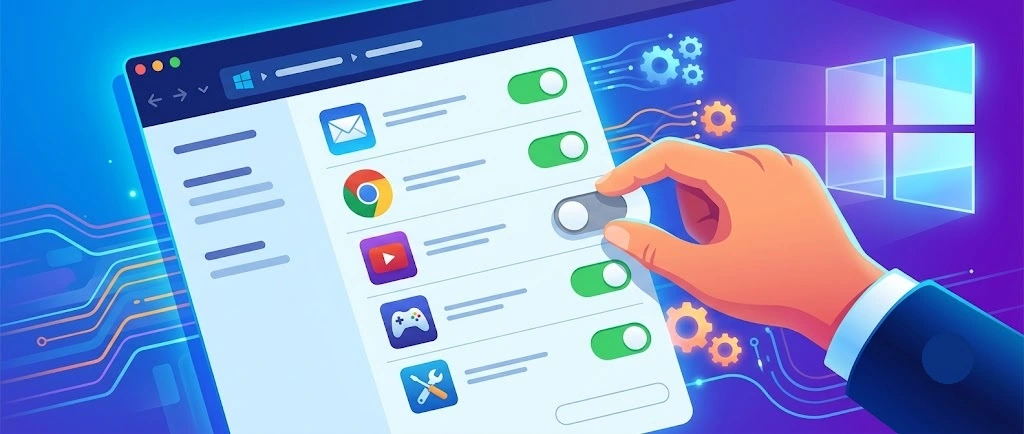
How To Disable Background Apps In Windows: 4 Quick Methods
A slow PC rarely gives a warning. One day, it simply takes longer to start. Apps open late. The fan runs loud, even when the screen is almost empty. Most people blame old hardware. Often, that is not the real reason. The real reason is hiding in plain sight. Windows keeps many apps active in […]
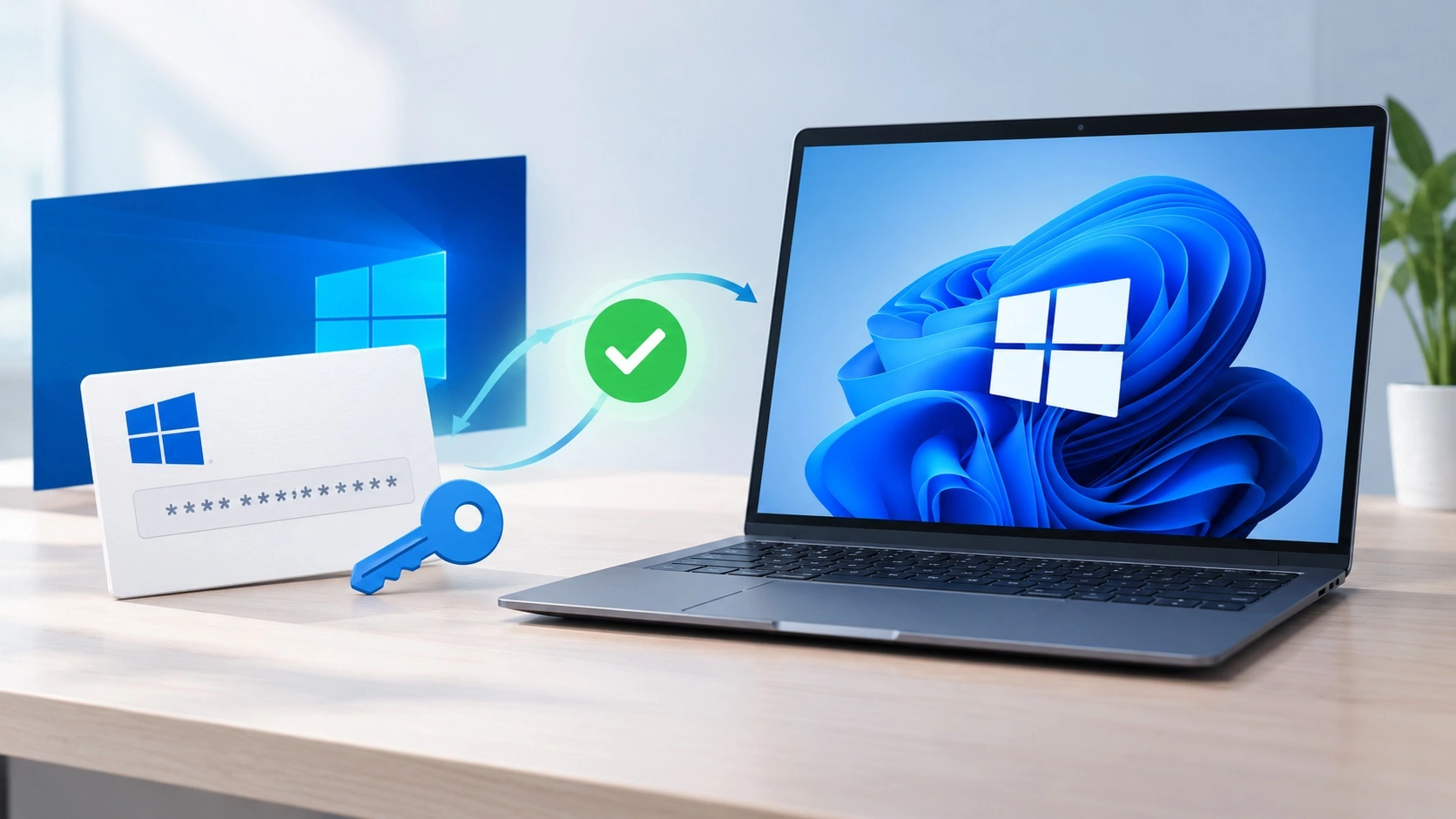
How to Activate Windows with a Product Key for Windows 11 & Windows 10
It always shows up at the worst time. You are halfway through a report, or about to join a video call. Then you spot it in the bottom right corner of the screen. Activate Windows. Go to Settings to activate Windows. Initially, an unactivated copy of Windows may seem like a minor inconvenience. Over time, […]

Is Easy Duplicate Finder Worth It? Honest Review
The photos folder looked normal at first glance. Then the storage warning popped up. One trip photo appeared four times. A tax PDF sat in three different folders. Two old setup files were still in Downloads, and each one was over 500 MB. Nobody plans this mess. Copies pile up slowly. A download runs twice. […]
Wise Duplicate Finder Review: Real Results from Wise Duplicate Finder
Read my honest Wise Duplicate Finder review. See features, pricing, pros and cons, and real PC test results. Find out if this free duplicate cleaner can free up your Windows storage.
How to Recover Deleted Files from Pen drive, USB Drive, SD Card
Introduction: On tech forums, you’ll often see posts like this: “I connected my pen drive to my laptop this morning, but the folder was empty. All my college project files had vanished. I don’t have a backup. Can someone help me?” Stories like this are very common. Pen drives, USB drives and SD cards are […]

How To Recover Files Deleted from the Recycle Bin [Windows 11]
Losing a file can happen in seconds. You clear your desktop, hit Delete, and empty the Recycle Bin. Then, just when you need that file again, it seems to have vanished. This guide will walk you through ways to restore files removed from the Recycle Bin. We will begin with simple fixes, then look at […]

Disk Drill Data Recovery Tool Explained: Full Review and Guide
It happens in a split second. You delete a folder by mistake. Your drive stops showing up. A photo album from your last trip just vanishes. And your stomach drops. Lost files feel personal. They are not just data. They are memories, work hours, and sometimes years of effort packed into a few gigabytes. When […]

Recover Deleted Files In Windows 11 With Software & Without
Introduction What is the first thing that goes through your mind the second an important file vanishes from a Windows 11 PC? For most people, it is a mix of panic and disbelief, followed by a frantic click through every folder that file could possibly be hiding in. It happens in a split second: one […]

EaseUS Data Recovery Wizard: Everything To Know
Data loss does not always come from a big disaster either. Most cases start small and boring. A drive gets formatted by mistake. A laptop freezes mid-save and restarts on its own. A memory card stops showing up after being pulled out too fast. None of these feel like emergencies at first, until you realize […]

