Intego Mac Premium Bundle X9 Review
Last updated on August 20th, 2025 at 4:43 pm
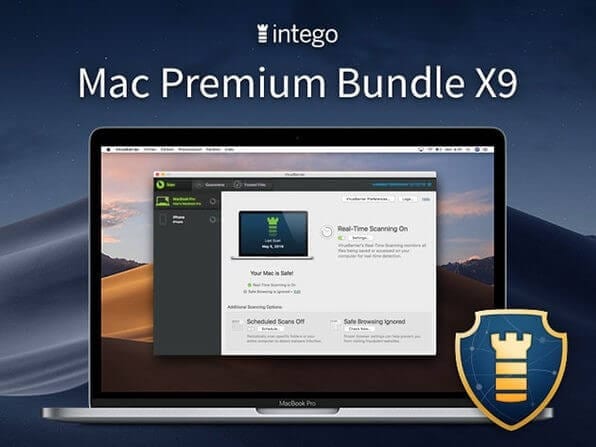
For Mac users, the idea of a security tool is not that common. But looking at the increase in the number of attacks targeting Mac machines, many companies have started offering compact versions of security tools that miss out on the essential features. Looking at this and understanding the pain of Mac users Intego has designed a premium security tool called Intego Mac Premium Bundle X9. This powerful tool offers all the essential and advanced security features.
But, how can you trust us, right?
With that said, here’s a comprehensive review of Intego Mac Premium Bundle X9. Once you read it all your doubts will be cleared.
Intego Mac Premium Bundle X9 – Review
Before getting into details, here is a list of noteworthy features that we will talk about in detail and how they will help.
Features – Intego Mac Premium Bundle X9
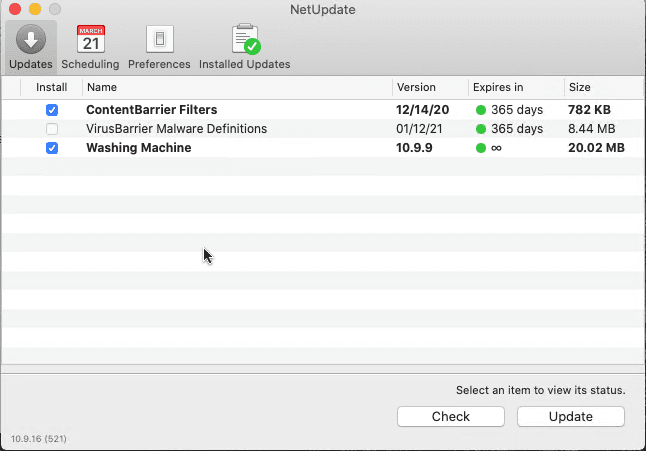
- Regular Definition Update (NetUpdate)
- Personal Backup
- Security Tool To Detect and Clean Infections (Antivirus)
- Feature to Identify and Delete Duplicate files unnecessary space occupiers (Washing Machine)
- Parental Control (ContentBarrier)
- Firewall (NetBarrier)
- General file system utility
What is Intego Mac Premium Bundle X9?
Since 1997, Intego has been known for its Mac security tools, and recently with Intego Mac Premium Bundle,it has added a fully-featured security package focusing on Apple machines.
Although known for being invulnerable, you must be thinking why Intego is putting all these efforts. The recent figures say malware targeting Mac is growing and to prevent your Mac from being infected, the company offers a tool with VirusBarrier, NetBarrier, Firewall, and more.
Mac Premium Bundle X9 does not take more than 2 minutes to install and setup. Once installed, you are prompted to enter the license key that you get upon purchasing the product. However, if you want to give it a try you can use it for free for 30 days
User Interface –
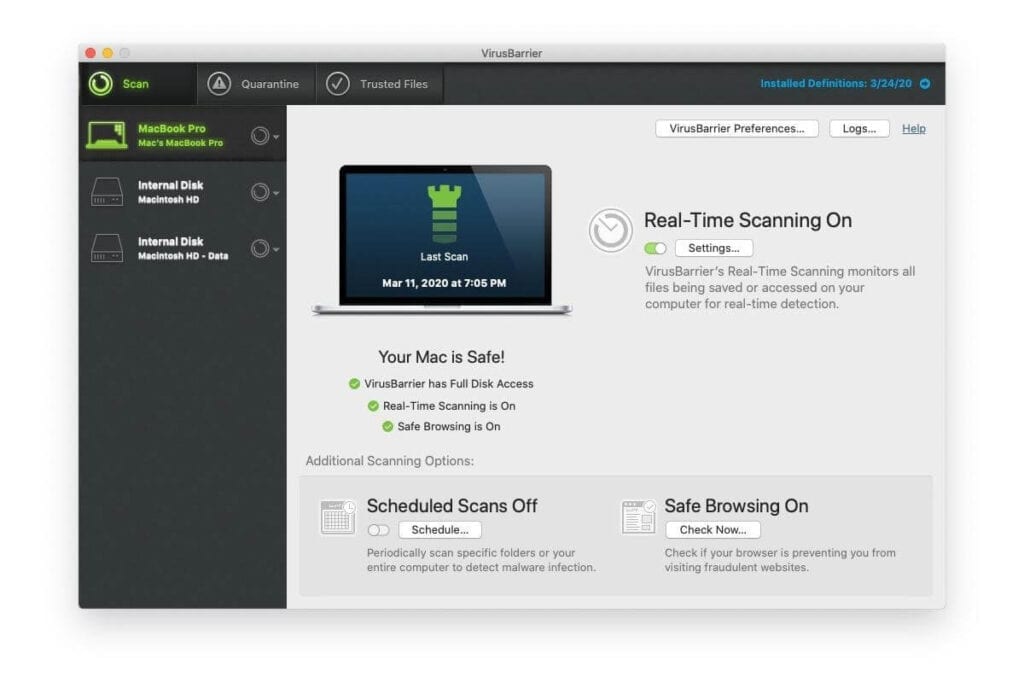
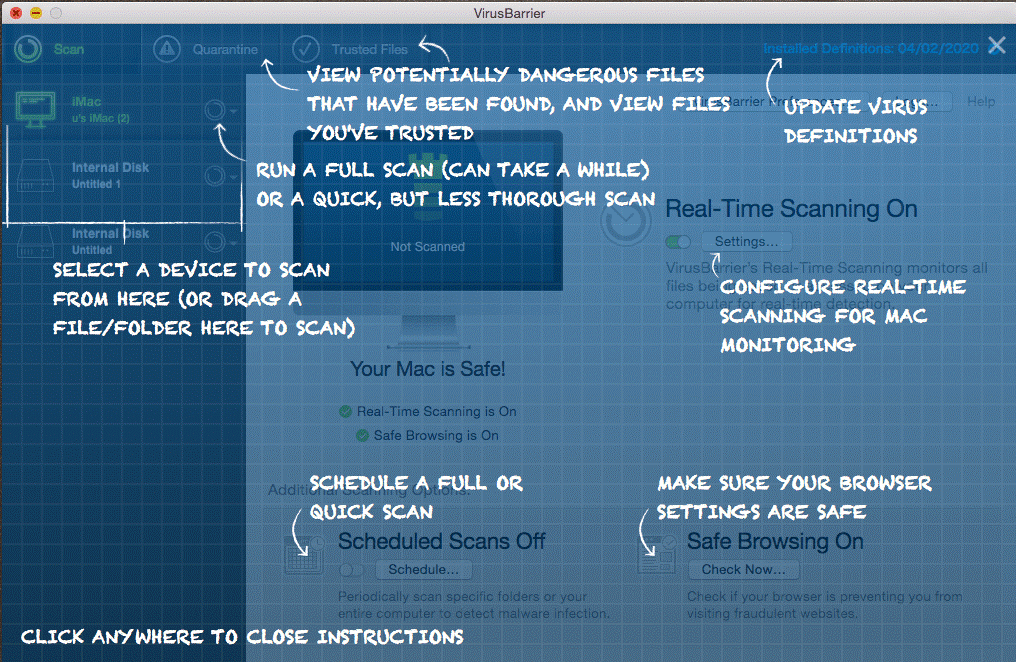
The dashboard of Intego’s Malware Protection is easy to use. This means from the home screen itself you can see what’s enabled and what’s not.
Price –
$70yearly for a single Mac
$120 yearly for 5 Mac
This might not sound appealing because big players offer 10 device licenses at just $100 but there’s a catch. The prices offered by big giants can go up after one year however, Intego says the price will remain the same at renewal data. This means you will not have to worry about a price hike. Isn’t this fantastic?
Virus Barrier – Security Tool To Detect and Clean Infections (Antivirus)
For Intego protecting Mac machines from malware attacks is paramount. Hence, it aims at detecting both Mac and Windows malware. Although Windows malware doesn’t affect Mac systems, they do unintentionally infect Apple machines. Hence, Intego works on detecting Windows malware too.
To ensure this an AV-Test was done on Intego Mac Premium Bundle X9 and it scored 100% detection rate.
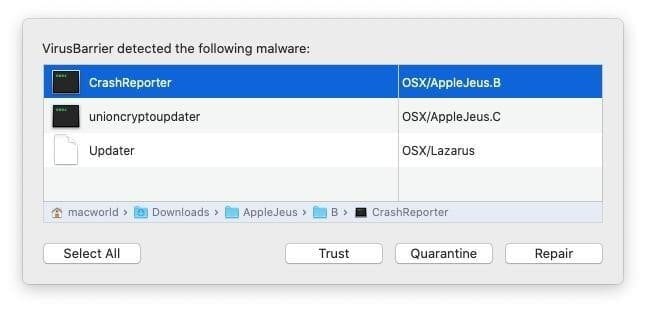
However, there’s a drawback instead of quarantining malicious files, the Virus Barrier asks users for the action they want to take. To overcome this, you need to change the settings, but we believe this should be the default settings.
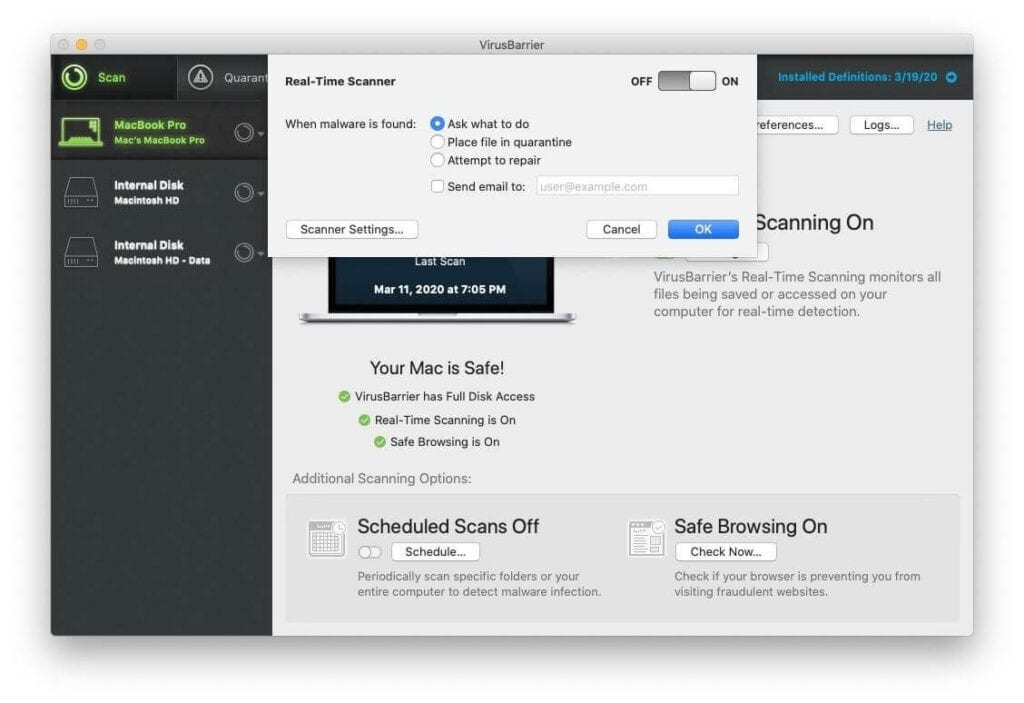
You can choose from three levels of protection:
- Minimum – Essential protection
- Standard and
- Maximum
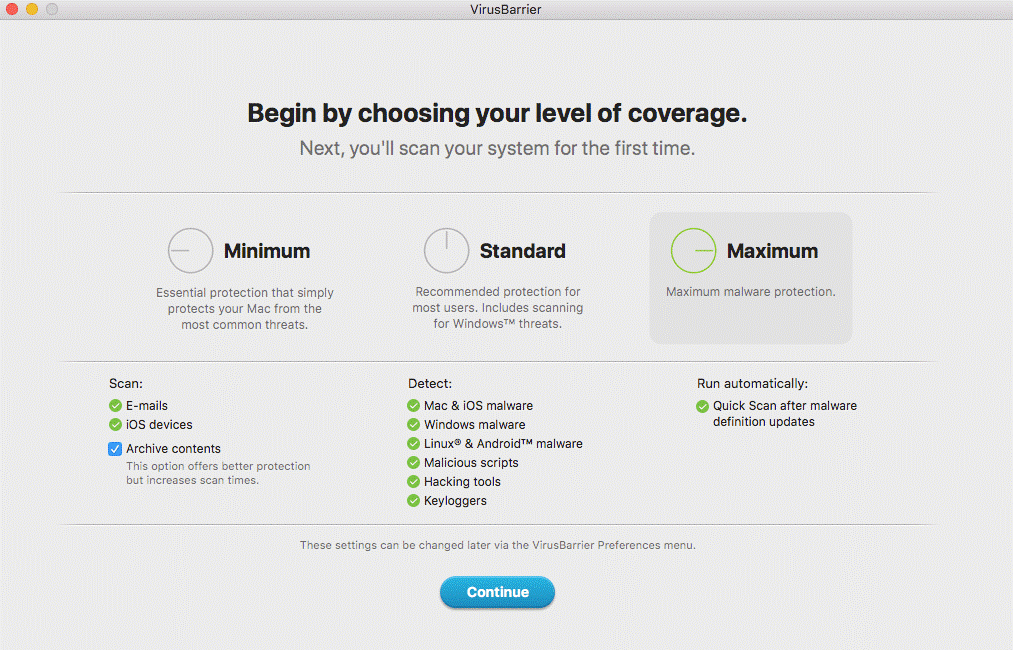
Those who want complete malware protection should go with Maximum protection. However, if you are short on time you can go with Standard protection that keeps the device safe from common & Windows threats.
In addition to this scheduled scanning is not default. This means Virus detection is done only in real-time and if you want deeper scanning, scheduled scans will need to be set. Which we think should be a default feature for all-around protection.
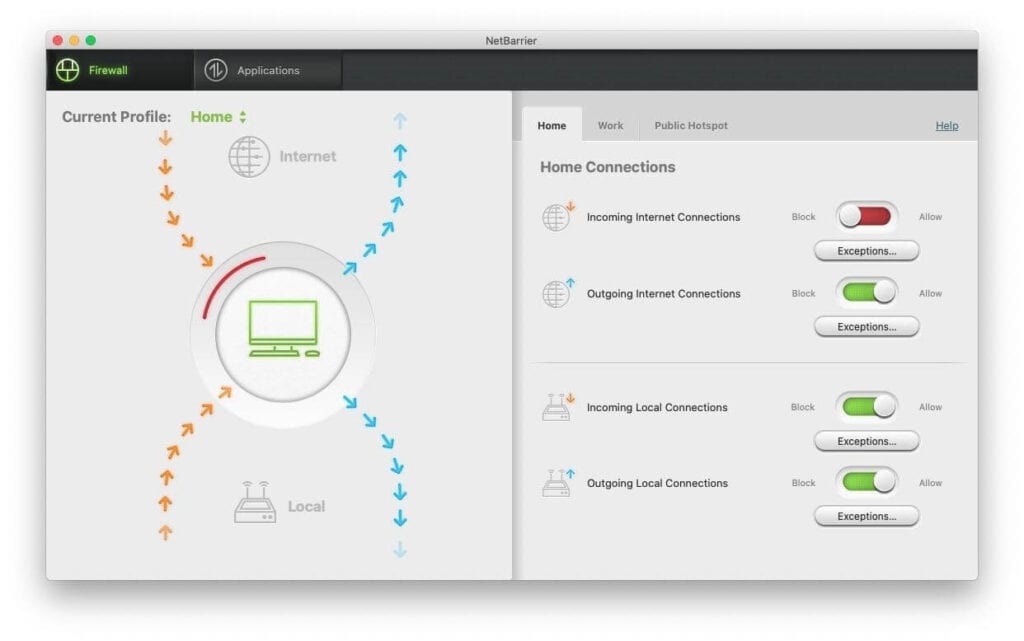
Besides, detecting viruses Intego Mac Premium Bundle X9 allows users to set user-based rules for home, public Wi-Fi, and work networks.
Web Protection
Alongside securing you from virus attack, Intego Mac Premium Bundle also has a Safe Browsing feature, using it you can check if the browser has an anti-phishing setting enabled or not. With the help of the Safe Browsing feature, keeping the browser safe from malicious websites and emails becomes easy.
This makes Intego Mac Premium Bundle X9 better than other competitors as it
knows how to offer complete protection.
Net Barrier
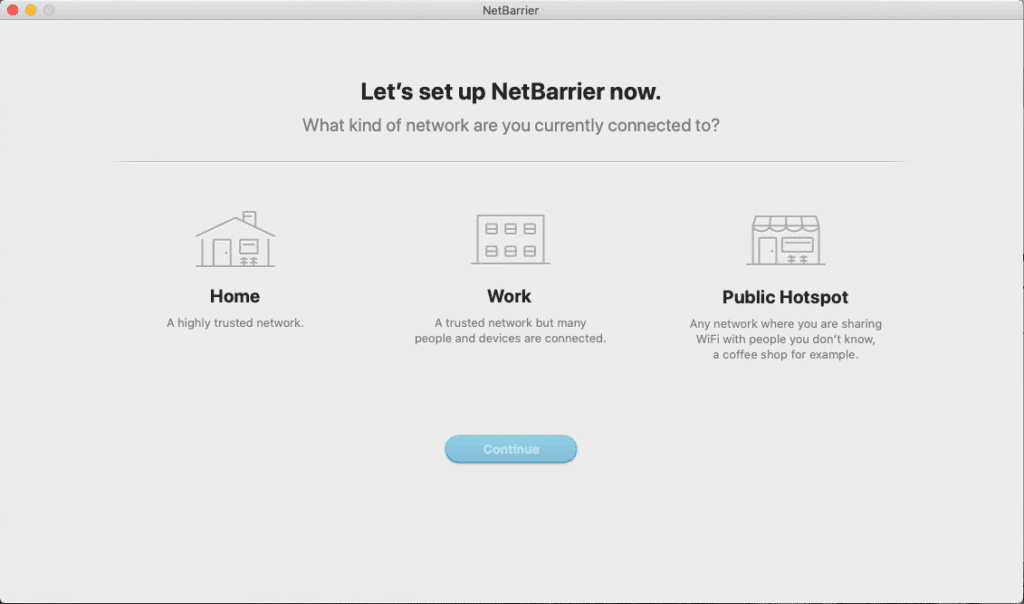
When compared with other Mac antivirus tools, Net Barrier is the finest security feature offered by a protection tool. Using this feature, users can set per-application rules or decide to which network they want to connect securely.
Washing Machine
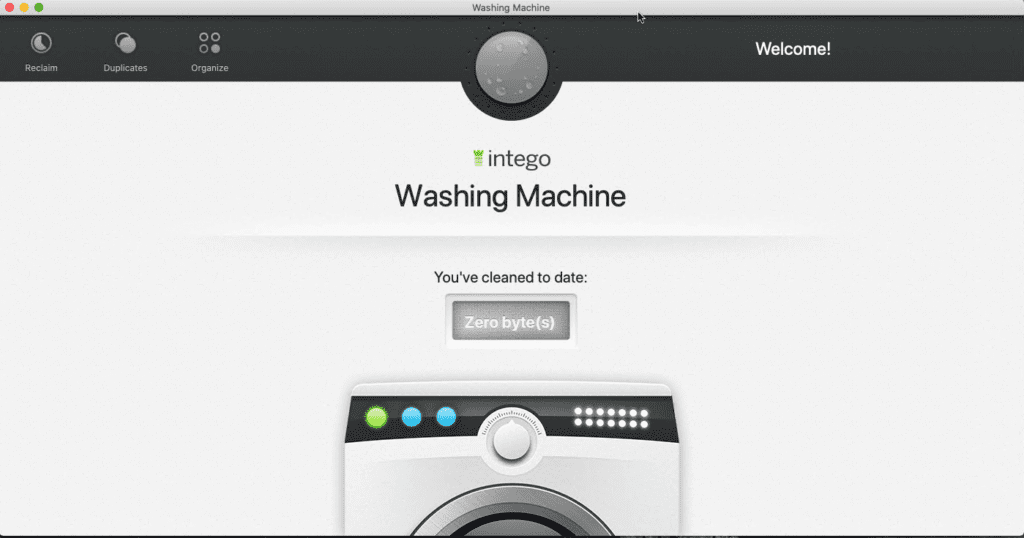
This feature makes Intego a Mac Cleaner tool, using it you can easily get rid of junk files that slow down the system. Also, the duplicate files that take unnecessary space are smoothly detected and removed from the Mac machine.
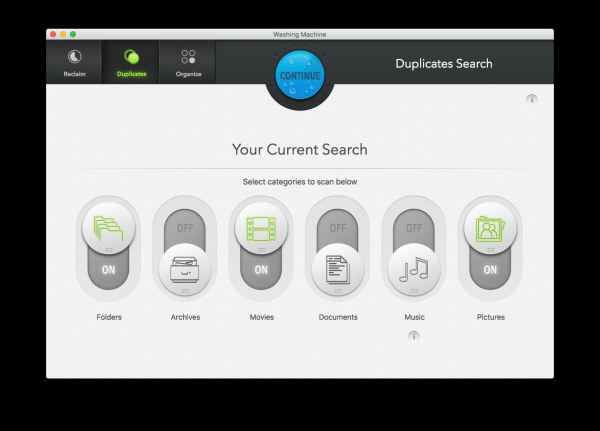
Moreover, the Washing Machine feature has customizable settings and it can be used to organize files, choose what file types to delete to recover storage space.
Parental Control
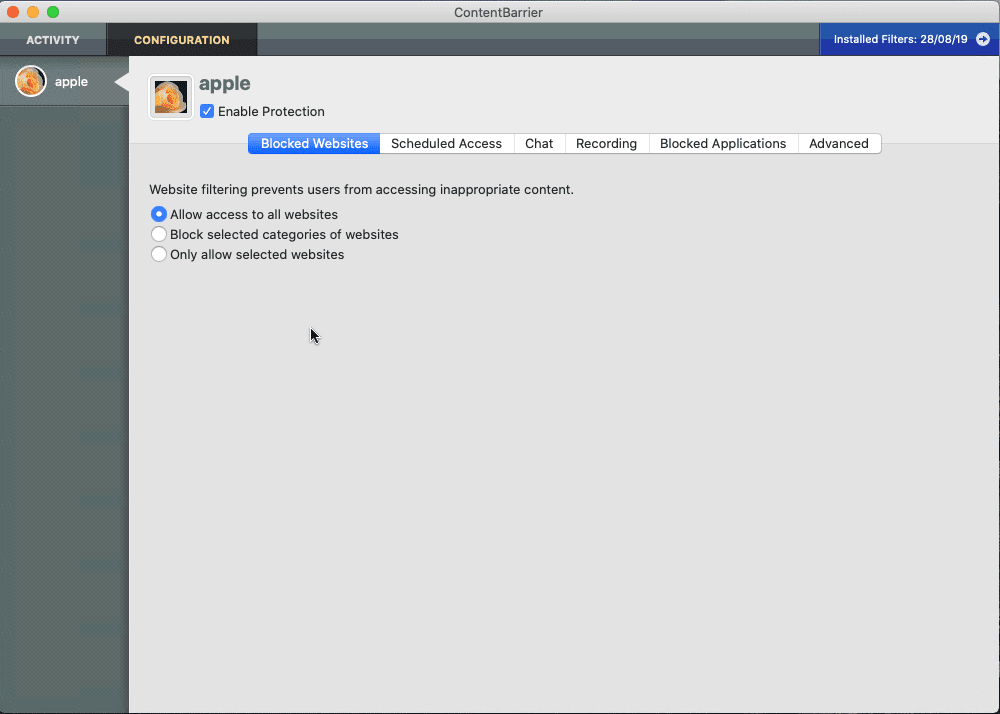
Yes, there’s more to this tool and it is a ContentBarrier, the perfect security feature for home users. Beneficial for parents using the ContentBarrier feature they can monitor what their kids are doing. It also takes alternating screenshots of the screen so that you know what they were visiting.
In addition to this, keystroke monitoring can also be included, this helps know what term was entered when you were not around.
Personal Backup
Lastly, Intego Premium Bundle X9 also offers a Personal Backup feature, drive cloning, syncing multiple Mac devices. And the file system utility helps organize, documents, videos, images, and other file types.
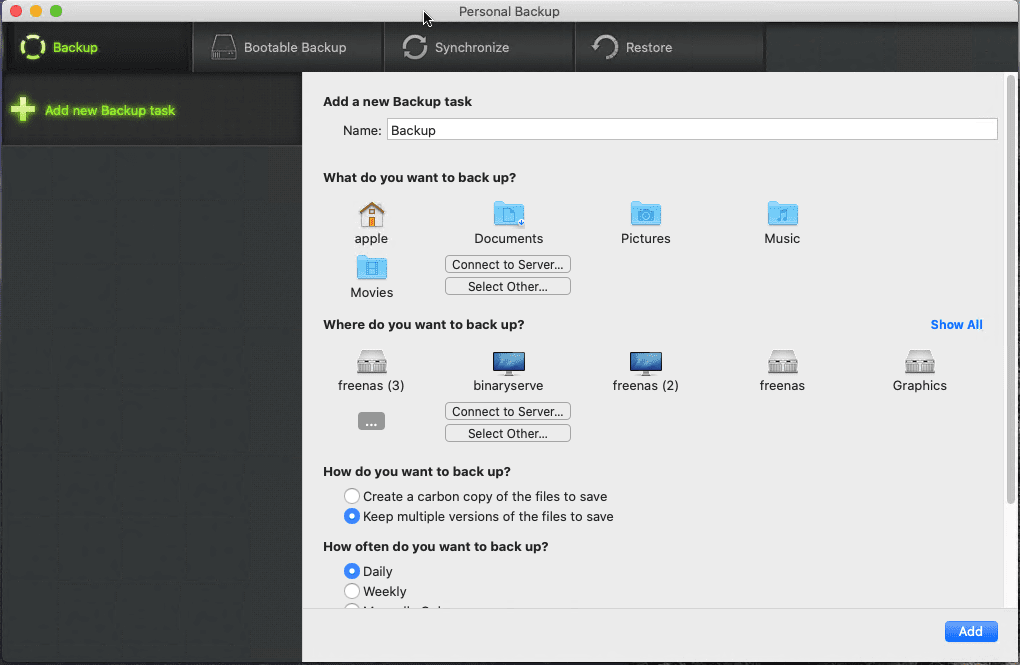
Personal Backup has a few other options, including:
- Bootable Backup
- Synchronize
- Restore
Pros
- Complete security tool for Mac
- Easy to use protection tool for Mac
- 100% detection rate in the latest antivirus test
- 30- day trial version
Cons
- Bonus feature fail to compete with market leaders
Bottom Line
Intego Mac Premium Bundle X9 is a complete security tool with all essential features. Using it you can block malware, keep an eye on children’s activities, protect web browsers, and do a lot more. Also, it offers Windows detection which means you can secure your Mac from both Apple and Windows threats. In short, it is a must-have tool for Mac users to stay protected from an increasing number of malware threats.
Author Bio:
Dinesh Lakhwani 

Dinesh Lakhwani, the entrepreneurial brain behind “TechCommuters,” achieved big things in the tech world. He started the company to make smart and user-friendly tech solutions. Thanks to his sharp thinking, focus on quality and the motto of never giving up, TechCommuters became a top player in the industry. His commitment to excellence has propelled the company to a leading position in the industry.
Popular Post











Recent Post

How to Upgrade Computer RAM: Complete Guide
Upgrading RAM is one of the simplest ways to improve a computer. It helps the system feel faster and smoother. Apps open quicker. Browsers handle more tabs. Games and tools run with less delay. Many users search for how to upgrade computer RAM because it gives real results without high cost. You do not need […]

How To Clean Your Computer Keyboard: Complete Guide
A computer keyboard is touched more than almost any other device you own. It is used during work, study, gaming, and casual browsing. Fingers carry natural oils, sweat, and dirt. Small food crumbs fall between keys without notice. Dust settles each day slowly. Over time, this creates a hidden layer of grime. Many users do […]

Computer Mouse Buying Guide for Beginners and Advanced Users
Buying a mouse looks easy at first. Many people think all mouse work the same way. Well, that idea often leads to regret later. A mouse affects comfort, speed, and daily work. It matters for office tasks, gaming, design, and study. The right choice reduces strain and improves control. The wrong one feels annoying every […]

How To Overclock a Computer: A Complete Guide
Overclocking is the process of making your computer run faster than its factory settings. It mainly affects the processor, graphics card, and sometimes memory. Many people choose this method to improve performance without buying new hardware. It is popular among gamers, video editors, and users who run heavy software. When done properly, overclocking can give […]

How To Find Password Saved on This Computer: Complete Guide
Many people forget their login details at some point. It happens often. We create many accounts every year. Each one needs a username and a password. Over time, it becomes hard to remember all of them. That is why computers offer ways to store login details. These saved details help users sign in faster. They […]

How To Open/Access Computer Management & Advanced Tips
Every Windows computer has many hidden tools. Most users never see them. They only use basic settings. They change wallpapers. They install apps. They adjust sound and display. That is enough for daily work. But problems still happen. The system slows down. Storage fills up. Errors appear without warning. At this stage, normal settings do […]

How To Transfer Photos From Android Phone To PC/Laptop [2026]
Moving photos from a phone to a computer is something most people need to do often. Phones fill up fast. Photos also matter more than apps. You may want a safe backup. You may want to edit images on a bigger screen. This guide explains how to transfer photos from Android to PC without stress. […]

Top 9 Browsers With Built-In VPN – VPN Browser
Online browsing is no longer private by default. Every website collects data in some form. This includes location details, device information, and browsing habits. Over time, this data builds a clear picture of user behavior. Many people are now uncomfortable with this level of tracking. A VPN browser helps reduce this exposure. It adds a […]

AI In Cyber Security: Who is Winning, Hackers or Security Companies
Cybersecurity once followed clear rules. Companies built firewalls. Users created passwords. Antivirus tools scanned files and removed known threats. When an attack happened, security teams studied it and added new rules. This method worked for many years. It created a sense of control and stability. That sense is gone today. Artificial intelligence has changed how […]

The Biggest AI-Run Cyber Attacks Of All Time
Artificial intelligence is now part of everyday technology. It helps people search faster. It improves medical research. It supports businesses in making better choices. But AI is not used only for good purposes. Cyber criminals have also learned how to use it. This has changed the nature of cyber attacks across the world. In the […]

