











A slow computer makes it hard to focus. Programs take too long to open. Free space keeps shrinking until the disk is almost full. This happens to most PC owners at some point. Even new machines can slow down after a while. That is the exact problem cleanup tools are built to solve. They comb […]
AI In Cyber Security: Who is Winning, Hackers or Security Companies
Cybersecurity once followed clear rules. Companies built firewalls. Users created passwords. Antivirus tools scanned files and removed known threats. When an attack happened, security teams studied it and added new rules. This method worked for many years. It created a sense of control and stability.
That sense is gone today. Artificial intelligence has changed how cyber attacks are created and stopped. AI systems can learn from data. They can change their behavior without waiting for human input. Hackers now use AI to plan smarter attacks. Security companies use AI to detect threats faster. Both sides adapt quickly. This has turned cybersecurity into a constant contest with no pause.
The question many people ask is simple. Who is winning this contest right now? Hackers or security companies. To answer that, we must first understand what AI really does in cybersecurity and why it matters so much today.
Part 1: What AI Means in Modern Cyber Security?
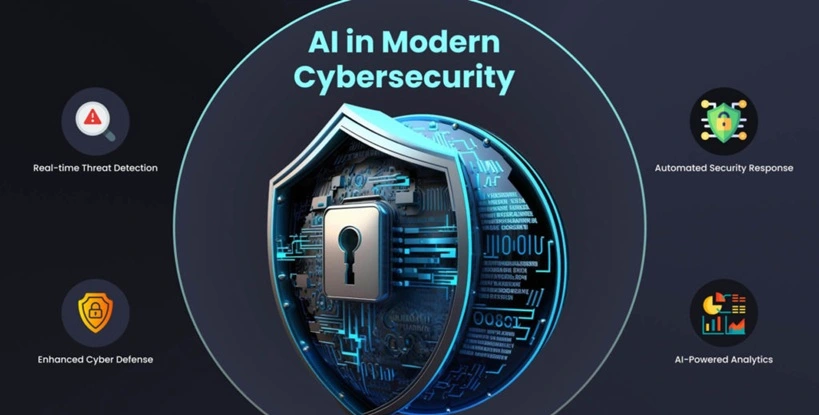
Artificial intelligence refers to computer systems that learn from experience. These systems do not rely only on fixed rules. They study large sets of data. They look for patterns. Over time, they improve their decisions.
In cybersecurity, AI processes massive amounts of information. This includes login attempts, file access, network traffic, and email activity. Humans cannot review this data in real time. AI can. It works continuously and without rest. Traditional security tools depend on known threats. They block attacks that match stored signatures. This approach fails against new threats. AI focuses on behavior instead. It learns what normal activity looks like. When something unusual appears, it raises an alert.
AI also improves speed. Decisions that once took hours now take seconds. In some cases, AI systems block threats before damage begins. This speed is critical in modern cyber environments.
However, AI is neutral. It does not choose sides. The same technology that protects systems can also be used to attack them.
Part 2: Why Hackers Quickly Adopted AI?
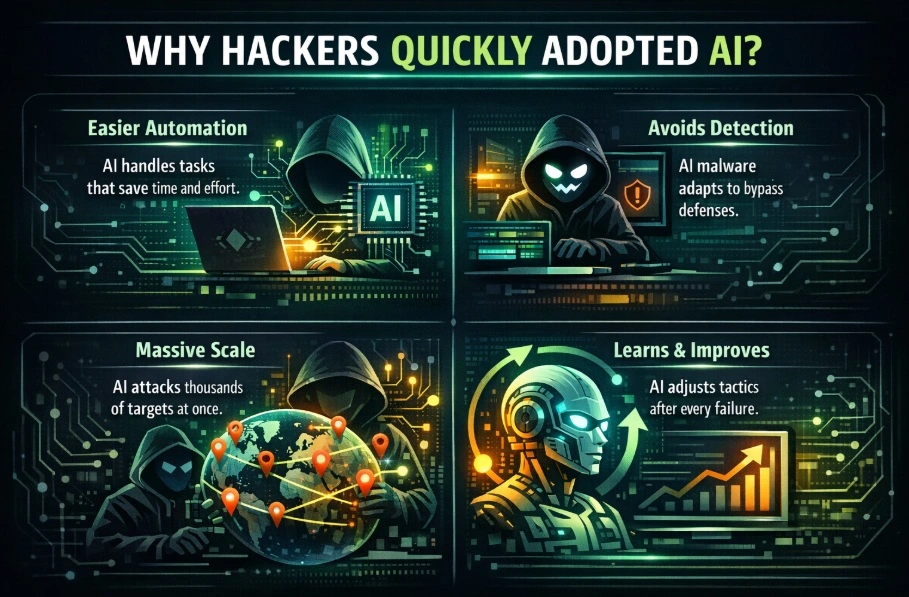
Hackers have always adapted quickly to new technology. They look for tools that reduce effort and increase success. AI fits both goals well.
In the past, cyber attacks required deep technical knowledge. Writing malware took time. Studying targets required effort. AI automates much of this work. Attackers can now launch complex campaigns with fewer skills.
AI also helps hackers avoid detection. Older malware followed predictable patterns. Security tools learned to detect those patterns. AI-powered malware behaves differently. It changes how it operates based on the system it enters. This makes detection harder.
Another reason hackers adopted AI is scale. One AI-driven system can attack thousands of targets at the same time. Earlier, this required large teams. Now it can be done by small groups.
AI also allows attackers to learn quickly. When an attack fails, the system adjusts. It tests new approaches immediately. This constant learning improves success rates over time.
Part 3: Common Ways Hackers Use AI Today
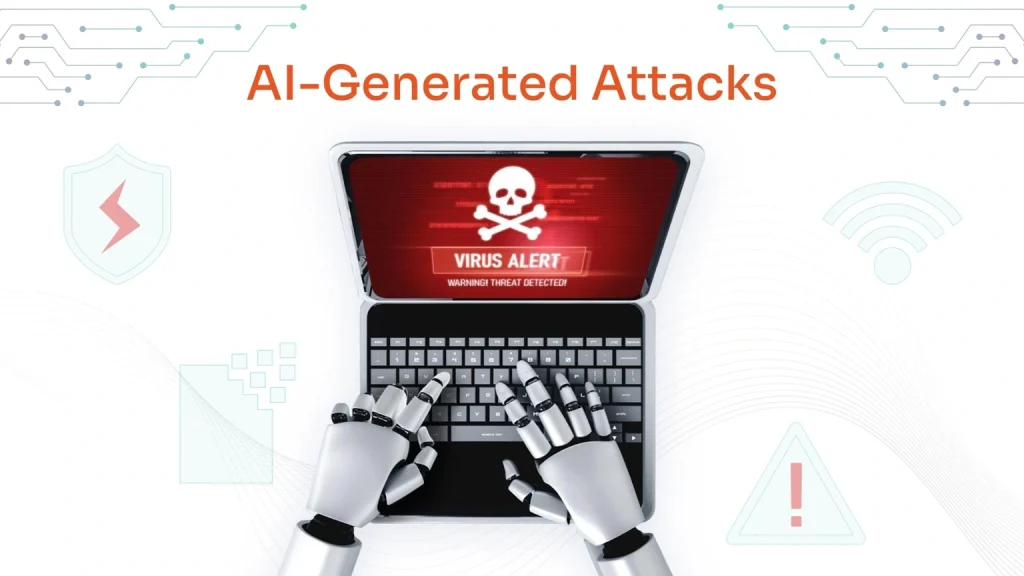
AI has changed the nature of cyber attacks. Many modern attacks feel personal and realistic. This increases trust and lowers suspicion.
Major AI-driven attack methods
- Personalized phishing messages
AI studies public profiles, emails, and writing style. It creates messages that feel familiar and real. - Automated password attacks
AI analyzes leaked data. It predicts password patterns and speeds up account access. - Self-adapting malware
This malware changes its behavior after installation. It avoids scans and remains hidden longer. - Deepfake impersonation
AI creates fake voices and videos. Employees receive calls that sound genuine. - Targeted ransomware attacks
AI identifies critical systems and data. Attackers focus on high-impact targets.
These methods are difficult to stop using older security tools. They evolve quickly and blend into normal activity.
Part 4: How Security Companies Use AI to Defend
Security companies did not adopt AI by choice alone. They were forced to. Manual monitoring could not keep up with the volume and speed of modern attacks.
AI security systems monitor networks and devices at all times. They compare current behavior with normal patterns. When something seems wrong, they raise alerts or act automatically.
One major strength of AI defense is shared learning. When one organization detects a new attack, others benefit. Threat data is collected from many sources. AI systems update their models using this information.
AI also reduces response time. In some cases, systems isolate infected devices before humans notice the issue. This limits damage and reduces recovery time.
Security teams still play a critical role. They guide AI systems and handle complex decisions. AI does the heavy lifting. Humans provide judgment.
Part 5: Why Cyber Attacks Feel Worse Than Before

Many people feel that cyber attacks are more dangerous today. This feeling is not imagined. The nature of attacks has changed.
AI allows attackers to work without limits. Automated systems do not sleep. They scan networks day and night. This constant pressure increases the chance of success.
Modern attacks are also harder to notice. AI-powered malware behaves like normal software. It uses regular system processes. Security tools may not flag it right away. By the time damage appears, the attacker may already be gone.
Another reason is reach. One AI system can target thousands of users at once. Earlier, this required large teams. Today, smaller groups can cause large disruptions.
Public impact also matters. Data leaks spread quickly online. News travels fast. Trust is damaged within hours. Recovery takes months.
These factors combine to make attacks feel heavier and more personal than before.
Part 6: Who Is Winning Right Now? Hackers VS Security Companies

The question of who is winning has no fixed answer. The balance keeps shifting.
Hackers have one clear advantage. They need only one success. Security teams must stop every attempt. This makes defense harder by default.
Security companies, however, have strong advantages of their own. They collect data from many attacks across industries. Their AI systems learn faster because of this shared information.
Large organizations with modern tools often stay ahead. They detect threats early. They respond quickly. Smaller or unprepared organizations struggle more.
In some sectors, attackers lead. In others, defenders hold control. The result depends on preparation, investment, and awareness.
At this moment, neither side has total control. The contest remains open.
Part 7: Limits and Risks of Using AI in Cyber Security
AI plays a strong role in cybersecurity, but it is not without limits. It depends on data, correct setup, and human guidance. When these are weak, AI can create new problems instead of solving old ones.
- Poor data quality
AI learns from past data. If the data is outdated or incorrect, the system makes wrong decisions. - False alerts
AI may flag safe actions as threats. This disrupts work and causes teams to ignore real warnings over time. - High setup cost
Advanced AI tools are expensive. Many small businesses cannot afford full AI security systems. - Complex system management
AI security tools need regular tuning. Poor configuration reduces accuracy and protection. - Model manipulation attacks
Hackers can feed misleading data to confuse AI systems and weaken detection. - Lack of context awareness
AI cannot fully understand business intent or urgency. Human judgment is still needed. - Over-reliance on automation
Blind trust in AI can cause missed threats when systems fail or behave unexpectedly. - Privacy and compliance risks
AI systems process large amounts of user data. Poor handling can lead to legal and trust issues.
Part 8: The Human Role in an AI-Driven Security World
Even with automation, people remain essential.
Security professionals design rules and strategies. They decide how AI systems should react. They handle complex incidents that require judgment.
Employees also play a major role. Many attacks succeed because someone clicks a link or shares information. AI cannot fix poor habits.
Training and awareness reduce risk greatly. Simple actions like checking emails carefully still matter.
The strongest defense combines speed and judgment. AI provides speed. Humans provide understanding.
Part 9: The Future of AI in Cyber Security
AI will continue to grow on both sides. Attacks will feel more natural and convincing. Defense systems will become more automated.
Zero-trust models will expand. Every request will be verified. AI will manage access and identity checks. Governments may add new rules around AI use. Misuse could bring penalties. Compliance will become more important.
Education will remain critical. Technology alone cannot stop all threats. People must understand risk and responsibility.
Cybersecurity will never reach an endpoint. It will keep changing with AI.
Conclusion
Artificial intelligence has reshaped cybersecurity in lasting ways. It has given attackers speed, scale, and adaptability. It has also given defenders stronger detection and faster response.
Right now, there is no clear winner. Hackers move fast and adjust quickly. Security companies respond with smarter tools and shared intelligence. The balance shifts constantly.
The real difference lies in preparation. Organizations that invest in AI security reduce damage and downtime. Those who delay face a higher risk. In an AI-driven world, cybersecurity is no longer optional. It is essential.
FAQs
Is AI making cyber attacks more dangerous than before?
Yes, AI has increased the danger of cyber attacks. It allows attackers to automate tasks that once took time and skill. Phishing messages now sound natural and personal. Malware adapts to its environment and hides better. AI also helps attackers test many approaches quickly. This raises success rates. At the same time, AI strengthens defense. The greatest risk exists for organizations that rely on outdated tools and weak training.
Can AI-based security stop all cyber attacks?
No security system can stop every attack. AI reduces risk but does not remove it completely. New threats appear constantly. AI works best when combined with human oversight, clear policies, and regular updates. Employee awareness also matters. AI limits damage and improves response speed, but it cannot guarantee full protection.
Will AI replace cybersecurity professionals in the future?
AI will not replace cybersecurity professionals. It will change their role. AI handles monitoring, data analysis, and routine response. Humans handle strategy, judgment, and complex decisions. Experts also train and guide AI systems. The strongest security comes from cooperation between people and technology.
Author Bio:
Dinesh Lakhwani 

Dinesh Lakhwani, the entrepreneurial brain behind “TechCommuters,” achieved big things in the tech world. He started the company to make smart and user-friendly tech solutions. Thanks to his sharp thinking, focus on quality and the motto of never giving up, TechCommuters became a top player in the industry. His commitment to excellence has propelled the company to a leading position in the industry.
Popular Post
Recent Post

Fortect Software Review: The Ultimate PC & Mobile Cleaning, Optimization & Security Tool
Slow computers are a common problem for almost every Windows user. Well, yes! Over time, your PC picks up junk files. These files sit quietly in the background. They take up space and slow things down. Programs open slower. Windows takes longer to boot. Even simple tasks like opening a folder can feel sluggish. There […]
CCleaner PC Optimizer Review: A Complete Guide for Windows Users
If your computer has started to feel slow, you are not alone. Most Windows PCs slow down over time. Junk files pile up. The registry gets messy. Too many apps open when you start your PC. All this adds up and makes even a good machine feel tired. This is where a PC cleaner tool […]
Auslogics Duplicate File Finder: Full Review and User Guide
A computer quietly gathers clutter over time. This includes duplicate photos, repeated downloads, and forgotten backups hiding in random folders. This buildup slowly eats away at storage and can make even a fast PC feel sluggish. Manually finding and deleting duplicates is tedious. It means checking every folder, comparing file names, and guessing which copies […]
CCleaner Duplicate File Finder: Key Features, Pricing, Step-by-Step Guide and More
Every computer collects junk over time. Right? Well, yes! Photos often get copied twice. Documents get saved in two folders by mistake. Old downloads pile up and never get deleted. This slowly eats up your storage space, and most people do not even notice until their drive is almost full. That is where a duplicate […]

Duplicate File Finder Pro: A Complete Review, Everything You Should Know
Computers collect thousands of files over time. Well, yes! Many of them end up being duplicates created by backups, downloads, or accidental copies. These extra files take up valuable storage space and make it harder to keep everything organized. Finding and removing them manually can take hours. Right? Duplicate File Finder Pro is a tool […]
Top 3 Duplicate File Finder for Windows 11 & Windows 10
If your PC storage keeps filling up even after you delete big files, duplicate files could be the real reason. Most of us save the same photo twice, download a document more than once, or copy a whole folder by mistake. Over months and years, these duplicate files pile up quietly. You do not even […]
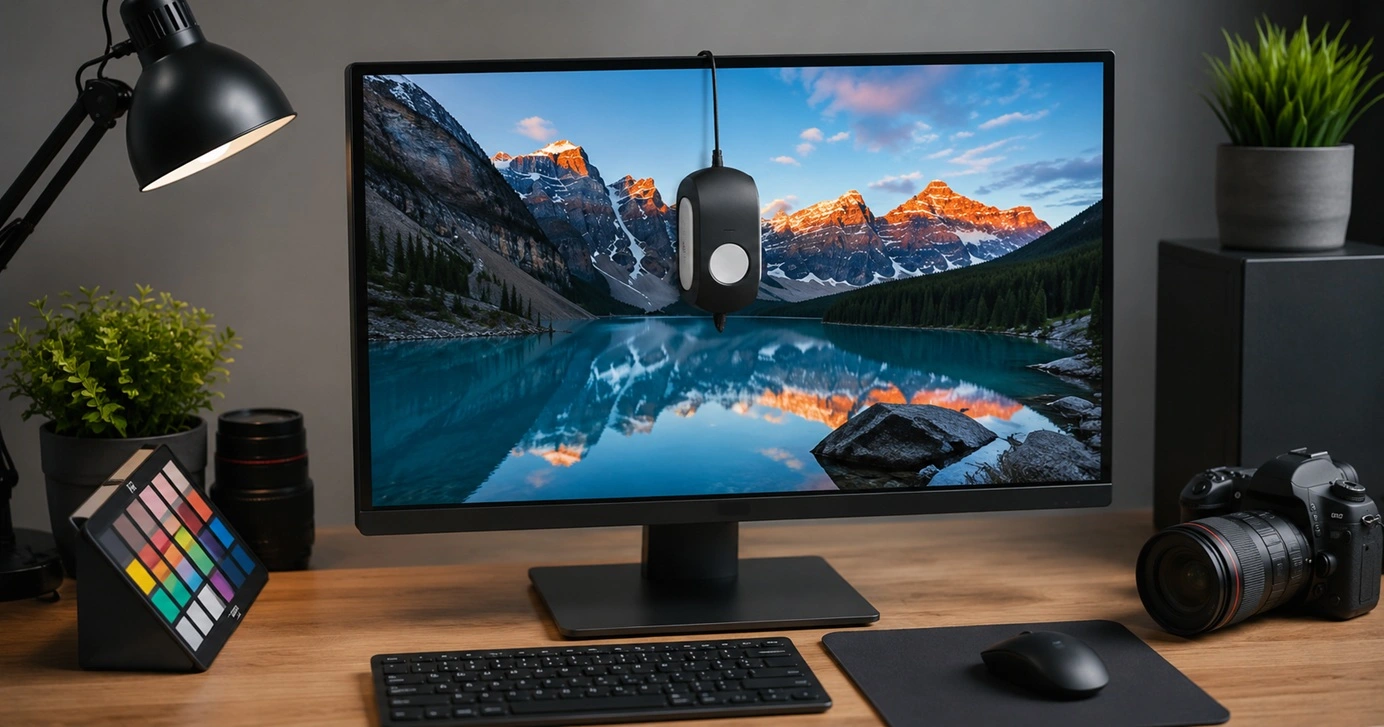
Monitor Screen Calibration Guide: Everything You Should Know
Your monitor shows colors every single day. But are those colors actually correct? Most people never stop to check this. They just use the screen as it comes out of the box. This habit can lead to wrong colors in photos, videos, and work files. Colors may look too warm or too cold without you […]
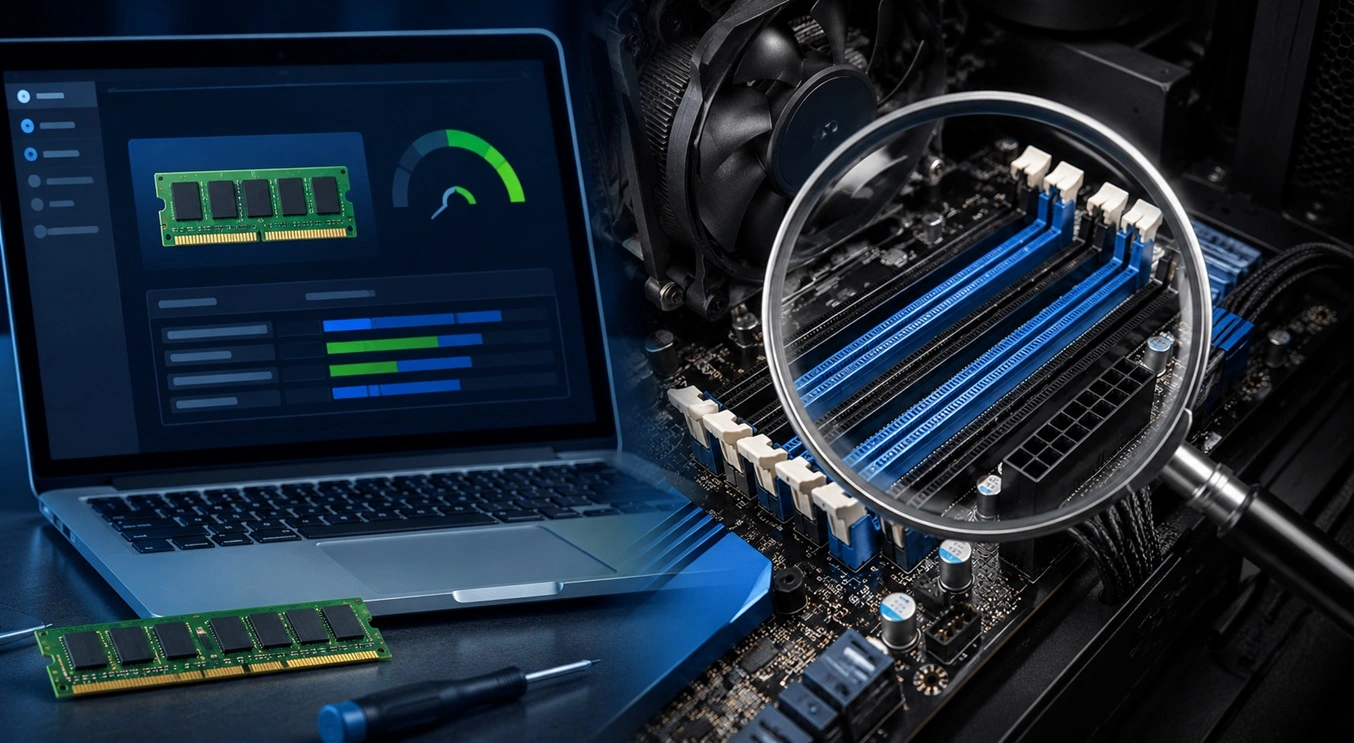
How To Check Installed RAM and RAM Slots [Complete Guide]
RAM plays an important role in how smoothly a computer runs. Short for Random Access Memory, it stores the data and instructions that Windows and active applications need at any given moment. From opening multiple browser tabs to running games and productivity software, RAM helps keep everything responsive. A system with limited memory may experience […]

What is Microsoft Autopilot Everything You Need To Know
Technology has changed the way companies manage computers. Well, yes! Employees now work from offices, homes, and remote locations. Setting up devices manually for every worker takes time and effort. It can also create mistakes that slow down productivity. This is where Microsoft Autopilot becomes useful. It helps businesses prepare and deploy Windows devices with […]

