Category: How To
Find the easiest how to guides for different tech problems. You will find how to guides for multiple devices i.e. Windows, Mac, iOS, and Android.
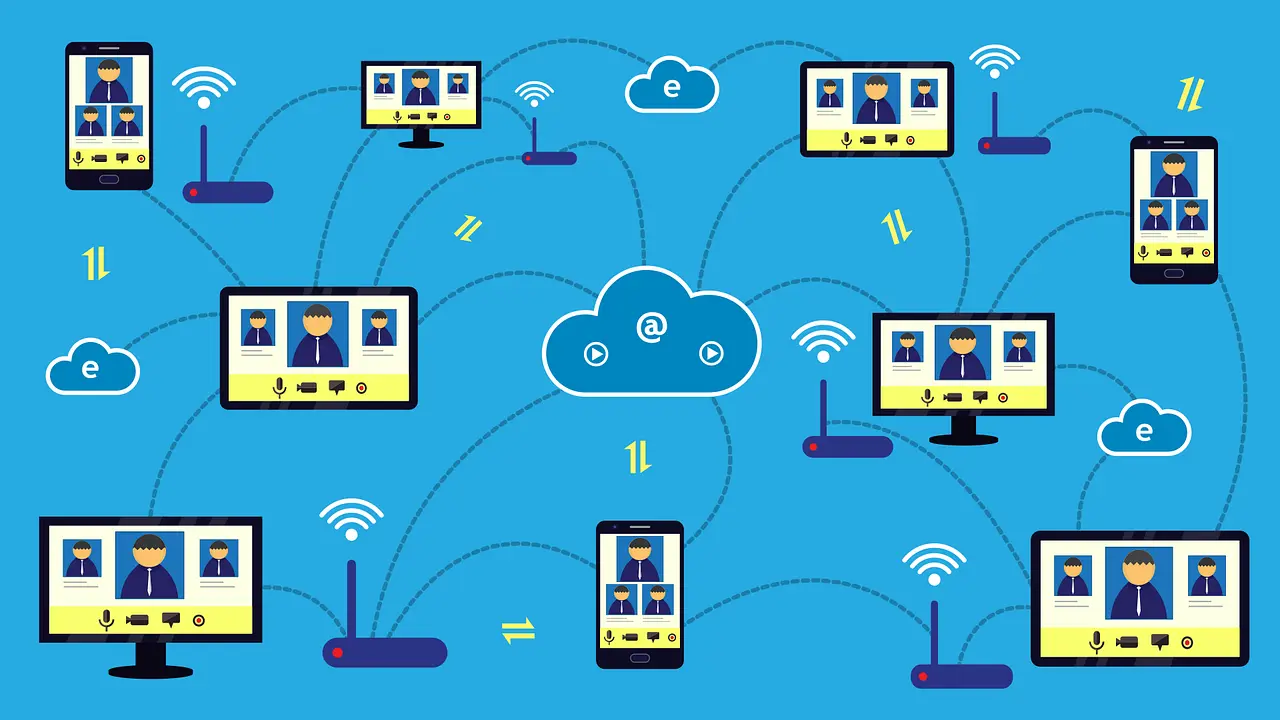
How To Connect to Your PC Remotely Windows [Complete Guide]
Many people need to reach their computer from far away. Well, yes! It may be for work, study, or personal use. Remote access helps you open files, use your apps, and control your system even when you are not near the device. It gives you the comfort of using your computer anywhere through the internet. […]
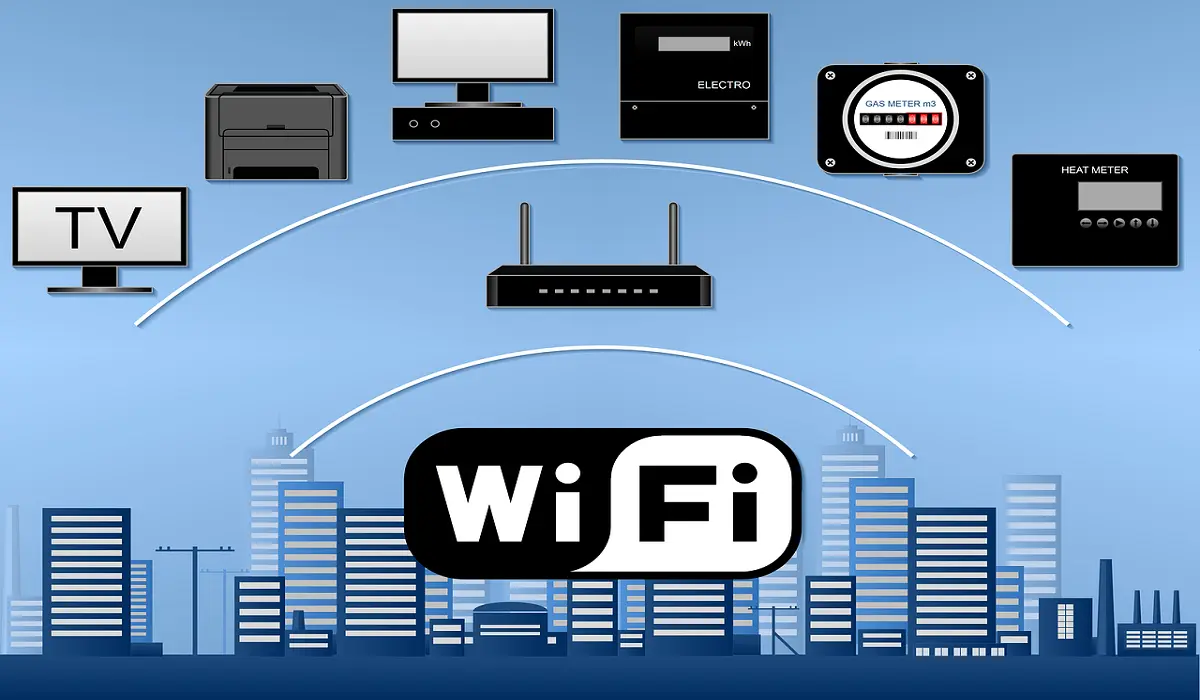
How To Connect to a Wi Fi Using a QR Code: Latest Guide
Wi-Fi is now a basic part of our lives. We use it at home, in offices, schools, and public places. But typing long passwords every time you connect can be annoying. Sometimes you might even forget your Wi-Fi password. That is where QR codes come in handy. With QR codes, you can connect to any […]
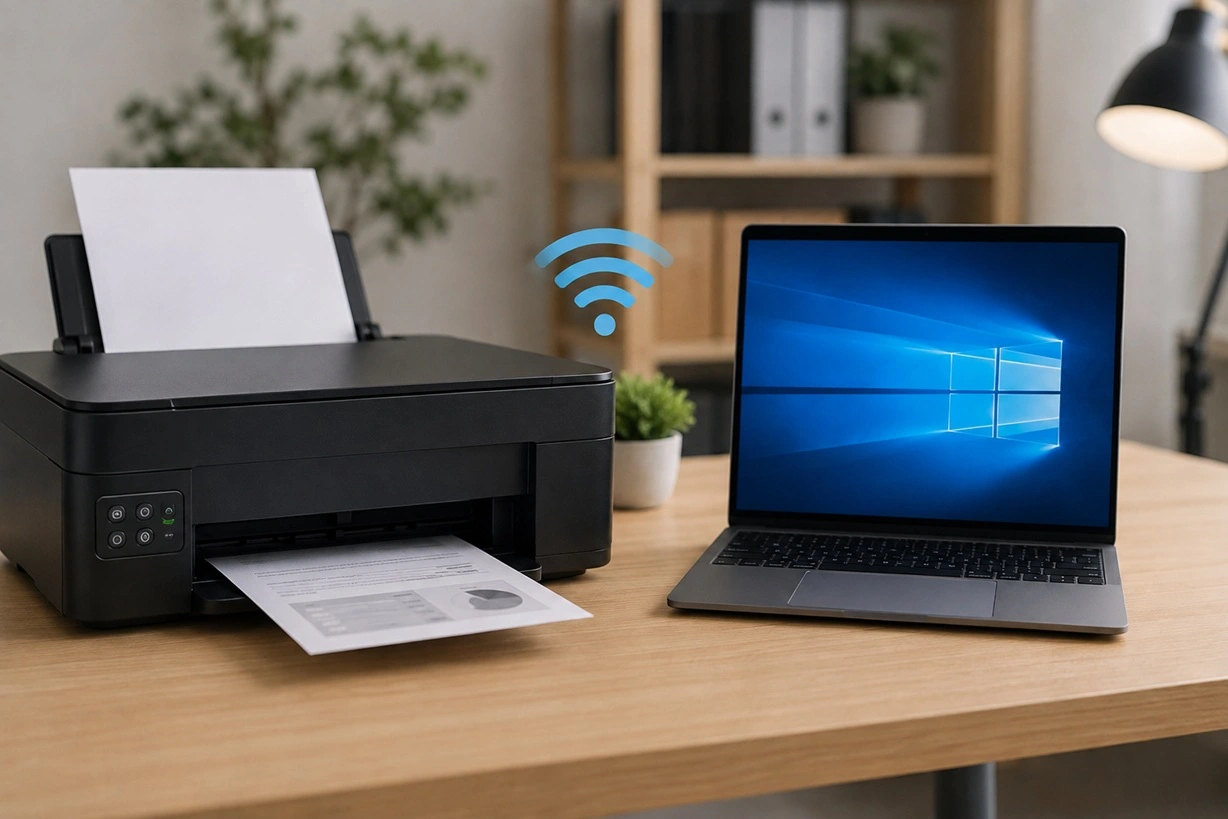
How To Connect a Wireless Printer Easily to Windows 11/10 PC
Learn how to connect a wireless printer to Windows 11/10 with four easy methods, driver fixes, and troubleshooting tips for a smooth setup.
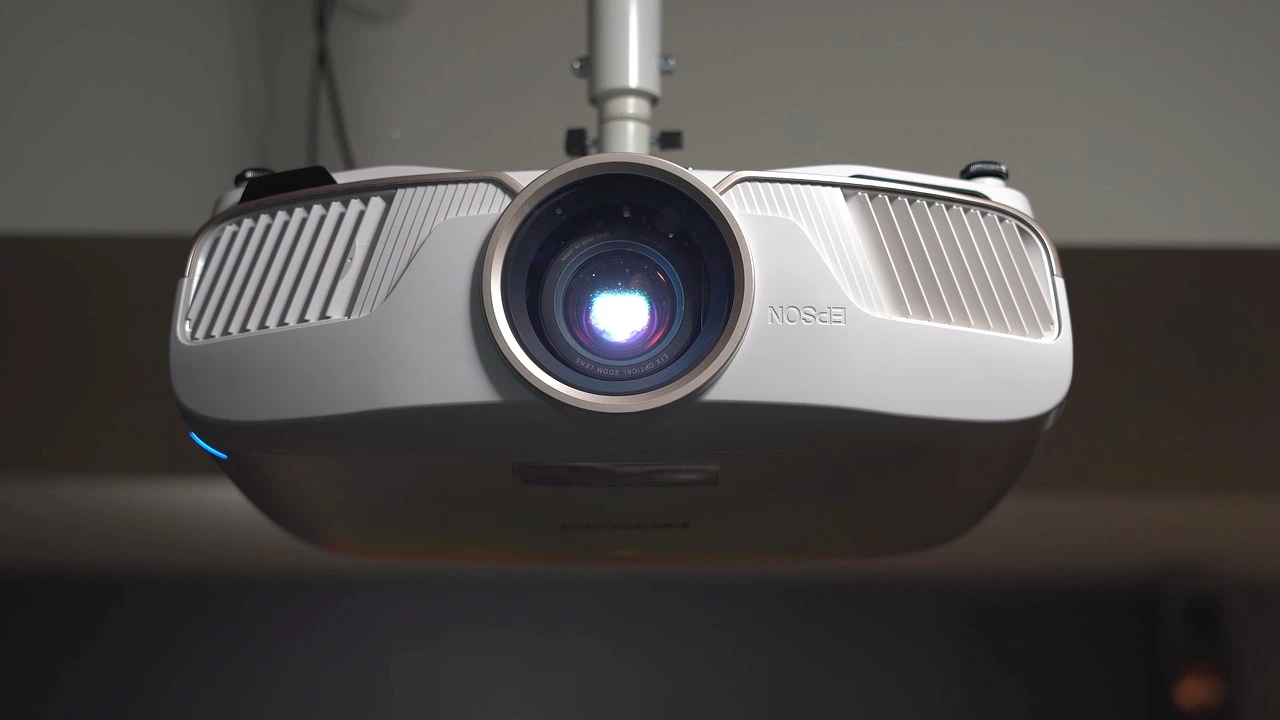
How To Connect Your Windows 11 PC to a Projector or Another PC
A bigger screen can help you share your work with others. When you connect your Windows 11 PC to a projector, your screen becomes easier to view in a meeting room, classroom, or home. You can show slides, videos, notes, or entertainment. Most people do this for work or study, but it is also helpful […]

How To Set Up Dual Monitors Easily Windows 11/10: Complete Guide
Working with one screen can feel limiting. You switch between apps constantly. Your workflow slows down. A dual monitor setup changes everything. It gives you more space to work. You can see multiple things at once. This guide shows you how to set up dual monitors easily on Windows systems support. Windows 11 and Windows […]
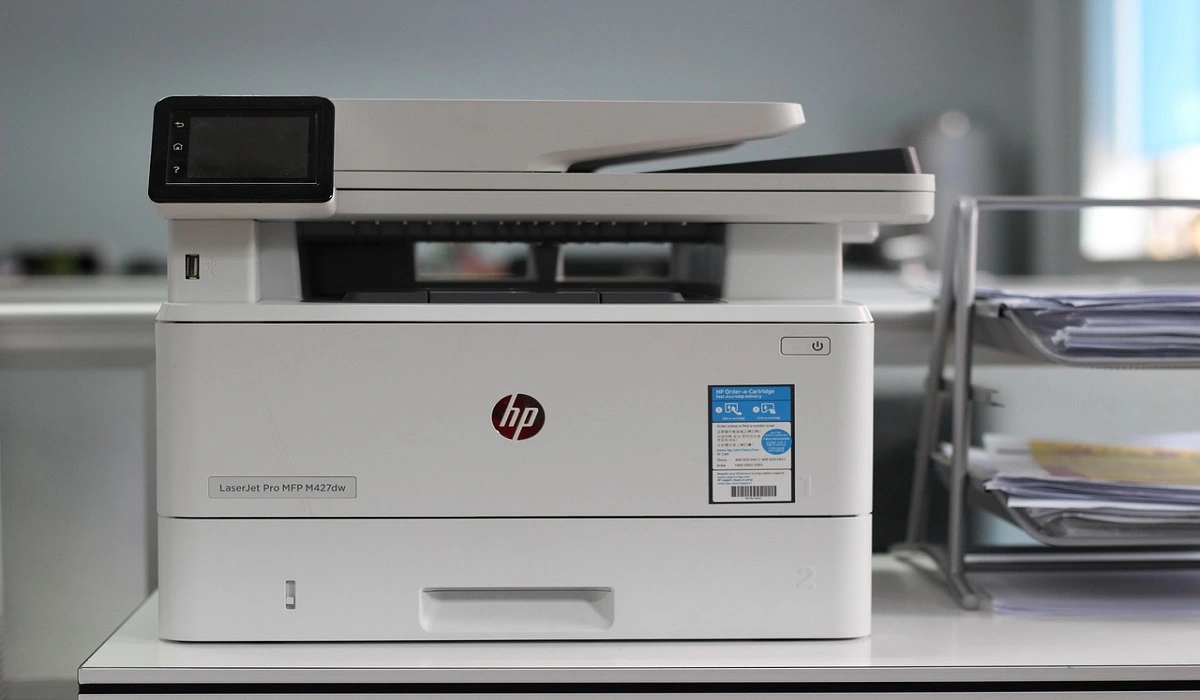
How to Set Your Preferred Default Printer On Windows 11/10
Introduction Printing documents should be simple. But many users struggle with their printer settings. Windows often picks the wrong printer as the default. This creates delays and wastes paper. Setting up your preferred printer as the default saves time. It prevents printing errors. This guide shows you how to set your preferred default printer on […]
How to Recover Permanently Deleted Files in Windows 10/8/7
Losing important files can feel like a disaster. Well, yes! Maybe you deleted something by accident. Maybe you emptied the Recycle Bin a little too quickly. Suddenly, that crucial document or cherished photo seems lost forever. But take a deep breath. Windows 10 (and even 8 or 7) offers powerful ways to recover permanently deleted […]

How To Set Your Time And Zone Manually Windows 11/10: Complete Guide
Windows computers usually set the time automatically. But sometimes you need to set your time and zone manually on Windows systems. This happens when automatic settings fail. It also happens when you travel to different time zones. Manual time setting gives you full control. You can fix wrong time displays. You can also set custom […]
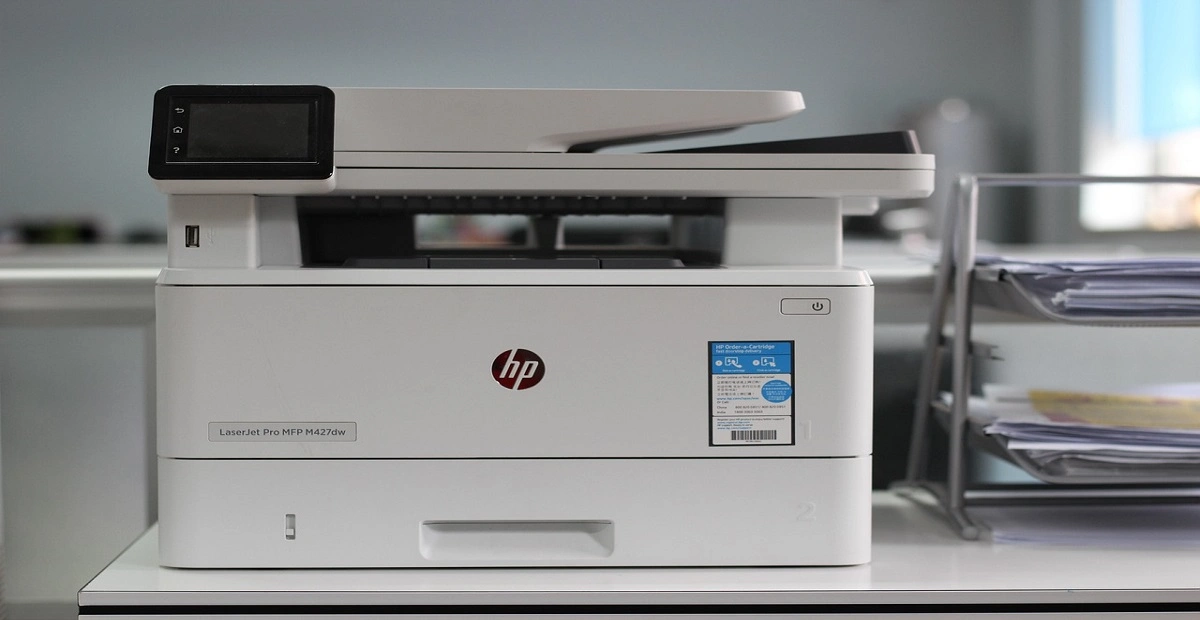
How To Activate/Enable Scanner On This PC Windows 11/10
Many people struggle with scanner setup on their computers. Learning how to enable scanner on this PC can seem tricky at first. But it’s actually quite simple once you know the right steps. Scanners are useful devices for digitizing documents and photos. They help you create digital copies of important papers. Knowing how to activate […]

How To Screen Record in Windows 11 Laptop/PC [Complete Guide]
Screen recording has become a common need today. People use it to share tutorials, record gameplay, or save online meetings. With a few clicks, you can capture everything on your display. This makes it easier to explain ideas, create lessons, or keep a copy of something important. If you have ever asked how to record […]

Recent Post















