Top 10 Best RPG Games for Windows PC In 2026
Last updated on December 26th, 2025 at 1:33 am
Gamers have a special love for role-playing games or RPG games. The best RPG games have the power to keep you engaged with their carefully written storyline and memorable characters. The variety in the RPG helps gamers select one based on their interests.
So today, let us go through a dedicated list of entertaining RPG games for your system. We’ve prepared our list based on the popularity, amazing themes, and features. It is easy for game lovers to select one from these available options according to their taste.
How to Choose the Best Game?
A good RPG gives you a world you want to return to. The right choice depends on the kind of story you enjoy, the pace of the combat, and the way you like to build your character. When you understand these points, it becomes easier to pick a game that suits your time and hardware.
- Story depth
Strong stories keep you involved and make each quest feel meaningful. - Combat style
Some games use fast action, while others follow a slower, tactical rhythm. Choose the style that feels comfortable. - Exploration freedom
Large maps give you room to wander, while guided paths create a tighter experience. Think about how you enjoy exploring. - Progression system
Good level-up paths, skills, and gear support steady growth. This helps the game stay interesting from start to finish. - Performance on your PC
Check the recommended requirements. Smooth performance creates a better experience. - Playtime and replay value
Multiple endings, extra quests, and optional challenges add longevity. - Solo or squad focus
Some RPGs center on a lone hero, while others shine with party management. - Community and reviews
Feedback from active players shows how the game performs today.
Top 5 Comparison Table: Top Role Playing Games
This table highlights five of the most respected RPGs still widely played and praised in 2026. Each title offers a different mix of story, combat, and world design.
| Game | Story Quality | Combat Style | World Type | Best For |
| Elden Ring | Rich lore with open discovery | Action focused | Large open world | Players who enjoy tough, rewarding exploration |
| Divinity: Original Sin 2 | Deep writing and strong characters | Turn-based tactical | Semi-open with dense maps | Players who want strategy and detailed choices |
| The Witcher 3: Wild Hunt | Strong narrative and emotional quests | Action RPG | Open world | Players who value story-driven adventures |
| Mass Effect 2 | Character-driven sci-fi story | Action with shooting | Linear with open hubs | Players who enjoy team-based storytelling |
| Dragon Age: Inquisition | Expansive fantasy narrative | Action with tactical pause | Large zones | Players who like squad management and exploration |
Top Role-Playing Games for Windows 11/10 PC
So, below is the dedicated list of the top and best RPG games for PC available for modern gamers:
1. Elden Ring

First on our list of the most popular RPG games is Elden Ring. It was released in 2022 by the FromSoftware. It is one of the best games with weird monsters fighting with each other. The aim is to beat the troublemaking wolf monster. Not to miss is the open world structure offering detailed control.
Compatibility: Windows 10.
Price: 59.99 USD
Best Features:
- Has a coolest ghost horse and quick map access.
- Allows gamers to dodge, speed, and jump throughout the game.
- Game is about overcoming bosses through eventual, error, and trial methods.
- Allows quick system upgrades to new features.
Where to download: Official website
2. Divinity- Original Sin 2
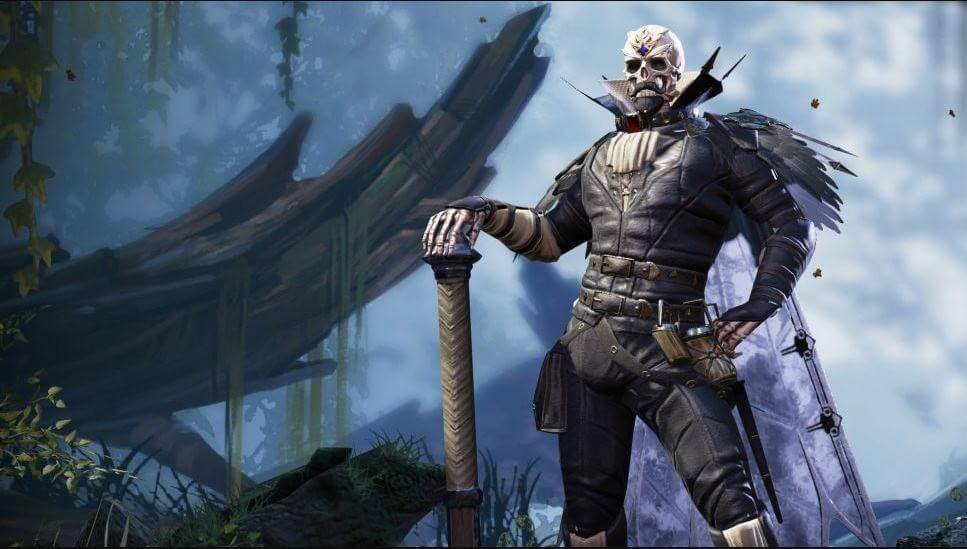
Released in 2017, Larian Studios created Divinity- Original Sin 2. This non-descript NPC is one of the most detailed and awesome games. This definitive edition inculcates interest in the games with increased re-visits and consistent gaming. The small moments in the game help gamers create big stories.
Compatibility: Windows 7/ 8/ 10.
Price: 44.99 USD
Best Features:
- Has different character arcs and overlapping quests.
- Easy for the players to go for the co-op with opposite ends of the same island.
- Gamers can show tactical combat skills.
- Player is in the driving seat with four other players.
Where to download: Official website
3. The Witcher 3- Wild Hint

CD Projekt Red released The Witcher 3- Wild Hint in 2015. It revolves around Geralt and his friends. It has some of the best world-in-class features with different worlds. Gamers can in this RPG. Not to miss is the quick play with Gwent for the newest destinations.
Compatibility: Windows 7/ 8/ 8.1.
Price: 24.99 USD
Best Features:
- Has a well-written RPG.
- Offers the best humanity features.
- Has moving gratitude of the people, small dilemmas, and situations.
- Offers sky, wind, and swaps at any time of the day.
Where to download: Official website
4. Mass Effect 2
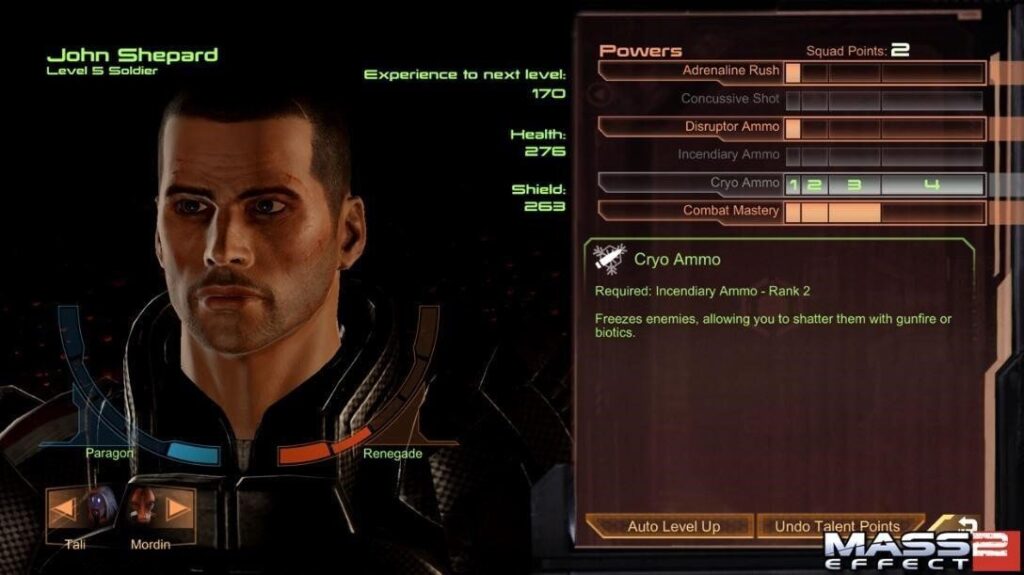
Next on our list of the best RPG games for PC is Mass Effect 2, released by BioWare in 2010. It is based on the experience of the gamers in saving one planet at a time. Mass Effect 2 offers a fantastic musical moment for role-playing. It is one of the most modern and thrilling RPGs.
Compatibility: Windows XP/ Vista/ 7.
Price: 29.99 USD
Best Features:
- A sci-fi game offering on-the-spot decision-making and role-play.
- Has a roving space captain offering to create peace in the galaxy.
- Offers behavioral choices for gamers.
- Multiple roles playing.
Where To Download: Official Website
5. Dragon Age: Inquisition
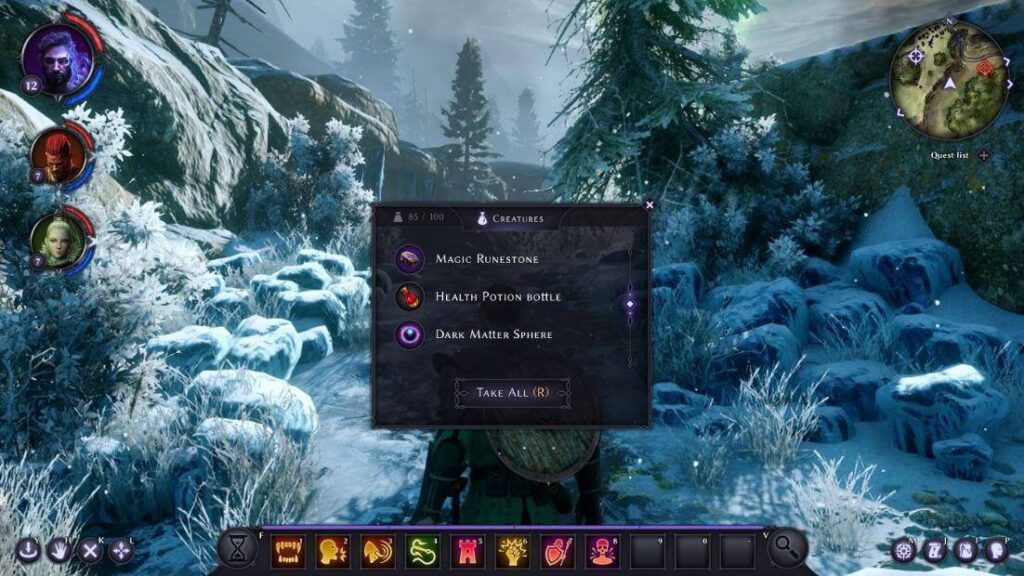
BioWare introduced Dragon Age: Inquisition in 2014, it is a modern version of the Dragon Age origins. Gamers can move quickly within the game without any delay. Further, it is easy for the gamers to create a stronghold and then select the features of hallmark BioWare games.
Compatibility: Windows 7/ 8.1.
Price: 39.99 USD
Best Features:
- Rangers have exclusive powers to backflip, fire explosive arrows, and other amazing powers.
- Represents a cross-dimensional and beautiful aesthetics with different levels.
- Uncommonly huge area named Hinterlands.
- A gang of weirdos offering an interesting gaming setup in Dragon Age: Inquisition.
Where To Download: Official Website
6. Deus Ex
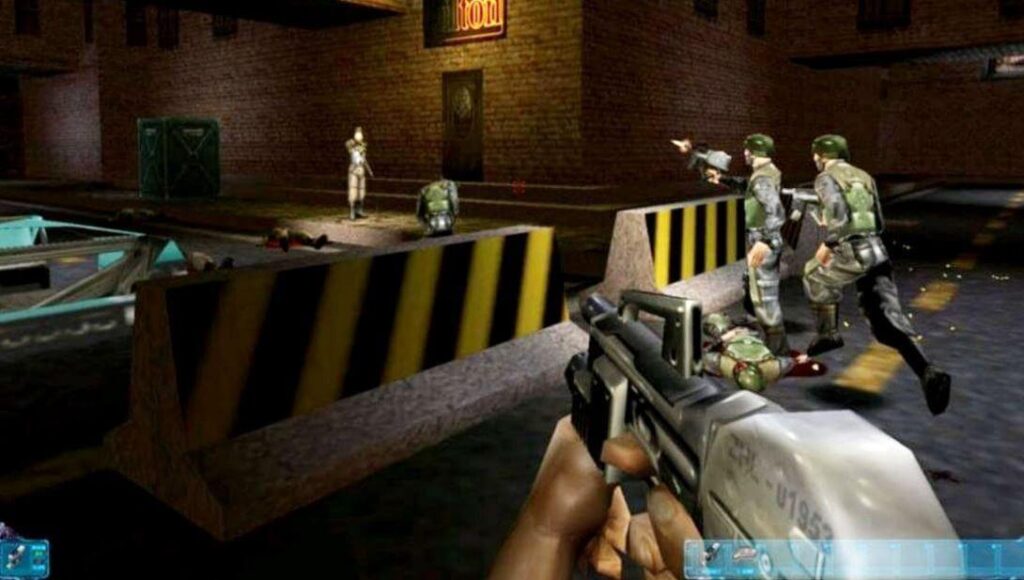
Released in 2000 by Ion Storm, Deus Ex revolves around the JC Denton. It follows a reasonable approach to different missions when selecting a specific owner. The game understands that the player is the most important peripheral of the complete Deus Ex game. The best part of Deus Ex is that it never guides the player on the gaming journey.
Compatibility: Windows, Mac, Linux.
Price: 23.27 USD
Best Features:
- Comes with a cyber-canvas body allowing the plug-and-play features of different devices.
- Helps gamers discover the possibilities and push gamers against them.
- Well-ventilated and bright RPG.
- Best game to inhibit a character and setting according to the needs.
Where To Download: Official Website
7. Baldur’s Gate 3

Larian Studios presents its fantasy RPG- Baldur’s Gate 3, to gaming lovers. The story of Baldur’s Gate 3 is to escape the invading mind flayers and run into the group of misfits. It helps discover the little worm in the brain, converting the gamer into a mind flayer. The game’s goal is to prevent becoming a mind flayer and engage in the complete journey.
Compatibility: Windows 10.
Price: 59.99 USD.
Best Features:
- Quick look customization and changes the character to extreme degrees.
- Classic characters of the old-school Wizards of the Coast-style antics.
- Rolling D20 in front of their screen.
- The starting game area is lush and huge, with different hidden things and different characters.
Where To Download: Official Website
8. Disco Elysium

Released in 2019, ZA/UM offers a beautifully written RPG called Disco Elysium. Disco Elysium gives leverage to gamers to select their current personality, what they want to become, and the feeling of the change. Its’ interface has different tools. There is no need of the unnecessary action of shooting or stabbing the people in this game.
Compatibility: Windows 7/ 8/ 10.
Price: 39.99 USD.
Best Features:
- Dedicated mechanics set and a well-written human script.
- Offers becoming a renegade cop, and presents a narrative RPG.
- Set in a failed communist city called Revachol.
- Gamers can internalize ideas and encounter this digital world.
Where To Download: Official Website
9. Weird West
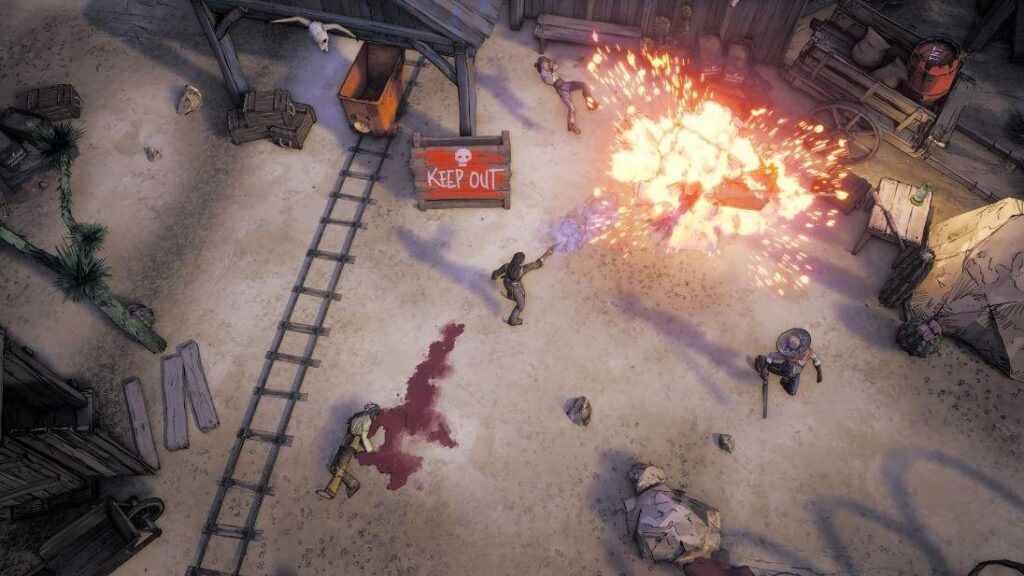
WolfEye Studios released The Weird West in 2022 with a complex cowboy world. Gamers can add fresh plots to the town’s graveyard by killing people. The fun arises when it is easy to change your character. Weird West is the ideal combination of the old and the new features.
Compatibility: Windows 10.
Price: 44.98 USD.
Best Features:
- Allows gamers to go for a gunfight and see the player’s agency in action.
- Has ghost towns and the Sheriff’s replacement after the death of the previous one.
- Engaging in fast combat with twin-stick shooters using turn-based RPG technology.
- A classic RPG with isometric angles and a catchy art style.
Where To Download: Official Website
10. The Elder Scrolls V: Skyrim
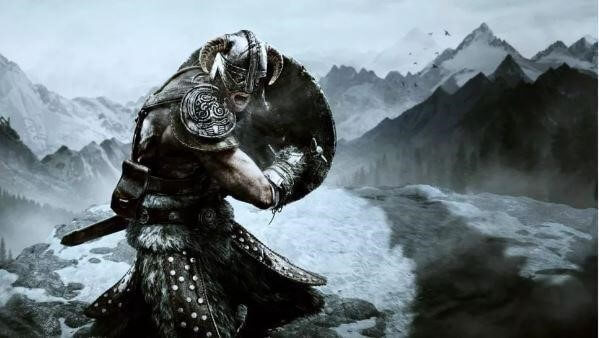
Released in the year 2011, The Elder Scrolls V was created by the Bethesda Game Studios. It offers ultimate options in landscape and interesting exploration. Every city and town in The Elder Scrolls V has unique features to make it a grand journey. The gamer becomes a Dragonborn with the sole purpose of saving the world.
Compatibility: Windows XP/ Vista/ 7.
Price: 49.99 USD.
Best Features:
- Large mountains with snow-covered hills, ice caves, bogs, marshes, and forests.
- New genres, re-balanced combat, and the new questlines in the recent updates.
- Offers different engaging activities.
- It offers multiple experiences, such as mage’s guild leading, joining the murderous dark Brotherhood, and the fighter’s arena conquering.
Where To Download: Official Website
Concluding Thoughts
Hope everything is clear to our gamers in selecting the best RPG games for PC. Whether you’re a fiction lover or want to go for irritated mutants, you can select one based on your interests. It is easy to go for the unique combat systems, fantastical worlds, and memorable characters out of the available options.
FAQs
1. Do older RPGs still hold up in 2026
Yes. Many well-known RPGs age well because of strong writing and polished gameplay. Updated patches also help them run smoothly on modern PCs.
2. Are RPGs suitable for shorter play sessions
Many RPGs allow you to save anywhere or complete small tasks in short bursts. This makes them workable even if you have limited time each day.
3. Do I need a powerful graphics card for these games
Some of these titles scale well and run on mid-range hardware. You may need stronger parts only for high settings or large mods.
FLUQ:
1. Will I feel lost if I jump into these games without playing earlier titles
This worry is common, especially with long series. Most of these games are built so new players can start fresh. Elden Ring, The Witcher 3, and Dragon Age: Inquisition explain their worlds well enough for newcomers. Mass Effect 2 offers a summary of past events, and Divinity: Original Sin 2 is a standalone story. You can enjoy each title without studying older games.
2. What if the game becomes too hard or too slow for my taste halfway through
RPGs vary in pace, and many players fear losing interest. These five games handle progression well. If the combat feels tough, you usually have ways to improve gear, skills, or strategies. If the pace slows, side quests or different zones can restore momentum. The structure of each game gives you control over how you move forward.
3. Will I miss important content because I made the wrong choices
Players often worry about picking the “wrong” dialogue option or quest path. These games are designed so your choices shape the experience rather than break it. You may get a different outcome, but you will not lose the heart of the story. If you want to explore alternate results later, you can replay sections or start a new run.
Author Bio:
Dinesh Lakhwani 

Dinesh Lakhwani, the entrepreneurial brain behind “TechCommuters,” achieved big things in the tech world. He started the company to make smart and user-friendly tech solutions. Thanks to his sharp thinking, focus on quality and the motto of never giving up, TechCommuters became a top player in the industry. His commitment to excellence has propelled the company to a leading position in the industry.
Popular Post











Recent Post

How to Switch From Local To Microsoft Account On Windows
Many users begin with a local account when they set up a new Windows computer. A local account works only on that single device. It stores settings, files, and preferences locally. It does not connect to online Microsoft services. For basic offline use, it works well. However, as digital needs grow, many users want better […]

How to Switch Windows 10 to a Local Account: Complete Guide
Windows 10 allows users to sign in with either a Microsoft account or a local account. When you set up a new computer, the system often suggests using a Microsoft account. This account connects your device to Microsoft services such as Outlook, OneDrive, and the Microsoft Store. It also syncs settings, themes, and passwords across […]

How To Change Default Apps For File Types In Windows
Windows is designed to make using your computer easy. One way it does this is by assigning default apps to different file types. This means when you open a file, Windows automatically opens it with a specific program. For example, photos may open with Photos, music with Groove Music, and PDFs with Edge. These default […]

How To Adjust The Mouse Pointer Speed: Complete Guide
Using a computer every day means you use the mouse a lot. The mouse pointer moves on the screen and helps you click, scroll, and select items. Many people never think about the speed of the mouse pointer. They have used the default setting for years. This can cause small problems over time. A slow […]

How to Change Mouse Scrolling Settings In Windows
A mouse is one of the most used computer tools. People use it every day. They scroll through emails. They scroll through documents. They scroll through websites and images. The movement becomes automatic. Most users do not notice it. That is why problems often go unnoticed. Scrolling problems show up slowly. At first, it feels […]

Keyboard Light Settings: Keyboard Lighting Control [Complete Guide]
Keyboards are no longer simple typing tools. Well, yes! Over time, they have evolved to include features that improve comfort, visibility, and overall experience. One of the most useful features today is keyboard lighting. It helps users work comfortably in low-light conditions. It also reduces strain when typing for long hours. Many users first notice […]

Customizing Pointer Appearance: Complete Guide
The way your mouse pointer looks on your computer may seem like a small detail. But customizing pointer appearance can make using your PC more comfortable and visually appealing. Many users do not realize that they can change the pointer size, color, and style to fit their needs. Whether you want a bigger pointer for […]

How To Choose a Computer Monitor: Monitor Buying Guide
Buying a monitor looks easy. Many people think all screens are the same. That belief causes regret later. A monitor is not just a display. It is a daily tool. You read on it. You work on it. You relax with it. Small problems become big over time. Poor brightness hurts eyes. Bad size causes […]

How To Get Help With File Explorer in Windows 11 [Complete Guide]
File Explorer is one of the most important tools in Windows 11. It is used to open folders, view files, and manage stored data. Almost every action on a Windows computer depends on it in some way. When users open documents, save downloads, or organize photos, File Explorer is always involved. Because it is used […]

How To Fix A Frozen Computer: Complete Guide [Windows 11/10]
A frozen computer is one of the most common problems Windows users face. The screen stops responding. The mouse pointer does not move. Keyboard inputs do nothing. You may hear the fan running loudly. Sometimes the system looks alive, but nothing works. This situation often happens when you are busy or working on something important. […]

