Top 11 Best File Encryption Software for 2026
Last updated on December 28th, 2025 at 2:01 am
The finest encryption software enables keeping your files private and safe for security considerations, as well as protecting them against intrusion.
When it relates to securing your data and documents, encryption software seems to have become increasingly vital. Hacking attempts and privacy breaches have made it simpler for total strangers to access the most private information saved on the computer.
It’s much worse for corporations because exposing sensitive or secret information may result in economic losses and significant fines.
Although several security solutions are accessible, ranging from free anti-malware software for home users to online anti-virus for businesses, a few times, simple human mistakes might jeopardize data security efforts.
Some major organizations, as well as government agencies, traditionally employ encryption technology to secure data. However, it’s now affordable and available to a larger audience.
Before You Start, Let’s First Discuss These Questions:
1. Will I lose access to my files if the software stops working or gets discontinued
This concern matters most when using simple tools like local encryption utilities. If the software is no longer updated or supported, encrypted files can still be opened as long as the correct password and a compatible decryptor exist. The real risk comes from forgetting passwords or relying on proprietary formats. Choosing tools that use standard encryption methods reduces long-term access issues.
2. What happens to my encrypted files if I switch devices or reinstall my system
Many users hesitate to encrypt files because they fear being locked out after a system change. Local encryption tools usually allow files to be moved freely between devices, as long as the password is known. Cloud-based tools sync encrypted files automatically, but access depends on account recovery options. Planning for backups and recovery before encrypting files avoids this problem.
3. Can encryption create problems when sharing files with non-technical users
Encryption can add friction when the recipient is unfamiliar with secure file handling. Password-protected files may lead to confusion, failed opens, or weak password-sharing habits. Tools designed for simple file sharing reduce this issue by using clear prompts and minimal steps. This is why ease of decryption is just as important as encryption strength when files are shared often.
Top 5 File Encryption Tools in 2026
Before choosing file encryption software, it helps to compare the leading options side by side. Each tool below focuses on a different use case, such as local file protection, cloud storage security, or simple file sharing.
This table highlights where each one fits best and what kind of user it suits in 2026.
| Tool | Best For | Platform | Key Feature | Notes |
| EncryptionSafe | Basic local file protection | Windows | Simple file encryption | Free and easy to use, best for light needs |
| Encrypto | Secure file sharing | Windows, macOS | Strong AES 256 encryption | Works well for sending protected files |
| Microsoft OneDrive | Cloud storage security | Web, Windows, macOS, mobile | Personal Vault protection | Combines storage with built-in encryption |
| Folder Lock | Advanced file and folder security | Windows, mobile | Encrypted lockers and file shredder | Useful for USB and external drives |
| AxCrypt | Personal file encryption | Windows, macOS, mobile | Password-based AES encryption | Simple interface with cloud support |
What is a File Encryption Software?
Encryption is a method of transferring data that prevents other parties from reading it. Because we exist in the digital world, this is critical. To simplify it down much more, encryption sends and receives the information through a highly complicated algorithm on both sides.
This is accomplished by employing the most advanced encryption software available. This program employs a highly long string of digits that serves as a key to lock and unlock data. Whenever users encode a file, the data is jumbled employing that key via incredibly sophisticated arithmetic.
The information provided can only be read after being securely decrypted using the original device or some other device with the key. We utilize encryption tools to communicate sensitive information that requires a high degree of protection. Users can additionally employ it to safeguard documents or a full disk protected on a system that could get lost or hacked.
There are also many free encryption software solutions to choose from. They also give exceptional protection rather than struggling to determine a sequence of 8-24 characters; intruders would have to decipher and unravel a highly intricate web of integers.
Encryption software may seem difficult to use, although it is generally relatively simple.
Even though the security software fails, thieves/hackers/snoopers would find it nearly hard to accomplish anything using whatever encrypted data may be exposed after it has been correctly set up. The top 11 encryption software for 2026 are listed below.
1. EncryptionSafe
EncryptionSafe is a cutting-edge, free, and easy-to-use encryption software for Windows meticulously crafted to provide robust data protection. In an era where digital privacy is paramount, EncryptionSafe stands as a reliable shield against prying eyes, giving you full control over your valuable data.
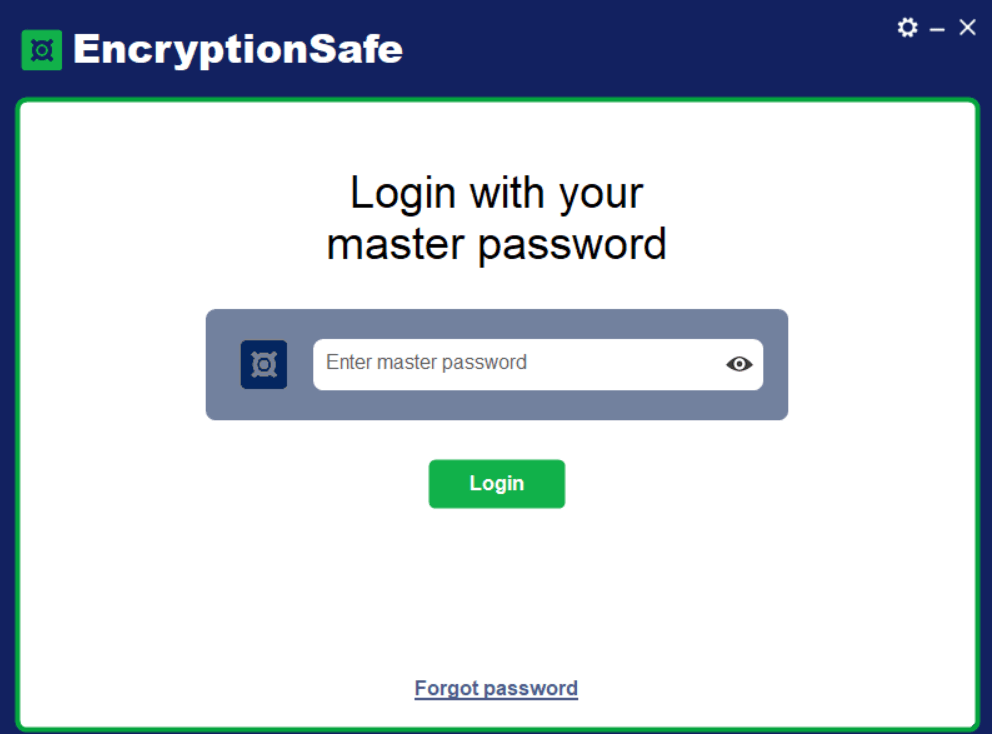
With its intuitive interface and seamless functionality, EncryptionSafe ensures that even non-tech-savvy users can encrypt and decrypt their files effortlessly. Gone are the days of complexity and confusion in securing your confidential documents EncryptionSafe simplifies the process, empowering you to protect your information with ease.
Utilizing state-of-the-art encryption algorithms, EncryptionSafe protects your sensitive files, making them virtually impenetrable to unauthorized access. Whether it’s business documents, personal records, financial information, or intellectual property, you can rest assured that your data is safe and sound within the digital fortress of EncryptionSafe.
- Free and user-friendly encryption software for Windows PCs.
- Advanced encryption to safeguard valuable data from unauthorized access.
- Effortlessly encrypt and decrypt files for enhanced security.
- Protection for confidential files and documents with ease.
- Peace of mind knowing only authorized parties can access sensitive information.
With EncryptionSafe, you’ll have the latest encryption technology, ensuring a strong defense against data breaches.
2. Encrypto
One of the best encryption software is Encrypto by MacPaw. It helps protect your files by employing encryption AES-256 and additionally secures the files with it.
Let us see some of the features that make Encrypto one of the best file encryption software.
- AES-256 encryption is used to protect data
Encrypt files before emailing them to acquaintances or colleagues using Encrypto. Put a document in Encrypto, give it a passcode, and send this with extra protection. Encrypto encrypts any file as well as a folder with AES-256 encryption. Through encryption, customers can rest certain that the data is safe because only the proper people can access it.
- Make a clue for the password
Instead of giving the receiver a password, provide a specific, embedded password suggestion that only they will understand.
- Securely send files
Whether you share encrypted data over email, Texts, AirDrop, Cloud storage, or carrier pigeon using a USB stick, the contents remain secure.
- Save them to your hard drive
Not only could you encrypt as well as share files using Encrypto, but additionally you may also store them on the hard drive. Choose the files, run them over Encrypto, and they’re safe.
3. Microsoft OneDrive
Although Microsoft OneDrive might not be the only choice that immediately comes to your thoughts when considering encryption software, many people are unaware that it has its own safe and encrypted document storage place in the shape of the Private Vault.
You may select which files and folders should be included, and they will be protected and encrypted as a result. Whereas the default setting allows just you to view them, you may and, re individual files and documents with other individuals.
- OneDrive is a good alternative for someone who is devoted to utilizing Microsoft’s services.
- It has seamless interaction with Microsoft’s leading email network, Outlook.com.
- OneDrive likewise works well with Windows, although several suitable and mobile applications help with accessibility on the go.
- Large file storage capacity
- To encrypt Office-integrated files
- Choose the files you want to encrypt.
This is wonderful since OneDrive is a fantastic small business as well as a cloud-based storage service, and also the capability to encrypt data is a massive bonus.
4. Folder Lock
Although protecting assets on business computers is necessary, every device that holds sensitive data must also be protected. Most workers, for example, have access to corporate emails and other credentials on their mobile phones, which must be safeguarded.
Whenever it comes to balancing encryption onto mobile devices, Folder Lock seems to be an excellent choice.
- Personal files, images, movies, contacts, identification cards, documents, as well as audio recordings kept on your phone may all be protected with this program.
- You may configure a fake passcode, hacker deterrents, track illegal login attempts, and back up every password in addition to encryption.
- The basic version is available for free download.
- Personal encryption that works
- Mainly focused on mobile devices
Some more security elements are concealed.
5. AxCrypt
AxCrypt is entirely multilingual, supporting languages on the way.
In addition, you may manage your passports and access your protected information via a mobile application.
- It has strong protection, with files encrypted utilizing 128-bit as well as 256-bit AES encryption, which should keep attackers out.
- For personal usage, strong encryption is required.
- There is a free version available.
- Mostly mobile-centric
There’s also a free version, although it is severely limited and should be viewed as a method to try out the program and get a feel for the interface and fundamental capabilities.
6. VeraCrypt
VeraCrypt is a popular security solution that offers enterprise-grade protection for sensitive information.

- The software is stable to use; all it accomplishes is encrypting the data and partitions using encrypted passwords.
- VeraCrypt is resistant to brute-force assaults, so you won’t need to bother about intruders decrypting the passwords or any other sensitive information.
- The basic version is entirely free.
- Encrypts data effectively.
Everything you ought to do is provide the tool with a few facts regarding the data, including the volume size, position, and hashing techniques to use, and the computer will take care of the rest.
7. Secure IT 2000
Cypherix’s Secure IT 2000 is a file encryption application that simultaneously compresses your data.
This means this might take a bit longer than some other tools, but the files will likely be more manageable as a result.
- Strong encryption
- Files are compressed to make things easier to control.
Secure IT 2000 combines file and folder encryption, encoding, and shredding, as well as command-line operations including secure email, into a single package. It is compatible with most Windows versions.
8. Concealer
Concealer is a file encryption software designed exclusively for Apple Macs.
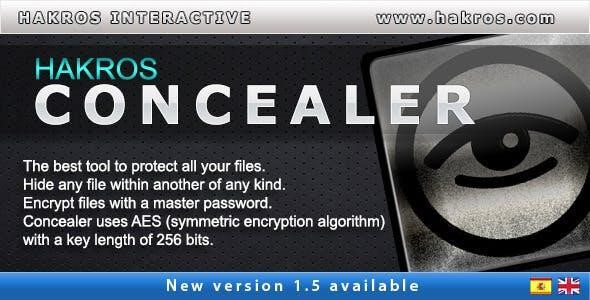
- Instead of encrypting all of the documents on the hard drive.
- It creates an encrypted region for a user to drag documents into, which means you must destroy the earlier version to prevent maintaining both encrypted and non-encrypted copies on the hard drive.
You may also pick between 128 and 256-bit encryption strength.
9. Renee File Protection
Renee File Protector is also another type of file encryption software for Windows.
- Let’s create several protection levels by using strong passwords for separate files as well as folders.
- Alternatively, if necessary, you may merely use a master passcode.
Renee File Protector could also urge you to restore the passwords in case you forget them, which is helpful.
10. SensiGuard
SensiGuard not only encrypts and conceals private files and documents.
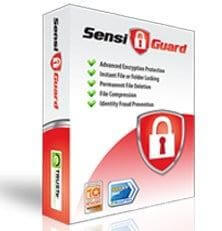
- It additionally hides it against unauthorized access, which would be a potentially useful function.
- You may also privately shred data.
Making it even more difficult for intruders to find any essential items on the hard drive that you’ve previously encrypted or removed.
11. Certain Safe
CertainSafe is ranked third on our list of the finest encryption software available.
- They deliver cloud-based encryption, which is incredibly successful in mitigating all types of danger.
- They also follow all industry rules and regulations.
- Documents, dockets, personal information, images, movies, and other things can all be stored here.
- Everything is done without fear of disclosing any information to third-party entities.
Conclusion
File encryption software in 2026 is no longer limited to experts or large organizations. Many tools now offer strong protection with very little setup. Options like EncryptionSafe and Encrypto focus on simplicity, making them suitable for users who only need to secure a few files or share sensitive documents occasionally.
Microsoft OneDrive adds another layer by combining cloud storage with built-in encryption, which works well for users already storing files online.
For those who need more control, Folder Lock and AxCrypt provide deeper protection features. Folder Lock is better suited for users managing large volumes of private data across devices, while AxCrypt offers a clean balance between security and ease of use. The best choice depends on how you store files, how often you share them, and whether you prefer local or cloud-based protection. What matters most is using encryption consistently, not just relying on passwords or system locks.
FAQs
1. What is file encryption software used for
File encryption software protects files by converting readable data into an unreadable format. Only users with the correct password or key can access the content. It is mainly used to prevent data leaks, protect personal files, and secure business documents.
2. Is file encryption necessary for personal use
Yes, file encryption is useful even for personal users. Documents like IDs, photos, tax files, and backups can cause serious problems if exposed. Encryption adds a strong layer of protection if your device is lost or compromised.
3. Does encryption slow down file access
Modern encryption tools are designed to work efficiently. For most users, the slowdown is barely noticeable. Once a file is decrypted, it opens and behaves like a normal file.
Author Bio:
Dinesh Lakhwani 

Dinesh Lakhwani, the entrepreneurial brain behind “TechCommuters,” achieved big things in the tech world. He started the company to make smart and user-friendly tech solutions. Thanks to his sharp thinking, focus on quality and the motto of never giving up, TechCommuters became a top player in the industry. His commitment to excellence has propelled the company to a leading position in the industry.
Popular Post











Recent Post
How To Install Pending Windows Updates Easily On Windows 11
Windows updates keep your computer healthy. They fix problems and improve security. Many people ignore updates because they worry about errors or slow performance. In most cases, the process is simple. You only need to follow a clear routine and give your computer enough time to finish the job. A regular update habit saves you […]

How to Set Up a Secure VPN Connection on Windows In 2026
A VPN helps protect your privacy each time you go online. It hides your real location. It protects your data from unsafe networks. It also keeps your browsing away from unwanted eyes. Many people use it to keep their work safe. Others use it to guard their regular internet use. Windows offers good support for […]
How To Extend Your Battery Life Effectively in Windows
A laptop is useful only when the battery lasts long enough to support your work. When the charge falls too fast, even small tasks feel stressful. You may rush to find a charger. You may feel forced to lower the performance. You may even stop your work in the middle of something important. This can […]

How To Get Help With Notepad in Windows [2026]
Notepad has been part of Windows for many years. And people still use it for quick notes, lists, and simple edits. Its clean layout helps new users, while its small set of tools supports everyday tasks. Yet problems can appear when features behave in unexpected ways or when users try something new, so clear guidance […]

Software Performance Optimization Tips: Complete Guide
Software often slows down over time, turning once-fast programs into frustrating delays. While many assume their device is outdated, the real issue often lies in how the software runs. With a few simple habits and checks, users can restore speed and avoid costly upgrades. This guide offers clear, beginner-friendly software performance optimization tips. It covers […]
How To Connect a Scanner to Your Device Windows 11 In 2026
Have you ever needed to scan a document in a hurry and did not know how to begin? Many people face this problem when they buy a new scanner or a new computer. Windows 11 includes helpful tools that make the process easy, but you must know the right steps. This guide explains each method […]

How To Connect to Your PC Remotely Windows [Complete Guide]
Many people need to reach their computer from far away. Well, yes! It may be for work, study, or personal use. Remote access helps you open files, use your apps, and control your system even when you are not near the device. It gives you the comfort of using your computer anywhere through the internet. […]
How To Connect to a Wi Fi Using a QR Code: Latest Guide
Wi-Fi is now a basic part of our lives. We use it at home, in offices, schools, and public places. But typing long passwords every time you connect can be annoying. Sometimes you might even forget your Wi-Fi password. That is where QR codes come in handy. With QR codes, you can connect to any […]
How To Connect a Wireless Printer Easily to Windows 11/10 PC
Printing tasks are part of most home and office work today. Isn’t it? Well, yes! Using a wireless printer makes printing easier and faster because you don’t need cables. It allows you to print documents and images from any corner of your room as long as your device and printer are connected to the same […]
How To Connect Your Windows 11 PC to a Projector or Another PC
A bigger screen can help you share your work with others. When you connect your Windows 11 PC to a projector, your screen becomes easier to view in a meeting room, classroom, or home. You can show slides, videos, notes, or entertainment. Most people do this for work or study, but it is also helpful […]

