











Learn how to update NVIDIA drivers on Windows 11/10 with simple methods, safety tips, and easy steps for smoother gaming and better PC performance.
ExpressVPN Review – The Best VPN To Stay Secure Online
With emerging cyber threats, the best VPN software keeps your online activities secure. It helps to keep your network protected and transmit all of your data through a secure tunnel. Now that there are a number of VPN services available online, choosing the best one could be a tricky task. To help you with this, we have tested and reviewed one of the best VPNs available called ExpressVPN.
What is a VPN?
In simple words, a virtual private network (VPN) adds an extra layer of security and privacy to transmitted data. This tunnel encrypts the data sent over both public and private networks. This means cybercriminals will not be able to intercept, or read your data.
All of this makes a VPN essential for securing data. But knowing which one to use and trust is tough. With a lot of competition around, a VPN that offers diverse server locations, unblocks sites, and enables online streaming of Netflix and other services is important.
Why ExpressVPN?
ExpressVPN with a huge network of servers helps you stay anonymous, enjoy unrestricted access, secure your data from identity theft and more. Not only this, using ExpressVPN you can unblock sites like Netflix and use it on various platforms like Windows, Mac, iOS, Android, Linux and more.
| Pros | Cons |
| Superfast download | A bit expensive for budget users |
| Allows BitTorrent and P2P on all servers | Speeds up selective downloads |
| Simple-to-use interface | Android app is Open-VPN only |
| No activity or connection logs | To use the browser extension, you need the ExpressVPN app |
| Allows access to Netflix and offers diverse servers in 160 location across 94 countries | |
| 30 day money back guarantee |
Therefore, ExpressVPN is the best choice.
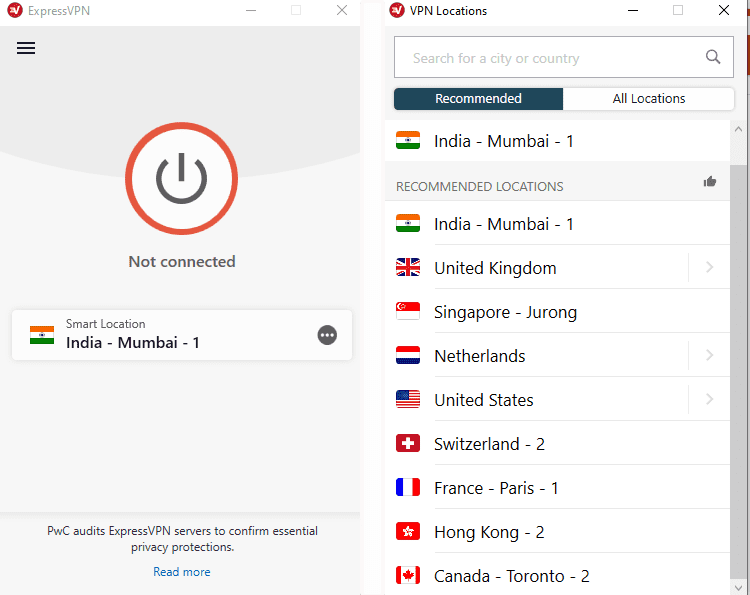
Here we have listed the prominent features that makes it stand out from the crowd.
ExpressVPN Features
- Privacy – Every VPN claims to offer privacy, but when you dive into the details there’s nothing to back up the claim. ExpressVPN is different because the company doesn’t just claim to offer privacy using its built-in features, you’ll agree to what this VPN claims.
For instance, ExpressVPN uses a 4096-bit SHA-512 RSA certificate to encrypt data and protect it from being intercepted during transmission.
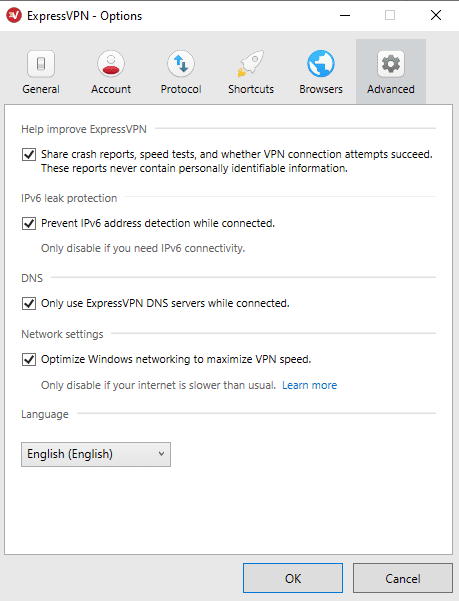

Another layer of security is added by Perfect Forward Secrecy that assigns a new key to the connection and replaces it every 60 minutes while the connection is open. This means if an attacker manages to get into your system, they get only 1 hour of data after that they are locked out.
What’s more is their DNS leak protection, which prevents data from being leaked via the tunnel. DNS support runs its own private 256-bit encrypted DNS, to secure data. All this gives their service an upper hand.
- No Log Policy – Zero log is another claim made by most VPN providers, but behind this they often hide certain privacy policies concealing that they might log some information.
Again here, ExpressVPN is a bit different. The company believes that privacy is everyone’s fundamental right. Keeping this in mind ExpressVPN provides a link within a no log statement to explain things better.
The page states that ExpressVPN does not keep any log of your IP address or of the websites you visit. However, there will be some logging of the date you used the service and your choice of the server. This is only done to keep servers updated. Besides this, no other data is logged or stored.
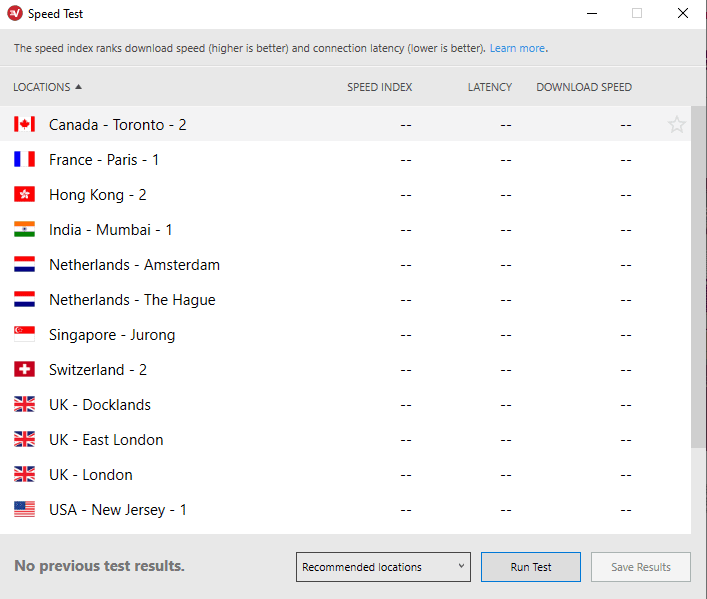
- Performance – Without speed and a smooth connection a VPN is good for nothing. ExpressVPN’s Open-VPN enables you to connect to every server within two to five seconds. Not only this, there are no connection drops. You can use the server for as long as you want. To check this, you can use benchmarking sites like TestMy.net and SpeedTest.

- Netflix – This one is the biggest and most outstanding feature of ExpressVPN. Along with unblocking websites, ExpressVPN lets you stream your favorite content on Netflix.
Simply login to US servers and bypass the block. But it won’t be always this simple as Netflix knows what users do to get around the geo-restrictions. Therefore, Netflix constantly updates their system to detect and block these individual VPNs. ExpressVPN understands it and scores 100/100 in this area. Using ExpressVPN you can unblock Netflix, Hulu, Amazon Prime, Disney+, YouTube and other online streaming services.
In addition to these features, ExpressVPN even allows torrenting and avoids common problems you face with other VPN providers. Using this VPN, you stay safe and access everything you want from geo-blocked content to torrents and so much more.
- Plans & Pricing –Unlike most VPNs, ExpressVPN offers a simple pricing structure starting from $12.95 monthly going up to $ 99.95 annually. This is indeed expensive for budget users, but ExpressVPN comes loaded with tons of features compared to other VPNs available on the market. Therefore, you can consider opting for this plan for your advanced needs.
To pay for a subscription you can use any mode of payment including Bitcoins. There is a 30-day money back guarantee with ExpressVPN.
How to setup and download ExpressVPN
- Sign up and download the ExpressVPN software.
- Login to the email address that you used to sign up for ExpressVPN.
- Here, you’ll be able to see the Welcome Email from ExpressVPN.
- Click on the “Set Up ExpressVPN” button.
- If you are unable to find the Email click here to sign in to your Express account.
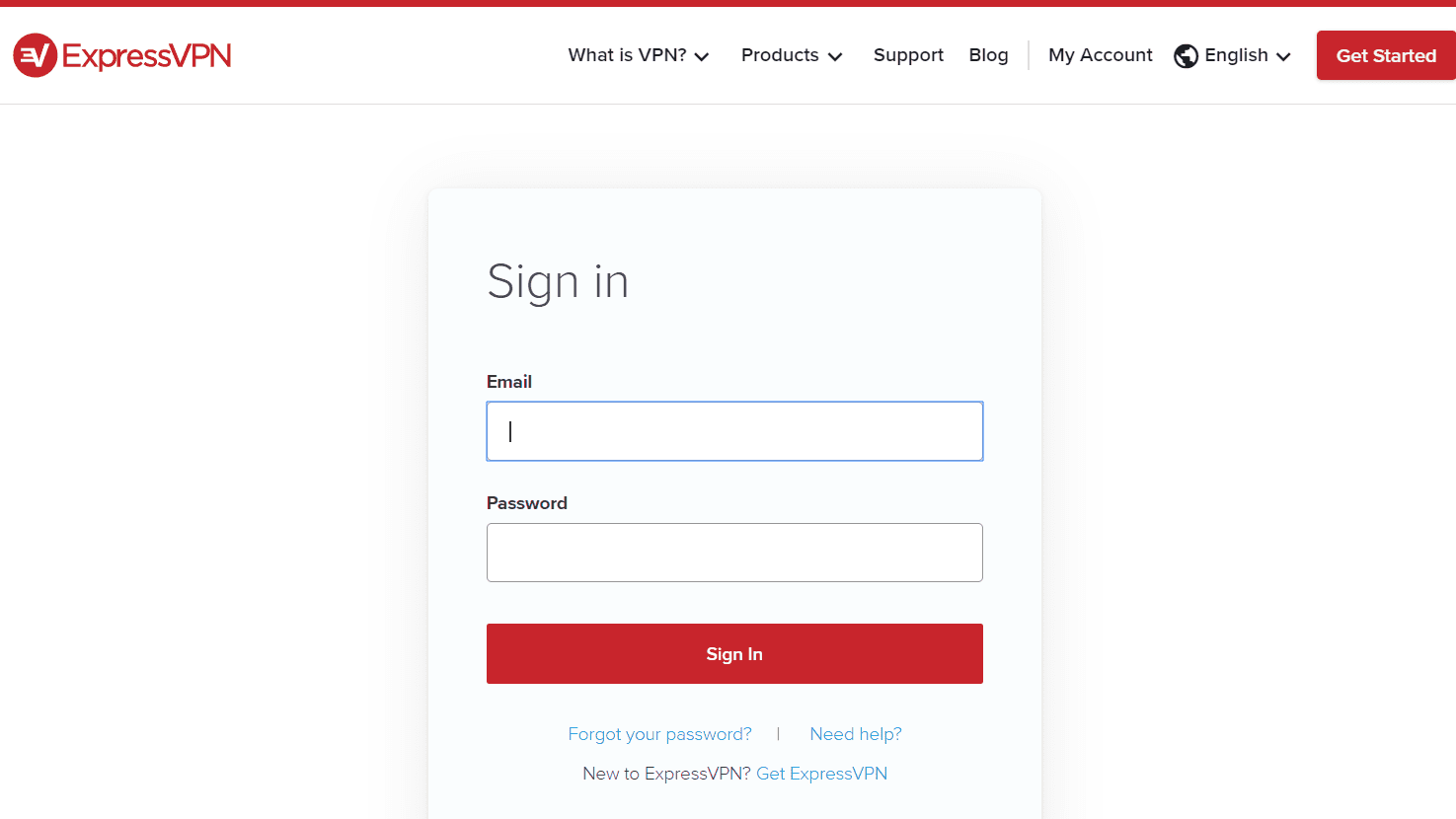

- After clicking on the link received in the email or signing in to the website, ExpressVPN will be downloaded. If you are using Windows you will see the Download for Windowsbutton.
- Make sure you do not close the window, as the activation code that you’ll need to register will be displayed here.
- Now that you have the VPN downloaded it’s time to install the app.
- Double click the download file and wait for the process to finish.
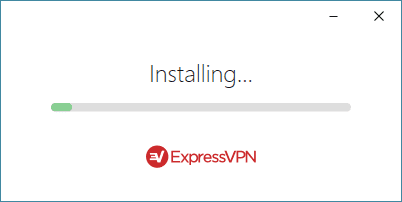

- Once the installation is finished click Yes to complete setup and click Sign In.
- When asked for it, enter the activation key (to avoid manual errors we recommend copy and pasting) and then click Continue.
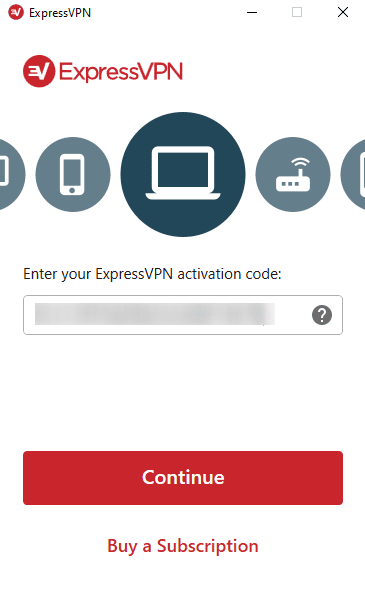

- Once the setup is done, Launch ExpressVPN.
- Now click select the server and the button under which Click to connect is written.
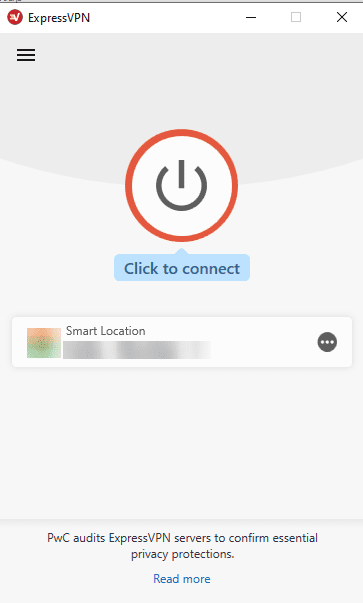
14. You’re good to go!
The Verdict of ExpressVPN
Using ExpressVPN, you can unblock geo-restricted sites, keep data safe, use it on any platform and do a lot more. The only drawback of this best VPN is that it could be an expensive choice for budget users. But with the amount of features and security that it offers, it makes it the best option for users who are looking for an advanced VPN solution in the market. Do try this powerful virtual private network software and share your experience in the comments below.
Author Bio:
Dinesh Lakhwani 

Dinesh Lakhwani, the entrepreneurial brain behind “TechCommuters,” achieved big things in the tech world. He started the company to make smart and user-friendly tech solutions. Thanks to his sharp thinking, focus on quality and the motto of never giving up, TechCommuters became a top player in the industry. His commitment to excellence has propelled the company to a leading position in the industry.
Popular Post
Recent Post

Top AI Features Hidden Inside Windows 11
Explore the top AI features in Windows 11, from Copilot to Recall, plus safety tips and simple steps to use each tool the right way.

Customize Your Screen Saver Settings in Windows [Easy Steps]
Learn how to customize screen saver settings in Windows 11 with easy steps, safety tips, and simple tricks to personalize your PC screen.
Driver Easy Windows Driver Updater Tool Review: Tried & Tested
In-depth information about Driver Easy’s functions and features can be found in our review. Learn how to update drivers more easily with this tool for a more seamless computer experience.

Is Avast Driver Updater Worth It? A Hands-On Analysis
A full review of Avast Driver Updater covering features, setup steps, pricing, pros and cons, and real PC results, to help you decide if it is worth buying.

IObit Driver Booster 13 (PRO) Review: [Tried & Tested]
IObit Driver Booster 13 is built for one purpose: keeping your PC drivers up to date. Well, yes! Outdated drivers can cause crashes, slowdowns, and hardware issues. This tool scans fast and updates with one click. The interface is simple. Even beginners can use it without confusion. Updates are pulled from a huge database, covering […]

Auslogics Driver Updater: A Detailed Walkthrough [2026]
This comprehensive review covers the key features, pros, and cons, pricing, and a final verdict on Auslogics’ driver update utility. Learn how it stacks up against manual driver maintenance.

5 Best Driver Updater Tools for Windows to Use (Free and Paid)
Introduction: Most people blame their PC for problems that a driver caused. A driver works like a bridge between your hardware and your operating system. When this bridge cracks, strange things start to happen. Screens flicker without reason. Printers go silent mid-task. Games freeze or crash out of nowhere. Manually finding the right driver is […]

Fixing Lock Screen Timeout – Screen Timeout Settings
Your Windows screen does not stay on forever. After a certain amount of idle time, it turns off or locks automatically. This is a normal feature found on both laptops and desktop PCs. It helps save battery power and reduces electricity use. It also keeps your files and personal information safe when you step away […]
How to Recover Unsaved Word Document? [Complete Guide]
It can be frustrating when a Word document suddenly disappears. You may have spent hours writing a report, assignment, or letter. Then your computer crashes, the power cuts out, or Word closes before you save the file. In that moment, it may seem like all your work is gone. This happens more often than most […]

