












So, search for a pair of shoes once online. Close the tab. By evening, those same shoes are sitting on your news site, your video app, and even your recipe blog. Nobody placed them there by chance. A cookie did. Well, yes! Cookies are small files that websites place on your device while you browse. […]
Top 10 LiveLeak Alternatives: Similar Sites Like LiveLead
Since LiveLeak’s shutdown, many users have been searching for alternatives to the platform. There are plenty of LiveLeak alternatives. Therefore, if you are looking for an alternative to LiveLeak, you are in the right place. Here, we will discuss some of the best software similar to LiveLeak.
LiveLeak and its Evolution
LiveLeak, established in 2006, gained attention for hosting user-generated videos that often featured controversial, graphic, or uncensored content. Over the years, LiveLeak became known for its unfiltered approach to content moderation, allowing users to share videos that were typically restricted on mainstream platforms.
However, in 2021, LiveLeak was shut down, marking the end of an era for its dedicated user base and leaving a void in the world of online video-sharing.
Q1. Which site is closest to the original LiveLeak experience?
ItemFix feels closest. It focuses on raw footage and real events. User uploads are central. Moderation is limited but present. Content feels direct. The community favors original clips.
Q2. Are these platforms safe to browse?
Safety depends on the site and content type. Some videos may be graphic or disturbing. KillSomeTime and ItemFix can include shocking material. Viewer discretion matters. Use ad blockers and security tools. Avoid sharing personal data.
Q3. Do these sites work on mobile devices?
Most support mobile browsers. Veoh and BitChute work smoothly on phones. DTube performance depends on the network used. Some sites lack polished apps. Desktop use often feels better.
Top 5 LiveLeak Alternatives: Quick Comparison
As LiveLeak is no longer active, viewers now look for platforms that host real-world clips, user-submitted videos, and uncensored discussions. Several sites fill this space with different rules and audiences. Some focus on free speech.
Others lean toward entertainment or community moderation. The table below compares five popular LiveLeak alternatives so you can see how they differ at a glance.
| Platform | Content Focus | Moderation Style | User Uploads | Monetization | Best For |
| BitChute | News, commentary, real-world events | Light moderation | Yes | Creator donations | Free speech and political content |
| DTube | Community videos, trending topics | Community driven | Yes | Crypto-based rewards | Decentralized video hosting |
| Veoh | Entertainment and long-form videos | Moderate moderation | Yes | Ads | Casual viewing and series |
| KillSomeTime | Viral clips, shocking content | Very light moderation | Limited | Ads | Time pass and extreme clips |
| ItemFix | Raw footage, fails, public incidents | Basic moderation | Yes | None | Original uploads and reports |
Top 10 LiveLeak Alternatives
There are several alternatives for LiveLeak. Here are some of the best LiveLeak alternatives:
1. BitChute
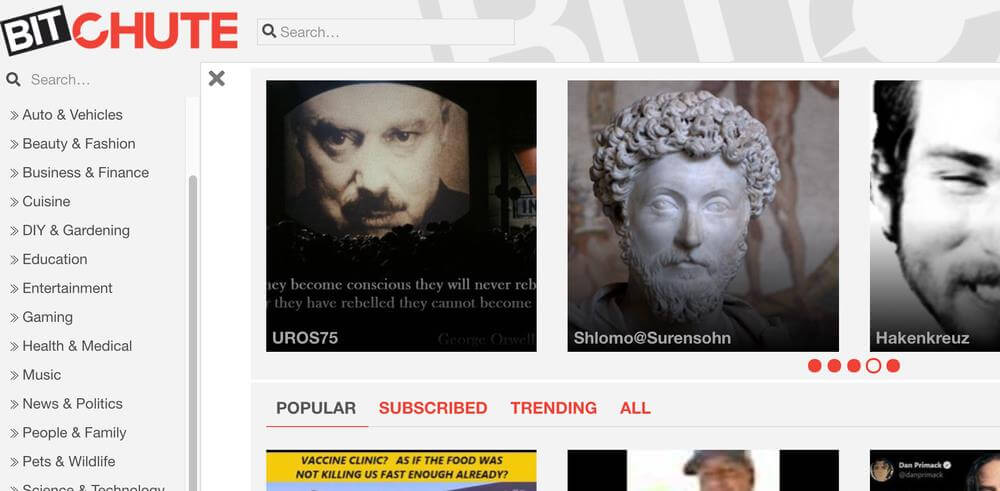
BitChute is a decentralized video hosting platform that champions free speech and is a popular alternative to LiveLeak. It provides a platform for content creators to share videos without fear of censorship. With a focus on user privacy and control, BitChute has become a popular alternative for those seeking uncensored and independent content.
What sets BitChute apart is its unique feature that allows content creators to monetize their videos through cryptocurrency donations and subscriptions, fostering a direct connection between creators and their audience.
Features:
- Decentralized content hosting
- Peer-to-peer sharing
- Censorship-resistant platform
- Built-in tipping system
Pros:
- High authority to content creators
- A diverse range of content
- Community-driven moderation
- Enhanced privacy options
Cons:
- Smaller user base
- Occasional technical glitches
2. DTube
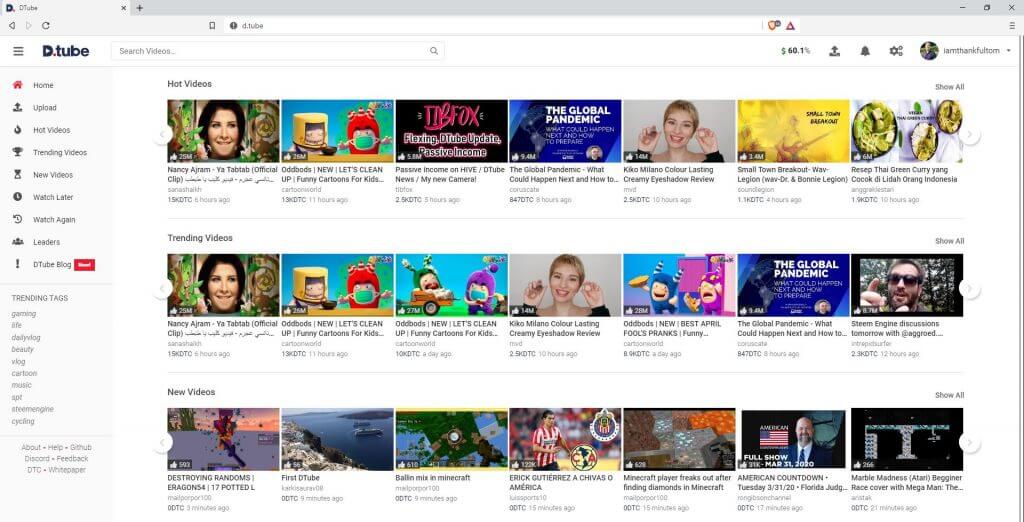
Built on blockchain technology, DTube offers a decentralized alternative to mainstream video platforms. Users can upload, share, and earn cryptocurrency rewards for their content. DTube’s unique ecosystem fosters a sense of community, as users have control over the platform’s governance.
In addition to empowering content creators, DTube ensures transparency and censorship resistance, creating an environment where users can earn rewards while engaging with a wide range of content.
Features:
- Blockchain-based video platform
- Rewards content creators with cryptocurrency
- Decentralized storage and distribution
- Incentivized community engagement
Pros:
- No ads or algorithmic manipulation
- Transparent and fair revenue sharing
- Encourages original and high-quality content
- Provides an alternative to centralized platforms
Cons:
- The learning curve for cryptocurrency rewards
- Potential for spam or low-quality content
3. Veoh
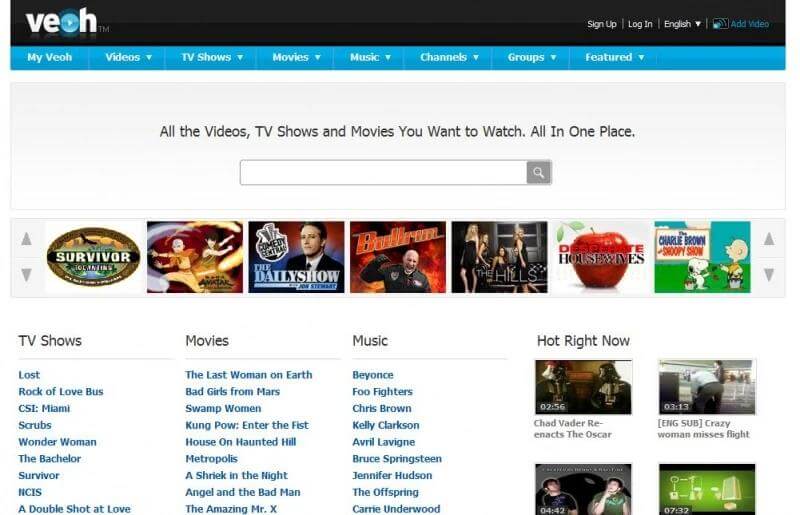
Veoh brings a diverse range of user-generated and professional content to the table. From short clips to full-length movies and TV shows, Veoh offers an extensive collection of videos across various genres. Its intuitive interface and robust search functionality make it a great alternative for video enthusiasts.
Additionally, Veoh provides features like video downloading and sharing, allowing users to create personalized playlists and share their favorite videos with friends.
Features:
- Wide range of video categories
- User-friendly interface
- Customizable video playlists
- Social networking features
Pros:
- Extensive video library
- Ability to create personalized channels
- Discover lesser-known content creators
- Built-in community engagement features
Cons:
- Limited mobile app features
- Less active community compared to mainstream platforms
4. KillSomeTime
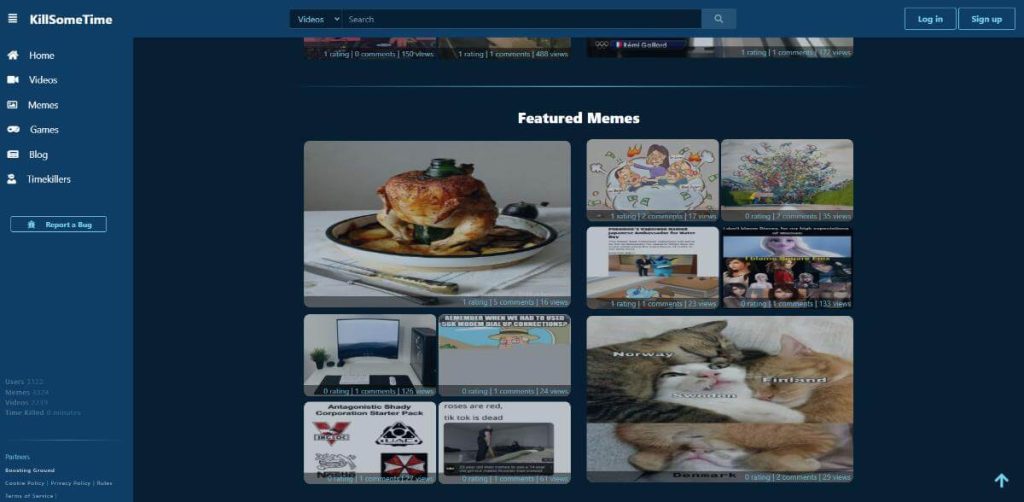
KillSomeTime is a platform dedicated to entertaining and addictive content. It hosts a wide range of funny videos, pranks, fails, and much more.If you’re looking for a quick laugh or a way to kill some time, this alternative is sure to keep you entertained.
With its handpicked collection of funny videos, KillSomeTime ensures that users have access to a curated selection of light-hearted and humorous content.
Features:
- Collection of funny and entertaining videos
- User-submitted content
- Easy navigation and search options
- Regularly updated content
Pros:
- Provides a platform for discovering unique and obscure videos
- Offers a variety of humorous content
- Opportunities to discover viral videos early
- Simple and straightforward interface
Cons:
- Limited content diversity
- Lack of advanced features or customization options
5. ItemFix
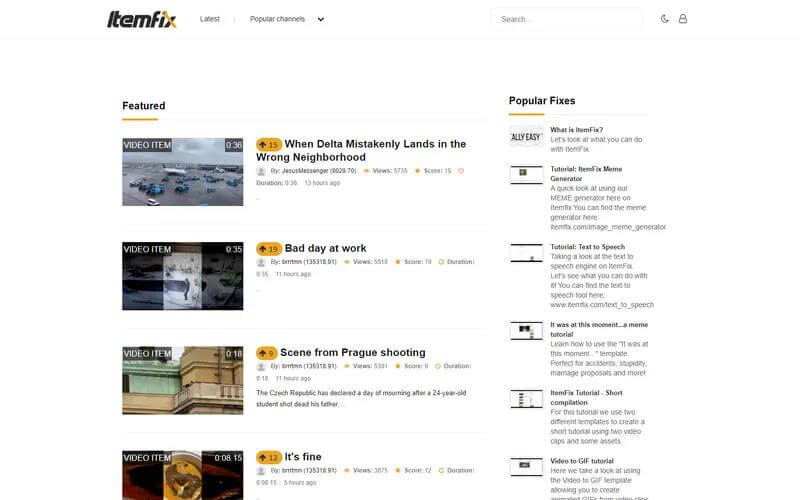
ItemFix is a curated platform that showcases viral videos, fails, and funny moments from around the web, and is a great LiveLeak alternative. With a focus on quality content, it filters out the noise, ensuring that users have access to the best and most shareable videos.
ItemFix is a great alternative for those who enjoy viral content without having to sift through irrelevant videos.
Features:
- Focus on user-generated content
- Ability to create and edit videos
- Social networking features
- A platform for sharing and discussing videos
Pros:
- Niche community for video enthusiasts
- Tools for video editing and enhancement
- Opportunities to collaborate with other creators
- User-friendly interface for video sharing
Cons:
- Smaller user base compared to mainstream platforms
- Limited content variety outside of user-generated videos
6. AliveGore
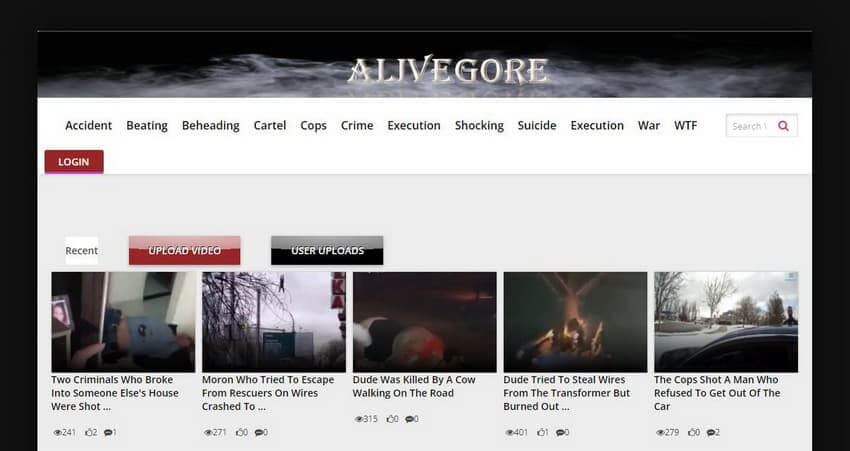
For those interested in the darker side of content, AliveGore offers a platform to explore shocking and extreme videos. It caters to individuals fascinated by the unusual, providing a space to satisfy their curiosity while adhering to strict content guidelines, and is a widely used LiveLeak alternative.
AliveGore ensures that the content it hosts respects the dignity of all involved and maintains a strong commitment to ethical content.
Features:
- Dedicated to extreme and shocking content
- User-submitted videos and photos
- Dark and unconventional content categories
- Community discussions and comments
Pros:
- Unique platform for those interested in extreme content
- Opportunities to explore unconventional topics
- Active and engaged community
- Provides a space for discussions
Cons:
- Highly graphic and disturbing content
- Limited mainstream content
7. Kaotic
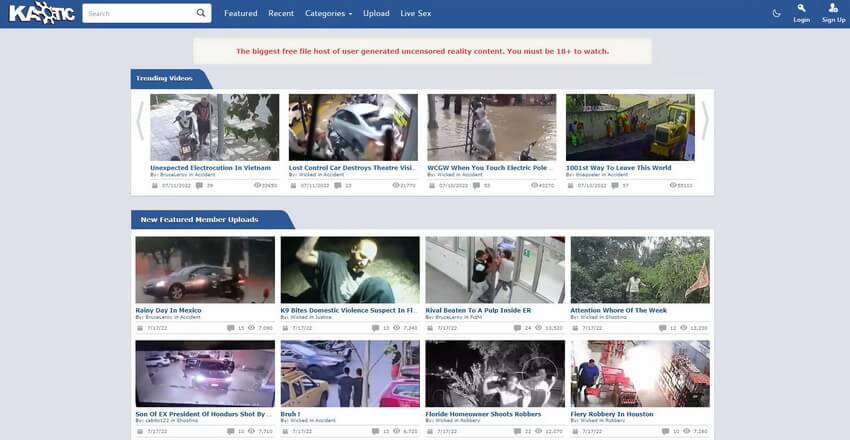
Kaotic is a platform that allows users to share and explore uncensored and controversial content, and the platform is a popular LiveLeak alternative. It provides an alternative space for users to express themselves and view content that may be considered too explicit for mainstream platforms. Kaotic is not for the faint-hearted but serves as an alternative for those seeking unconventional and unfiltered content.
Features:
- A wide range of shocking and explicit videos
- User-submitted content
- Active community discussions and comments
- Dark humor and unconventional content categories
Pros:
- Catering to those with a taste for extreme content
- Opportunities to discover unconventional videos
- Engaged and active community
- Provides a platform for controversial discussions
Cons:
- Highly graphic and disturbing content
- Limited mainstream content or entertainment value
8. MyVidster
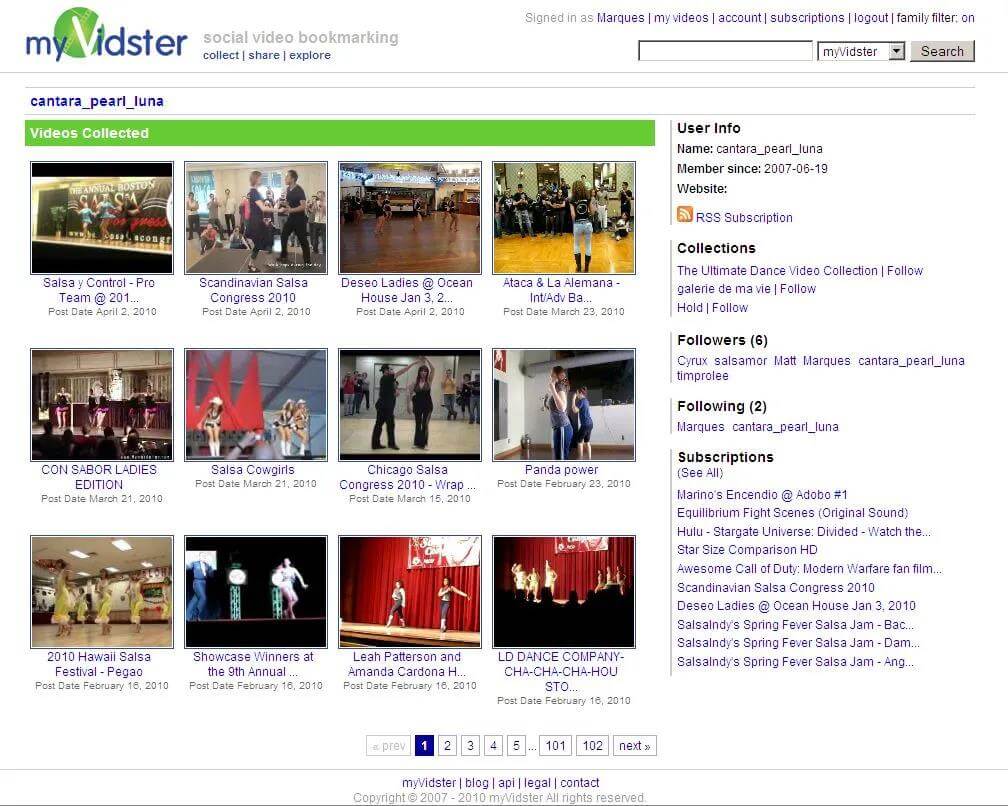
MyVidster is a social video bookmarking platform that allows users to discover and organize videos from across the web. With a focus on community engagement, users can create personalized collections, share videos with friends, and explore trending content. MyVidster offers a unique alternative for those looking to curate their video-watching experience.
Features:
- Social bookmarking for videos
- Ability to create personalized video collections
- Discover and follow other users’ collections
- User-friendly interface for video bookmarking
Pros:
- An efficient way to organize and save videos
- Opportunities to discover new content through user collections
- Community-driven discovery of videos
- Simple and straightforward bookmarking process
Cons:
- A relatively smaller user base
- May require manual bookmarking of videos
9. ReeLeak
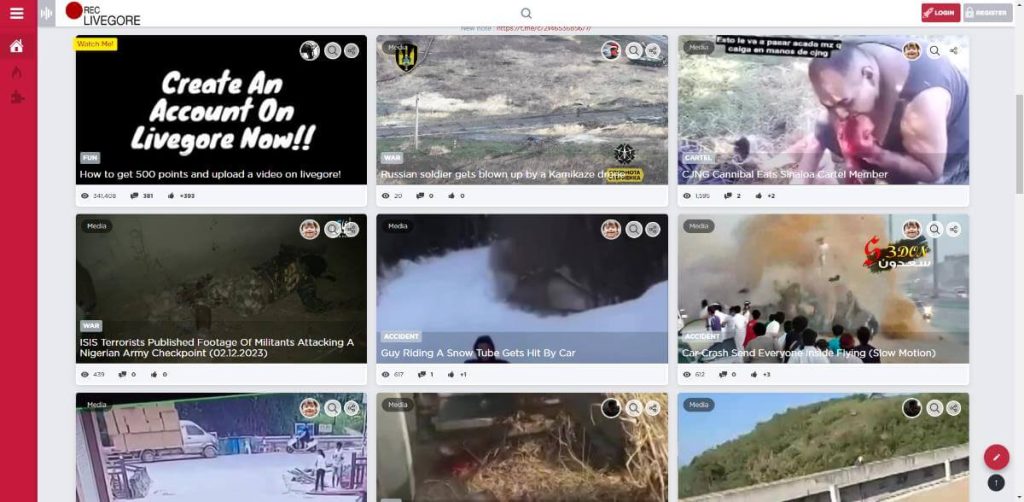
ReeLeak is a relatively new alternative that aims to provide a platform for sharing and exploring viral videos, fails, and pranks. With a simple and intuitive interface, ReeLeak offers a seamless user experience and a growing collection of engaging content and is great for those looking for a LiveLeak alternative.
Features:
- Focus on controversial content
- User-submitted videos and photos
- Active community discussions and comments
- A platform for sharing and exploring leaked information
Pros:
- A unique platform for those interested in controversial content
- Opportunities to explore controversial topics
- Engaged and active community
- Provides a space for discussions on controversial information
Cons:
- May contain unauthorized or illegal content
- Limited mainstream content or entertainment value
10. XFinity
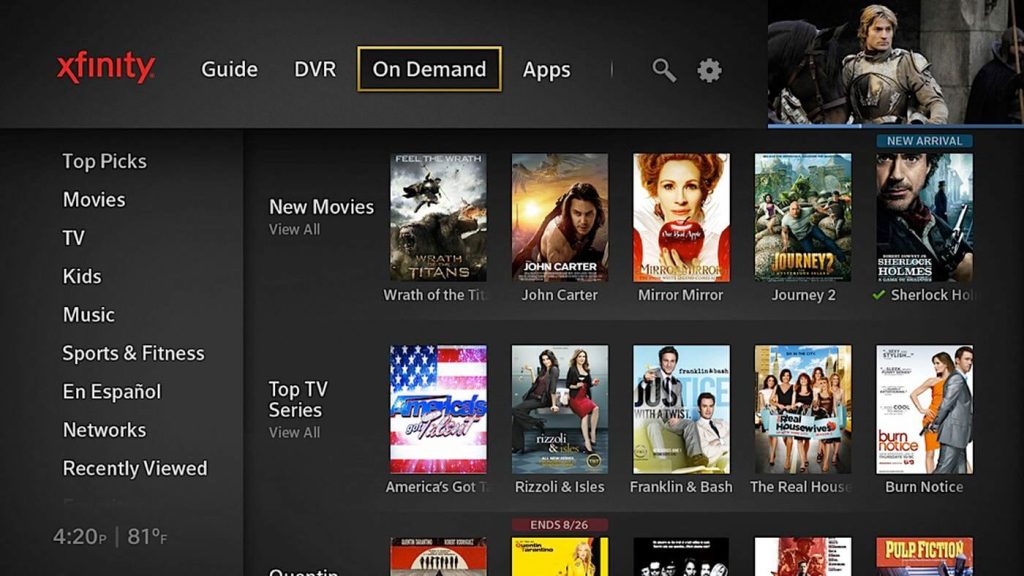
XFinity offers a vast library of on-demand videos, and exclusive content. With a user-friendly interface and a wide range of genres, XFinity allows you to explore trending videos, and documentaries, and even catch up on missed episodes of your favorite TV shows. It’s a one-stop destination for entertainment enthusiasts.
Features:
- A broad range of video content
- Live TV streaming options
- On-demand movies and shows
- Integration with other Comcast services
Pros:
- Extensive selection of mainstream content
- Convenient access to live TV and on-demand content
- Integration with other Comcast services (e.g., internet, phone)
- User-friendly interface and navigation
Cons:
- Limited availability outside of Comcast service areas
- Requires a subscription or cable package
Conclusion
These top 10 LiveLeak alternatives offer a diverse range of options for users seeking engaging and entertaining content. Whether you’re interested in uncensored content, viral videos, or curated collections, these platforms provide an array of choices to suit your preferences. By exploring these alternatives, you can discover a new world of video content.
FAQs
1. How do LiveLeak alternatives address the balance between freedom of speech and responsible content moderation?
The balance between freedom of speech and responsible content moderation is a critical consideration for users seeking LiveLeak alternatives. Platforms should articulate their approach to content moderation, emphasizing their commitment to upholding freedom of expression while mitigating the dissemination of harmful or unlawful content.
2. What are the user interface and navigation features offered by software like LiveLeak?
A seamless and intuitive user experience is essential for users transitioning to alternative video-sharing platforms. Evaluating the user interface, navigation features, search functionality, and content discovery mechanisms will enable users to assess the platform’s accessibility and ease of use.
3. Are LiveLeak alternatives legal to use?
Yes. Most LiveLeak alternatives operate legally. They follow local laws and platform rules. Content varies by site. Some allow sensitive footage. Others restrict it. Users should follow regional laws. Always review site guidelines. Responsibility stays with the viewer and uploader.
4. Which LiveLeak alternative allows the most free speech?
BitChute is often chosen for minimal moderation. DTube also offers freedom through decentralization. Content control is lighter than mainstream platforms. Still, illegal material is restricted. No platform allows everything. Rules still exist.
5. Can I upload videos anonymously on these sites?
Some platforms allow limited anonymity. ItemFix and KillSomeTime support basic uploads. DTube uses blockchain identity. Full anonymity is rare. Most sites track activity for safety. Always read privacy policies before uploading.
Author Bio:
Dinesh Lakhwani 

Dinesh Lakhwani, the entrepreneurial brain behind “TechCommuters,” achieved big things in the tech world. He started the company to make smart and user-friendly tech solutions. Thanks to his sharp thinking, focus on quality and the motto of never giving up, TechCommuters became a top player in the industry. His commitment to excellence has propelled the company to a leading position in the industry.
Popular Post
Recent Post

How To Disable Background Apps In Windows: 4 Quick Methods
A slow PC rarely gives a warning. One day, it simply takes longer to start. Apps open late. The fan runs loud, even when the screen is almost empty. Most people blame old hardware. Often, that is not the real reason. The real reason is hiding in plain sight. Windows keeps many apps active in […]

How to Activate Windows with a Product Key for Windows 11 & Windows 10
It always shows up at the worst time. You are halfway through a report, or about to join a video call. Then you spot it in the bottom right corner of the screen. Activate Windows. Go to Settings to activate Windows. Initially, an unactivated copy of Windows may seem like a minor inconvenience. Over time, […]

Is Easy Duplicate Finder Worth It? Honest Review
The photos folder looked normal at first glance. Then the storage warning popped up. One trip photo appeared four times. A tax PDF sat in three different folders. Two old setup files were still in Downloads, and each one was over 500 MB. Nobody plans this mess. Copies pile up slowly. A download runs twice. […]

Wise Duplicate Finder Review: Real Results from Wise Duplicate Finder
Read my honest Wise Duplicate Finder review. See features, pricing, pros and cons, and real PC test results. Find out if this free duplicate cleaner can free up your Windows storage.

How to Recover Deleted Files from Pen drive, USB Drive, SD Card
Introduction: On tech forums, you’ll often see posts like this: “I connected my pen drive to my laptop this morning, but the folder was empty. All my college project files had vanished. I don’t have a backup. Can someone help me?” Stories like this are very common. Pen drives, USB drives and SD cards are […]

How To Recover Files Deleted from the Recycle Bin [Windows 11]
Losing a file can happen in seconds. You clear your desktop, hit Delete, and empty the Recycle Bin. Then, just when you need that file again, it seems to have vanished. This guide will walk you through ways to restore files removed from the Recycle Bin. We will begin with simple fixes, then look at […]

Disk Drill Data Recovery Tool Explained: Full Review and Guide
It happens in a split second. You delete a folder by mistake. Your drive stops showing up. A photo album from your last trip just vanishes. And your stomach drops. Lost files feel personal. They are not just data. They are memories, work hours, and sometimes years of effort packed into a few gigabytes. When […]

Recover Deleted Files In Windows 11 With Software & Without
Introduction What is the first thing that goes through your mind the second an important file vanishes from a Windows 11 PC? For most people, it is a mix of panic and disbelief, followed by a frantic click through every folder that file could possibly be hiding in. It happens in a split second: one […]

EaseUS Data Recovery Wizard: Everything To Know
Data loss does not always come from a big disaster either. Most cases start small and boring. A drive gets formatted by mistake. A laptop freezes mid-save and restarts on its own. A memory card stops showing up after being pulled out too fast. None of these feel like emergencies at first, until you realize […]

