











A slow computer makes it hard to focus. Programs take too long to open. Free space keeps shrinking until the disk is almost full. This happens to most PC owners at some point. Even new machines can slow down after a while. That is the exact problem cleanup tools are built to solve. They comb […]
Cybersecurity Tips for Remote Workers
Many businesses are adopting the remote work style for their operations, allowing employees and employers more flexibility. Indeed, a lot of remote workers utilize their personal devices, and they can access their work files from any location. However, that can pose some serious issues, like weak passwords as per ExpressVPN’s research, standard-level cybersecurity support, etc.
Indeed, accessing official accounts through personal devices can open more routes for hackers, malware, and other security issues to bypass the set defenses. Thus, there are some important steps you should take to minimize the potential problems, as per security experts.
Security Common Security Concerns for Remote Work?
A remote work lifestyle can be safe, but all participants need to pay better attention to cybersecurity concerns and take proactive measures. Using business-grade collaboration tools and security protocols should help with this protection, even with the less advanced system setup at home.
Here are some recommendations for employers to prepare their staff with better cybersecurity measures while working remotely.
- Inform employees about potential threats– Employers should provide a list of potential cybersecurity issues one might notice without the data encryption and firewall support that office-based systems can provide. Statistics showed that 9% of companies took measures to safeguard their remote employees from internet-centric attacks when they browse the internet.
- Prepare MFA support for data protection– Officials of a company can adopt the MFA technique to protect the company data better. The double layers of authentication steps can stop hackers from progressing more into company data.
- Prepare a continuity strategy for your business– In this case, employers must primarily center around remote security. Study the systems and how they work, what data types users are focusing on, etc. Based on these insights, one should plan the cybersecurity strategy fit for the workspace.
- Train employees about phishing attacks– Many companies get phishing attacks often, which is harder to deal with remotely for some employees. So, the business organizers should prepare informative training sessions for all staff members on how to identify different phishing attack types.
Best Tips for Protective Cybersecurity for Remote Workers
These are some of the most important steps remote workers themselves can take to safeguard their cybersecurity condition. Some measures are slightly technical, while others require simple steps. But, for the best cyber-use protection, use multiple of these measures.
1. Avoid delaying software updates
The devices you use will provide software update notifications often, and it is important to follow through with this practice. Indeed, install the new software update for your app, like antivirus software that you have active, as soon as possible.
The latest upgrades of the software typically have fixed bugs and security flaws. In many cases, they are updated to catch newer malware or virus attacks that older versions could not detect. So, make sure to do regular device software updates.
2. Avoid deactivating the VPN
Many employees access the network of their workspace using VPN technology. This Virtual Private Network helps secure data transmission between two devices with strong data encryption support. Therefore, with the VPN active, it is possible to intercept cybercriminals from accessing company data, like customer information or documents.
The VPN software works automatically and assures strong background protection support, so do not disable it while handling remote work. Also, avoid public WiFi connections unless you have a reliable VPN switched on.
3. Make the home networks safer
It is possible to keep remote work-based cybersecurity conditions safe if you use a strong internet connection with proper security protocols in place. In the corporate sector, the IT Teams typically control the internet connection and assure automatic security for all employees. However, in the remote work model, people cannot get the same support from IT professionals in the home networks.
Thus, take specific measures to strengthen the home network security.
- Set a unique SSID name- You can reach your router’s Settings page and update the name of the SSID (Service Set Identifier) you are using.
- Learn more about the router– Access the settings page of the route you are using to learn more about the network you are using. The default IP address will be available here.
- Check and change the password– Many employees use basic-level passwords, even with work accounts. In fact, statistics show that 59% of adults in the US use their names or birthdays in passwords.
You can refer to ExpressVPN’s research to know more about such password options that people commonly utilize. However, you should set a more unique and longer password with various diverse characters for a better safety guarantee.
- Run the latest firmware for your router- New software patches are available for router devices in the firmware, so check if new updates are available. Then, run the upgrade in your system.
4. Opt for secure business tools
Some collaborative productivity and business tools are available that are preset with high-quality encryption and security protection. Many of them run with cloud protection that helps with privacy protection, secure data transactions, and more storage.
Many companies in different industries need compliance guaranteed with protocols for accidental deletion, unauthorized access, and cybersecurity protection for their employees. These relate to all work-related activities like file sharing, video conferencing, and chatroom usage. For better cybersecurity protection with your remote work, you can use these home tools to connect and work on your tasks.
5. Multi-factor authentication is useful
Indeed, it would be best to consider adopting multi-factor authentication as a security measure during remote work processes. This adds a secondary layer of protection to online account access, like the work data, files, computer network, device, etc.
With this measure, users can set multiple rounds of identity protection to account access, like two or more authentication moves when trying to log in. Common measures in this context are security tokens, passwords, and biometric identification (fingerprint or face sensor).
Conclusion
Indeed, there are different types of cybersecurity approaches you can take to safeguard against varying steps while working remotely. Of course, some measures will work best for your work condition.
Before choosing, try out many of these tips and operate as many as possible. So, study your options well here. Properly keeping track of your cybersecurity condition directly should help with better protection during remote work.
Author Bio:
Dinesh Lakhwani 

Dinesh Lakhwani, the entrepreneurial brain behind “TechCommuters,” achieved big things in the tech world. He started the company to make smart and user-friendly tech solutions. Thanks to his sharp thinking, focus on quality and the motto of never giving up, TechCommuters became a top player in the industry. His commitment to excellence has propelled the company to a leading position in the industry.
Popular Post
Recent Post

Fortect Software Review: The Ultimate PC & Mobile Cleaning, Optimization & Security Tool
Slow computers are a common problem for almost every Windows user. Well, yes! Over time, your PC picks up junk files. These files sit quietly in the background. They take up space and slow things down. Programs open slower. Windows takes longer to boot. Even simple tasks like opening a folder can feel sluggish. There […]
CCleaner PC Optimizer Review: A Complete Guide for Windows Users
If your computer has started to feel slow, you are not alone. Most Windows PCs slow down over time. Junk files pile up. The registry gets messy. Too many apps open when you start your PC. All this adds up and makes even a good machine feel tired. This is where a PC cleaner tool […]
Auslogics Duplicate File Finder: Full Review and User Guide
A computer quietly gathers clutter over time. This includes duplicate photos, repeated downloads, and forgotten backups hiding in random folders. This buildup slowly eats away at storage and can make even a fast PC feel sluggish. Manually finding and deleting duplicates is tedious. It means checking every folder, comparing file names, and guessing which copies […]
CCleaner Duplicate File Finder: Key Features, Pricing, Step-by-Step Guide and More
Every computer collects junk over time. Right? Well, yes! Photos often get copied twice. Documents get saved in two folders by mistake. Old downloads pile up and never get deleted. This slowly eats up your storage space, and most people do not even notice until their drive is almost full. That is where a duplicate […]
Duplicate File Finder Pro: A Complete Review, Everything You Should Know
Computers collect thousands of files over time. Well, yes! Many of them end up being duplicates created by backups, downloads, or accidental copies. These extra files take up valuable storage space and make it harder to keep everything organized. Finding and removing them manually can take hours. Right? Duplicate File Finder Pro is a tool […]
Top 3 Duplicate File Finder for Windows 11 & Windows 10
If your PC storage keeps filling up even after you delete big files, duplicate files could be the real reason. Most of us save the same photo twice, download a document more than once, or copy a whole folder by mistake. Over months and years, these duplicate files pile up quietly. You do not even […]
Monitor Screen Calibration Guide: Everything You Should Know
Your monitor shows colors every single day. But are those colors actually correct? Most people never stop to check this. They just use the screen as it comes out of the box. This habit can lead to wrong colors in photos, videos, and work files. Colors may look too warm or too cold without you […]
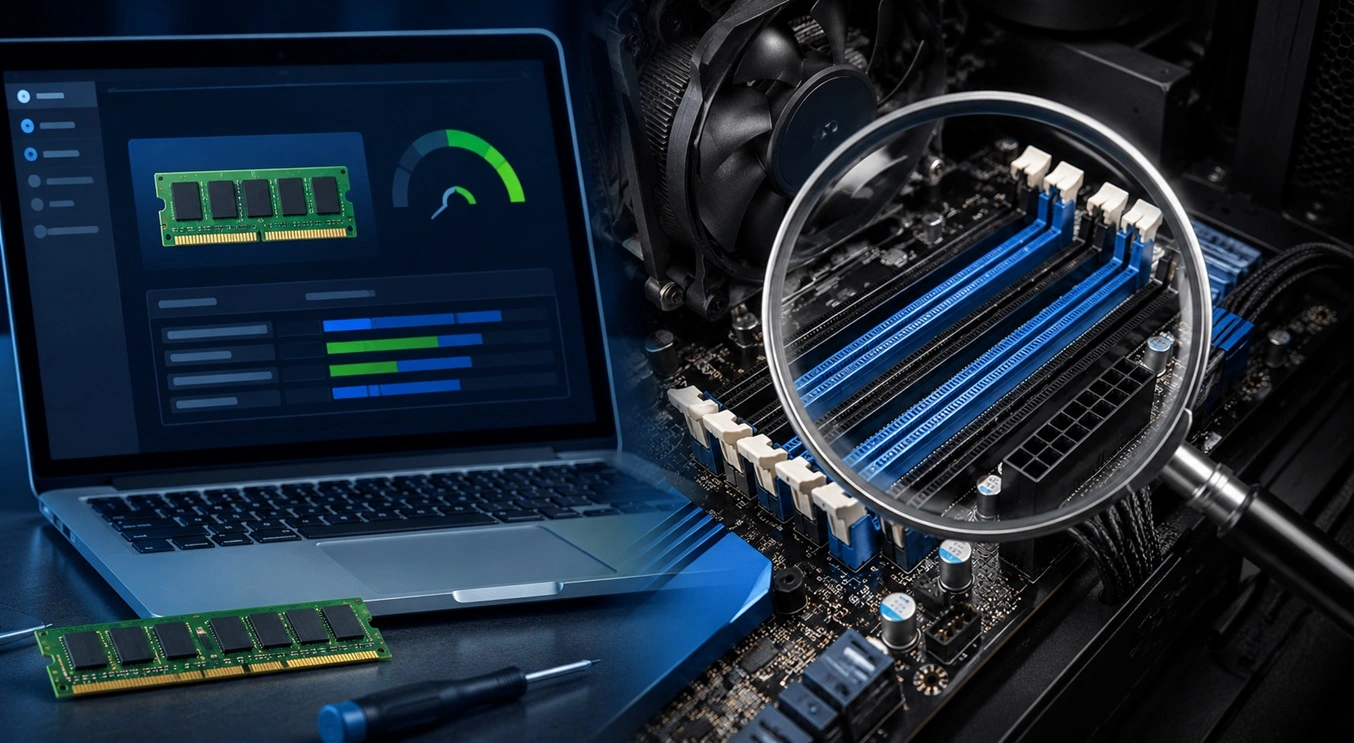
How To Check Installed RAM and RAM Slots [Complete Guide]
RAM plays an important role in how smoothly a computer runs. Short for Random Access Memory, it stores the data and instructions that Windows and active applications need at any given moment. From opening multiple browser tabs to running games and productivity software, RAM helps keep everything responsive. A system with limited memory may experience […]
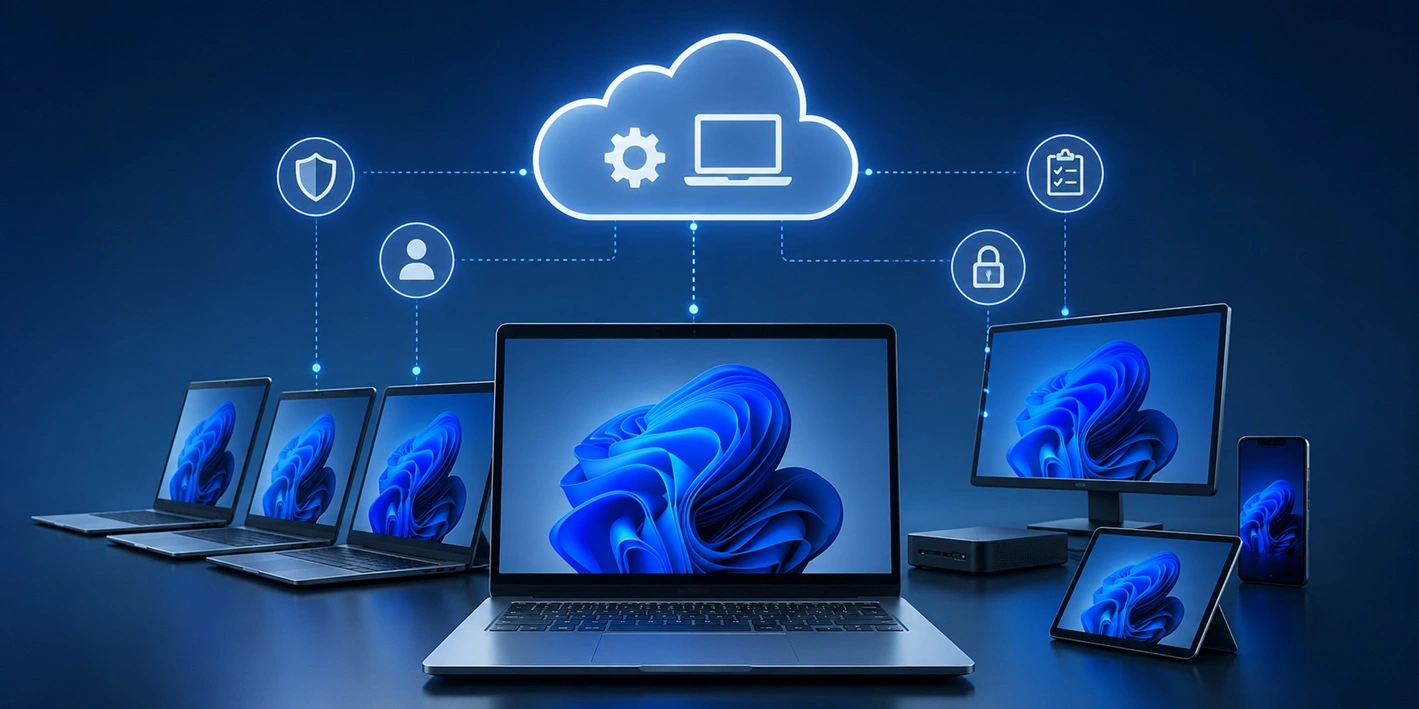
What is Microsoft Autopilot Everything You Need To Know
Technology has changed the way companies manage computers. Well, yes! Employees now work from offices, homes, and remote locations. Setting up devices manually for every worker takes time and effort. It can also create mistakes that slow down productivity. This is where Microsoft Autopilot becomes useful. It helps businesses prepare and deploy Windows devices with […]

