












A slow PC rarely gives a warning. One day, it simply takes longer to start. Apps open late. The fan runs loud, even when the screen is almost empty. Most people blame old hardware. Often, that is not the real reason. The real reason is hiding in plain sight. Windows keeps many apps active in […]
8 Best NFT Apps For Android & iOS
The world of cryptocurrency and blockchain is expanding rapidly. Lately, NFTs have revamped the tech market with an innovative approach.
Non-fungible tokens are like a cryptocurrency you can use to make digital purchases and transactions. But, it is not a transferable item. It is an object of its owner. NFT is a digital asset with copyrighted verification.
Sounds cool?
Do you want to also try NFTs? Then, let’s check the best NFTs apps for Android and iOS devices.
What are Non-fungible Tokens?
Non-fungible Tokens (NFTs) are unique, one-of-a-kind digital properties/products/assets owned by a single person that is not interchangeable with other digital assets. In contrast, fungible tokens can be combined with other tokens and broken down into smaller pieces to create larger ones with the same value.
A $100 bill, for example, is fungible because it can be converted into two $50 or ten $10 bills while retaining its original value. On the contrary, the Koh-i-Noor diamond is a one-of-a-kind item that cannot be fungible. Moreover, because they lack the same level of authenticity, all other Koh-i-Noor diamond replicas are less valuable than the original.
NFT can be a photo, movie, music, tweet, meme, collection card, painting, or other digital assets.
How Does NFT Work?
NFT works like any special physical good: an artist creates a work of art, exhibits it in a gallery, and then a collector views and purchases it. It works similarly to a real-life art experience but with a more secure transaction in the digital realm. In other words, the invulnerability and uniqueness of digital assets are significant benefits of NFT.
8 Best NFT Apps for Android & iOS
Are you a digital content creator or artist? Then, NFTs are the best way to secure your digital assets and make money.
There are several NFT apps available to download on your mobile phone. All these apps make it easy to manage and collect NFTs.
Here are the best NFT apps for Android and iOS users based on our research:
1. Sketchar
Platform: Android and iOS
Price: $14.99 per month
Sketchar is the best NFT app for Android and iOS users who find NFT art overly simplistic. Sketchar allows you to create your art, mint it as an NFT, and sell it on the app’s marketplace, but it also teaches you how to draw.
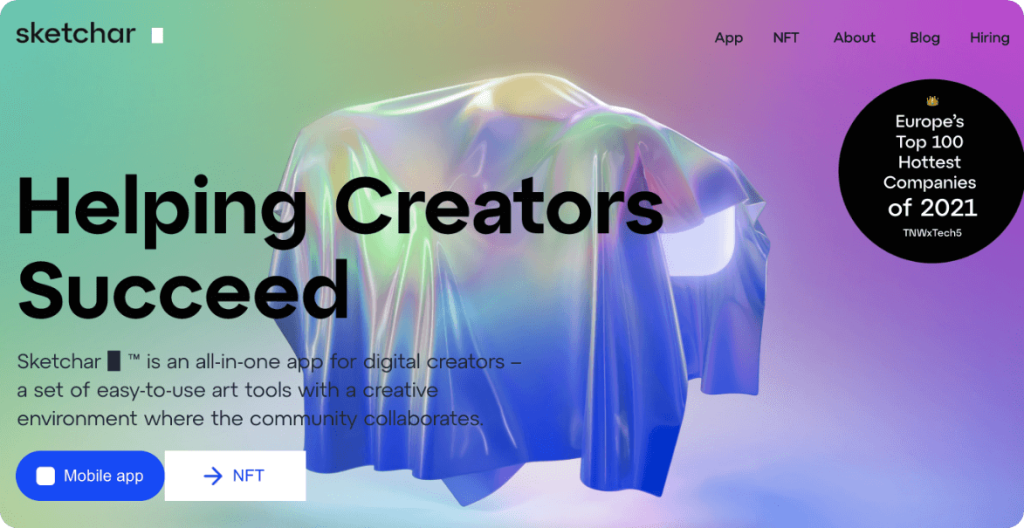
Augmented reality training is used in the app. For example, the line art will appear if you hold your phone over a piece of paper and look at the screen. Use this to practice drawing by tracing the lines. Many traditional artists use a similar technique to enlarge their art, from doodles to sketches.
If you want to make your art, the app includes a drawing tool, a digital canvas, and the ability to create AI art from photos and Snapchat AR masks. Sketchar provides all the tools needed to develop NFT skills on the go.
Sketchar has its own NFT marketplace where you can buy and sell NFTs, including Martians 888 NFTs, which are exclusive to the app. The app developer will take 5% for your first sale and 1% for all subsequent sales. This, however, goes to the Sketchar Creator Foundation to help artists and projects.
2. NinjaFT
Platform: Android and iOS
Price: Free (in-app purchases)
If you are new to NFT, you should look into one of the best NFT apps for Android and iOS. It is a unique application that combines a digital art selling platform with a tool for creating NFT. In addition, the app intends to launch NinjaVerse, an NFT-only virtual reality, soon.
This app appears to be capable of doing anything. It enables you to first create non-fungible coins on the Binance Smart Chain. After that, it functions as an NFT market, a sports and pop culture card maker, and even an NFT wallet. You can also win free NFT in daily giveaways.
3. NFT Go
Platform: iOS
Price: Free (in-app purchases)
While some of the NFT apps allow you to create art, mint NFTs, and access marketplaces, NFT Go only enables you to do two of the three. This app allows you to mint pre-made art as NFTs and then upload it to multiple NFT marketplaces, browse marketplaces and create, buy, and sell NFTs within the app.
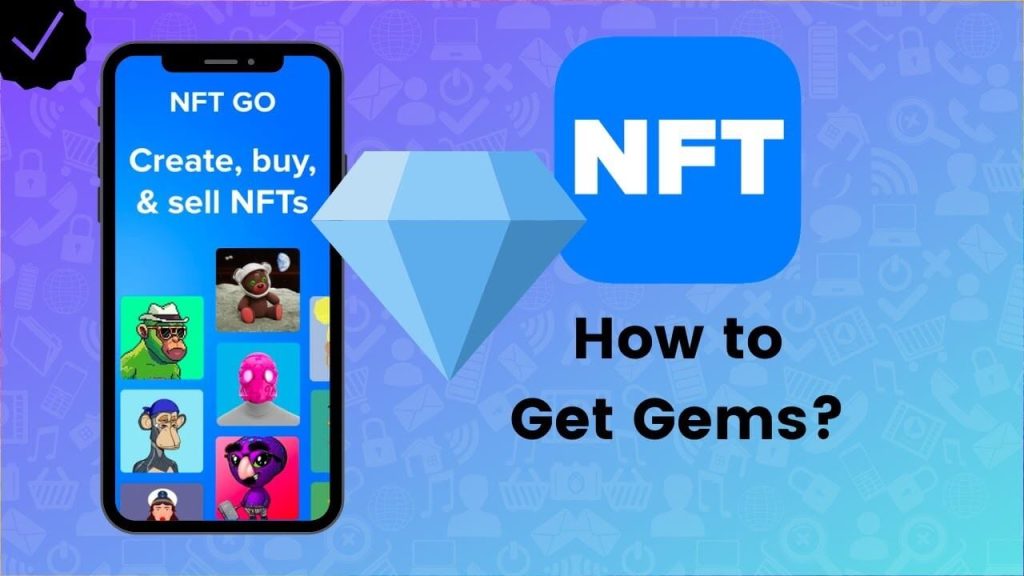
The developer of NFT Go promises that you can handle the entire NFT process within one app, and it does, but with some caveats. While the UI is clean and straightforward, making everything appear simpler. But it can be slow, and there are hidden costs, significantly, since the app charges a transaction fee in addition to the usual gas fees.
4. GoArt
Platform: Android and iOS
Price: Free (in-app purchases)
GoArt is one of the most user-friendly NFT creator apps for iPhones and Android devices. In GoArt, you can’t make ‘proper’ art from scratch, but you can create one-of-a-kind NFTs from photos in your phone’s gallery.
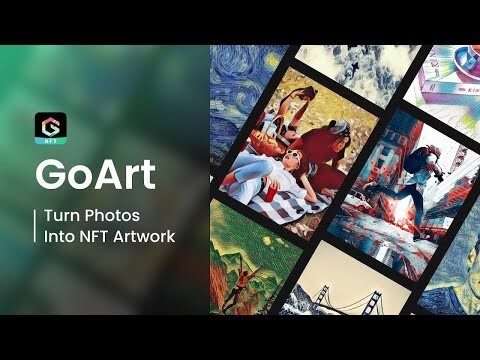
The GoArt app employs artificial intelligence to transform your photos into works of art based on various classic art movements and styles, such as Pop Art, Expressionism, and Structuralism. It’s cool, and images can be made in seconds. Of course, this isn’t new, but it’s a practical application of the technology.
GoArt includes enough filters to adjust the strength and style of the AI’s render, allowing for some artistic input. These NFTs, like many of these apps, can be sold on various marketplaces such as OpenSea, Axie Infinity, or SuperRare.
5. OpenSea
Platform: Android and iOS
Price: Free
The only real disadvantage of OpenSea: NFT Marketplace on iPhone is a restriction on in-app purchases. This app does not let users purchase NFTs. Instead, this free app provides a kind of mobile shop window.
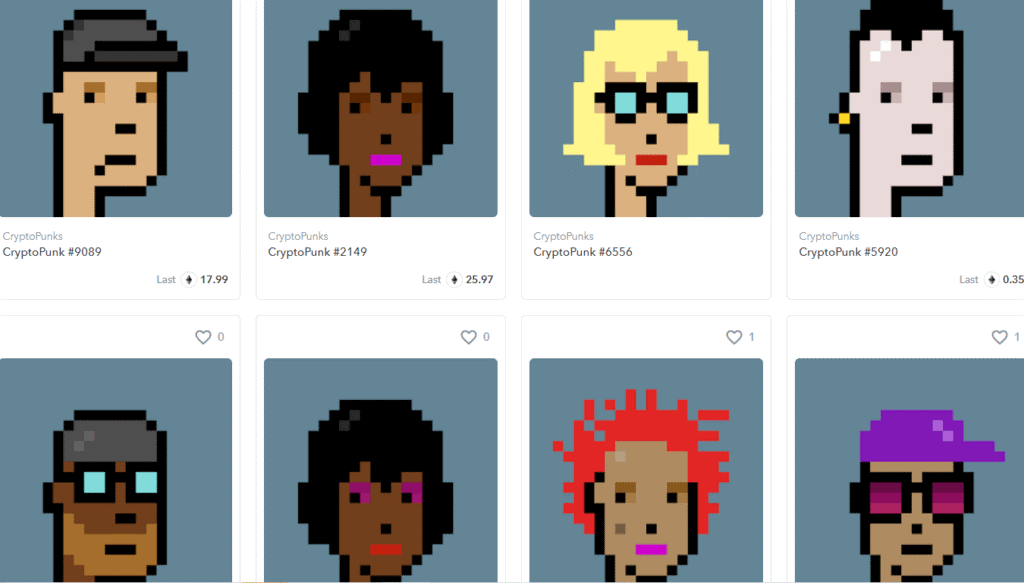
As the largest NFT marketplace, it has every type of art, including art, games, music, and more. The app is a portal to OpenSea’s market, allowing you to browse and tag art to purchase later from your desktop. In addition, it’s a convenient way to keep track of NFT drops and prices while you’re out and about.
Apart from the lack of a wallet connection, it has many features to get you started with NFTs. For example, you can search by collections, save items for later, link to blog posts, and connect your OpenSea profile to the app to see if someone has bid on your collection while you’re on the go.
6. Token.art
Platform: Android and iOS
Price: Free
According to the developer of the Token.art app, the “NFT portfolio viewer with multi-blockchain and multi-address support. By collectors, for collectors “. It isn’t easy to disagree. This app allows you to manage and, more importantly, display your NFT collection both in real life (IRL) and in the metaverse.
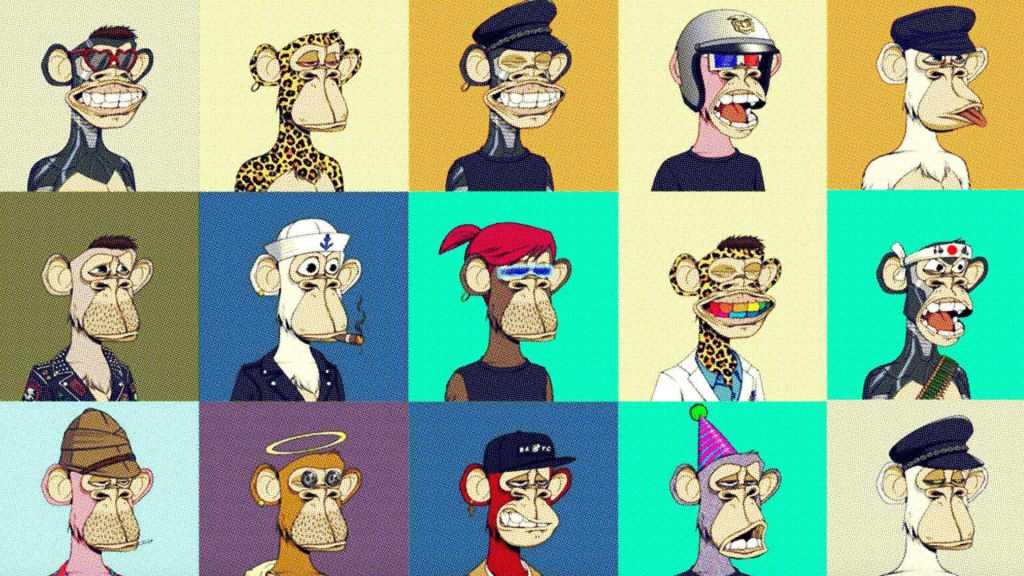
The app allows you to connect a crypto wallet. Token.art supports almost all blockchains and displays your artwork in card format—the app even supports’ stacked items in NFT games like Farmers World, R-Planet, and Green Rabbit.
The Token.art app may appear simple, but the fact that you can see all of your NFTs in one place. This app is ideal for serious collectors.
7. 8bit Painter
Platform: Android and iOS
Price: Free (in-app purchases)
Use 8bit Painter to create new NFTs with your phone and sell them later on marketplaces. 8bit Painter is an app that converts photos into pixelated artwork in the style of NFT. Within the app, you can also create your pixel artwork.
Choose a new canvas size to start an NFT. Canvases range in size from 16×16 to 160×160. Smaller sizes are ideal for those who create their pixel artwork. The larger sizes are ideal for importing photos and converting them to pixel art.
Rather than downloading images from the internet, consider taking photos and turning them into pixel artwork to create your one-of-a-kind NFT. While there are many excellent apps for creating NFTs, 8bit Painter is simple to use, and the downloaded images are ready to mint.
8. PixelChain
Platform: Web-based
Price: Free
We’re happy to bend the rules for this app. PixelChain is the best NFT app for Android and iOS users to create pixel art. Of course, this is a browser-based app rather than an iOS or Android app, but it allows you to create pixel art, mint it on the Ethereum blockchain, and sell it on OpenSea all in one place.
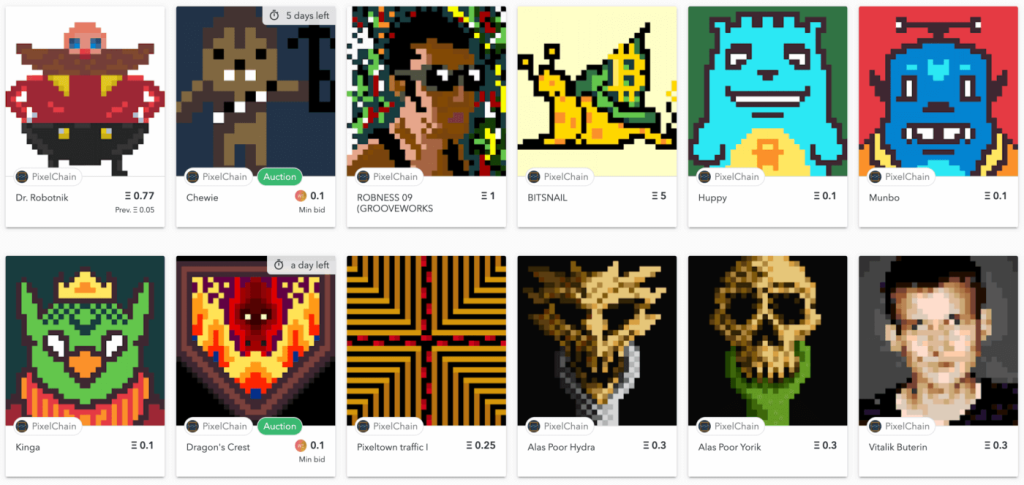
PixelChain is extremely simple to use. The art creator provides a simple 32×32 or 64×64 grid on which to paint your pixel creations. There’s even a mirror mode to help you move faster. Likewise, minting on the blockchain is as simple as clicking the save icon and following the instructions once you’ve connected a crypto wallet.
Select the Best NFT Apps for Android & iOS Now!
As you have explored the 8 best NFT apps for Android and iOS gadgets, you are ready to start your NFT journey. Select the best app based on your NFT needs and start making money from your digital art.
The NFT might be a new technology. But it has already acquired a huge user base. So, don’t wait; download the best NFT apps on your phone now.
Meanwhile, don’t forget to visit this portal to check out more NFTs-related news and developments.
Author Bio:
Dinesh Lakhwani 

Dinesh Lakhwani, the entrepreneurial brain behind “TechCommuters,” achieved big things in the tech world. He started the company to make smart and user-friendly tech solutions. Thanks to his sharp thinking, focus on quality and the motto of never giving up, TechCommuters became a top player in the industry. His commitment to excellence has propelled the company to a leading position in the industry.
Popular Post
Recent Post

How to Activate Windows with a Product Key for Windows 11 & Windows 10
It always shows up at the worst time. You are halfway through a report, or about to join a video call. Then you spot it in the bottom right corner of the screen. Activate Windows. Go to Settings to activate Windows. Initially, an unactivated copy of Windows may seem like a minor inconvenience. Over time, […]

Is Easy Duplicate Finder Worth It? Honest Review
The photos folder looked normal at first glance. Then the storage warning popped up. One trip photo appeared four times. A tax PDF sat in three different folders. Two old setup files were still in Downloads, and each one was over 500 MB. Nobody plans this mess. Copies pile up slowly. A download runs twice. […]

Wise Duplicate Finder Review: Real Results from Wise Duplicate Finder
Read my honest Wise Duplicate Finder review. See features, pricing, pros and cons, and real PC test results. Find out if this free duplicate cleaner can free up your Windows storage.

How to Recover Deleted Files from Pen drive, USB Drive, SD Card
Introduction: On tech forums, you’ll often see posts like this: “I connected my pen drive to my laptop this morning, but the folder was empty. All my college project files had vanished. I don’t have a backup. Can someone help me?” Stories like this are very common. Pen drives, USB drives and SD cards are […]

How To Recover Files Deleted from the Recycle Bin [Windows 11]
Losing a file can happen in seconds. You clear your desktop, hit Delete, and empty the Recycle Bin. Then, just when you need that file again, it seems to have vanished. This guide will walk you through ways to restore files removed from the Recycle Bin. We will begin with simple fixes, then look at […]

Disk Drill Data Recovery Tool Explained: Full Review and Guide
It happens in a split second. You delete a folder by mistake. Your drive stops showing up. A photo album from your last trip just vanishes. And your stomach drops. Lost files feel personal. They are not just data. They are memories, work hours, and sometimes years of effort packed into a few gigabytes. When […]

Recover Deleted Files In Windows 11 With Software & Without
Introduction What is the first thing that goes through your mind the second an important file vanishes from a Windows 11 PC? For most people, it is a mix of panic and disbelief, followed by a frantic click through every folder that file could possibly be hiding in. It happens in a split second: one […]

EaseUS Data Recovery Wizard: Everything To Know
Data loss does not always come from a big disaster either. Most cases start small and boring. A drive gets formatted by mistake. A laptop freezes mid-save and restarts on its own. A memory card stops showing up after being pulled out too fast. None of these feel like emergencies at first, until you realize […]

Recuva Data Recovery Tool: Is it Actually Worth it?
When I first tried Recuva Data Recovery, I wanted to see if it could really bring back lost files. The tool is free, small in size, and promises quick recovery, which made me curious enough to test it on my own PC. The setup was fast, and the wizard guided me step by step. I […]

