












Read my honest Wise Duplicate Finder review. See features, pricing, pros and cons, and real PC test results. Find out if this free duplicate cleaner can free up your Windows storage.
5 Best Meme Creator Apps for Android and iOS
Do you want to get more likes, comments, and reshares on your social media posts? Then, simply create memes! That’s because everyone loves to laugh and have a bit of fun on social media. Plus, people remember sarcastic and realistic posts better than promotional or serious posts.
Additionally, you don’t need to hire a professional graphic designer to create some hilarious and sassy memes. Just get the best meme creator apps, and you are all set to create memes.
Since there are various online meme-makers available for both Android and iOS platforms, that might confuse you. So, we did the groundwork for you and already selected the five easy-to-use meme maker apps. So, let’s download an app and get started with the memes business.
5 Best Meme Creator Apps for Android and iOS
You don’t need to be a pro graphic designer to create viral memes today. You just need the right meme creator app with numerous templates, elements, and fonts. And, the top five meme makers with all these features are:
1. Memedroid (iOS/Android)
Play Store Rating: 4.3/5
App Store Rating: 4.9/5
Compatible Android OS: Varies with the device
Compatible iOS OS: iOS 10.0 or higher
Number of Users: 10,000,000+
In-app Purchase: Yes
Price: Free
Memedroid is the perfect meme maker when you are planning to take your social media audience on a full fun journey. This app is constantly updated with hilarious pictures, humorous content, and funny meme layouts. Plus, you can easily customize your meme using various fonts, color combinations, and funny lines. Overall, for everyday use, it is the easiest and simplest meme creator.
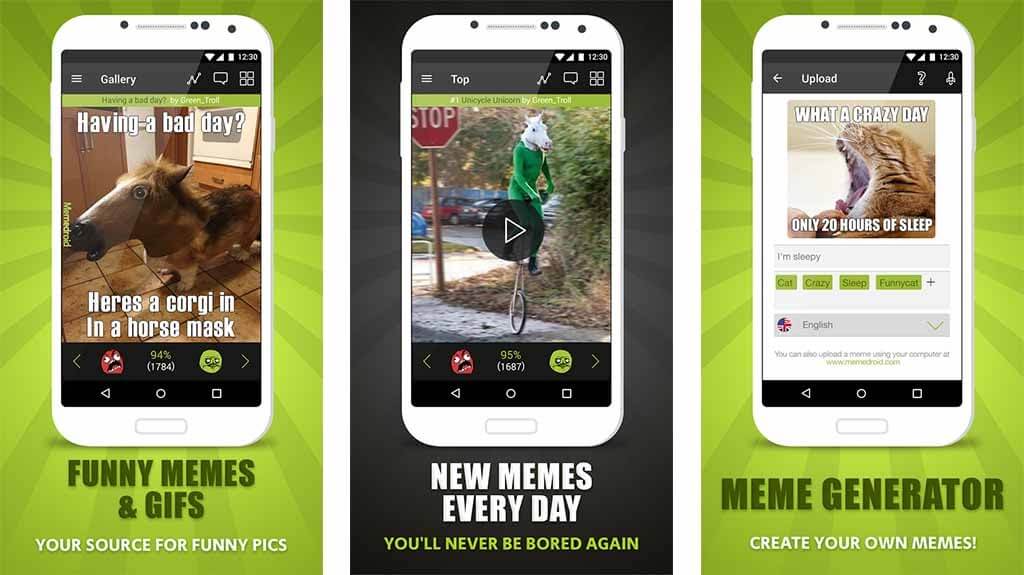
Creative Features
- You can customize your memes using different fun facts, animated gifs, screenshots, and more.
- You will also get a huge meme collection, including the best political, celebrity, and sport meme faces.
- Memedroid has an active community where you can share your memes and connect with other meme-makers like you.
- You can rate and comment on every GIF and picture available on Memedroid.
- It is fully integrated with social media and messaging apps.
Pros
- Great meme collection.
- Large community support.
- Good to create complex memes.
Cons
- Adding music to GIFs takes time.
- Quite an addictive app.
2. Memes (iOS/Android)
Play Store Rating: 4.4/5
App Store Rating: 4.6/5
Compatible Android OS: Android 5.1 or higher
Compatible iOS OS: iOS 12.0 or higher
Number of Users: 1,000,000+
In-app Purchase: Yes
Price: Free
Memes can fully redefine the way you make memes and share them with your friends. This tool helps you add captions, videos, and pictures to your memes. You don’t need photoshop or any other complex editing tools with Memes. Plus, the app has a huge inbuilt community that can help you grow your creativity more.
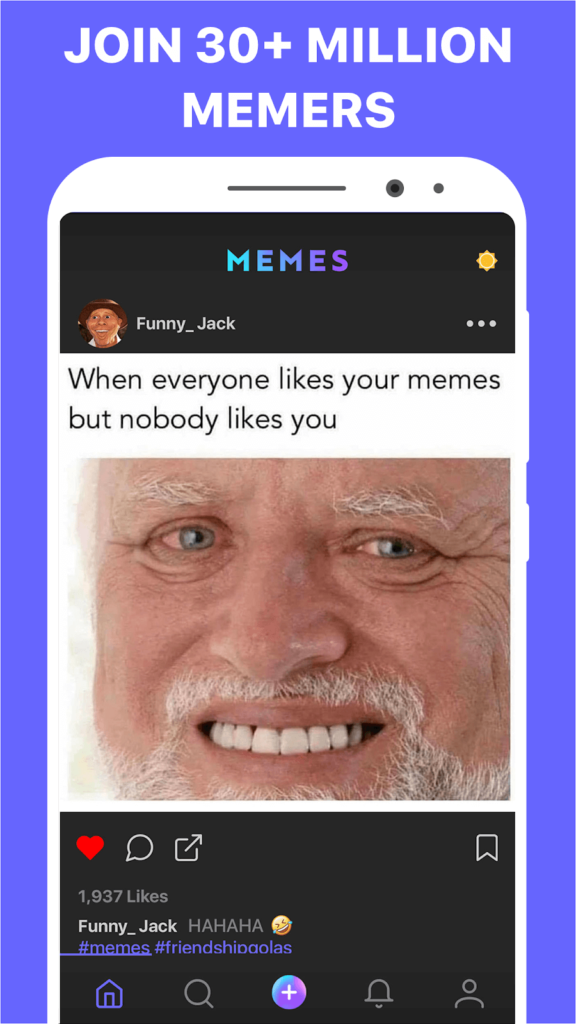
Creative Features
- You can message your friends and share your memes with a built-in direct chat option.
- Explore thousands of memes daily from the vast community.
- Memes have an advanced photo, video, and GIF maker library.
- The latest and trending meme templates and frames are often updated.
- Powerful custom tools including distortion, slo-mo, rewind, and much more.
- Many exclusive stickers and fonts.
- You can create your own meme brand without watermarks.
Pros
- Awesome meme gallery.
- Freemium version is great.
- Perfect user interface.
Cons
- Some memes are adult-rated.
- There’s no cropping or editing image option.
3. Mematic (iOS/Android)
Play Store Rating: 4.5/5
App Store Rating: 4.6/5
Compatible Android OS: Android 5.0 or higher
Compatible iOS OS: iOS 12.0 or higher
Number of Users: 1,00,000+
In-app Purchase: Yes
Price: Free
Mematic is one of the most popular meme maker apps for both Android and iOS devices. The app has a vast image and meme gallery that you can explore to create a variety of memes. You can also create collages with beautiful frames and set a perfect mood using filters with this tool. Mematic available in both freemium and premium versions, so as per your requirements, you can pick the app version.
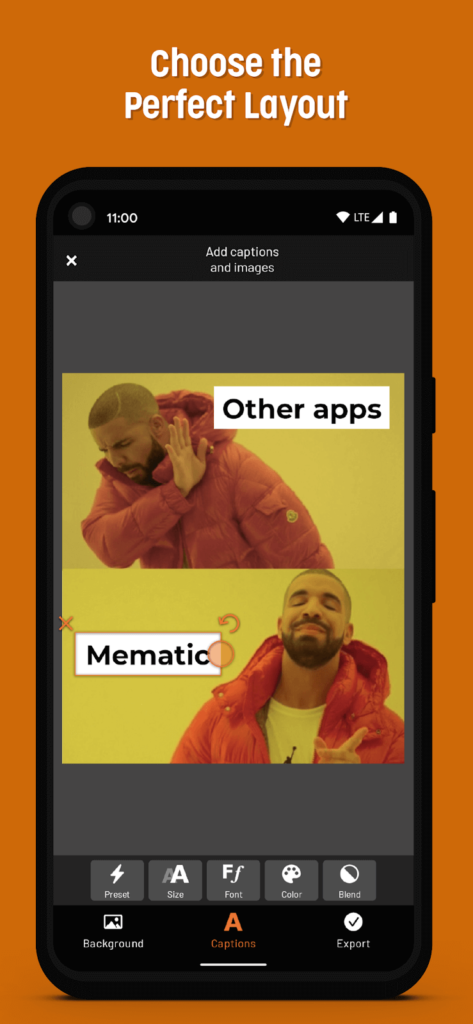
Creative Features
- It is a fast app and lets you create memes within a few clicks.
- Mematic also helps you create inspirational quotes, comment on news, sell your products, and so much more.
- The app has various custom elements like arrange text, add images and stickers.
- You can directly share your creations on WhatsApp, Signal, and Telegram. Also, you can upload memes to your Instagram and Facebook.
- Mematic doesn’t track or support third-party ads.
Pros
- Easy to use.
- Fully up to date app.
- High-quality images.
- No ads.
Cons
- Most elements are paid.
- Some basic glitches.
4. Meme Generator Free (iOS/Android)
Play Store Rating: 4.6/5
App Store Rating: 3.1/5
Compatible Android OS: Android 5.0 or higher
Compatible iOS OS: iOS 8.0 or higher
Number of Users: 10,000,000+
In-app Purchase: Yes
Price: Free
Meme Generator Free is a powerful online meme maker to create hilarious memes and share them with your friends. On this app, you will find multiple meme categories, over 500 high-quality memes, custom memes, and many other features. The great thing about Meme Generator is you can easily share them with your friends via Facebook, WhatsApp, Telegram, Drive, and other platforms.
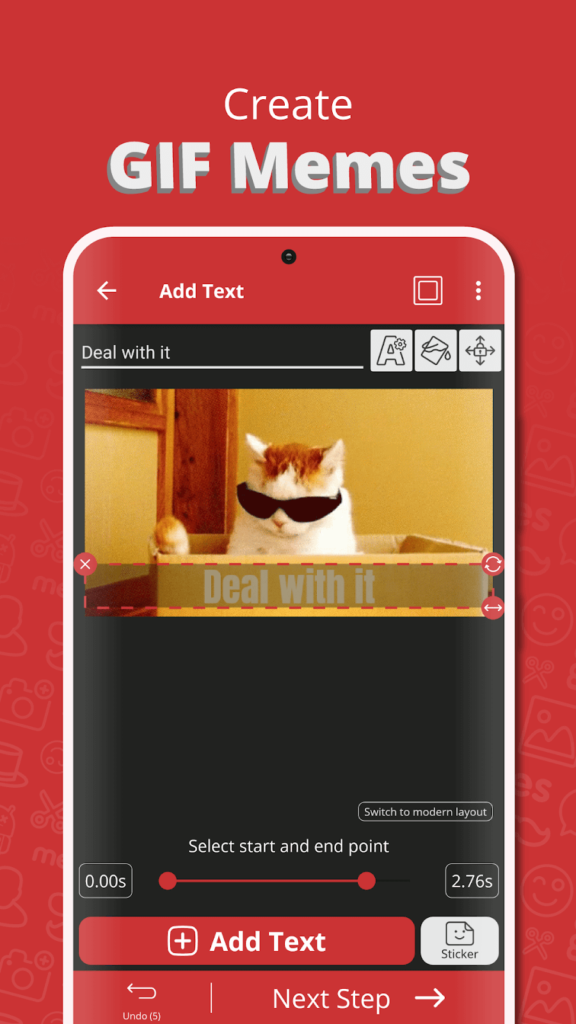
Creative Features
- Easy to customize memes using text color, size, multiple fonts, and more.
- You can create complex memes with up to 10 captions with Mematic.
- Smoothly scroll and navigate through various categories, borders, and filters.
- All the images are free to use without a watermark.
- You can mark your favorite memes and share them with your friends.
Pros
- Excellent image cropping.
- Interactive user interface.
- Good to create complex memes.
Cons
- The iOS version lacks some features.
- The meme gallery hasn’t been updated in a long time.
5. Memeto (iOS/Android)
Play Store Rating: 4.1/5
App Store Rating: 4.6/5
Compatible Android OS: Android 4.3 or higher
Compatible iOS OS: iOS 12.0 or higher
Number of Users: 10,000+
In-app Purchase: Yes
Price: Free
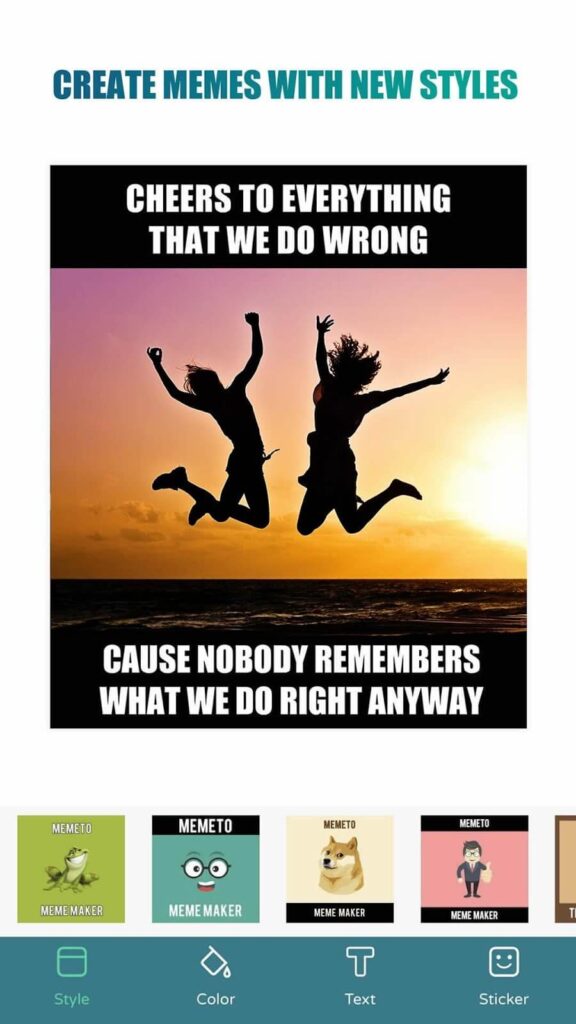
Memeto is a free meme maker to customize your own memes. The app comes with numerous custom meme options such as text color, fonts, stickers, layouts, styles, and trending meme images. You can select photos from your gallery and use them to create different backgrounds. Also, you can share and upload your memes within the app on Twitter, Instagram, Messenger, Snapchat, and more.
Creative Features
- You can customize the background with your personal images or use a plain solid color as a background.
- Over 80 funny and trending meme faces.
- More than 1000+ cool and funny stickers.
- Advanced meme layout with custom options to change font, colors, and size.
- You can add your own watermark on memes.
- Over 200+ fonts to select from.
- You can also create quotes with Memeto.
Pros
- Good for beginners.
- Excellent user interface.
- Smooth to use.
- No watermark.
Cons
- Not often updated.
- Limited meme layouts.
Start Meming Now!
Whether you want to express serious issues in an engaging manner or you simply wish to build a hilarious brand image, memes are what you need today. Plus, now, with all these awesome meme creator apps, it has become super easy to create memes. So, you just need to pick a tool and start meming rather than talking or chatting with your friends.
We have already shared the top five online meme makers with you. So, do let us know your opinions about this post using memes.
Author Bio:
Dinesh Lakhwani 

Dinesh Lakhwani, the entrepreneurial brain behind “TechCommuters,” achieved big things in the tech world. He started the company to make smart and user-friendly tech solutions. Thanks to his sharp thinking, focus on quality and the motto of never giving up, TechCommuters became a top player in the industry. His commitment to excellence has propelled the company to a leading position in the industry.
Popular Post
Recent Post

How to Recover Deleted Files from Pen drive, USB Drive, SD Card
Introduction: On tech forums, you’ll often see posts like this: “I connected my pen drive to my laptop this morning, but the folder was empty. All my college project files had vanished. I don’t have a backup. Can someone help me?” Stories like this are very common. Pen drives, USB drives and SD cards are […]

How To Recover Files Deleted from the Recycle Bin [Windows 11]
Losing a file can happen in seconds. You clear your desktop, hit Delete, and empty the Recycle Bin. Then, just when you need that file again, it seems to have vanished. This guide will walk you through ways to restore files removed from the Recycle Bin. We will begin with simple fixes, then look at […]

Disk Drill Data Recovery Tool Explained: Full Review and Guide
It happens in a split second. You delete a folder by mistake. Your drive stops showing up. A photo album from your last trip just vanishes. And your stomach drops. Lost files feel personal. They are not just data. They are memories, work hours, and sometimes years of effort packed into a few gigabytes. When […]

Recover Deleted Files In Windows 11 With Software & Without
Introduction What is the first thing that goes through your mind the second an important file vanishes from a Windows 11 PC? For most people, it is a mix of panic and disbelief, followed by a frantic click through every folder that file could possibly be hiding in. It happens in a split second: one […]

EaseUS Data Recovery Wizard: Everything To Know
Data loss does not always come from a big disaster either. Most cases start small and boring. A drive gets formatted by mistake. A laptop freezes mid-save and restarts on its own. A memory card stops showing up after being pulled out too fast. None of these feel like emergencies at first, until you realize […]

Recuva Data Recovery Tool: Is it Actually Worth it?
When I first tried Recuva Data Recovery, I wanted to see if it could really bring back lost files. The tool is free, small in size, and promises quick recovery, which made me curious enough to test it on my own PC. The setup was fast, and the wizard guided me step by step. I […]

GetData Recover My Files Data Recovery Tool: Honest Review
A hard drive error brings a special kind of silence. Well, yes! The screen freezes, then a message appears saying the drive can’t be found or must be formatted. In that moment, years of photos and work files feel at risk. It never happens at a good time. Coffee spills near a laptop, a memory […]

Windows File Recovery: A Complete Review [Tried & Tested]
Imagine this. You spend hours perfecting a video project. You hit save. Then your laptop freezes, reboots, and when the screen comes back. The file is gone. Your stomach sinks. It’s not just you. Lost files happen all the time. A dropped hard drive, a bad update, an accidental delete, or a corrupted partition can […]

5 Best Data Recovery Software For Windows 11 and Windows 10
Introduction: A crashed drive can ruin a whole day. One minute your photos, work files, and tax records sit safe on your PC. The next minute they are gone. A power cut, a bad update, or one wrong click can wipe out years of memories and months of work in seconds. That sinking feeling is […]

