Top 10 Upcoming Games For Windows 11 and Windows 10 [2026]

Last updated on September 27th, 2025 at 10:42 am
Discover the top 10 most exciting games coming to Windows 11 and Windows 10 in 2026. From GTA 6 to Witcher 4, get ready for epic gaming adventures ahead.
Gaming in 2026 is a dream come true for Windows users. This year brings long-awaited titles from top studios. Windows 11 and Windows 10 are both ready for action. Whether you’re into open-world adventures or deep RPGs, there’s something huge coming your way.
Fans have waited years for these releases. Now, the biggest names in gaming are finally delivering. The buzz is everywhere—trailers, teasers, and countdowns. 2026 is on track to become a landmark year for PC gaming.
Windows gaming keeps evolving. New tech means better graphics and smoother gameplay. Performance upgrades make every moment feel epic. For every Windows gamer, this year is set to be unforgettable.
Top 10 Upcoming Games for Windows 11 and Windows 10 [2026]
The year 2026 brings incredible games to Windows systems. These titles will change how we play games. Each one offers something unique and special.
Big publishers are launching their most-wanted games. Indie developers are also bringing fresh ideas. This list covers the best games coming to Windows this year. Every game here will work on both Windows 11 and Windows 10.
1. Grand Theft Auto 6
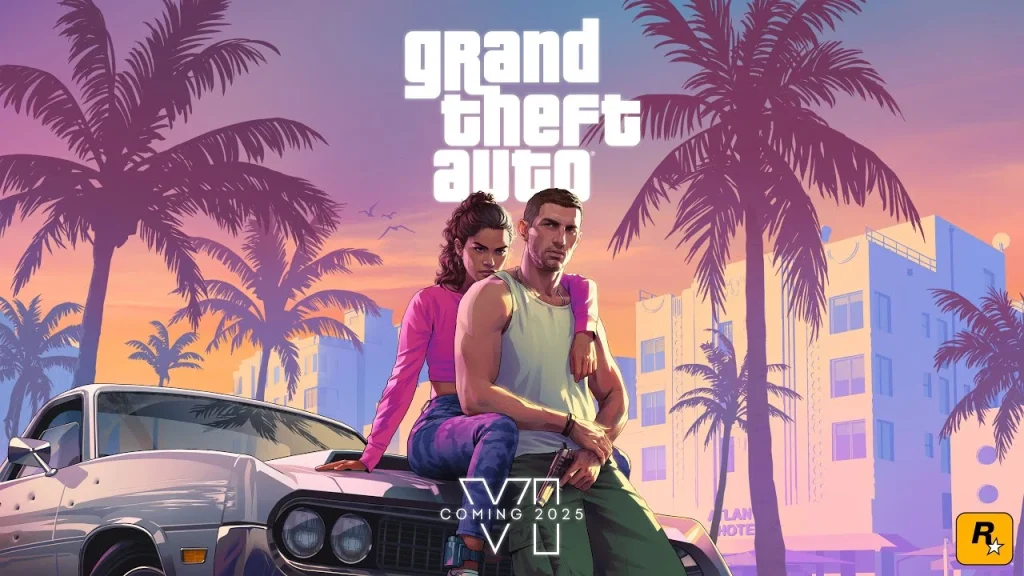
Grand Theft Auto VI is officially set to launch on May 26, 2026, and it’s already one of the most hyped releases in gaming history. Rockstar Games has spent over a decade crafting this ambitious title. With a larger world, deeper story, and cutting-edge features, GTA 6 aims to surpass every previous entry in the series
Vice City returns with modern graphics and new features. Players can expect amazing details in every corner. The world will feel alive like never before. This will be the ultimate crime sandbox experience.
Key Features:
- Massive open world set in modern Vice City
- Two main characters you can switch between
- Advanced AI that makes NPCs feel real
- Online mode with endless possibilities
- Ray tracing support for stunning visuals
2. The Witcher 4
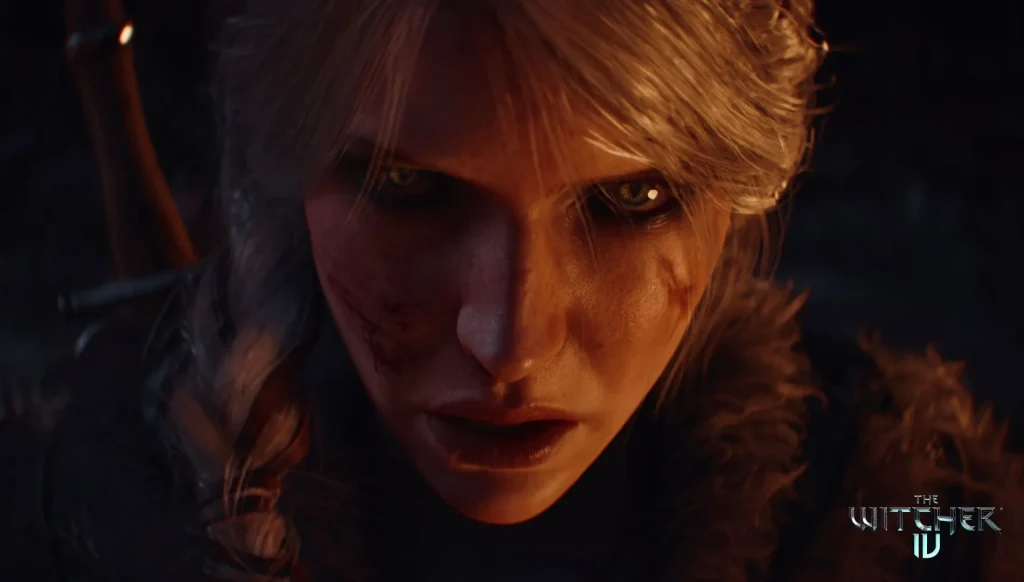
CD Projekt Red announced The Witcher 4 for 2026. The company expects both sequels to The Witcher 4 to follow in just six years, showing their ambitious plans. This new chapter starts a fresh story in the Witcher world.
The game uses Unreal Engine 5 for amazing graphics. New characters will join beloved ones from past games. Magic and combat systems get major upgrades. This will be the biggest Witcher game ever made.
Key Features:
- New saga beginning with fresh storylines
- Unreal Engine 5 powers incredible visuals
- Enhanced combat with new magic spells
- Larger world than Witcher 3 to explore
- Multiple endings based on your choices
- Mod support for endless content
3. The Elder Scrolls 6
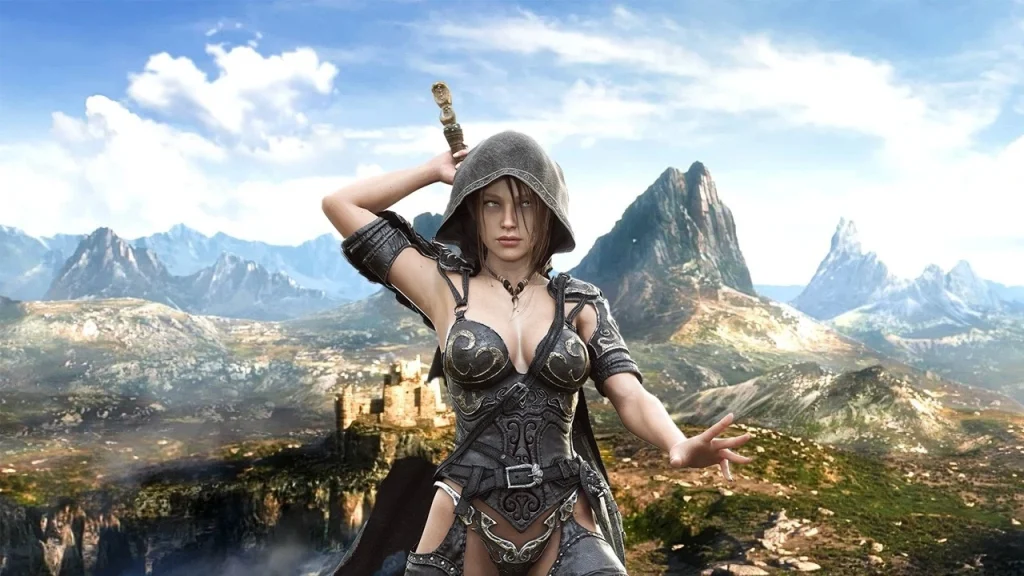
Bethesda finally brings us The Elder Scrolls 6. Fans have waited over 13 years for this game. Todd Howard promises it will be worth the wait. The game uses the Creation Engine 2 for better performance.
A new province of Tamriel opens for exploration. Character creation gets massive improvements. The magic system becomes more complex and fun. This will be the most ambitious Elder Scrolls game yet.
Key Features:
- Brand new province with unique landscapes
- Deep character customization options
- Improved magic system with spell crafting
- A dynamic quest system that adapts to you
- Enhanced AI for smarter NPCs
- Full mod support from day one
4. Battlefield 7
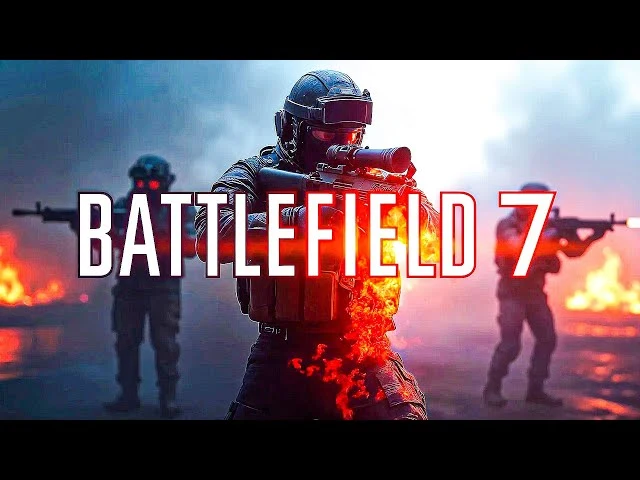
EA DICE returns with Battlefield 7 in 2026. The game goes back to modern warfare settings. Large-scale battles will support up to 128 players. Destruction reaches new levels of realism.
New vehicles and weapons change how battles work. The single-player campaign tells multiple stories. Environmental destruction affects every match. This aims to be the best Battlefield ever.
Key Features:
- 128-player battles on massive maps
- Advanced destruction system
- Multiple single-player campaigns
- New vehicles, including jets and tanks
- Dynamic weather affects combat
- Cross-platform multiplayer support
5. Assassin’s Creed: Codename Red
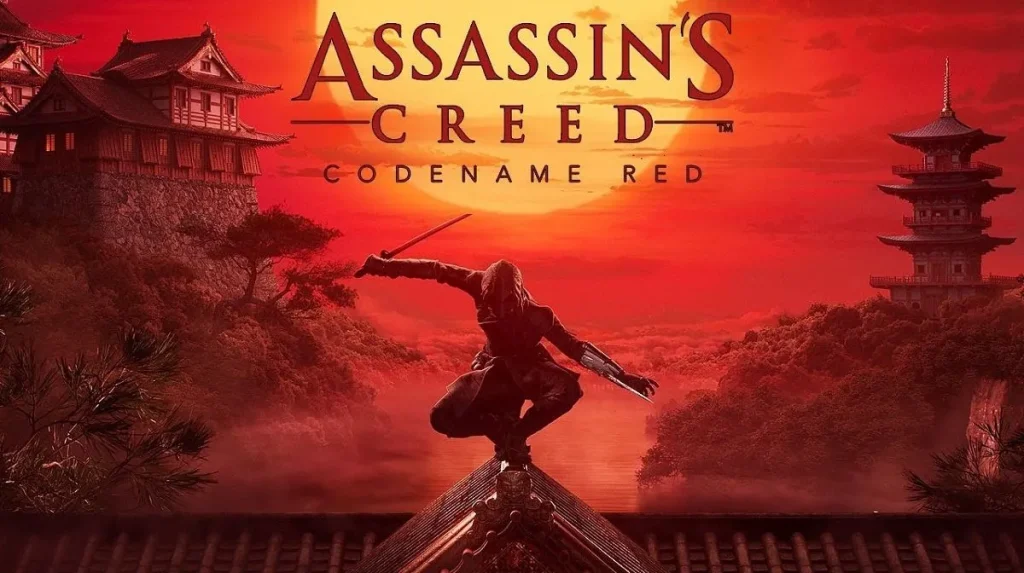
Ubisoft takes Assassin’s Creed to feudal Japan finally. Players become a ninja assassin in ancient times. The setting covers multiple Japanese regions. Stealth gameplay gets major improvements.
Katana combat feels authentic and deadly. You can climb any building in Japanese cities. The story mixes history with Assassin’s Creed lore. This will satisfy fans who wanted Japan for years.
Key Features:
- Authentic feudal Japan setting
- Advanced stealth and parkour mechanics
- Traditional Japanese weapons and tools
- Multiple regions to explore freely
- Rich story mixing history and fiction
- Beautiful art style inspired by Japanese culture
6. Fable 4
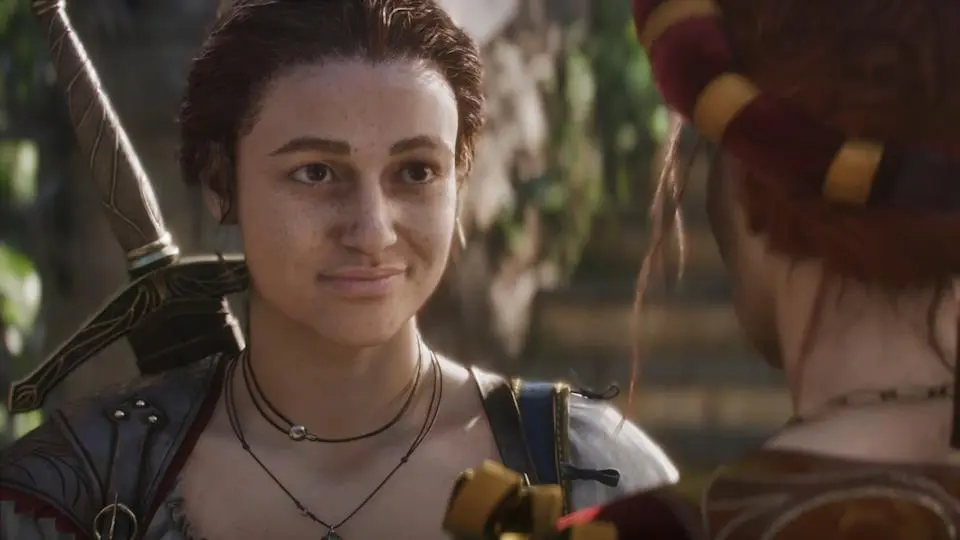
Microsoft’s Playground Games reboots the Fable series. The game returns to Albion with new heroes. Magic, humor, and choice return in full force. The world reacts to every decision you make.
Character creation allows incredible customization. Your choices change how you look over time. Co-op lets friends join your adventure. This promises to capture the original Fable magic.
Key Features:
- Complete reboot of the beloved series
- A dynamic world that changes with choices
- Full character aging and transformation
- Co-op campaign with up to 4 players
- British humor and charm throughout
- Next-gen graphics powered by Unreal Engine 5
7. Half-Life 3
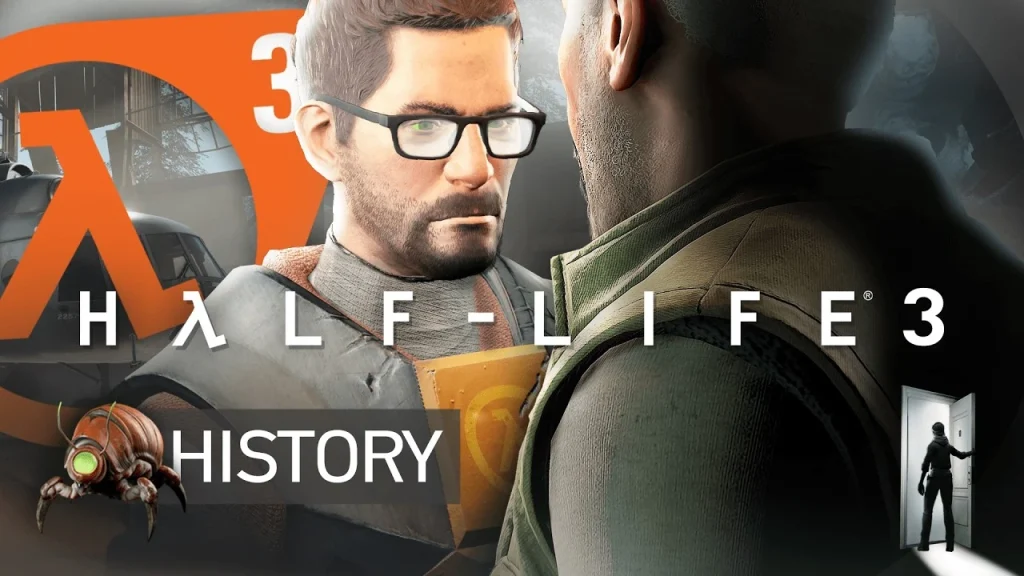
Valve finally announces Half-Life 3 for 2026. Gordon Freeman returns after 17 years of waiting. The game uses Source Engine 3 for cutting-edge physics. New weapons and gravity mechanics surprise players.
The story continues right after Half-Life 2: Episode Two. Alyx Vance plays a major role again. Combined forces have new tricks and weapons. This will be gaming’s biggest comeback story.
Key Features:
- Long-awaited continuation of Gordon’s story
- Revolutionary physics with Source Engine 3
- New gravity-based puzzle mechanics
- Advanced AI enemies that adapt to you
- VR mode available for immersive play
- Steam Workshop support for mods
8. Star Citizen (Full Release)
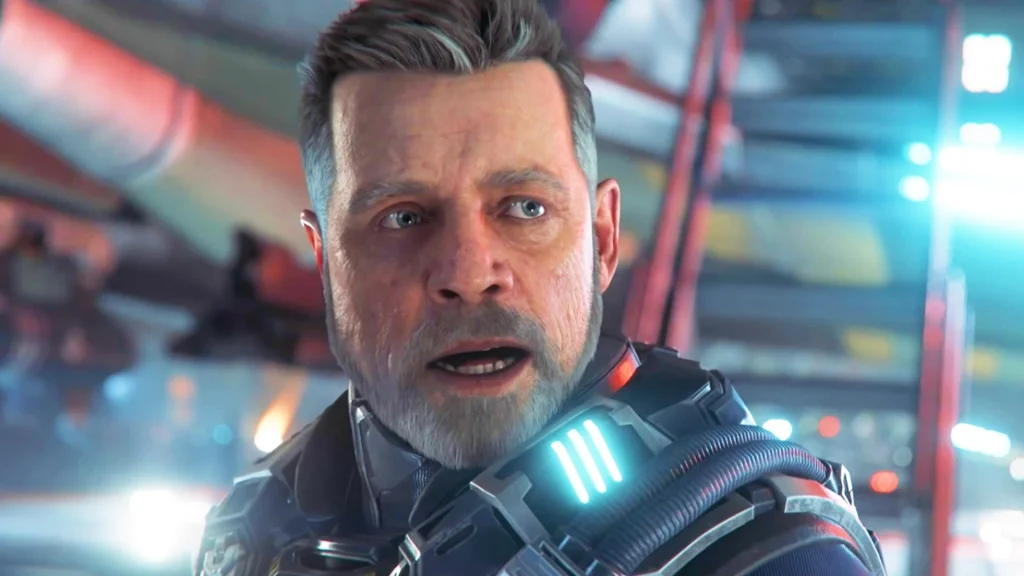
Cloud Imperium Games finally launches Star Citizen fully. The space simulation becomes complete after years of development. Multiple star systems are open for exploration. Players can be traders, pirates, or explorers.
Ships range from small fighters to massive carriers. Every planet offers unique opportunities. The economy responds to player actions. This creates the ultimate space sandbox experience.
Key Features:
- Massive universe with multiple star systems
- Hundreds of ships to buy and customize
- Player-driven economy and politics
- First-person and ship combat
- Full persistence across all activities
- Modding tools for custom content
9. Cyberpunk 2: Project Orion
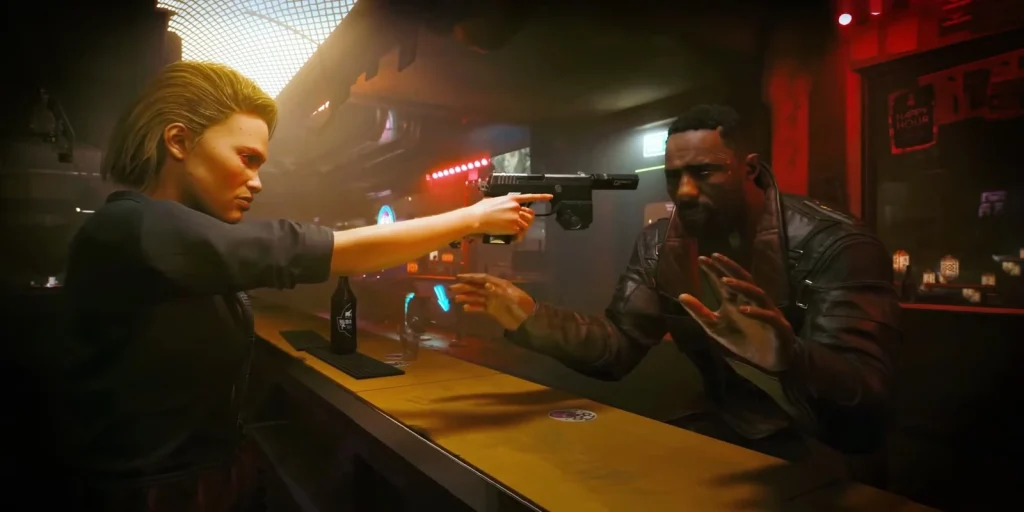
CD Projekt Red announces Cyberpunk 2: Project Orion. The sequel fixes everything wrong with the first game. Night City gets major expansions and improvements. New characters join V’s world.
Advanced AI makes the city feel truly alive. Vehicle combat gets major upgrades. The story branches in meaningful ways. This redeems the Cyberpunk name completely.
Key Features:
- Expanded Night City with new districts
- Improved AI and NPC interactions
- Enhanced character progression system
- Better vehicle mechanics and combat
- Multiple story paths with real consequences
- Stable launch with proper optimization
10. Diablo 4: Vessel of Hatred Expansion
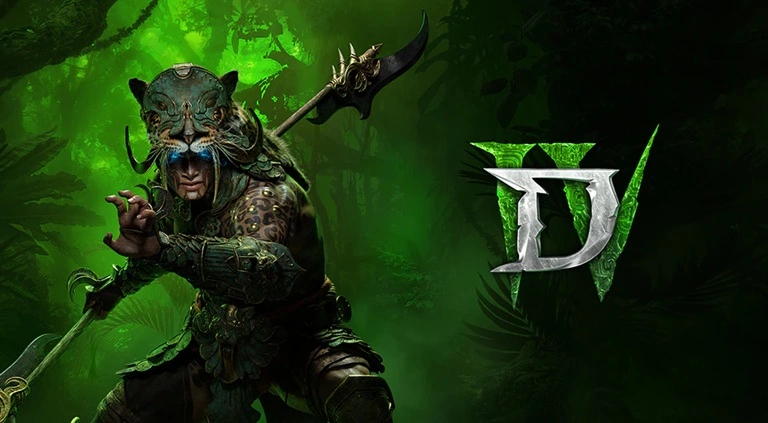
Blizzard expands Diablo 4 with massive new content. The Spiritborn class joins the fight against evil. New regions offer fresh challenges and loot. The story continues Neyrelle’s journey.
Mercenaries provide helpful combat support. New endgame activities keep players busy. Quality of life improvements address fan feedback. This expansion revitalizes the entire game.
Key Features:
- New Spiritborn class with unique abilities
- Vast new region to explore thoroughly
- Mercenary system for solo players
- Enhanced endgame with better rewards
- Improved itemization and crafting
- Seasonal content with regular updates
Tips to Make the Most of Upcoming Games/Latest Games for Windows 11/10
Getting ready for 2026’s games means preparing your Windows system properly. These tips help you enjoy every game at its best performance level.
- Upgrade Your Hardware First: Check each game’s requirements before launch. Most 2026 games need powerful graphics cards. Consider upgrading your RAM to 32GB. An SSD makes loading times much faster.
- Update Windows Regularly: Keep Windows 11 or Windows 10 fully updated. New updates often improve gaming performance. Security patches protect your system from threats. Windows updates fix compatibility issues with new games.
- Clean Install Graphics Drivers: Download fresh drivers from NVIDIA or AMD websites. Remove old drivers completely before installing new ones. Use DDU (Display Driver Uninstaller) for clean removal. Updated drivers boost game performance significantly.
- Optimize Storage Space: Free up at least 500GB for new games. Modern games take 100GB or more of space. Use disk cleanup to remove old files. Consider getting a dedicated gaming SSD drive.
- Configure Game Settings Wisely: Start with medium settings for stable performance. Increase settings gradually until you find a balance. Monitor frame rates using built-in tools. Disable features that cause major frame drops.
- Join Gaming Communities Early: Follow official game forums and Discord servers. Get tips from other players before launch. Learn about hidden features and Easter eggs. Share your experiences with fellow gamers.
- Backup Save Files Regularly: Use cloud saves whenever games support them. Manually back up important save files to external drives. Some games have limited save slots available. Losing progress in long games feels terrible.
- Set Up Streaming and Recording: Install OBS or similar software beforehand. Configure recording settings for your hardware level. Test the streaming setup before playing new games. Share your best gaming moments with friends.
Conclusion
The year 2026 brings the best gaming lineup ever seen on Windows. These ten games represent years of development and innovation. Both Windows 11 and Windows 10 users get amazing experiences. Every genre gets represented with top-quality titles.
From the massive world of GTA 6 to the magic of Witcher 4, variety abounds. Long-awaited sequels finally arrive after years of waiting. New IPs promise fresh experiences and innovative gameplay. PC gaming reaches new heights of excellence this year.
Start preparing your Windows system now for these incredible games. Upgrade hardware if needed and keep drivers updated. Join communities early to maximize your enjoyment. 2026 will be remembered as gaming’s greatest year ever. Get ready for the adventure of a lifetime on Windows.
FAQs
Will these games work on older Windows 10 versions?
Most 2026 games require Windows 10 version 1903 or newer for proper compatibility. Older versions may face performance issues or crash frequently during gameplay. Microsoft ends support for older Windows 10 builds regularly. Update to the latest Windows 10 version before installing new games. Some games might need specific Windows features only in recent updates. Check each game’s system requirements page for exact version numbers. Keeping Windows updated ensures the best gaming experience possible.
Do I need to upgrade to Windows 11 for better gaming performance?
Windows 11 offers some gaming improvements over Windows 10, but upgrades aren’t mandatory. DirectStorage works better on Windows 11 for faster loading times. Auto HDR enhances colors in supported games automatically. Memory management improvements can boost performance in demanding titles. However, Windows 10 still runs all 2026 games perfectly fine. The performance difference between versions remains minimal for most games. Choose based on your comfort level with new operating systems.
What hardware specs do I need for these upcoming games?
Most 2026 games recommend RTX 4070 or RX 7700 XT graphics cards minimum. 32GB RAM becomes the new standard for smooth gameplay. Intel Core i7-12700K or AMD Ryzen 7 5800X processors handle most titles. NVMe SSD storage prevents texture streaming issues in large games. Some games may require even more powerful hardware for maximum settings. Check individual game requirements as they vary significantly. Budget at least $1500 for a capable gaming PC build.
Author Bio:
Dinesh Lakhwani 

Dinesh Lakhwani, the entrepreneurial brain behind “TechCommuters,” achieved big things in the tech world. He started the company to make smart and user-friendly tech solutions. Thanks to his sharp thinking, focus on quality and the motto of never giving up, TechCommuters became a top player in the industry. His commitment to excellence has propelled the company to a leading position in the industry.
Popular Post











Recent Post
Run a Troubleshooter For PC Issues Windows: Complete Guide
A computer plays an important role in everyday life. People use it for work, study, communication, and entertainment. When a problem appears, it can interrupt everything. Even a small issue can waste time and create frustration. Many users feel unsure about how to fix such problems. They often think they need expert help. In reality, […]
![Adjusting Audio Output Settings Complete Guide [2026]](https://www.techcommuters.com/wp-content/uploads/2026/03/Adjusting-Audio-Output-Settings-Complete-Guide.webp)
Adjusting Audio Output Settings: Complete Guide [2026]
Sound is part of almost everything we do on a computer. It lets you watch videos, join calls, play music, and hear alerts. When the audio stops working the right way, it can interrupt both work and daily use. That is why adjusting audio output settings matters for every user. Many people get unsure when […]

Artificial Intelligence Explained: Concepts, Terminology, Benefits, and Future Trends
Artificial Intelligence, or AI, is basically computers doing things that usually need a human brain. We’re talking about stuff like learning from experience, figuring out problems, understanding language, and making decisions. It’s not magic, just a lot of data, pattern-spotting, and math behind the scenes. Now, AI doesn’t actually think or feel like we do. […]

Resolving Microphone Detection Problems: Latest Guide [2026]
Microphones are important tools in daily life. People use them for office meetings, online classes, interviews, gaming, customer support, and content creation. When a system fails to detect a microphone, communication stops at once. This situation can cause stress and confusion. Many users believe the microphone is damaged. In reality, most problems are simple and […]

How To Switch To A Dark Background Theme In Windows [2026]
Most people spend many hours each day in front of a computer screen. Office work, online classes, editing, browsing, and streaming all require long screen time. A bright white background may look clean at first. However, over time, it can feel sharp and tiring. The strong contrast between white backgrounds and black text may cause […]

How to Switch From Local To Microsoft Account On Windows
Many users begin with a local account when they set up a new Windows computer. A local account works only on that single device. It stores settings, files, and preferences locally. It does not connect to online Microsoft services. For basic offline use, it works well. However, as digital needs grow, many users want better […]

How to Switch Windows 10 to a Local Account: Complete Guide
Windows 10 allows users to sign in with either a Microsoft account or a local account. When you set up a new computer, the system often suggests using a Microsoft account. This account connects your device to Microsoft services such as Outlook, OneDrive, and the Microsoft Store. It also syncs settings, themes, and passwords across […]

How To Change Default Apps For File Types In Windows
Windows is designed to make using your computer easy. One way it does this is by assigning default apps to different file types. This means when you open a file, Windows automatically opens it with a specific program. For example, photos may open with Photos, music with Groove Music, and PDFs with Edge. These default […]

How To Adjust The Mouse Pointer Speed: Complete Guide
Using a computer every day means you use the mouse a lot. The mouse pointer moves on the screen and helps you click, scroll, and select items. Many people never think about the speed of the mouse pointer. They have used the default setting for years. This can cause small problems over time. A slow […]

How to Change Mouse Scrolling Settings In Windows
A mouse is one of the most used computer tools. People use it every day. They scroll through emails. They scroll through documents. They scroll through websites and images. The movement becomes automatic. Most users do not notice it. That is why problems often go unnoticed. Scrolling problems show up slowly. At first, it feels […]

