Category: How To
Find the easiest how to guides for different tech problems. You will find how to guides for multiple devices i.e. Windows, Mac, iOS, and Android.

How to Fix Game Stuttering on a Windows PC
In this comprehensive guide, we’ll explore the underlying causes of game stuttering, and equip you with proven techniques to fix this nuisance and regain smooth gameplay.

How to Fix Outlook Rules Not Working on Windows 10 and 11
In this guide, we will explore the possible reasons behind Outlook rules not working on Windows and provide you with practical solutions to get them up and running again.

How to Fix “File is Open in Another Program” Error in Windows
Here is the step-by-step process to troubleshoot the “File is open in another program” error in Windows, enabling you to regain control of your files and restore your productivity.
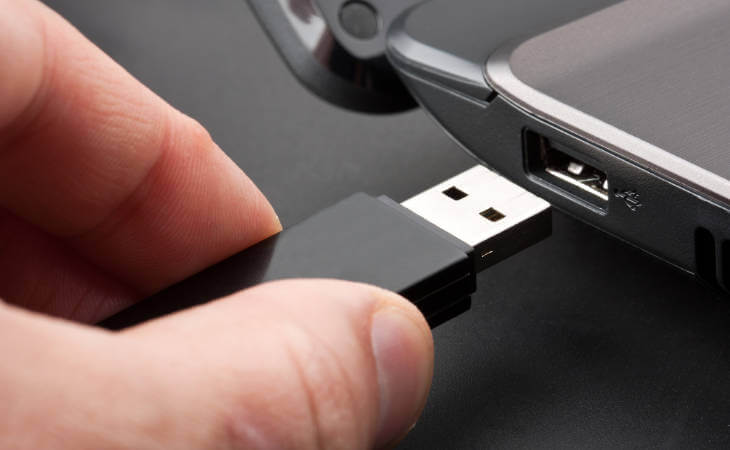
How to Fix USB Port Not Working in Windows 11
Introduction: USB ports have become an indispensable part of our daily lives, allowing us to connect various devices and peripherals to our computers effortlessly. Whether it’s transferring data, charging our smartphones, or connecting external storage, USB ports offer unparalleled convenience. However, encountering issues with USB ports can be frustrating, especially when they stop working altogether. […]
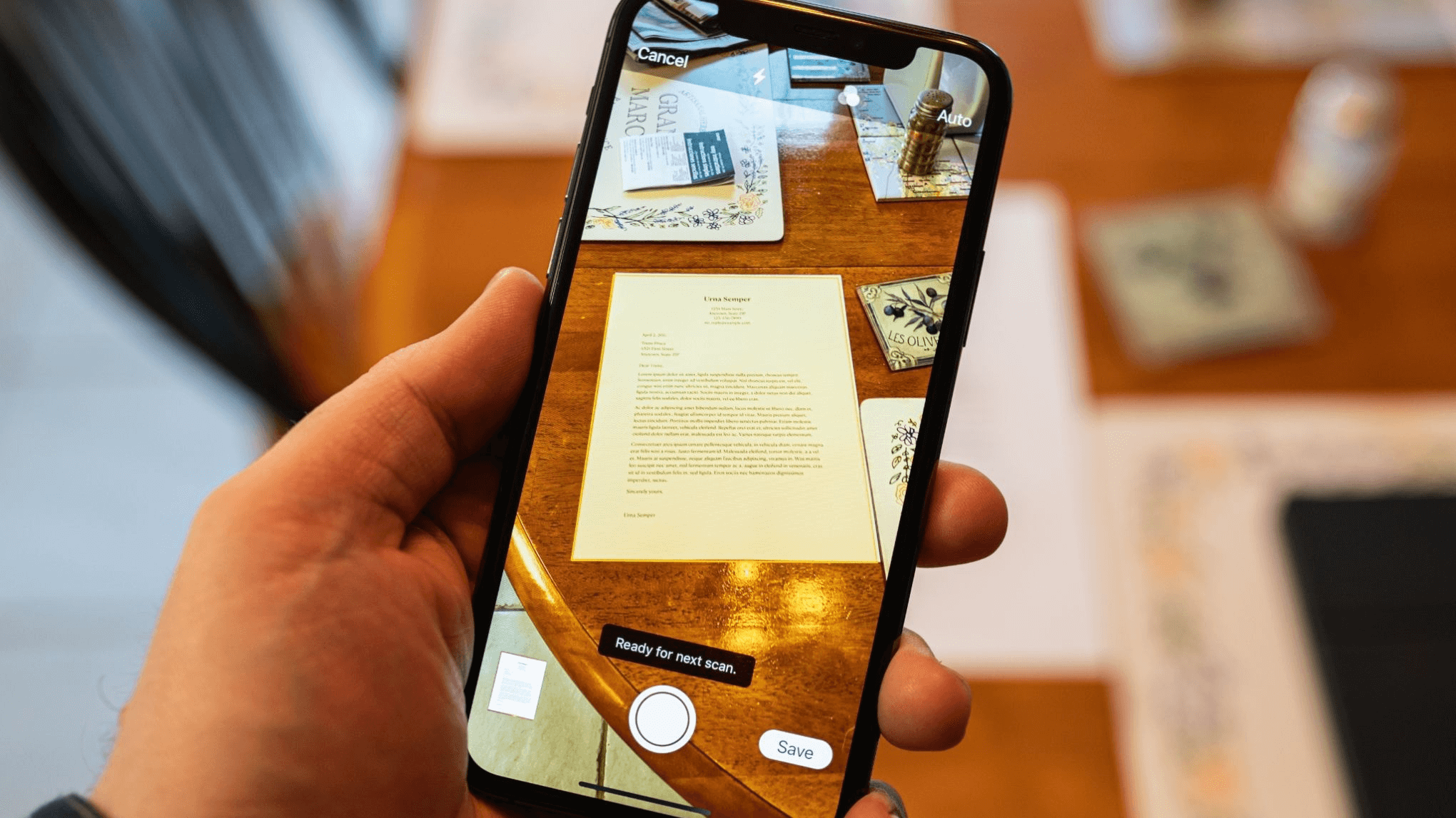
How To Scan a Document on iPhone or iPad
Introduction: Gone are the days of bulky scanners and laborious document digitization processes. Right? Now, with just a few taps on your smartphone or tablet, you can effortlessly transform physical documents into digital files. Say goodbye to the time-consuming and cumbersome methods of the past. In this guide, we will walk you through the step-by-step […]

How to Fix Laptop Black Screen on Startup on Windows 11/10 [2026]
Introduction: Imagine the panic that sets in when you press the power button, only to be greeted by a disheartening black screen. The laptop black screen on startup issue is a common and frustrating problem that many users encounter, leaving them feeling helpless and unsure of what to do next. But fear not! In this […]
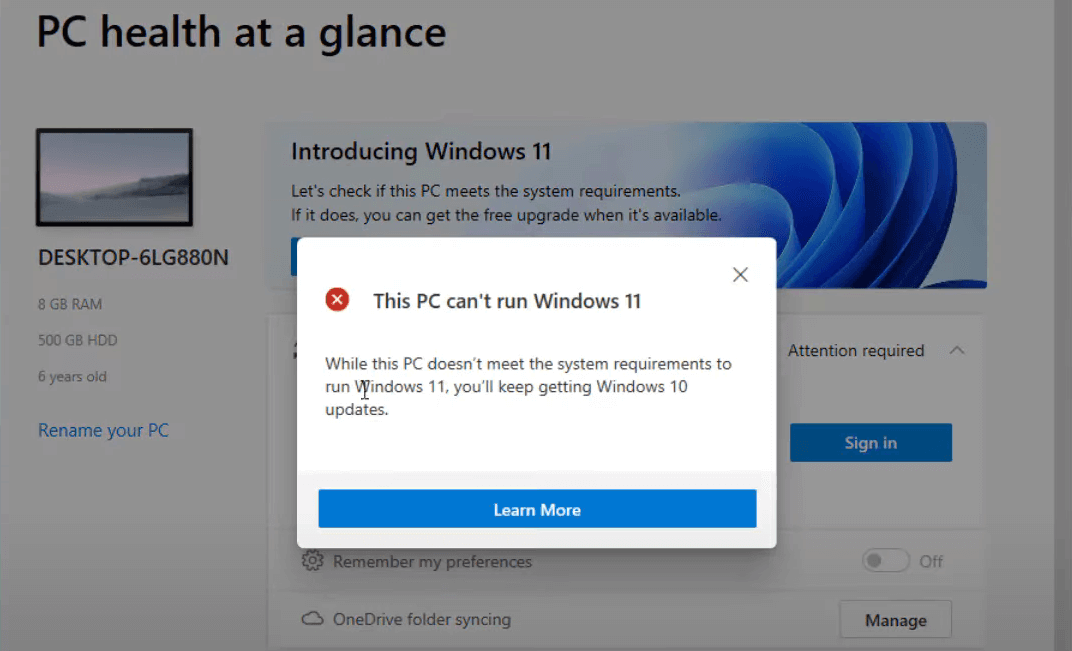
How to Fix the “This pc can’t run Windows 11” Error
Introduction This pc can’t run Windows 11 problem may result from two crucial security settings being disabled if you have attempted downloading Windows 11 or employing the Microsoft PC Health Check app after getting that warning. They are known as Secure Boot with TPM 2.0. These two options are now necessary for Windows 11-powered machines. […]
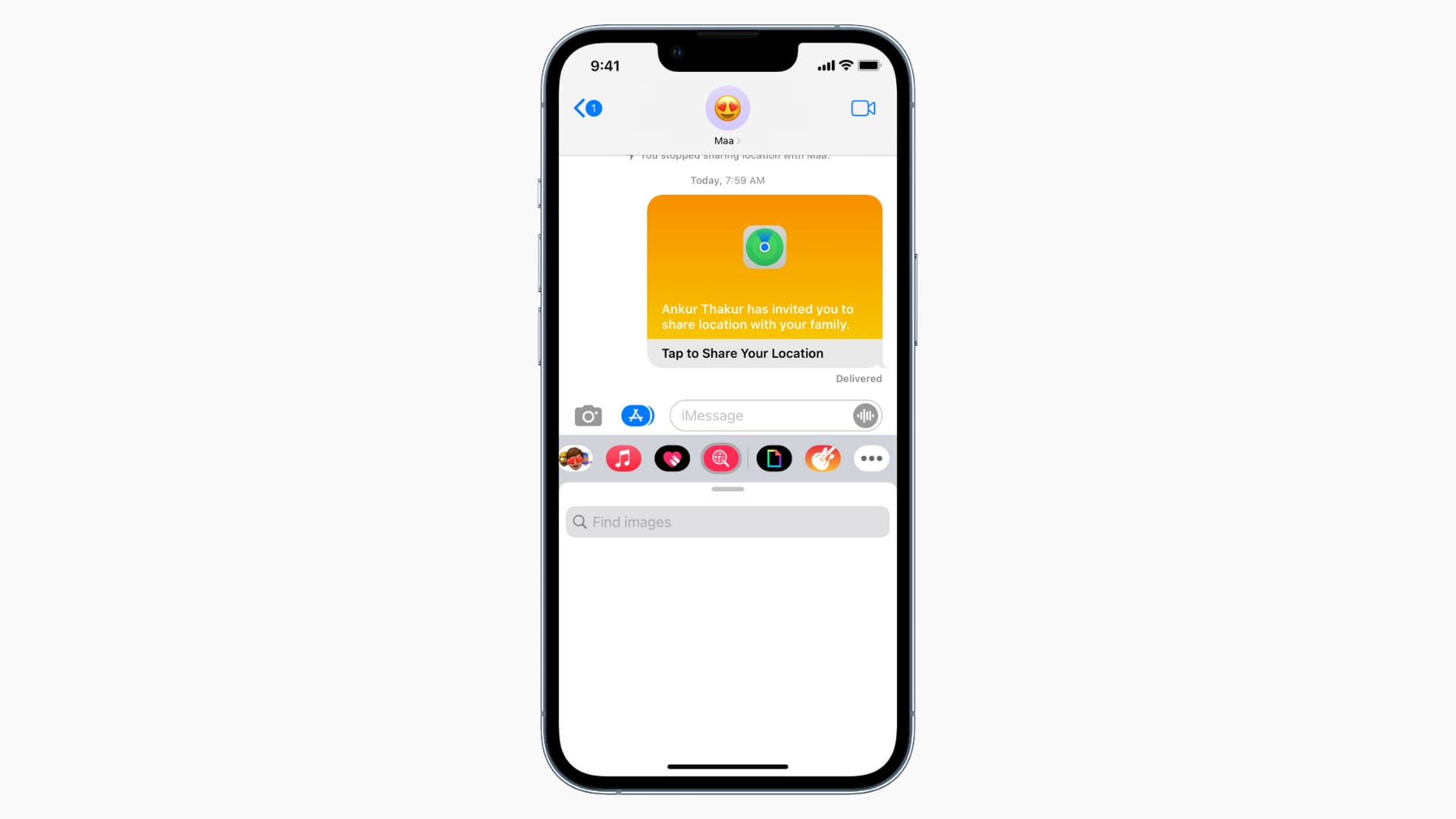
How to Fix “iMessage Not Delivered” on your iPhone
Are you experiencing the frustrating issue of “iMessage Not Delivered” on your iPhone? It’s a common problem that can hinder your ability to send messages and disrupt your communication flow. Whether you’re trying to connect with friends, family, or colleagues, resolving this issue is crucial for staying connected in the digital age. In this troubleshooting […]

How To Fix Android Auto Rotate Not Working
Introduction: Is auto rotate not working? We have got you covered. Our smartphones have become indispensable companions that help us in getting things done seamlessly. One such handy feature of our smartphone is auto-rotate, which automatically allows us to switch between portrait and landscape modes. Whether you’re browsing the web, watching videos, or playing games, […]
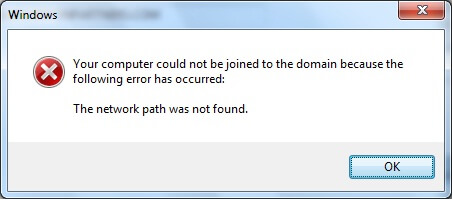
How to Fix the “Network Path Was Not Found” Error on Windows
Introduction: Having a reliable network connection is crucial for seamless communication and uninterrupted access to shared resources. However, encountering errors can disrupt our productivity and leave us scratching our heads for solutions. One such frustrating error is the “Network Path Was Not Found.” This error message typically pops up when attempting to access files or […]

Recent Post





![Complete Guide on Managing Audio Input Devices [Latest In 2026]](https://www.techcommuters.com/wp-content/uploads/2025/12/Complete-Guide-on-Managing-Audio-Input-Devices.webp)




![Help With Color Management In Windows Complete Guide [2026]](https://www.techcommuters.com/wp-content/uploads/2025/12/Help-With-Color-Management-In-Windows-Complete-Guide.webp)