Top 10 Teleprompter Apps For iPhone & iPad [2026]
Last updated on February 10th, 2026 at 12:37 am
Teleprompter apps have become essential tools for anyone who records video or presents on camera. Whether you’re producing social media posts, hosting online classes, pitching ideas, or delivering speeches, the right teleprompter app keeps your delivery smooth, confident, and professional without memorizing every word.
With iPhones and iPads offering powerful displays and cameras, these apps help creators and professionals stay on cue and maintain eye contact.
In 2026, the landscape of teleprompter tools continues to expand, with solutions ranging from basic script scrollers to advanced suites that tie recording, captions, editing, and publishing into one workflow. This guide highlights the top contenders you can use on iOS devices, comparing key features such as voice-driven scrolling, video recording integration, script management, and ease of use.
Top 5 Comparison Table
Here’s a snapshot of the five standout teleprompter apps for iPhone and iPad. These choices balance usability with powerful features for creators, presenters, educators, and professionals:
This table helps you match your needs to features quickly, such as whether you want voice-activated scrolling or a full video creation suite.
Things Readers Usually Wonder About Before Choosing a Teleprompter App
What makes PromptSmart Pro different from standard teleprompter apps?
PromptSmart Pro uses voice-controlled scrolling that adjusts in real time as you speak. If you pause, the text stops. When you continue, it moves again. This removes the pressure of matching your pace to a fixed scroll speed and helps your delivery sound natural rather than rehearsed.
Is BIGVU a good option if I want everything in one app?
BIGVU works well for users who want more than just script reading. Along with teleprompter support, it includes video recording, caption creation, simple editing tools, and formats designed for social media. It suits creators who prefer handling the entire process in one place.
Are basic teleprompter apps good enough for professional videos?
Yes. Simpler teleprompter apps can still deliver professional results if your script is strong and your setup is clean. They handle smooth scrolling and on-camera reading well, which is often all you need for presentations, tutorials, or short videos.
Best Teleprompters Apps for iPad and iPhone Users
After carefully checking many options, we have narrowed down the list for you to find the top free teleprompter app here. Go through your options, learn their specifications, and then decide.
1. PromptSmartPro
PromptSmartPro is not a free teleprompter app for iPhone, but it comes with diverse functions that prompt users to purchase it for A-Grade performance. It is infused with smart technology that makes it simple to create videos and use various prompts on screen for teleprompter-type reading.
The application includes patented voice recognition technology that adjusts the script playback with the speaker’s words in real-time.
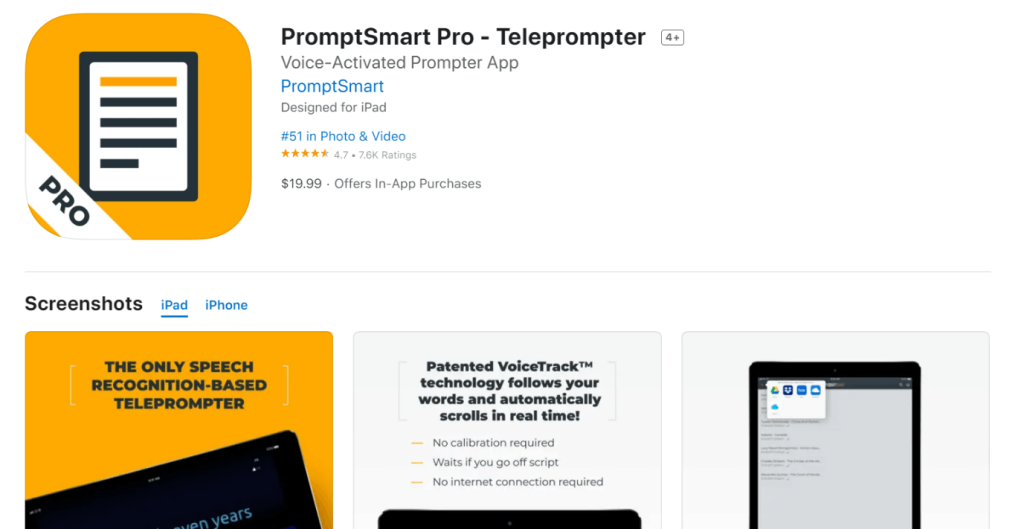
Compatibility: iPhone, iPad
Price: USD 19.99 with additional in-app purchases.
Features:
- In-app settings for camera functions like an auto-exposure lock, tap-to-focus, auto-focus lock, etc.
- Import and export files in diverse formats like RTF, DOCX, GDOC, etc.
- Use selfie mode to record HD-quality videos and read teleprompter scripts easily.
- Adjust side margins to reduce eye tracking.
Pros:
- Advanced VoiceTrack technology supported.
- Use volume buttons to play or pause the video during presentations.
- Delete multiple scripts in bulk.
Cons:
- The app only supports the English language.
- The app size is relatively big compared to most alternatives, averaging 262.1 MB.
2. BIGVU: Video Teleprompter
For professional-level video recording and phone-based teleprompter support, BIDVU’s teleprompter is highly useful. Users can utilize this app to create engaging and high-resolution videos for tutorials, online classes, social media promotion, sales pitches, explainer videos, and other types.
This app has professional-quality advanced functions like multi-take support, multi-orientation support for screen mode, audio monitoring during the recording process, and other benefits.
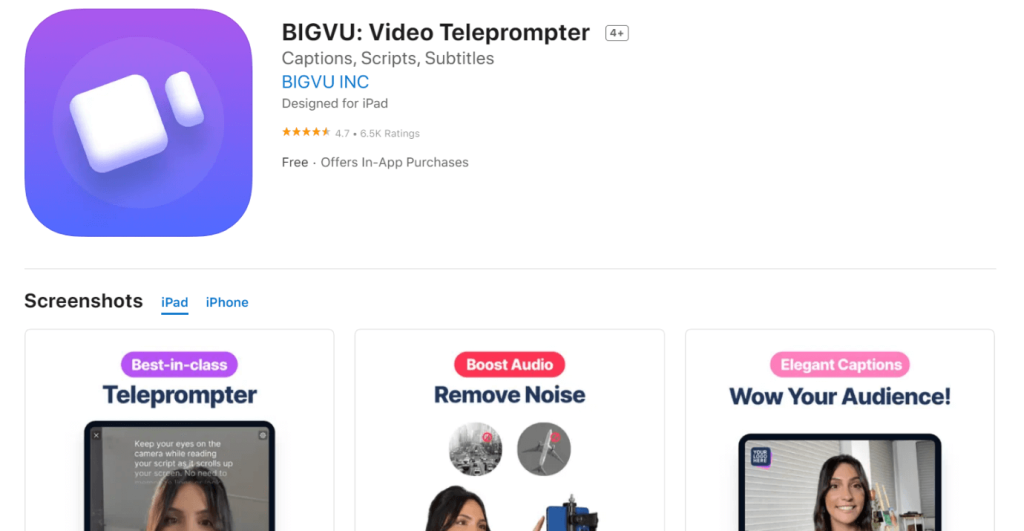
Compatibility: iPhone, iPad
Price: Free with in-app purchases beginning at USD 14.99.
Features:
- Choose between portrait and perpendicular recording for your apps.
- Include automatic captions and subtitles to your video files.
- You can add commercial-free audio to the background.
- Use BIGVU chroma-key filter algorithm for video loop, background editing, etc.
Pros:
- In-built composer for editing captions, visuals, videos, photos, etc.
- One-click share to other social media profiles.
- Export to cloud or device with quick steps.
Cons:
- Functionality issues are possible with older devices due to their big app size (316.1 MB).
- Extremely high costs of the paid functions for most users.
3. Teleprompter Premium
Teleprompter Premium is a versatile app for teleprompter functions that top TV channels can also opt for. With this app, users can easily prepare miscellaneous scripts with no limit for presentations, news anchoring, and more.
It is simple to scroll through the scripts on this app, displaying them in smaller aspect ratios or full-screen. You can use different connected devices to control the app functions.
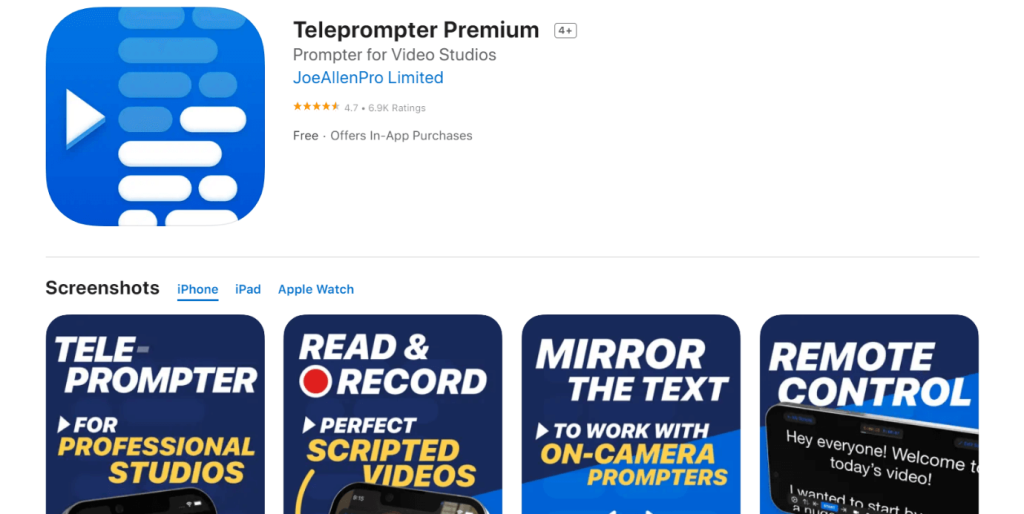
Compatibility: iPhone, iPad, Apple Watch
Price: In-app purchases between USD 3.99 to USD 19.99.
Features:
- IKSN Elite Remote compatibility for scrolling speed control and other settings.
- Mirroring mode to reverse/reflect the text like professional teleprompter software.
- Hide controls and display full-screen scripts.
- Control the teleprompter app functions using different networks and on varying device types.
Pros:
- Import files in PowerPoint, Word, PDF, and other format types with this app.
- Create and manage a comprehensive library of scripts.
- Adjust the side margins easily.
Cons:
- The Slide-over mode is not the same for all iPad devices.
- Word document integration is available only for iOS users.
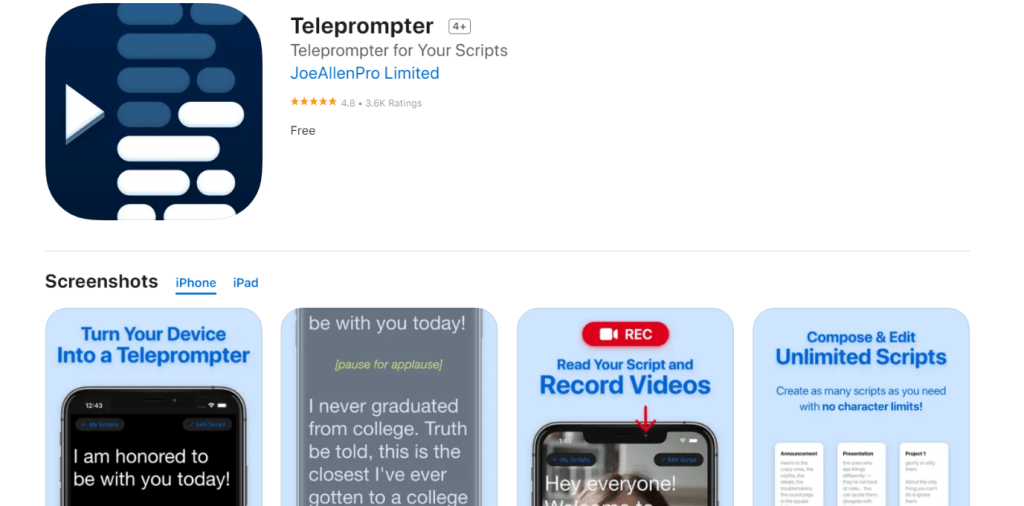
4. Teleprompter
Teleprompter is the best free teleprompter app for users to record high-definition videos, deliver speeches, and conduct meetings, with on-screen script scrolling. The application includes many benefits, like the ability to control teleprompter functions through linked smart devices or web browsers.
You can organize the scripts in customized order using their date, title, or other differentiation points. Also, easily Airdrop scripts to other iOS users with this.
Compatibility: iPad, iPhone
Price: Free
Features:
- Record videos through the app while reading the teleprompter easily.
- Customize the script’s color, text size, and background color.
- Include cue points in the scripts.
- Add Time Scrolling function for automatic scrolling during the pre-scheduled time.
Pros:
- Supports many language types like Dutch, Indonesian, Malay, etc.
- Use a connected keyboard for easier start/stop scrolling control.
- Video backup for recent videos is automated.
Cons:
- The app can avoid showing data privacy details for some devices.
- You must set the cloud sync function separately for scripts across different devices.
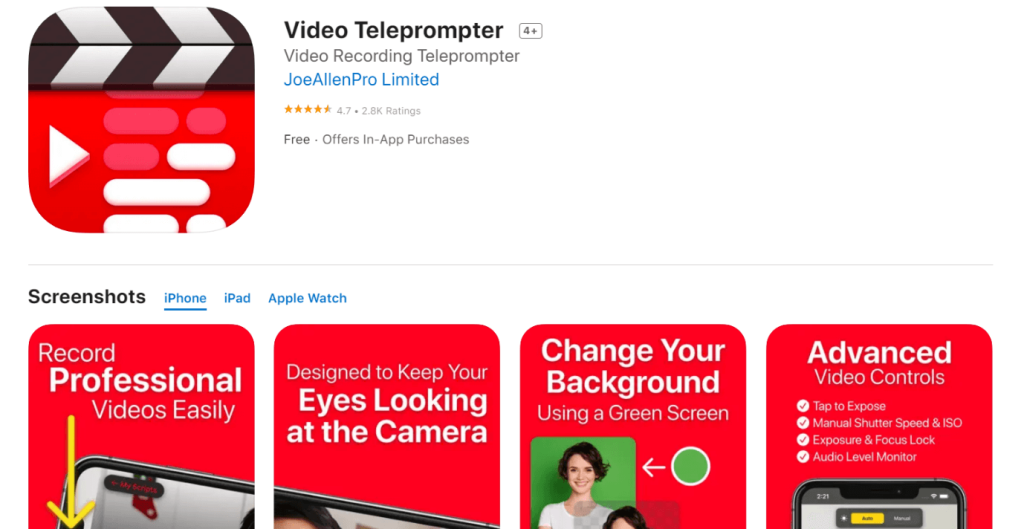
5. Video Teleprompter
Using this relatively free teleprompter app for iPhone, users can do many functions like creating explanation/guided tutorials, video resumes, vlogs, or presentations. It is simple to record videos that look natural and professionally made.
The teleprompter function here shows the script directly in the camera’s eyesight, making it easier for most users to operate.
Compatibility: iPad, iPhone, Apple Watch.
Price: Free with in-app purchases beginning at USD 3.99.
Features:
- Controlled recording/scrolling using Apple watch, connection page-turner button, etc.
- It is compatible with different linked microphone types.
- Adjust the text window easily.
- Monitor the audio levels with pre-programmed buttons.
Pros:
- Import, make, share, and save an unlimited number of scripts.
- Export your content in RTF and other file formats, playable on different device types.
- Choose between paging and continuous scrolling manner.
Cons:
- Automatic subtitle generation is not a free function on this app.
- Users must pay an additional Auto Captions subscription to generate SRT-supported files.
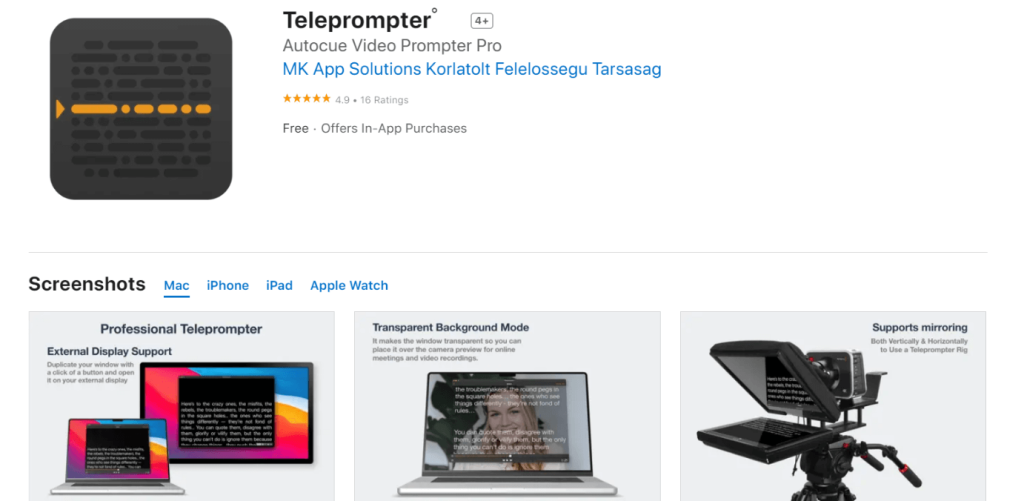
6. Teleprompter
This teleprompter application for iPhone and iPad users is a user-friendly choice that is very simple to understand. You can read scripts or lyrics easily and even record speech while watching the steady stream of words on the teleprompter.
You can record video directly while reading the script in PDF, Word, or TXT format. You can adjust a scheduled time for playback and even change the speed.
Compatibility: iPad, iPhone, Mac, Apple Watch
Price: Free, Priced plans starting at Pro- USD 9.99, Pro Weekly- USD 4.99, Pro Annual- USD 59.99.
Features:
- Record directly through the app.
- Choose playback time for videos.
- Access Bluetooth keyboard for remote control functions to handle the playback.
- Mirror playback of videos horizontally and vertically.
Pros:
- Customize functions for the keyboard shortcuts.
- Adjust the speed of the videos easily.
- This is extremely lightweight.
Cons:
- The free trial is only for 3 days.
- The software does require access to users’ personal data and might track specific metrics.
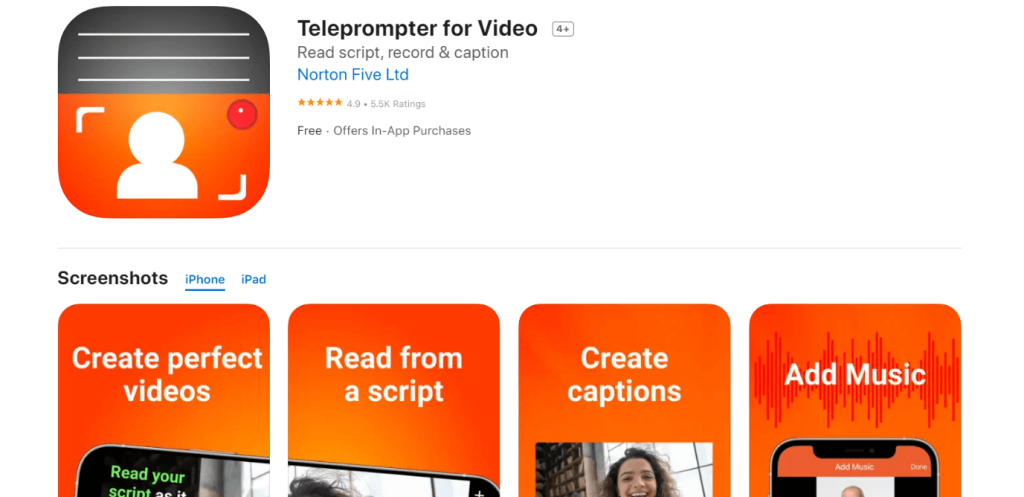
7. Teleprompter for Video
This is one of the top apps that work as a teleprompter that iOS users can try out. With no extra equipment, you can use this all-in-one app to record high-quality videos at diverse FPS counts in resolutions up to 4K. There are in-built microphones and external ones here, and support for adding and exporting files with subtitles.
It is easy to use this app for recording and control it with advanced technology, such as Bluetooth-powered controls.
Compatibility: iPhone, iPad
Price: Free with in-app purchases starting at USD 3.99.
Features:
- The app supports different orientation options for video recording like portrait, landscape, and square-shaped.
- You can add royalty-free music or songs from the device.
- Automatically include subtitle/caption.
- Voice-assisted scrolling is available as well.
Pros:
- All videos are automatically saved for future editing.
- You can include customized text in the video.
- Chroma key filter/green screen support for changing background.
Cons:
- Free users can use scripts with 750-character limit.
- Users cannot add personalized logos without paying an additional fee first.
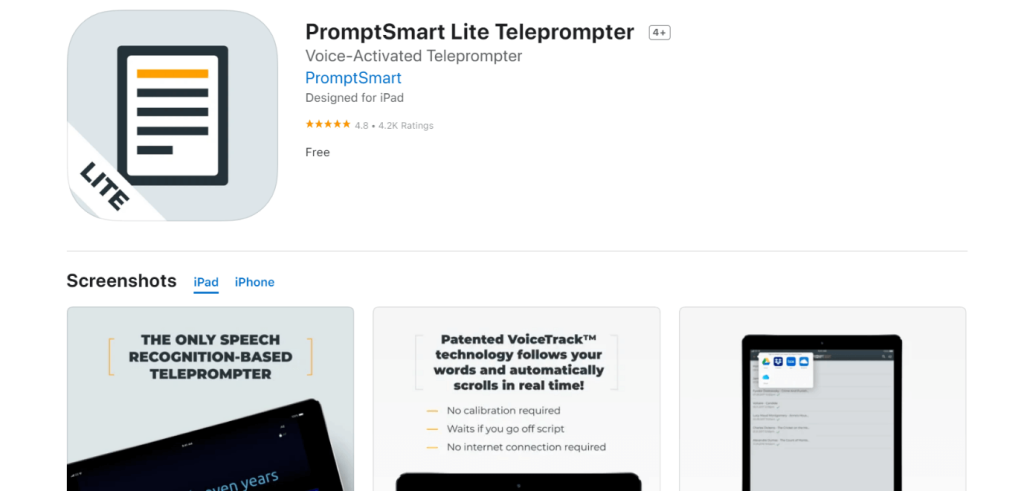
8. PromptSmart Lite
With this free teleprompter app for iPhone, users can easily record online videos and scroll/pause scripts simultaneously. The PromptSmart Lite app has an optimized speech recognition solution that integrates voice and video recording to high-quality limits.
You can easily download video files via cloud platforms and prepare presentations with crisp sound voiceover using the app.
Compatibility: iPad, iPhone
Price: Free
Features:
- Manual scrolling and VoiceTrack support.
- Keep up to 5,000 words per script.
- The app allows 30 minutes of speech recording using VoiceTrack continuously.
- Import files from device and cloud platforms, like Dropbox, Google Drive, iDrive, etc.
Pros:
- Easy to edit documents while using the app.
- Ten font size variations are available.
- Messenger-based customer support is available.
Cons:
- The size of the app is somewhat huge.
- Devices before iOS 11, iPhone 5S, and iPad Air cannot run this app.
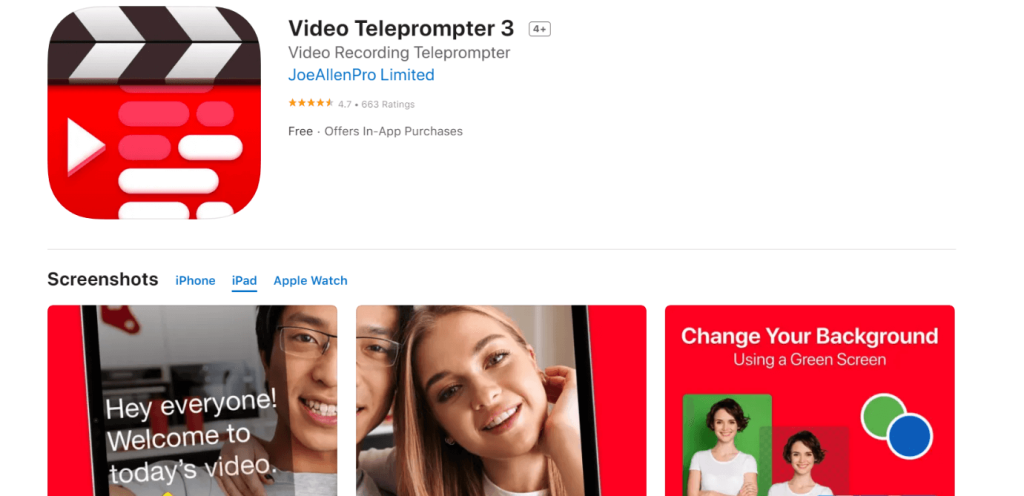
9. Video Teleprompter 3
Using Video Teleprompter 3, many videographers and social media marketers can prepare their videos in professional-quality appearance, especially with 4K support. While reading the teleprompter script, users of this app do not have to adjust their line of sight unnaturally since it maintains a good level.
You can enable the countdown timer to know the right time for recording. For proper usage, import pre-made documents as a script.
Compatibility: iPad, iPhone, Apple Watch
Price: Free with in-app purchases starting at USD 4.16.
Features:
- Control reshoots and video recording with better eye-contact control.
- Green screen support for adding a customized background to videos.
- 4K quality video recording on suitable devices.
- No minimum limit for characters/scripts.
Pros:
- Supports languages besides English, like Dutch, Swedish, Italian, etc.
- Create, save, import, share, and edit an unlimited number of scripts while using this app.
- Control customization activities from the keyboard, media remote, etc.
Cons:
- It does require access to private customer data or device permissions to operate.
- The auto subtitle-based function is not a free benefit for these users.
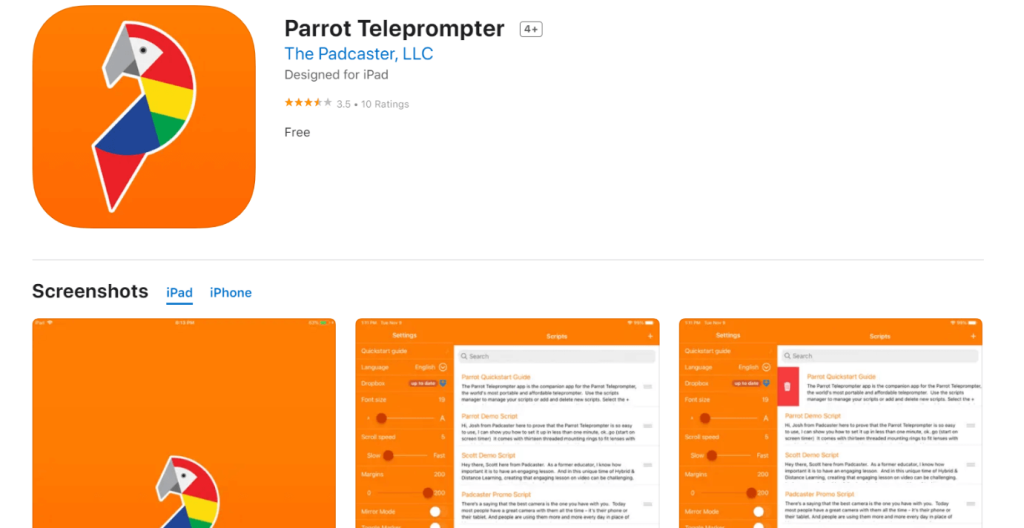
10. Parrot Teleprompter
One top free teleprompter app for iPhone that you should consider is the Parrot Teleprompter. This simple app is useful for simple teleprompter-centric usage through smartphone devices. You can scroll through the scripts in mirrored form or landscape mode.
Add text and even make changes to the font size for a personalized look. Also, you can loop scripts with this app.
Compatibility: iPad, iPhone
Price: Free
Features:
- Set scrolling speed of the script.
- Adjust script orientation in mirrored or landscape mode.
- Change background/foreground color quickly.
- Functional remote-control usability.
Pros:
- Very lightweight as an app.
- Works with different types of digital camcorder-based and DSLR lenses.
- Professional-quality video output at free cost.
Cons:
- It does not support many language types.
- Not best for older models.
Conclusion
All things considered, these iOS apps are high-quality choices for teleprompter use during video recording via iPad or iPhone devices. Among the options, we found PromptSmartPro to be the best choice in terms of its usability, functions, and patented VoiceTrack technology support. Other than that, Teleprompter Premium and Video Teleprompter 3 are suitable contenders.
Whether you choose one of these three or any other, try out each option carefully first for a better understanding.
FAQs
Q1. Can I record video while using these teleprompter apps?
Most top teleprompter apps on iPhone and iPad let you record directly while reading your script, positioning it next to the camera lens so you maintain eye contact. Some integrate exposure, focus, and basic editing tools for cleaner results.
Q2. Do any teleprompter apps follow my voice as I speak?
Yes, PromptSmart Pro’s VoiceTrack™ technology listens and scrolls in real time with your delivery, stopping when you pause and restarting smoothly when you continue.
Q3. Are there free teleprompter apps for beginners?
There are free or freemium options such as Teleprompter and the basic versions of other apps, letting you manage scripts and scroll text without subscription fees; often, advanced features are behind in-app purchases.
Author Bio:
Dinesh Lakhwani 

Dinesh Lakhwani, the entrepreneurial brain behind “TechCommuters,” achieved big things in the tech world. He started the company to make smart and user-friendly tech solutions. Thanks to his sharp thinking, focus on quality and the motto of never giving up, TechCommuters became a top player in the industry. His commitment to excellence has propelled the company to a leading position in the industry.
Popular Post











Recent Post

How To Adjust The Mouse Pointer Speed: Complete Guide
Using a computer every day means you use the mouse a lot. The mouse pointer moves on the screen and helps you click, scroll, and select items. Many people never think about the speed of the mouse pointer. They have used the default setting for years. This can cause small problems over time. A slow […]

How to Change Mouse Scrolling Settings In Windows
A mouse is one of the most used computer tools. People use it every day. They scroll through emails. They scroll through documents. They scroll through websites and images. The movement becomes automatic. Most users do not notice it. That is why problems often go unnoticed. Scrolling problems show up slowly. At first, it feels […]

Keyboard Light Settings: Keyboard Lighting Control [Complete Guide]
Keyboards are no longer simple typing tools. Well, yes! Over time, they have evolved to include features that improve comfort, visibility, and overall experience. One of the most useful features today is keyboard lighting. It helps users work comfortably in low-light conditions. It also reduces strain when typing for long hours. Many users first notice […]

Customizing Pointer Appearance: Complete Guide
The way your mouse pointer looks on your computer may seem like a small detail. But customizing pointer appearance can make using your PC more comfortable and visually appealing. Many users do not realize that they can change the pointer size, color, and style to fit their needs. Whether you want a bigger pointer for […]

How To Choose a Computer Monitor: Monitor Buying Guide
Buying a monitor looks easy. Many people think all screens are the same. That belief causes regret later. A monitor is not just a display. It is a daily tool. You read on it. You work on it. You relax with it. Small problems become big over time. Poor brightness hurts eyes. Bad size causes […]

How To Get Help With File Explorer in Windows 11 [Complete Guide]
File Explorer is one of the most important tools in Windows 11. It is used to open folders, view files, and manage stored data. Almost every action on a Windows computer depends on it in some way. When users open documents, save downloads, or organize photos, File Explorer is always involved. Because it is used […]

How To Fix A Frozen Computer: Complete Guide [Windows 11/10]
A frozen computer is one of the most common problems Windows users face. The screen stops responding. The mouse pointer does not move. Keyboard inputs do nothing. You may hear the fan running loudly. Sometimes the system looks alive, but nothing works. This situation often happens when you are busy or working on something important. […]

How to Upgrade Computer RAM: Complete Guide
Upgrading RAM is one of the simplest ways to improve a computer. It helps the system feel faster and smoother. Apps open quicker. Browsers handle more tabs. Games and tools run with less delay. Many users search for how to upgrade computer RAM because it gives real results without high cost. You do not need […]

How To Clean Your Computer Keyboard: Complete Guide
A computer keyboard is touched more than almost any other device you own. It is used during work, study, gaming, and casual browsing. Fingers carry natural oils, sweat, and dirt. Small food crumbs fall between keys without notice. Dust settles each day slowly. Over time, this creates a hidden layer of grime. Many users do […]
Computer Mouse Buying Guide for Beginners and Advanced Users
Buying a mouse looks easy at first. Many people think all mouse work the same way. Well, that idea often leads to regret later. A mouse affects comfort, speed, and daily work. It matters for office tasks, gaming, design, and study. The right choice reduces strain and improves control. The wrong one feels annoying every […]

