












Slow computers are a common problem for almost every Windows user. Well, yes! Over time, your PC picks up junk files. These files sit quietly in the background. They take up space and slow things down. Programs open slower. Windows takes longer to boot. Even simple tasks like opening a folder can feel sluggish. There […]
10 Best Background and Wallpaper Apps for Android and iOS
Introduction:
Adding wallpaper to your phone’s screen is the best way to showcase your style and individuality. Don’t you agree? Whether you’re looking to add a touch of elegance, express your creativity, or simply find a stunning backdrop to enhance your device’s aesthetics, we’ve got you covered.
We also understand the struggle of searching through countless images or settling for generic wallpapers that lack personality. That’s why we’ve handpicked these top-rated apps, ensuring they deliver not only stunning visuals but also ease of use, customization options, and an intuitive user interface.
In this blog, we will explore a carefully curated selection of the 10 best background and wallpaper apps for Android and iOS that are guaranteed to transform your smartphone or tablet into a visual masterpiece. From breathtaking landscapes and mesmerizing abstract designs to adorable pets and vibrant illustrations, these apps offer an extensive range of choices to suit every taste and preference.
10 Best Background and Wallpaper Apps for Android and iOS
#1 Abstruct
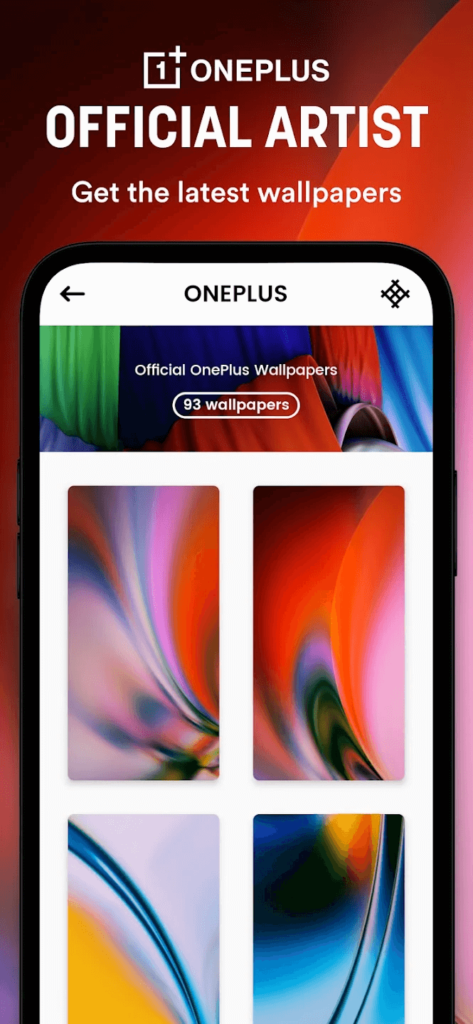
Are you tired of mundane wallpapers that lack personality? Say hello to Abstruct! It’s not just another wallpaper app; it’s a gateway to a world of artistic expression and visual delight. Created by the talented artist Hampus Olsson, the mastermind behind the official OnePlus wallpapers, Abstruct is here to take your Android or iOS device to the next level.
Imagine immersing yourself in a kaleidoscope of vibrant colors, intricate designs, and captivating patterns that breathe life into your screen. Abstruct brings you an ever-expanding collection of meticulously crafted abstract backgrounds, carefully curated to cater to your artistic taste and captivate your imagination.
Features:
- Stunning collection of meticulously crafted abstract wallpapers.
- User-friendly interface for easy browsing and selection.
- Customization options to fit wallpapers perfectly to your device’s screen.
Pros:
- High-quality and visually striking wallpapers in 4K quality.
- Extensive range of abstract designs to suit different preferences.
- Easy-to-use interface for a seamless browsing experience.
Cons:
- Some users may prefer a larger selection or more diverse categories.
- Additional premium content may require in-app purchases.
Compatibility: Android.
Price: Free, offers in-app purchases.
#2 Fotor
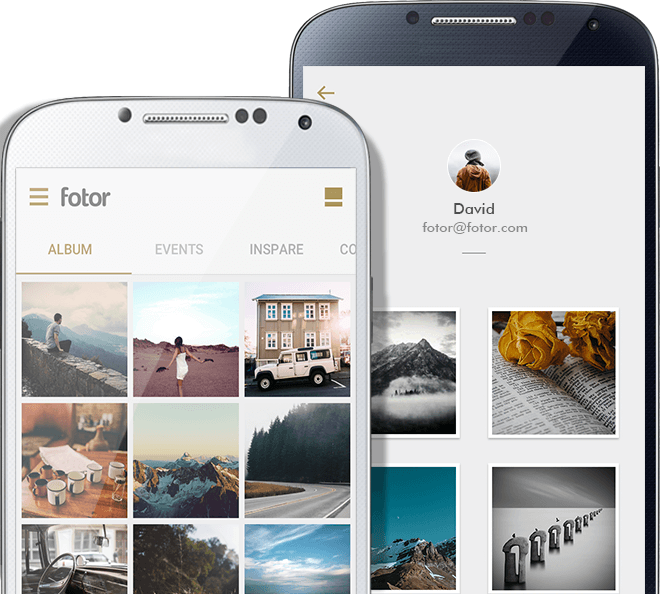
Primarily known as an image editing app, Fotor also offers an exceptional range of aesthetic wallpapers that can enhance your device’s display in just a few clicks. Discover a vast collection of thousands of free wallpapers available for direct download, encompassing a diverse array of styles to suit every taste. Whether you’re seeking cool, cute, minimalist, aesthetic, or holiday-themed backgrounds, Fotor has you covered. Elevate your device’s appearance and express your uniqueness with these stunning mobile wallpapers and backgrounds.
Fotor does offer a collection of beautiful images that can be used as wallpapers. While it may not have an extensive library of wallpapers like dedicated wallpaper apps, you can explore Fotor’s image collection and choose visually appealing photos to set as your device’s background.
Features:
- Thousands of free wallpapers covering a wide range of styles.
- Easy and direct download of wallpapers.
- Versatile editing tools for customization.
Pros:
- Extensive collection of wallpapers for various preferences.
- Convenient and straightforward downloading process.
- Additional editing tools for customization.
Cons:
- Limited focus on wallpaper-specific features compared to dedicated wallpaper apps.
- May not have the same level of variety or specialization as other dedicated wallpaper apps.
Price: Free, offers in-app purchases.
#3 Zedge
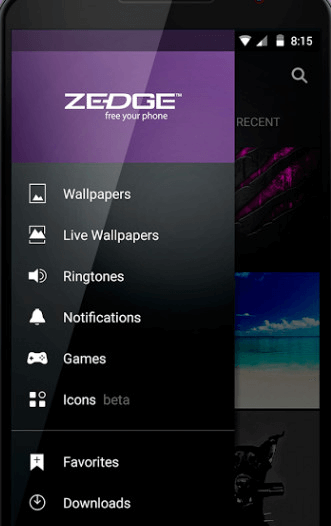
Looking to add some personal flair to your mobile device? Look no further. Zedge is the go-to app for all things mobile personalization. With a vast collection of top-notch backgrounds, audio sounds, and app icons, ZEDGE has something to suit every style and taste.
On Zedge, you can browse through various categories like anime, dogs, cats, neon, space, sports, nature, love, and so much more to pick the perfect wallpaper for your smartphone. Whether it’s a special occasion or just an ordinary day, ZEDGE has you covered with wallpapers, live wallpapers, ringtones, and notification tones that match any mood or event.
Features:
- Millions of high-quality backgrounds, audio sounds, and app icons for mobile personalization.
- Diverse categories include anime, dogs, cats, neon, sports, nature, and more.
- Customization options for wallpapers, live wallpapers, ringtones, and notification tones.
Pros:
- Wide range of content to suit individual preferences.
- An all-in-one app for wallpapers, ringtones, and app icons.
- User-friendly interface for easy navigation.
Cons:
- The app may display ads, which could interrupt the user experience or cause annoyance.
- Certain premium content or features may require additional purchases within the app, which could be a downside.
Price: Free, offers in-app purchases.
#4 Backdrops
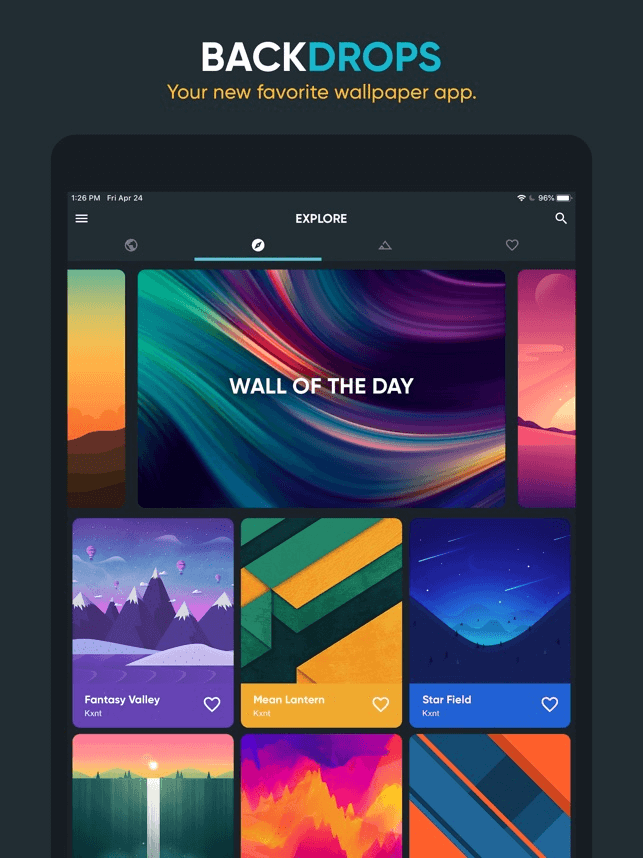
Backdrops offer more than just wallpapers, as it provides a “Pro” version that unlocks extra features like wallpaper editing, advanced search options, and exclusive content. This premium upgrade enhances customization possibilities for users who desire a truly personalized experience.
Alongside its extensive collection, Backdrops incorporates user-friendly functionalities that elevate the wallpaper browsing process which makes it one of the best background and wallpaper apps for Android and iOS. You can effortlessly explore wallpapers by categories or conduct specific keyword searches. Additionally, the app allows you to save preferred wallpapers to your collection, enabling quick access and seamless switching. Moreover, Backdrops presents a “Wall of the Day” feature, presenting handpicked wallpapers daily for delightful discovery and enjoyment.
Features:
- A curated collection of handcrafted wallpapers.
- Wide range of styles to choose from.
- User-friendly interface with easy navigation.
- “Wall of the Day” feature for daily inspiration.
- The pro version unlocks additional features.
Pros:
- High-quality wallpapers with impressive visuals.
- A diverse selection of styles and designs.
- Intuitive and user-friendly browsing experience.
- Daily fresh wallpaper for added variety.
Cons:
- Limited free content.
- The app does now allow users to upload their content.
Price: Free, offers in-app purchases.
#5 Amoledpix
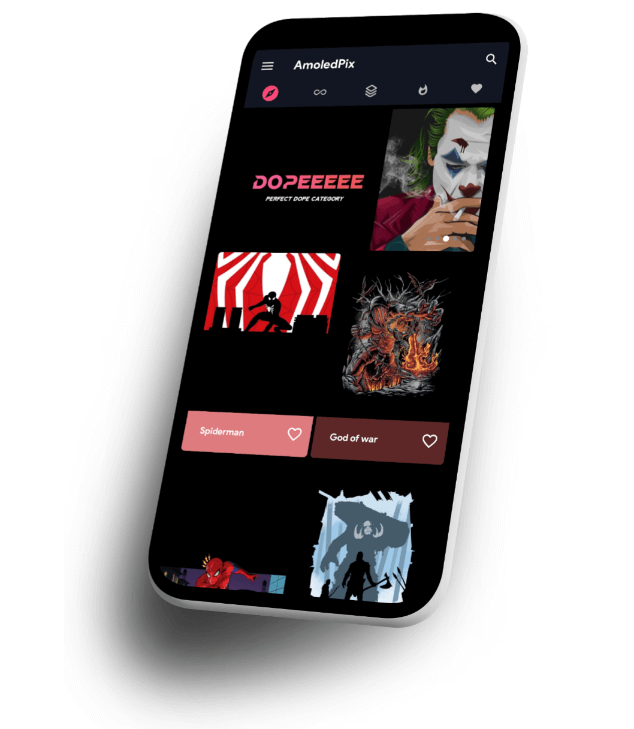
AmoledPix is the perfect companion for enhancing your phone’s aesthetic charm with breathtaking 4K black AMOLED wallpapers. This mobile app is meticulously crafted to showcase the full potential of your device, especially if it features an AMOLED screen.
Immerse yourself in a collection of over 20,000 high-quality black wallpapers within AmoledPix. Explore a diverse range of categories, including Superheroes, Cars, Architecture, Dope, Girly, Gaming, Minimal Black, and many others. The app keeps you in vogue by regularly updating its selection with the latest trends, ensuring a constant supply of fresh wallpapers to suit your style.
Features:
- Save and download your favorite wallpapers.
- 4K black AMOLED wallpapers designed to enhance your phone’s aesthetic appeal.
- Adjust wallpaper settings for a personalized appearance.
Pros:
- Stunning visuals and high-quality wallpapers.
- Wide range of categories to suit different preferences.
- Specifically designed for AMOLED screens.
Cons:
- Occasional performance issues or bugs may affect the app’s overall experience.
- Contains ads.
Compatibility: Android.
Price: Free, offers in-app purchases.
#6 STOKie

In search of an Android wallpaper app that fulfills all your requirements? Your search ends here with STOKiE! This exceptional, one of the best background and wallpaper apps for Android provides a massive collection of over 12,000 stunning stock wallpapers from renowned smartphone and tech companies, but also offers a plethora of additional features.
STOKiE boasts an extensive collection of over 12,000 breathtaking stock wallpapers sourced from a variety of smartphone and tech companies. Regardless of whether you favor Apple, Samsung, Google, or other major brands, you’ll discover an extensive range of wallpapers to suit your taste.
Features:
- Auto-wallpaper change.
- It categorizes wallpapers based on device models such as Samsung, Apple, etc.
- Advanced Wallpaper editing options.
- Offers OLED-friendly wallpapers.
Pros:
- Over 12,000 stunning stock wallpapers from various smartphone and tech companies.
- Wide range of options for users who prefer different brands.
- Additional features to enhance the wallpaper experience.
Cons:
- The app primarily focuses on stock wallpapers, so users seeking more personalized or user-generated content may find the options limited.
- The app may display ads, which can be disruptive to the user experience.
Compatibility: Android.
Price: Free, offers in-app purchases.
#7 Tapet Wallpapers
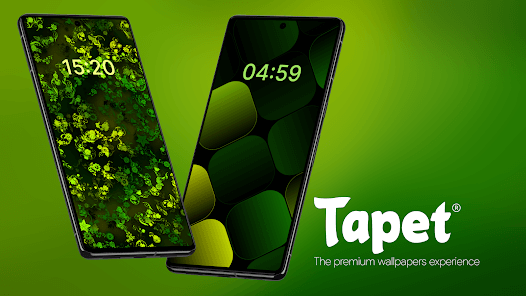
Tapet is an innovative app that revolutionizes your background experience by automatically generating high-quality wallpapers. With Tapet, you have the option to select a random wallpaper or let the app generate one for you on an hourly or daily basis.
With Tapet, you’ll enjoy automatically generated, high-quality wallpapers that perfectly fit your device, along with the thrill of never seeing the same wallpaper twice.
Features:
- Wallpapers are created to perfectly match your device’s screen resolution, ensuring the highest possible quality.
- Tapet rapidly generates wallpapers directly on your device.
- Images seamlessly fit your screen, creating a stunning parallax effect that enhances the overall visual appeal.
- The app surprises you with a new wallpaper every hour or day, guaranteeing a constantly fresh and diverse wallpaper experience.
Pros:
- Automatic generation of high-quality wallpapers tailored to your device’s screen resolution.
- On-device generation, eliminating the need for internet downloads.
- Regular app updates with new and exciting patterns.
- Endless variety with the option to receive new wallpapers on an hourly or daily basis.
Cons:
- Limited control over specific wallpaper designs or themes.
- Some users may prefer a larger collection of pre-existing wallpapers to choose from.
Compatibility: Android.
Price: Free, offers in-app purchases.
#8 Walli
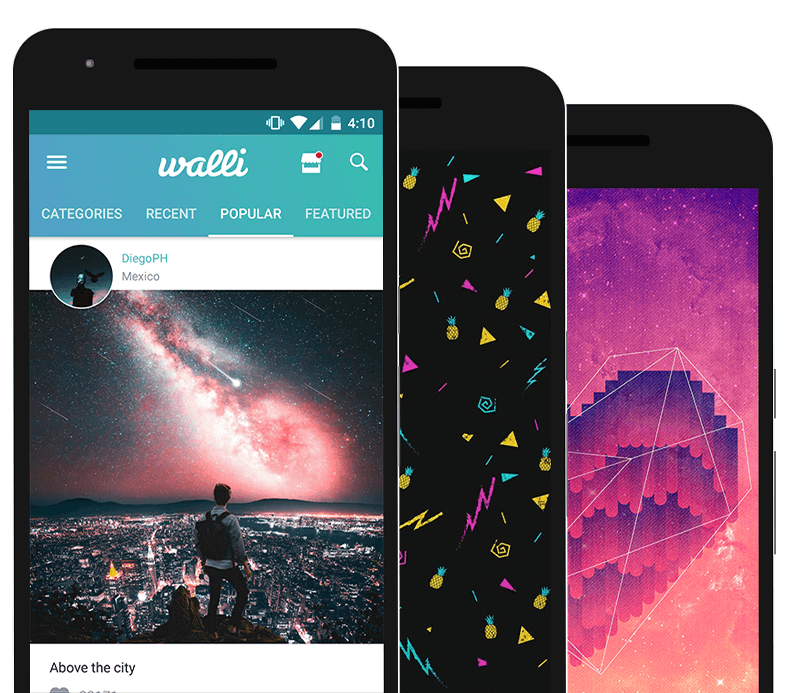
Walli is a highly popular wallpaper app renowned for its vast collection of high-quality, artistic wallpapers. Created by a global community of talented artists, Walli offers a unique and diverse selection of designs that cater to various tastes and styles.
With Walli’s user-friendly interface, browsing and discovering wallpapers is effortless. Explore numerous categories, including nature, abstract, animals, and more, or search for specific keywords to find the ideal wallpaper for your device. One exceptional feature of Walli is its strong support for artists. Users can follow their favorite artists, unveiling new talents along the way. Notably, with each wallpaper download, artists receive recognition and direct compensation through a portion of the proceeds.
Features:
- A vast collection of high-quality and artistic wallpapers created by talented artists.
- Easy browsing through categories and keyword searches.
- Automatic wallpaper changer.
- Artist support, with a portion of proceeds going to creators.
- Option to follow favorite artists and discover new talents.
Pros:
- Wide range of unique and creative designs to suit diverse tastes.
- High-quality wallpapers with attention to detail.
- User-friendly interface for easy navigation and discovery.
- Direct support for artists through proceeds sharing.
Cons:
- Some users may prefer a larger collection of wallpapers to choose from.
- Advertisements may be displayed within the app.
Price: Free, offers in-app purchases.
#9 Vellum Wallpapers
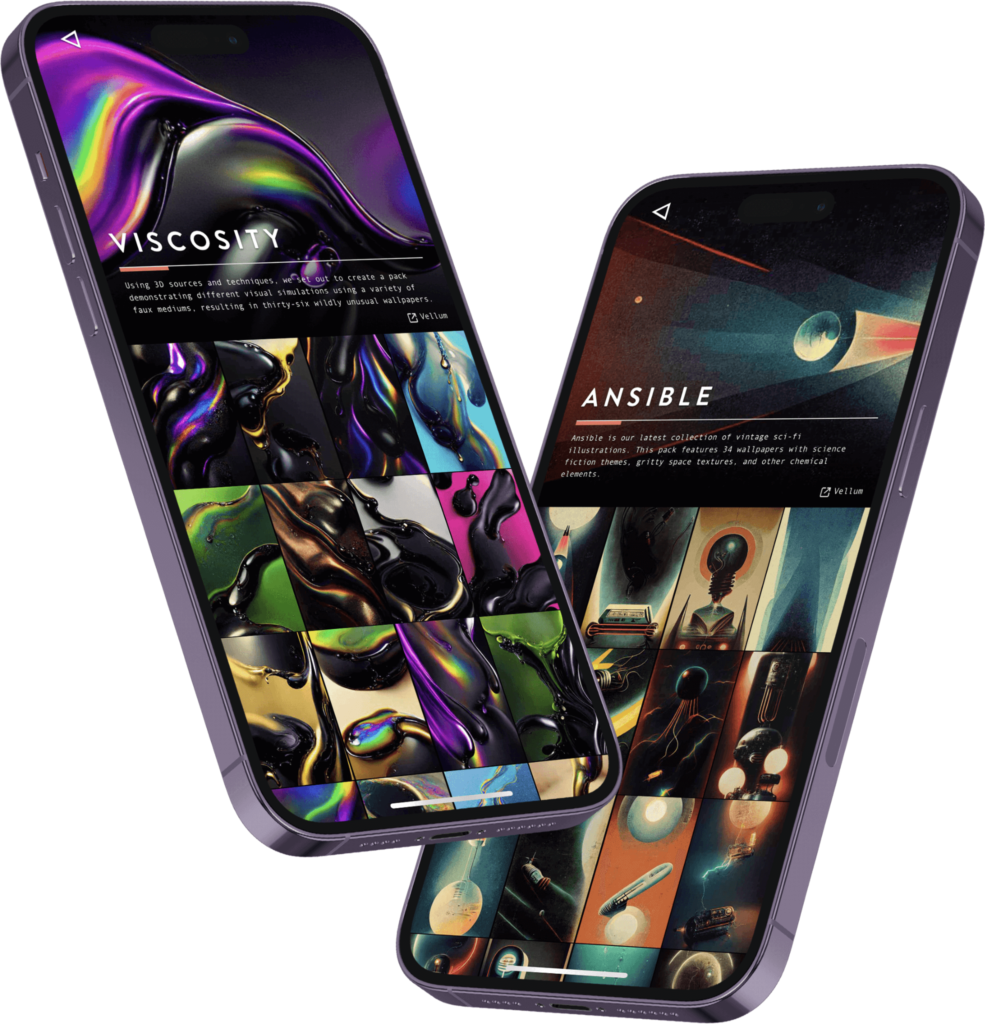
Vellum Wallpapers is a highly acclaimed app designed to elevate your mobile device with a curated collection of breathtaking, high-resolution wallpapers. Renowned for its focus on quality and aesthetics, Vellum delivers a visually captivating experience that will transform your screen.
What sets Vellum Wallpapers apart is its handpicked selection of wallpapers. Carefully chosen from a diverse pool of talented photographers and artists, these wallpapers encompass a wide range of styles, subjects, and moods. Each wallpaper is thoughtfully curated to offer a premium visual feast for your device.
Features:
- A curated collection of stunning, high-resolution wallpapers.
- Daily wallpaper updates for a fresh look.
- “Blur” feature to add a subtle blur effect to wallpapers.
- User-friendly interface for easy browsing and setting wallpapers.
Pros:
- Daily updates ensure a fresh and dynamic wallpaper experience.
- Intuitive interface for seamless navigation and customization.
Cons:
- Certain advanced features may require a premium upgrade.
Compatibility: iOS.
Price: Free, offers in-app purchases.
#10 Lockd: Lock Screen Wallpapers for iOS
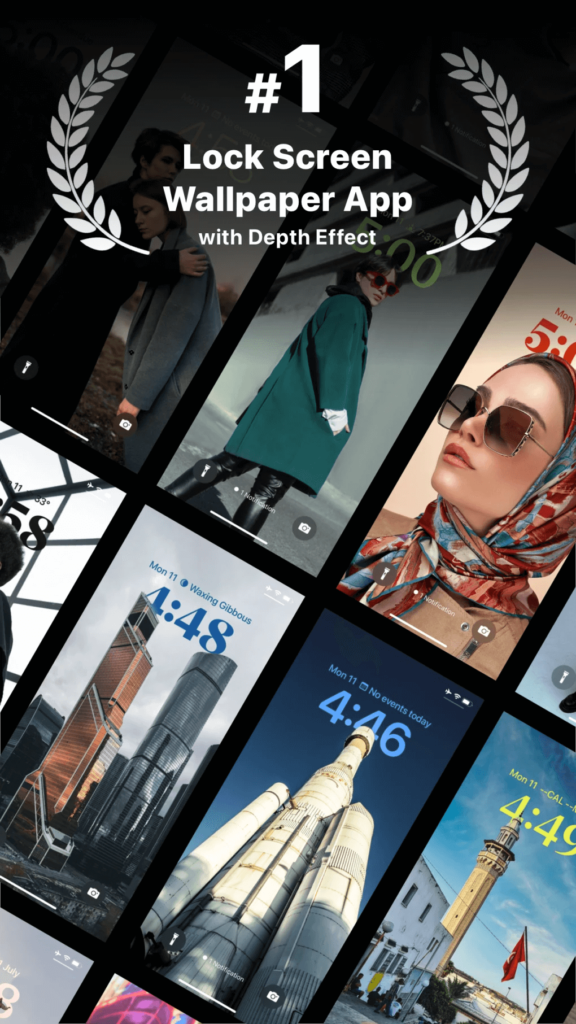
Lockd is a dedicated iOS app designed to revolutionize your lock screen wallpapers. With Lockd, you can elevate the aesthetics of your iPhone’s lock screen with a diverse collection of stunning and customizable wallpapers.
From captivating nature scenes to mesmerizing abstract art and stylish patterns, the app offers a wide array of high-quality images. With regular updates, you’ll always discover fresh options to match your unique style and preferences. But that’s not all—Lockd allows you to take customization to the next level. Personalize your lock screen with text overlays, calendar widgets, and other elements, infusing your lock screen with both style and functionality.
Features:
- Wallpapers with depth effect.
- A unique collection of wallpapers for every taste.
- Lock screen themes to meet your style and preference.
- Customization options including text overlays and calendar widgets.
- User-friendly interface for easy browsing and selection.
- Optimized compatibility with various iPhone models.
Pros:
- Ability to personalize lock screens with text overlays and widgets.
- Regular updates ensure a fresh and varied selection of wallpapers.
- Seamless fit and enhanced visual experience on different iPhone models.
Cons:
- Limited to iOS devices, specifically designed for lock screen wallpapers.
- Advanced customization options may require a premium upgrade.
Compatibility: iOS.
Price: Free, offers in-app purchases.
Conclusion
Finding the perfect background and wallpaper for your Android or iOS device has never been easier with the abundance of apps available. Whether you’re looking for stunning photography, artistic creations, or personalized designs, there’s an app out there to cater to your needs.
We’ve explored some of the best background and wallpaper apps for Android and iOS, each offering its own unique features and advantages. While each app has its pros and cons, the key takeaway is that you have the power to transform your device’s look and feel to match your personal style and preferences.
Author Bio:
Dinesh Lakhwani 

Dinesh Lakhwani, the entrepreneurial brain behind “TechCommuters,” achieved big things in the tech world. He started the company to make smart and user-friendly tech solutions. Thanks to his sharp thinking, focus on quality and the motto of never giving up, TechCommuters became a top player in the industry. His commitment to excellence has propelled the company to a leading position in the industry.
Popular Post
Recent Post

CCleaner PC Optimizer Review: A Complete Guide for Windows Users
If your computer has started to feel slow, you are not alone. Most Windows PCs slow down over time. Junk files pile up. The registry gets messy. Too many apps open when you start your PC. All this adds up and makes even a good machine feel tired. This is where a PC cleaner tool […]

Auslogics Duplicate File Finder: Full Review and User Guide
A computer quietly gathers clutter over time. This includes duplicate photos, repeated downloads, and forgotten backups hiding in random folders. This buildup slowly eats away at storage and can make even a fast PC feel sluggish. Manually finding and deleting duplicates is tedious. It means checking every folder, comparing file names, and guessing which copies […]

CCleaner Duplicate File Finder: Key Features, Pricing, Step-by-Step Guide and More
Every computer collects junk over time. Right? Well, yes! Photos often get copied twice. Documents get saved in two folders by mistake. Old downloads pile up and never get deleted. This slowly eats up your storage space, and most people do not even notice until their drive is almost full. That is where a duplicate […]
Duplicate File Finder Pro: A Complete Review, Everything You Should Know
Computers collect thousands of files over time. Well, yes! Many of them end up being duplicates created by backups, downloads, or accidental copies. These extra files take up valuable storage space and make it harder to keep everything organized. Finding and removing them manually can take hours. Right? Duplicate File Finder Pro is a tool […]
Top 3 Duplicate File Finder for Windows 11 & Windows 10
If your PC storage keeps filling up even after you delete big files, duplicate files could be the real reason. Most of us save the same photo twice, download a document more than once, or copy a whole folder by mistake. Over months and years, these duplicate files pile up quietly. You do not even […]
Monitor Screen Calibration Guide: Everything You Should Know
Your monitor shows colors every single day. But are those colors actually correct? Most people never stop to check this. They just use the screen as it comes out of the box. This habit can lead to wrong colors in photos, videos, and work files. Colors may look too warm or too cold without you […]
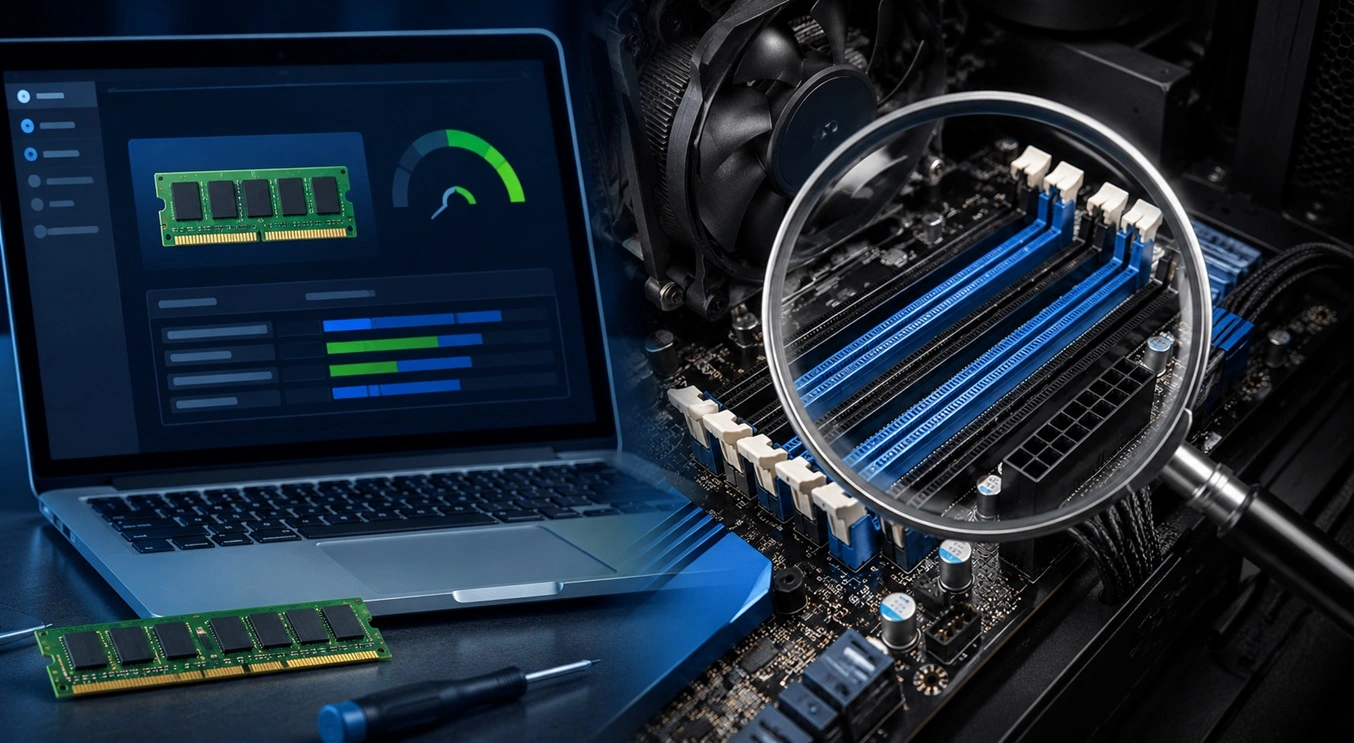
How To Check Installed RAM and RAM Slots [Complete Guide]
RAM plays an important role in how smoothly a computer runs. Short for Random Access Memory, it stores the data and instructions that Windows and active applications need at any given moment. From opening multiple browser tabs to running games and productivity software, RAM helps keep everything responsive. A system with limited memory may experience […]

What is Microsoft Autopilot Everything You Need To Know
Technology has changed the way companies manage computers. Well, yes! Employees now work from offices, homes, and remote locations. Setting up devices manually for every worker takes time and effort. It can also create mistakes that slow down productivity. This is where Microsoft Autopilot becomes useful. It helps businesses prepare and deploy Windows devices with […]
Enable Automatic Device Locking Feature Windows: Complete Guide
Introduction: Your computer stores important information such as emails, documents, passwords, and personal photos. Leaving it unlocked can put that data at risk. Thankfully, Windows includes built-in features that can automatically lock your device when you are away. Setting up automatic device locking is quick and does not require any extra software. In this guide, […]

