Top 15 Best Lightweight Browsers for Windows 10 and 11 PC [2026]
Last updated on January 20th, 2026 at 10:05 am
Introduction:
With the ever-increasing demand for faster browsing speeds and lower memory usage, lightweight browsers have become quite popular among Windows users. These browsers are designed to be swift, responsive, and easy on system resources. In this article, we will discuss the top 15 lightest browsers for Windows 10 and 11 to help you find the right one for your needs.
All these browsers have small installation packages, lower RAM usage compared to mainstream browsers like Chrome, quick operations, and other useful features.
Author’s Tip: For extra security, you can use an efficient VPN/Proxy software on your PC while accessing the internet through your browser. Proxy tools like NordVPN, NodeMaven let you access the internet through undetectable IPs and also provide other useful features.
Why Do You Need a Lightweight Browser for Windows PC?
With webpages and web apps becoming more complex by the day, the system requirements for browsers are constantly increasing. Mainstream browsers like Google Chrome or Microsoft Edge keep adding new features and require ample computing resources. While this enables enhanced functionality, it takes a toll on system memory and processing power. This is where lite web browsers for PC come into the picture.
These browsers are optimized to deliver maximum browsing performance while using up the minimum system resources. Such lightest browsers for PC have small install sizes and open swiftly without hogging RAM or CPU cycles.
This makes lightweight browsers ideal for older computers with limited hardware capabilities. They are also suitable for users who value speed and a clutter-free browsing experience above bells and whistles. The trimmed-down interfaces and uncluttered feature sets of the best light web browsers allow for smooth and distraction-free usage.
Top 5 Lightweight Browsers for Windows Compared
Choosing the right browser can improve speed, reduce memory use, and keep your PC responsive. The five below strike a balance of performance, features, and compatibility with Windows 10 and 11. The comparison highlights key strengths so you can pick one that matches your needs.
| Feature / Browser | Opera | Firefox | Microsoft Edge | Vivaldi | Pale Moon |
| Memory Efficiency | Good | Good | Very Good | Moderate | Excellent |
| Speed | High | High | Very High | High | High |
| Customization | Medium | High | Low | Very High | Low |
| Privacy Controls | Good | Very Good | Good | Very Good | Good |
| Extension Support | Chrome-based | Extensive | Chrome-based | Chrome-based | Limited |
| Built-in Tools | VPN / Ad Block | Tracking Block | Password Guard | Notes / Tabs | Simple UI |
| Best for | All-around use | Privacy fans | Windows users | Power users | Classic feel |
| User Interface | Clean | Modern | Sleek | Dense | Minimal |
Top 15 Lightweight Browsers for Windows 10 and 11 PC
1. Opera
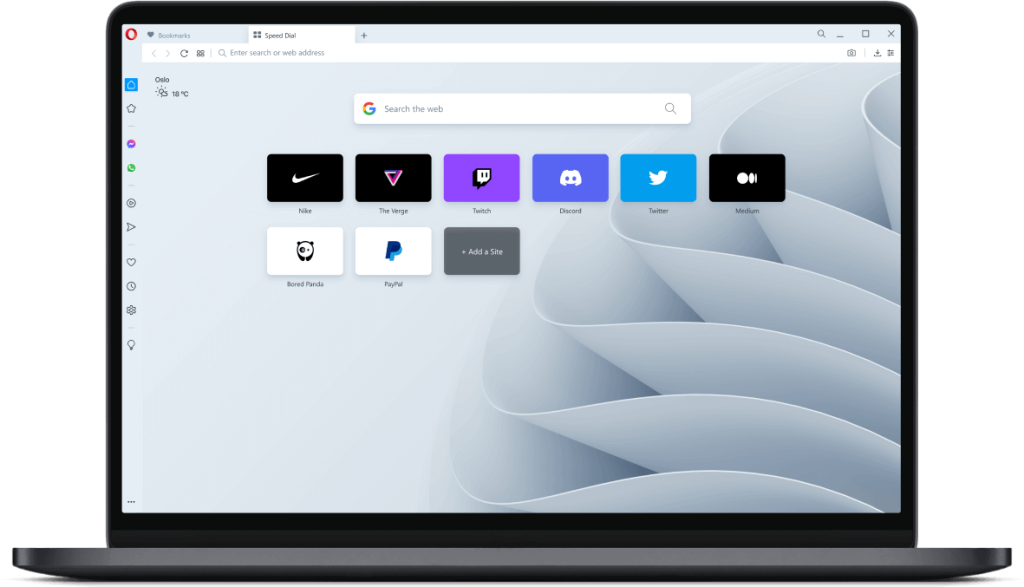
Opera is a pioneering browser for Windows PC and laptop with over 20 years of experience and innovation behind it. Opera uses the Blink browser engine developed by Google. It comes packed with unique features like a built-in VPN, ad blocker, social messengers, and a crypto wallet. Opera also has a data-saving mode and battery saver for laptops.
Key Features:
- Built-in ad blocker
- Battery saver
- VPN
- Crypto wallet
- Messengers
Pros:
- Packed with extra features
- Good customization options
- Lower memory usage
Cons:
- Too many built-in features can clutter the interface
- VPN limited to the United States and Europe
2. Firefox
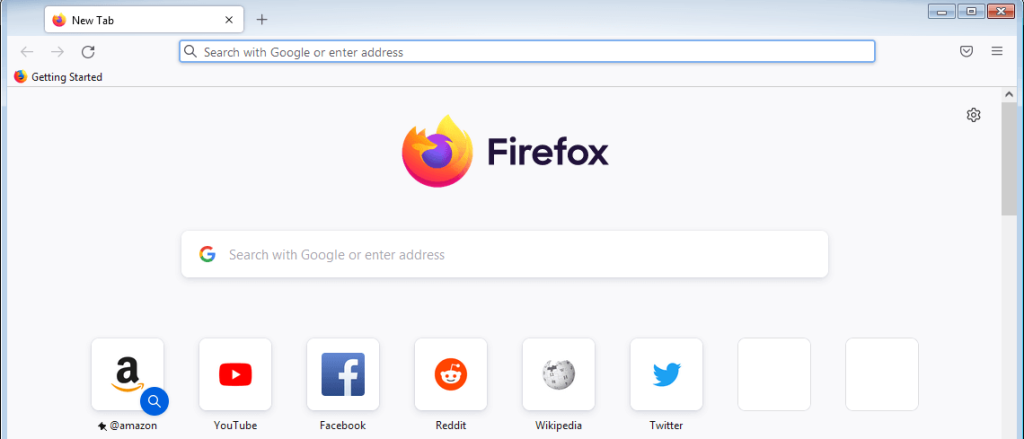
Firefox is an open-source, lightest browser for PC developed by Mozilla that offers a balance between speed and features. Firefox uses a Gecko browser engine that complies with current web standards. It has a clean interface and is highly customizable with themes and add-ons. Firefox also comes loaded with privacy features like tracking protection.
Key Features:
- Fast page loading
- Tab browsing
- Private browsing mode
- Tracking protection
- Customizable interface
Pros:
- Light on system resources
- Open source with no privacy issues
- Supports extensions and themes
- Regular security updates
Cons:
- Extensions can slow it down over time
- Higher memory usage than other lightweight browsers
3. Microsoft Edge
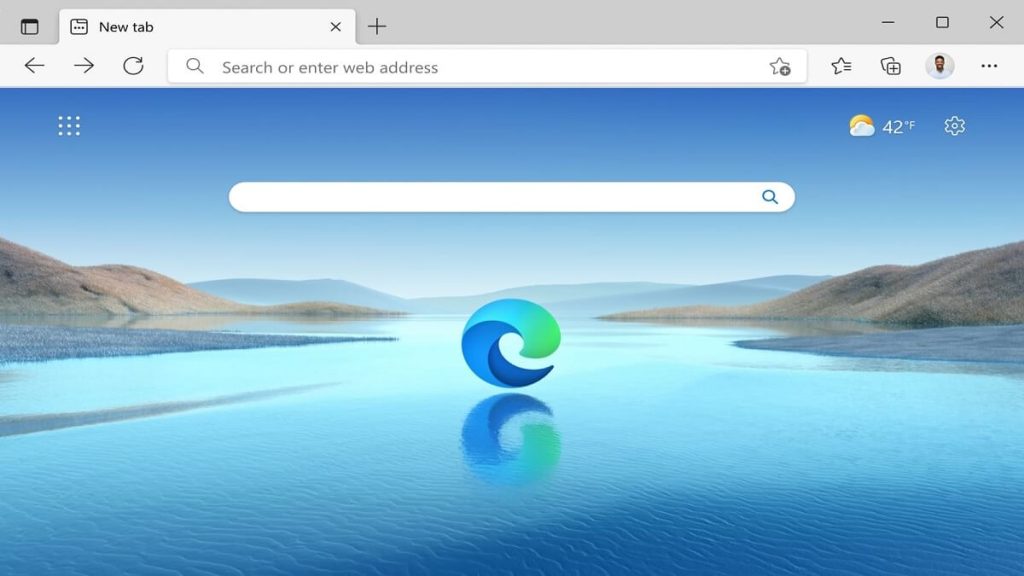
Microsoft Edge is the default browser on Windows 10 and 11 built with speed and resource efficiency in mind. Microsoft Edge uses the Chromium browser engine for wider compatibility. It offers smooth performance and integration with Windows 10/11 features. Edge also has vertical tab grouping, smart copy, and other handy tools.
Key Features:
- Vertical tab grouping
- Collections
- Immersive reader
- Built-in coupon finder
Pros:
- Lightweight and fast
- Good compatibility with Windows
- Useful built-in tools
Cons:
- Falls short of privacy compared to Firefox
- Still catching up with extensions
4. Vivaldi
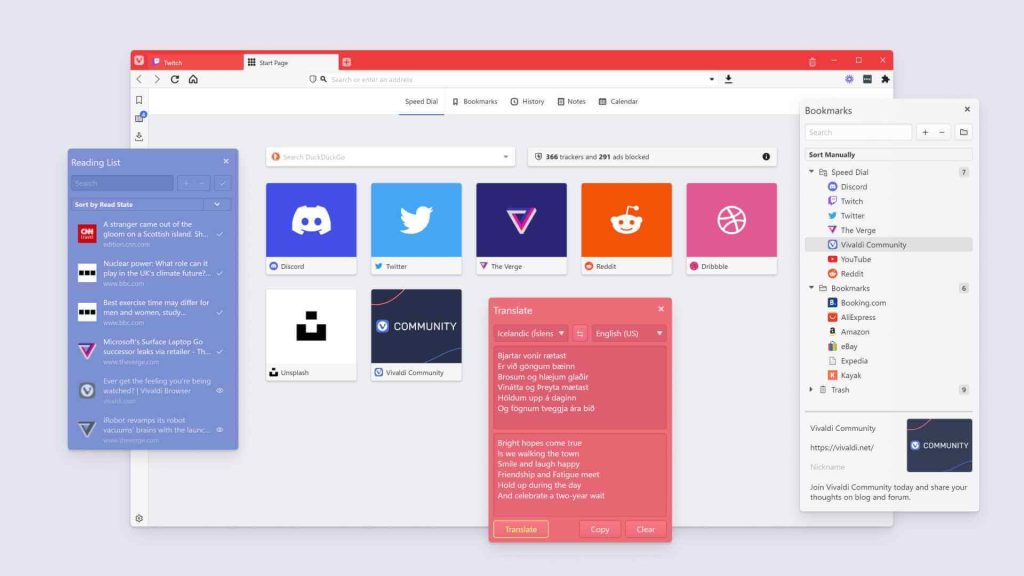
Vivaldi is a highly innovative one of the best light web browsers for Windows PC focused on customization and power user features. Vivaldi is built on Chromium and allows extensive UI customization with accents, themes, and positionable interface elements. It packs power user tools like tab stacking, notes, and a dedicated screenshot tool. Vivaldi also has a built-in mail client.
Key Features:
- Utterly customizable interface
- Tab stacking
- Notes and screenshots
- Built-in mail client
Pros:
- Innovative feature-packed browser
- Fast and stable
- Great for power users
Cons:
- Too many features can seem overwhelming
- Relatively new browser with a small user base
5. Pale Moon
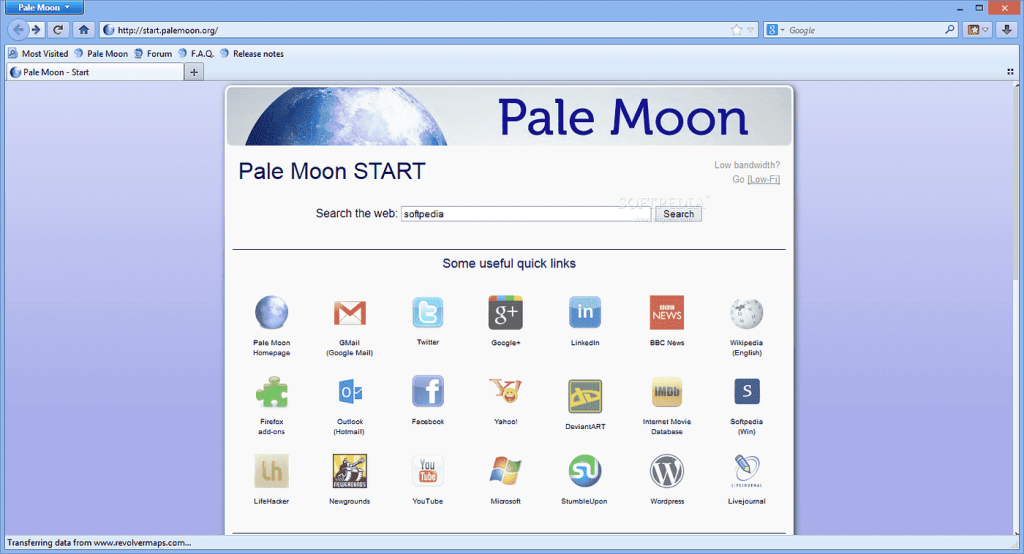
Pale Moon is an open-source lightweight browser for Windows focused on customization and speed. It uses the Goanna browser engine which is a fork of Firefox’s old Gecko engine. It is highly customizable and supports many old Firefox extensions. Pale Moon has options to tweak the advanced configuration.
Key Features:
- Optimized for speed
- Support for legacy Firefox extensions
- Highly customizable
- Advanced configuration options
Pros:
- Very lightweight and fast
- Extensive customization options
- Good browser for older hardware
Cons:
- Limited compatibility with newer websites
- Small development team
6. Maxthon
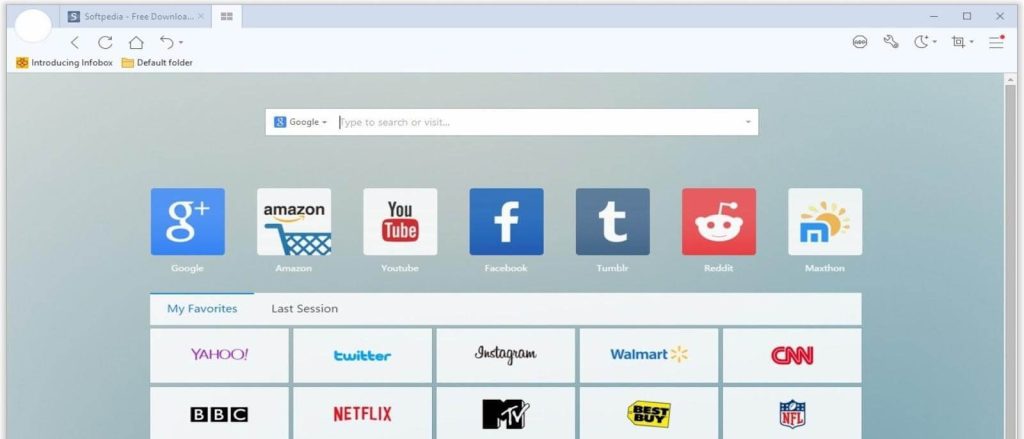
Maxthon is a seasoned multi-platform, lightest browser for PCs with a focus on speed, security, and cloud services. It uses a hybrid browser engine combining Chromium with its own proprietary Maxthon engine. It emphasizes security and privacy with tools like ad blockers and fingerprint protection. Maxthon also offers cloud sync and cross-device functionality.
Key Features:
- Hybrid browser engine
- Secure browsing tools
- Cloud sync and services
- Support for extensions
Pros:
- Fast and stable performance
- Good balance of features and speed
- Enhanced security and privacy
Cons:
- Interface feels dated
- Smaller extension library
7. Brave
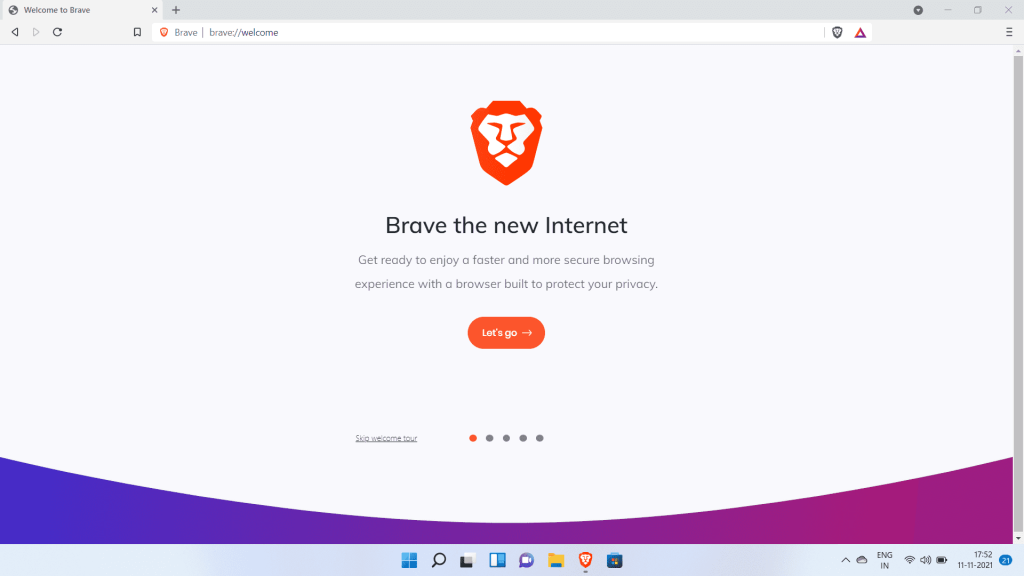
Brave is an emerging privacy-focused lightweight browser for Windows PC with a built-in ad blocker and crypto wallet. Brave is built on Chromium and blocks ads and website trackers by default to protect privacy. It has a built-in crypto wallet and allows users to earn BAT tokens for viewing opt-in ads. Brave also offers a stripped-down Reader mode.
Key Features:
- Built-in ad blocker
- Crypto wallet
- Earn BAT rewards
- Reader mode
Pros:
- Excellent for privacy
- Innovative crypto features
- Clean and fast browsing
Cons:
- Still a relatively new browser
- Limited customization options
8. Waterfox

Waterfox focuses on ethical values, speed, customization options, and community feedback. Waterfox uses Firefox’s Gecko engine and strips out telemetry while adding under-the-hood optimizations. It is an open-source lightest browser for PCs with an emphasis on user control and choice. Waterfox offers extensive customization options like themes, add-ons, and about:config tweaks.
Key Features:
- No telemetry or data collection
- Speed optimizations
- Support for browser extensions
- Customizable configurations
Pros:
- Lightweight and fast
- Privacy focused values
- Active community engagement
Cons:
- Not beginner friendly
- Small development team
9. Slimjet
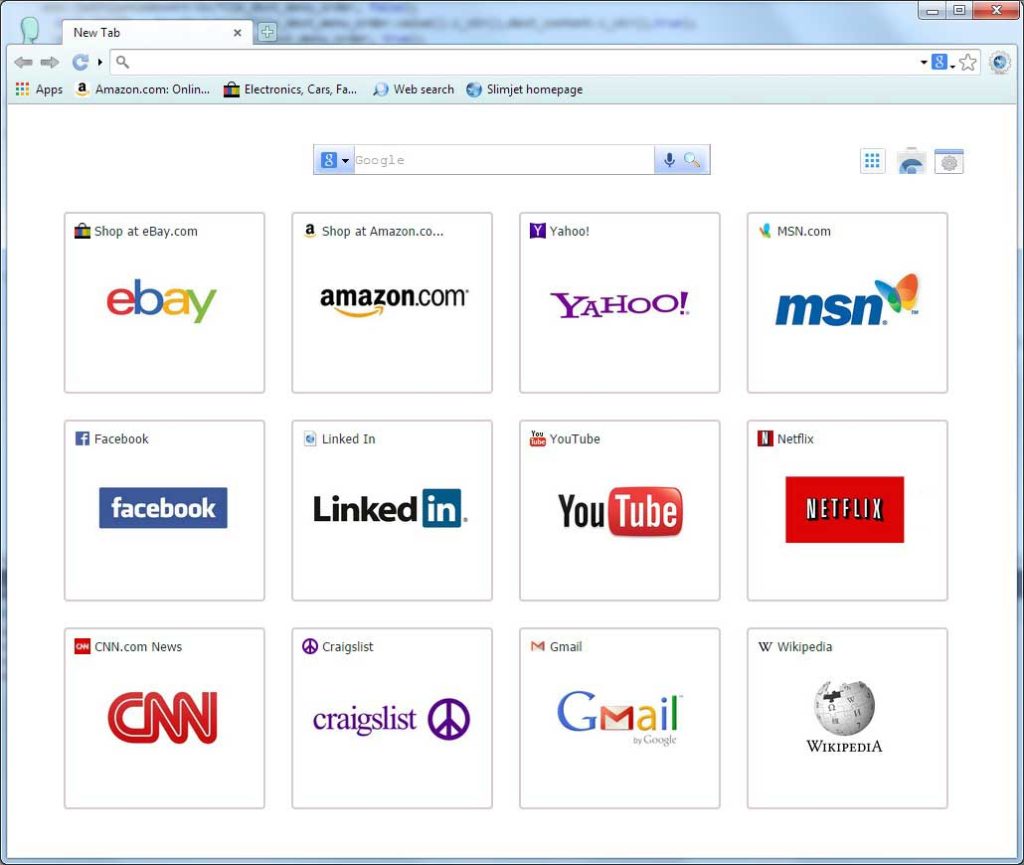
Slimjet is designed for speed by incorporating website pre-fetching and Cloudflare’s DNS. Slimjet uses the Blink browser engine to deliver fast performance. It has website pre-fetching to speed up page loading along with Cloudflare DNS integration. Slimjet lightest browser for PC and also offers add-on support and a reader mode.
Key Features:
- Website pre-fetching
- Built-in ad blocker
- Cloudflare DNS
- Reader mode
- Extension support
Pros:
- Very fast page loading
- Light on system resource usage
- Clean and intuitive interface
Cons:
- Fewer customization options
- Relatively new with a smaller user base
10. Comodo Dragon
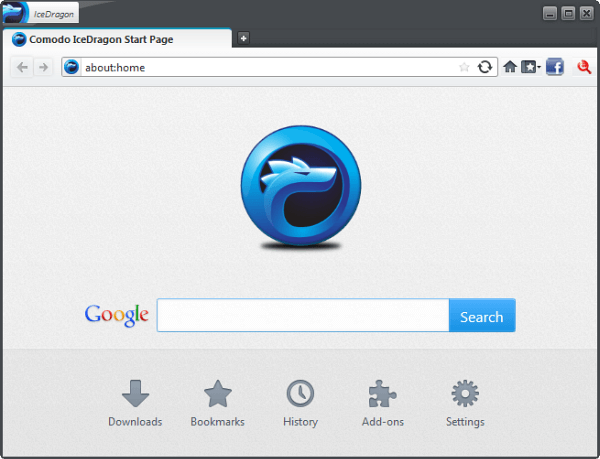
Comodo Dragon prioritizes security without compromising on speed and stability. Comodo Dragon is a lightweight browser for Windows based on Chromium with added security features baked in. It has domain validation, script blockers, and privacy controls. Comodo Dragon also offers malware scanning and website certificate validation.
Key Features:
- Built-in security tools
- Script and malware blocking
- Secure DNS
- Privacy controls
- Site certificate validation
Pros:
- Fast and secure browsing
- Very lightweight
- Feature-rich for security
Cons:
- Too many security prompts for some users
- Interface needs modernization
11. CentBrowser
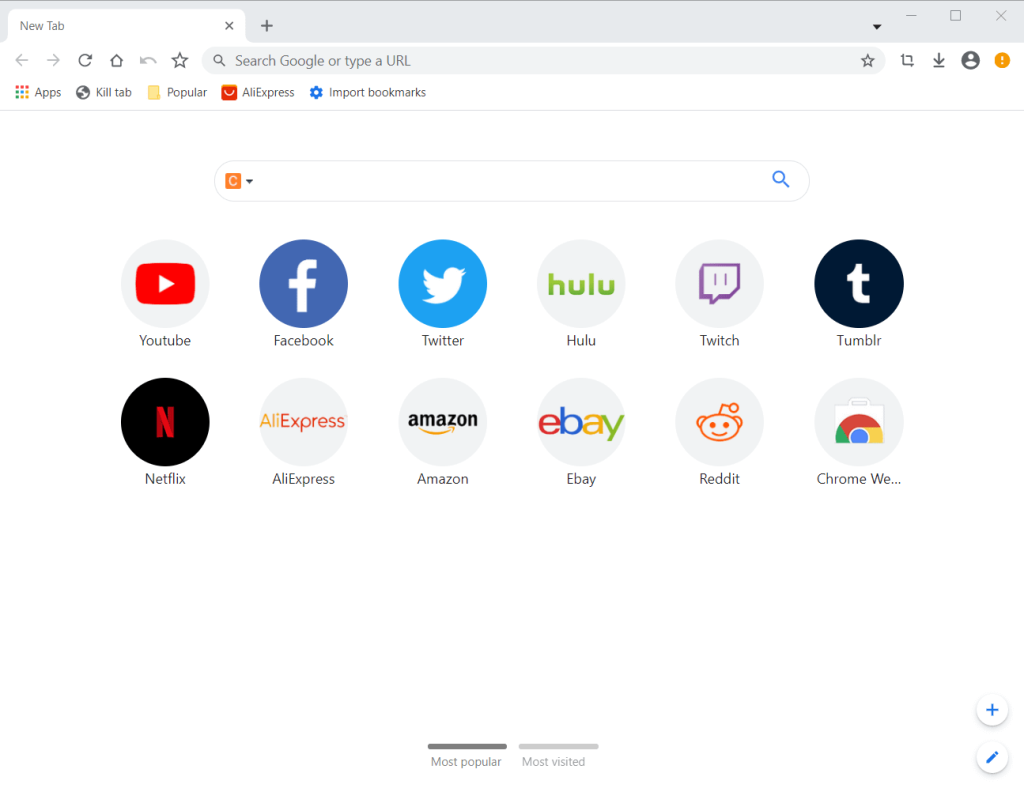
CentBrowser offers streamlined browsing using the Chromium engine sans Google services. CentBrowser strips out Google services for reduced memory usage. It has a clean interface with a built-in media downloader and extension support. CentBrowser loads pages swiftly while remaining very portable.
Key Features:
- No Google services
- Media downloader
- Portable and lightweight
- Extension support
Pros:
- Blazing fast
- Tiny install size
- Streamlined and bloat-free
Cons:
- Very barebones
- Limited feature set
12. Basilisk
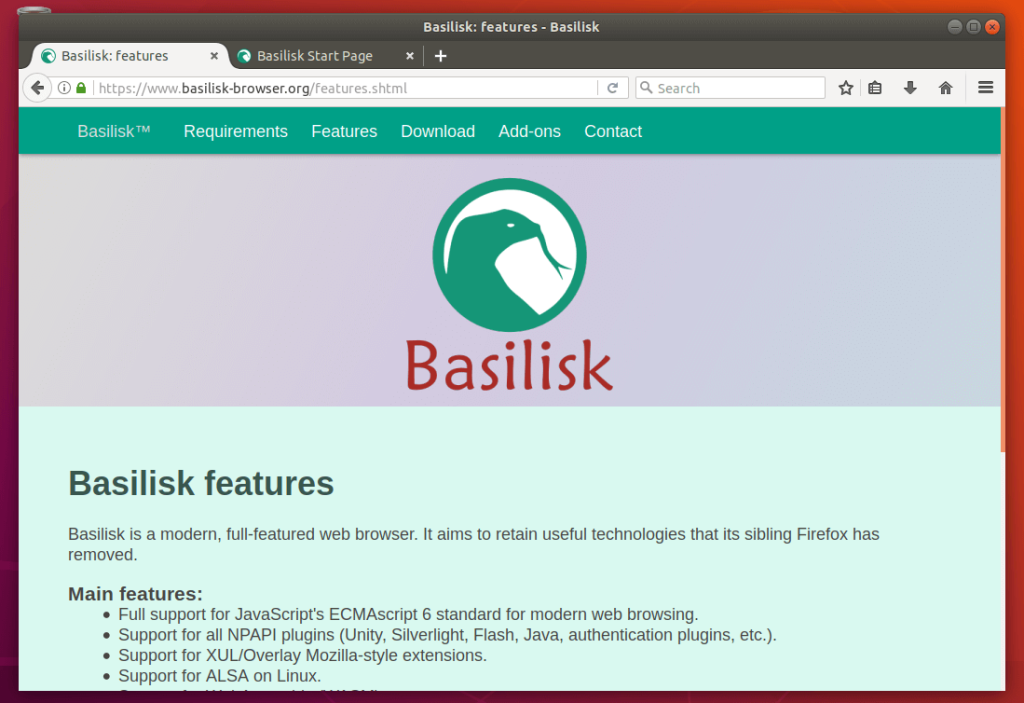
Basilisk revives Firefox’s classic legacy with advanced customization and old-school charm. It is one of the most lite web browsers for PC. Basilisk browser uses Firefox’s old Gecko engine built purely for customization and speed. It has support for legacy Firefox extensions along with userChrome.css modifications. Basilisk appeals to users who liked Firefox’s pre-Chrome era.
Key Features:
- Firefox’s classic Gecko engine
- Support for legacy extensions
- UserChrome.css tweaks
- Customizable toolbars
Pros:
- Extremely lightweight
- Highly customizable
- Classic no-nonsense browsing
Cons:
- Legacy technology lacks new standards
- Minimal default settings
13. Torch
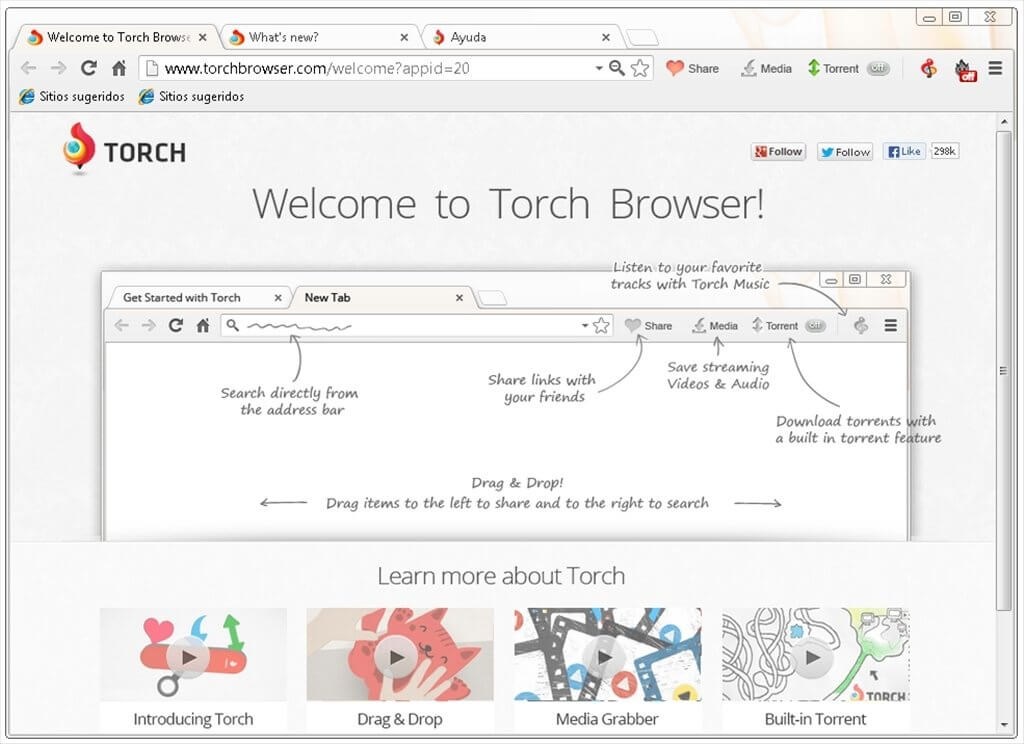
Torch offers Chrome-based browsing with built-in media features and torrent support. Torch Browser is based on Chromium but adds multimedia downloading tools for social media sites. It also integrates multimedia-sharing features along with a built-in BitTorrent client.
Key Features:
- Multimedia downloader
- Media sharing tools
- Integrated BitTorrent client
- Chrome-based browsing
Pros:
- Great for media handling
- Lightweight and fast
- Handy built-in tools
Cons:
- Too focused on BitTorrent
- Some bloatware during the installation process.
14. Google Chrome
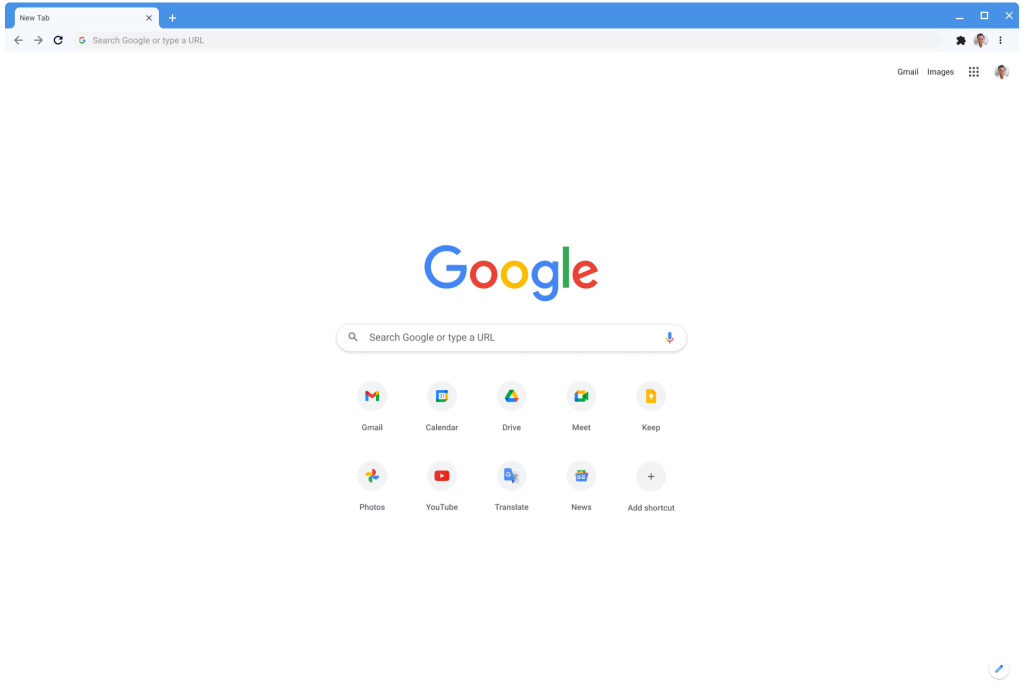
Google Chrome lightest PC web browser delivers a no-frills browsing experience with speed optimizations. It is built using Chromium stripped down for maximum speed and minimalism. It forgoes unnecessary features to reduce memory usage. Chrome also implements site-specific browser functionality.
Key Features:
- Bloat-free Chromium
- Site-specific browser mode
- Nothing but pure browsing
Pros:
- Extremely fast and responsive
- The address bar doubles up as a search bar for fast web searches
- Very low resource usage
- Chrome has a huge library of extensions and add-ons for customization.
- Clean and distraction-free
Cons:
- Being by Google, it collects a lot of user data. Privacy controls are limited.
- Background updates happen frequently whether you want it or not.
15. Falkon
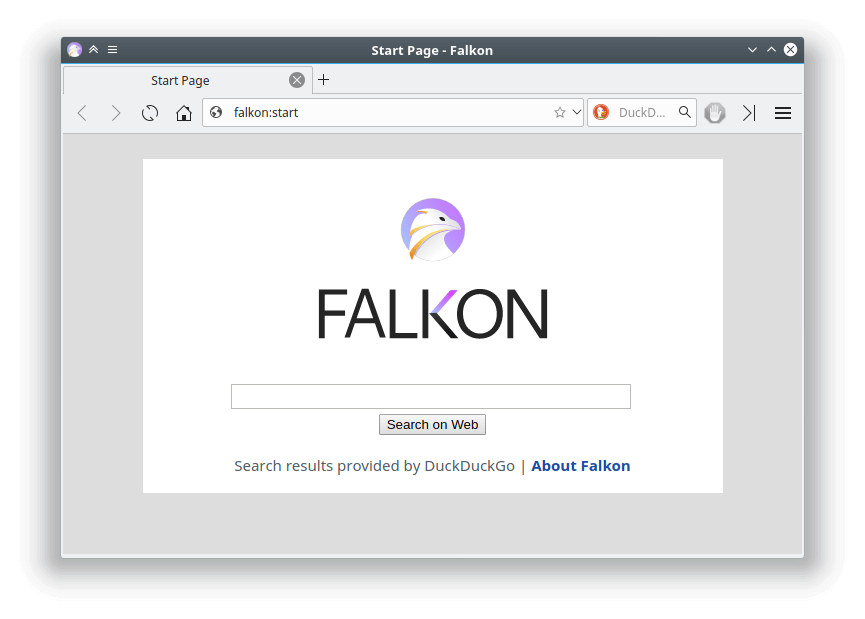
Falkon is an open-source, lightest PC web browser focused on speed and minimal resource usage. Falkon utilizes the QtWebEngine framework for speed and stability. It has a clean interface with support for themes and plugins. Falkon offers robust customization via config flags. It’s designed for Linux but runs well on Windows too.
Key Features:
- Qt-based browser engine
- Low on RAM usage
- Customizable interface
- Plugin support
Pros:
- Blazingly fast performance
- Very lightweight and portable
- Open source codebase
Cons:
- Smaller user base and extension library
- Limited feature set
Conclusion
When choosing the best light web browsers for your Windows 10/11 PC, it is important to assess your priorities. Factors like speed, customization, privacy, security, and features will help determine the best and lightest PC web browser as per your specific needs.
Those wanting breakneck speeds may prefer Nichrome or Falkon. Customization lovers can opt for Pale Moon or Vivaldi. Privacy-conscious users will benefit from Firefox or Brave. Casual users needing a well-rounded option can try Microsoft Edge or Opera.
With this diverse selection of the top 15 lightweight Windows browsers, you are sure to find one that ticks all the right boxes.
FAQs
Q1. Why use a lightweight browser?
These use up less RAM and CPU, resulting in faster response times. They are perfect for older PCs and ideal for a clutter-free browsing experience.
Q2. Are light web browsers less secure?
Not at all. Many lightweight browsers offer robust security and privacy-enhancing features. Some like Comodo Dragon even have enhanced security baked in.
Q3. Will lightweight Windows browsers work with extensions?
These support Chrome extensions to varying degrees. Some like Pale Moon cater specifically to legacy Firefox extensions. Only the most barebones options lack extension support.
Q4. What are the most customizable browsers?
Vivaldi and Pale Moon offer the most customization options for interfaces, themes, configurations, and extensions. Other honorable mentions include Basilisk, Waterfox, and Brave.
Q5. Which lite browser has the smallest resource footprint?
Falkon and Nichrome are the lightest on system resource usage. Other top options for low memory and CPU usage include CentBrowser, Maxthon, and Slimjet.
Q6. Is Opera lightweight for older PCs
Yes, Opera stays light on older machines. It uses less memory than many mainstream browsers. Built-in tools cut the add-on load. Its CPU use stays modest. Pages load fast in most cases. It suits everyday browsing tasks. Older Windows versions handle it well.
Q7. Can Firefox run well with many tabs open
Firefox handles many tabs reasonably. It manages memory better than older versions. Tabs unload automatically when idle. This reduces strain. Heavy multitasking still uses RAM. But it stays stable most of the time. It scales with PC resources.
Q8. Does Edge support Chrome extensions
Yes, Edge supports Chrome extensions. It uses the same Chromium engine. You can install from the Chrome Web Store. Some add-ons need specific Edge permissions. Most extensions work without issues. Sync with Microsoft accounts adds convenience. It expands Edge features easily.
Q9. Which browser uses the least RAM on Windows
Pale Moon uses the least RAM overall. It avoids heavy background processes. The design stays simple and old-school. Fewer features mean less memory use. Tabs open quickly with low load. It shines on low-spec machines. This makes it ideal for lean systems.
Q10. Is Vivaldi good for power users
Yes, Vivaldi suits power users well. It offers deep customization. You can tweak nearly everything. Tab stacking and tiling add control. Keyboard shortcuts are abundant. Built-in notes help workflow. Some find the interface busy. But power users value the options.
Q11. Does Microsoft Edge protect privacy
Edge has solid privacy tools. It blocks trackers by default. You can choose strict levels. Microsoft updates privacy features often. It logs minimal data if you choose. Integration with Windows boosts security. Some data sync may occur. Privacy controls remain clear and adjustable.
Author Bio:
Dinesh Lakhwani 

Dinesh Lakhwani, the entrepreneurial brain behind “TechCommuters,” achieved big things in the tech world. He started the company to make smart and user-friendly tech solutions. Thanks to his sharp thinking, focus on quality and the motto of never giving up, TechCommuters became a top player in the industry. His commitment to excellence has propelled the company to a leading position in the industry.
Popular Post











Recent Post

Resolving Microphone Detection Problems: Latest Guide [2026]
Microphones are important tools in daily life. People use them for office meetings, online classes, interviews, gaming, customer support, and content creation. When a system fails to detect a microphone, communication stops at once. This situation can cause stress and confusion. Many users believe the microphone is damaged. In reality, most problems are simple and […]

How To Switch To A Dark Background Theme In Windows [2026]
Most people spend many hours each day in front of a computer screen. Office work, online classes, editing, browsing, and streaming all require long screen time. A bright white background may look clean at first. However, over time, it can feel sharp and tiring. The strong contrast between white backgrounds and black text may cause […]

How to Switch From Local To Microsoft Account On Windows
Many users begin with a local account when they set up a new Windows computer. A local account works only on that single device. It stores settings, files, and preferences locally. It does not connect to online Microsoft services. For basic offline use, it works well. However, as digital needs grow, many users want better […]

How to Switch Windows 10 to a Local Account: Complete Guide
Windows 10 allows users to sign in with either a Microsoft account or a local account. When you set up a new computer, the system often suggests using a Microsoft account. This account connects your device to Microsoft services such as Outlook, OneDrive, and the Microsoft Store. It also syncs settings, themes, and passwords across […]

How To Change Default Apps For File Types In Windows
Windows is designed to make using your computer easy. One way it does this is by assigning default apps to different file types. This means when you open a file, Windows automatically opens it with a specific program. For example, photos may open with Photos, music with Groove Music, and PDFs with Edge. These default […]

How To Adjust The Mouse Pointer Speed: Complete Guide
Using a computer every day means you use the mouse a lot. The mouse pointer moves on the screen and helps you click, scroll, and select items. Many people never think about the speed of the mouse pointer. They have used the default setting for years. This can cause small problems over time. A slow […]

How to Change Mouse Scrolling Settings In Windows
A mouse is one of the most used computer tools. People use it every day. They scroll through emails. They scroll through documents. They scroll through websites and images. The movement becomes automatic. Most users do not notice it. That is why problems often go unnoticed. Scrolling problems show up slowly. At first, it feels […]

Keyboard Light Settings: Keyboard Lighting Control [Complete Guide]
Keyboards are no longer simple typing tools. Well, yes! Over time, they have evolved to include features that improve comfort, visibility, and overall experience. One of the most useful features today is keyboard lighting. It helps users work comfortably in low-light conditions. It also reduces strain when typing for long hours. Many users first notice […]

Customizing Pointer Appearance: Complete Guide
The way your mouse pointer looks on your computer may seem like a small detail. But customizing pointer appearance can make using your PC more comfortable and visually appealing. Many users do not realize that they can change the pointer size, color, and style to fit their needs. Whether you want a bigger pointer for […]

How To Choose a Computer Monitor: Monitor Buying Guide
Buying a monitor looks easy. Many people think all screens are the same. That belief causes regret later. A monitor is not just a display. It is a daily tool. You read on it. You work on it. You relax with it. Small problems become big over time. Poor brightness hurts eyes. Bad size causes […]

