












Losing a file can happen in seconds. You clear your desktop, hit Delete, and empty the Recycle Bin. Then, just when you need that file again, it seems to have vanished. This guide will walk you through ways to restore files removed from the Recycle Bin. We will begin with simple fixes, then look at […]
10 Best Free Logo Maker Tools Powered By AI
Creating an eye-catching and professional logo for your business or brand can be a challenging and expensive undertaking. Thankfully, advances in AI technology have given rise to several free online logo-maker tools that allow anyone to easily create custom logos, even without advanced design skills.
In this article, we showcase the 10 best free artificial intelligence-powered logo creator tools you can utilize right now to make logos for your company, product, service, or personal use case. The AI logo generators on our list require no design experience to craft stunning icons, symbols, and text that bring your brand to life.
Get ready to create an amazing logo mark to represent your organization without breaking the bank or struggling with confusing graphics software.
Top 5 Free Logo Maker Tools
There are many free logo makers out there, but not all are easy to use or give good results. This table compares five popular tools to help you pick the one that fits your needs best.
| Tool | AI Features | Ease of Use | Customization Level | Export Options | Best For |
| Turbologo | AI logo suggestions | Very easy | Moderate | PNG, SVG | Quick logo generation |
| Canva | AI design assistant | Extremely easy | High | PNG, PDF, SVG | Versatile design needs |
| Logojoy | AI-driven branding | Easy | Moderate | PNG, EPS | Brand-focused logo creation |
| Adobe Photoshop | AI generative fill | Complex | Very high | All major formats | Professional designers |
| Inkscape | No native AI, plugin support | Moderate | Very high | SVG, PDF, EPS | Open-source customization |
10 Best Free Online Tools For Making Logos to Use
Part 1: Best Free Online Logo Maker Tools
Here is a selection of top-notch free online programs to create logos that you can access across desktops, mobiles, and tablets, requiring no software installations.
1. Turbologo
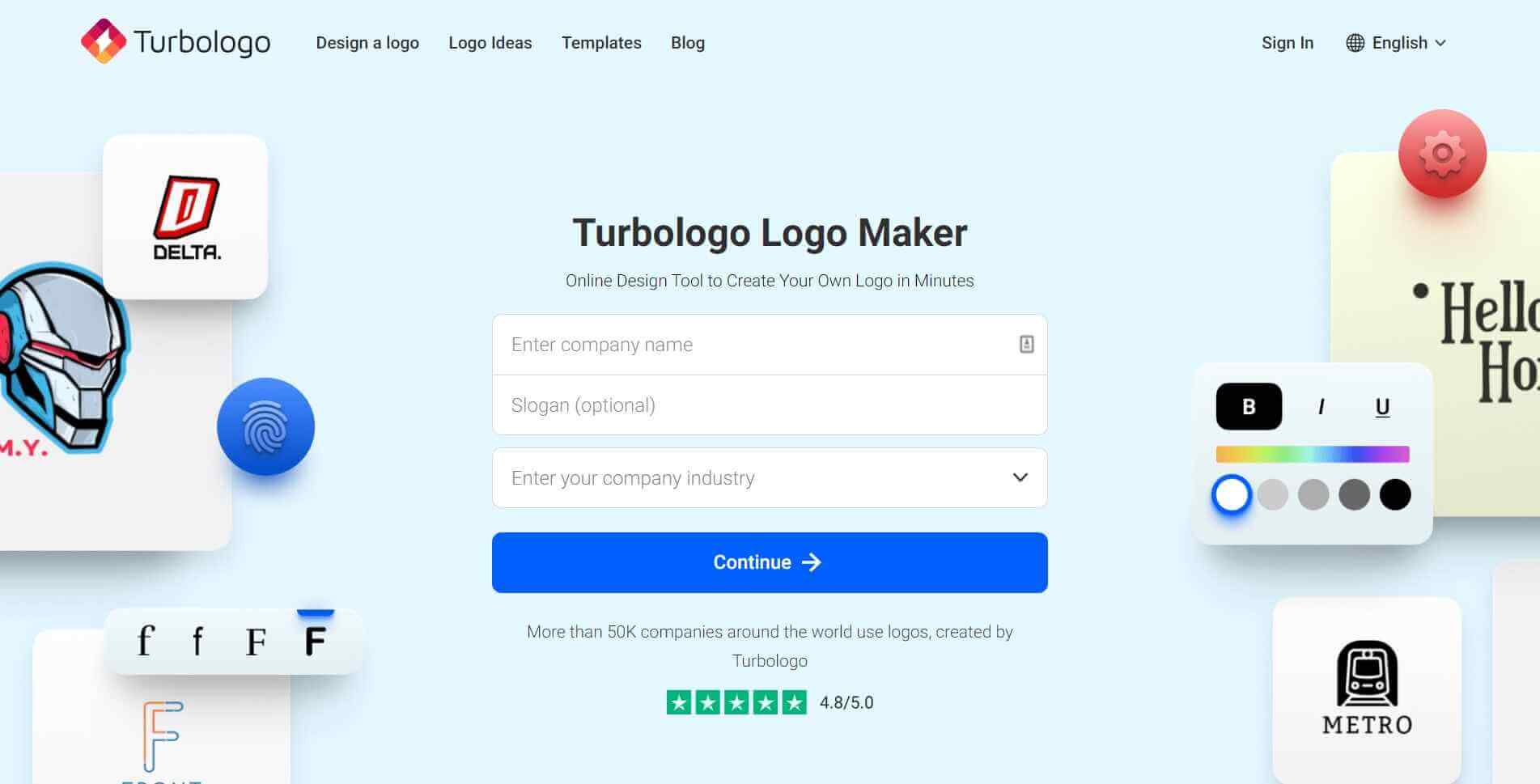
Turbologo is a dynamic online logo maker ideal for entrepreneurs and designers. With its help, it’s easy and quick to create a stylish and memorable logo. The service offers many customizable templates, a rich library of icons, and a wide selection of fonts. Users can experiment with colors and compositions, and preview their designs in various formats. Turbologo’s intuitive interface makes the design process accessible even to beginners, delivering professional results.
- Intuitive drag-and-drop interface to customize logos.
- Massive library of icons, images, fonts, and templates.
- Logo revisions and options are generated instantly by AI.
- One-click background removal and image enhancements.
- Variations tailored for different mediums like web or print.
Pros:
- Extremely easy to create quality logos quickly, even for beginners.
- No design experience is required to make polished, unique logos.
- AI recommendations help refine and improve initial logo ideas.
- Plenty of control to edit every element within logos.
- Thousands of flexible templates suit most brand aesthetics.
Cons:
- Image asset library is less robust than paid logo design platforms.
- Maximum 5 edited logo exports unless subscribed to a paid plan.
2. Canva
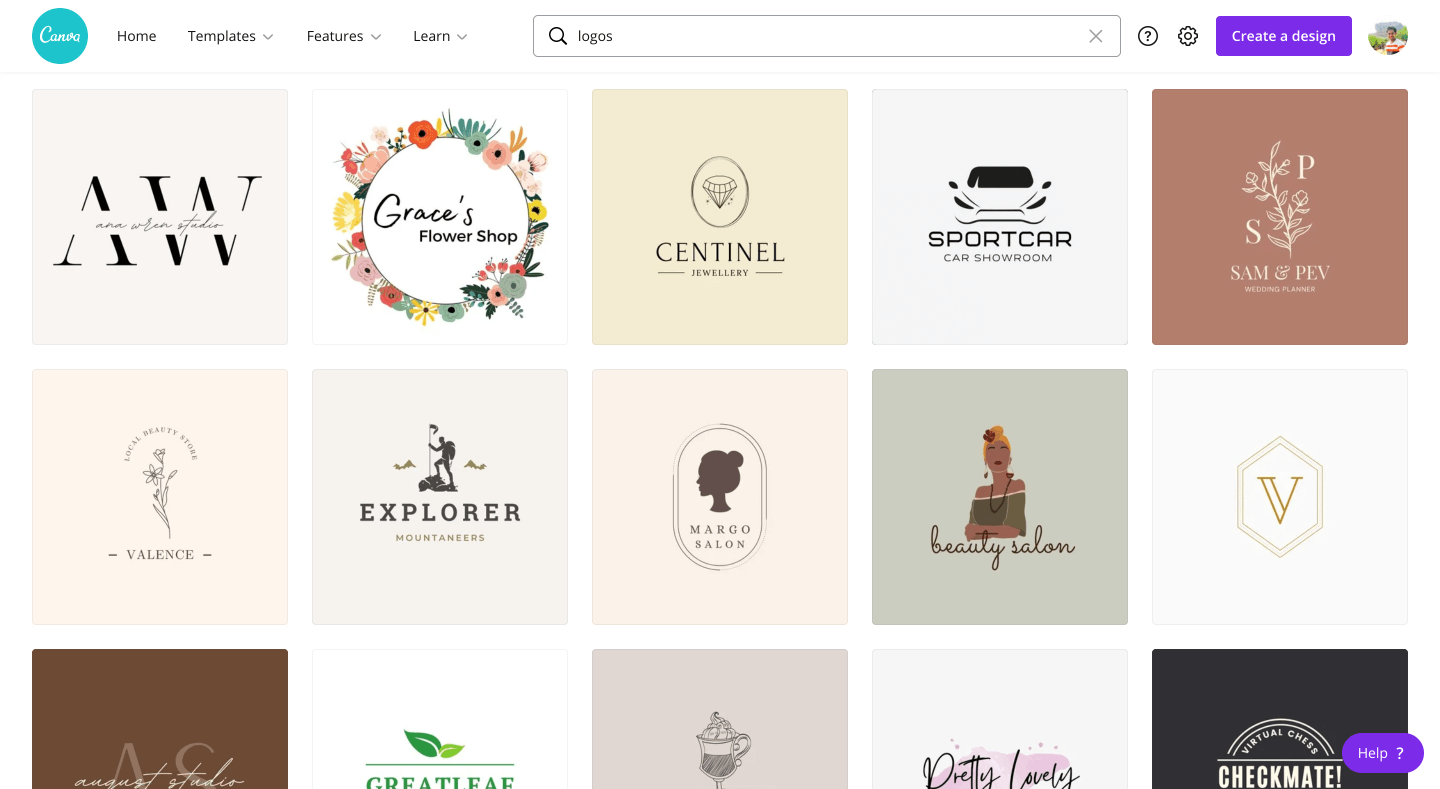
Canva stands out as a leading graphic design platform offering a user-friendly interface and a vast array of design tools, including an impressive logo maker. With its intuitive drag-and-drop functionality and a rich library of templates, fonts, icons, and shapes, Canva enables users to effortlessly craft professional logos tailored to their brand identity. Its AI-powered suggestions and customization options make it a go-to choice for individuals and businesses seeking a free yet powerful logo design solution.
Features:
- Vast collection of templates, fonts, images, and illustrations.
- Intuitive drag-and-drop interface and editing tools.
- Curated templates and styles for tons of use cases.
- Photo editor and image enhancement capabilities.
- Accessible on any device with a web browser or app.
Pros:
- Extremely user-friendly interface for beginners.
- Many templates make logo creation fast and simple.
- Massive library of visual assets to incorporate.
- Advanced features like photo filters are available.
- Brand kit generators aid branding consistency.
Cons:
- Less logo customization control than dedicated tools.
- Limited AI enhancement for logos compared to rivals.
- More basic recommendations versus skilled designers.
3. Logojoy
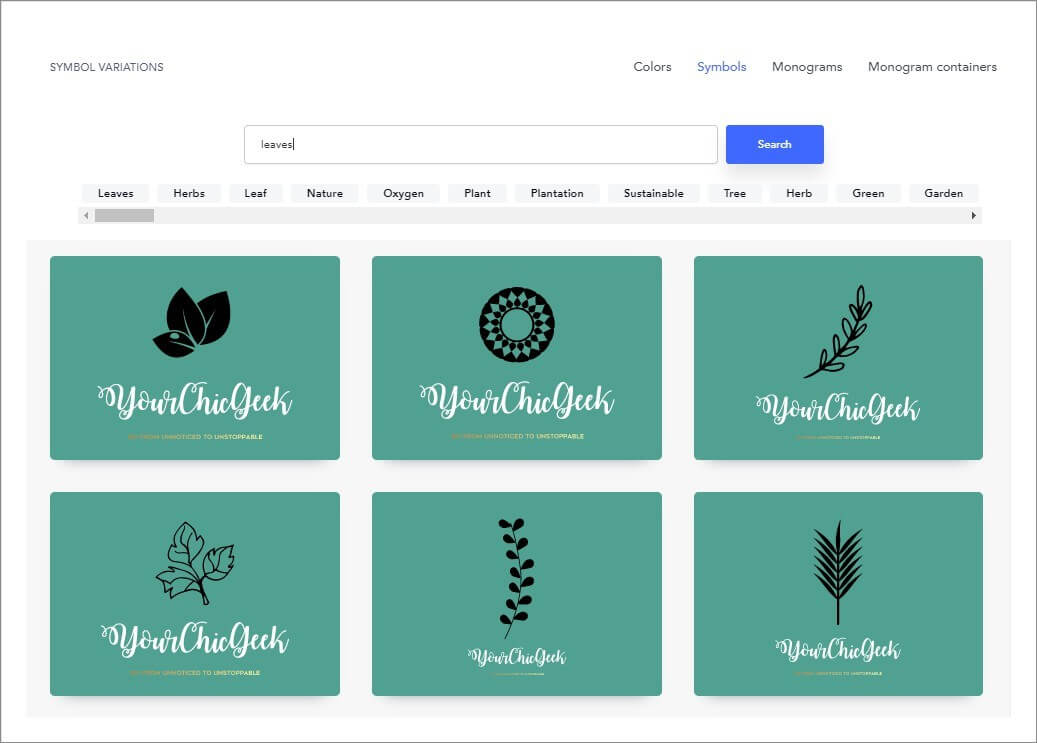
Logojoy, an AI-driven logo maker, continues to be a popular choice for its seamless, user-friendly approach to logo creation. By employing machine learning algorithms, Logojoy streamlines the design process, guiding users through a series of questions to understand their preferences and styles.
The platform generates logo options based on these inputs, allowing for further customization with color palettes, icons, and fonts. Its AI-powered system ensures personalized and professional logo designs tailored to suit a diverse range of businesses and individuals.
Features:
- AI-powered logo generator with thousands of options.
- Customizable selections for icons, font, colors, and layout.
- Offers a real-time preview showing the logo on mockups and branded templates.
- 1-click background removal and image enhancements.
- Graphics can be downloaded in multiple formats.
Pros:
- Yield lots of unique logo ideas very quickly.
- Intuitive editing process guided by AI recommendations.
- Easy to iteratively improve logo variations.
- Graphics are high quality and professional.
- Great balance of customization and automation.
Cons:
- Generates very stylistically similar logos by default.
- Hard to create vastly different versions of the same logo.
4. Logaster
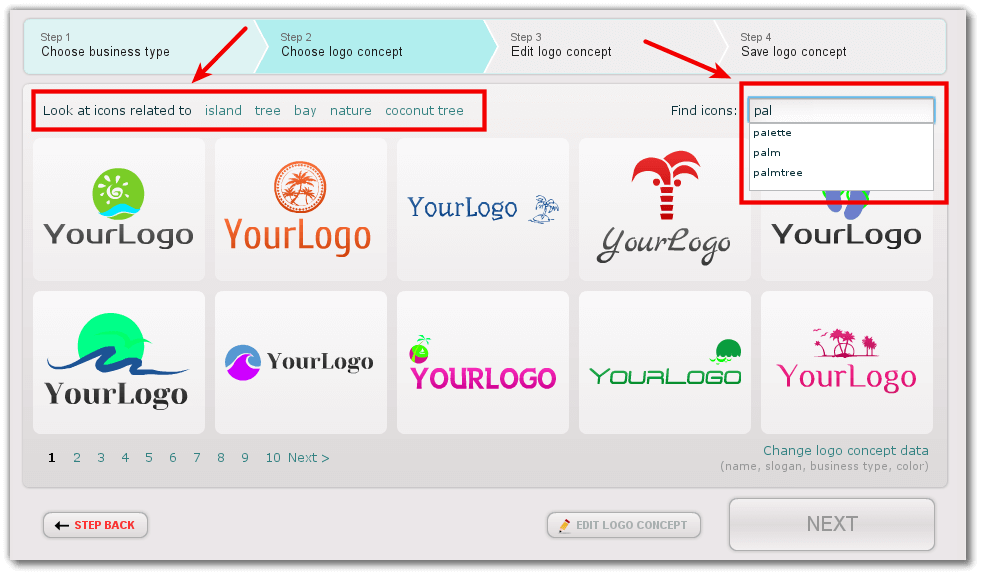
Logaster has been a go-to logo creation platform, utilizing AI to streamline the design process. This tool excels in simplicity and efficiency, offering users the ability to generate logos quickly by entering their company name and industry.
Using this information, Logaster’s AI algorithms generate a variety of logo options, fonts, and color schemes to choose from. With its AI-driven capabilities, Logaster caters to users seeking a hassle-free and personalized logo creation experience, making it a valuable resource for businesses and entrepreneurs alike.
Features:
- Quick logo generation powered by machine learning.
- Massive database of icons, shapes, illustrations, and fonts.
- An interactive selector to customize every element.
- Background deletion and image enhancements.
- Logo previews on business cards, website mockups, etc.
Pros:
- Create endless logo variants with the AI generator.
- No design expertise is needed to craft professional logos.
- Final polished graphics are available in all formats.
- Balances automation with customization capability.
Cons:
- Default logo options tend to look very similar.
- Icons and illustrations are more limited than other tools.
- Less intuitive editing process than some competitors.
5. Logomakr
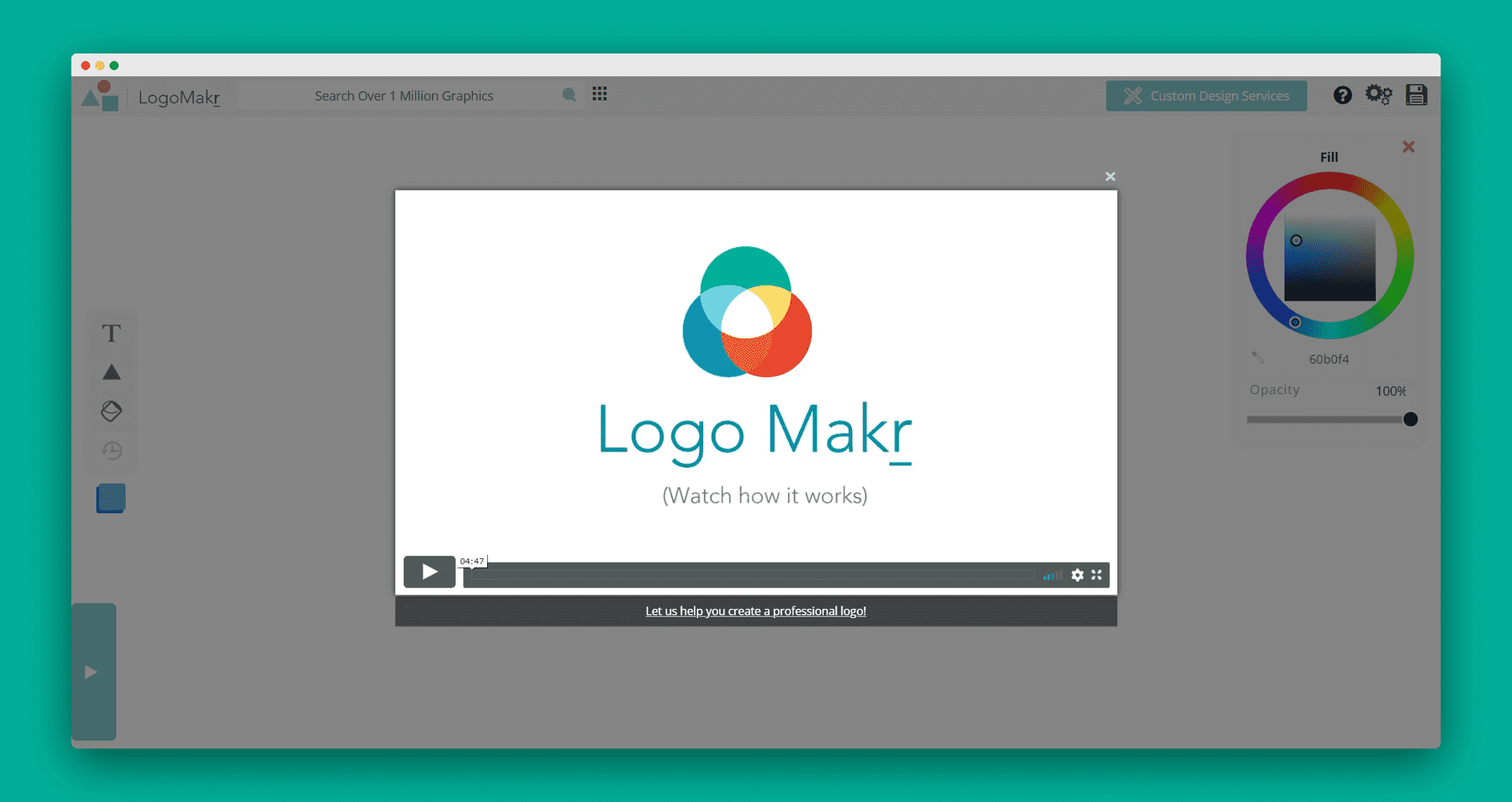
Logomakr is a versatile online logo design tool that empowers users to create custom logos with ease. Its user-friendly interface and drag-and-drop functionality make it accessible for both beginners and experienced designers.
While not explicitly AI-powered, Logomakr offers a library of shapes, icons, and fonts that users can combine and customize to craft their unique logos. Its simplicity and flexibility make it a convenient choice for those seeking a straightforward yet effective logo creation process without the need for extensive design skills.
Features:
- Intuitive logo builder with drag-and-drop editing.
- Library of icons, fonts, templates, and color palettes.
- Image editing tools like cropping and background removal.
- Logo previews across various digital assets.
- Downloadable files in PNG, SVG, and PDF formats.
Pros:
- Extremely easy to use even for total beginners.
- Very fast to create good-looking logos.
- Helpful recommendations during the editing process.
- AI assists by enhancing and refining graphics.
- Fully customizable within structured templates.
Cons:
- Fewer unexpected or unique logo ideas were generated.
- A tendency towards over-designed or busy aesthetics.
Part 2: Best Free Logo Maker Tools to Download on PC
Looking for a logo-maker tool that works offline? You’re in luck! Check out these five top free offline logo maker software options available for download on your PC.
6. GIMP
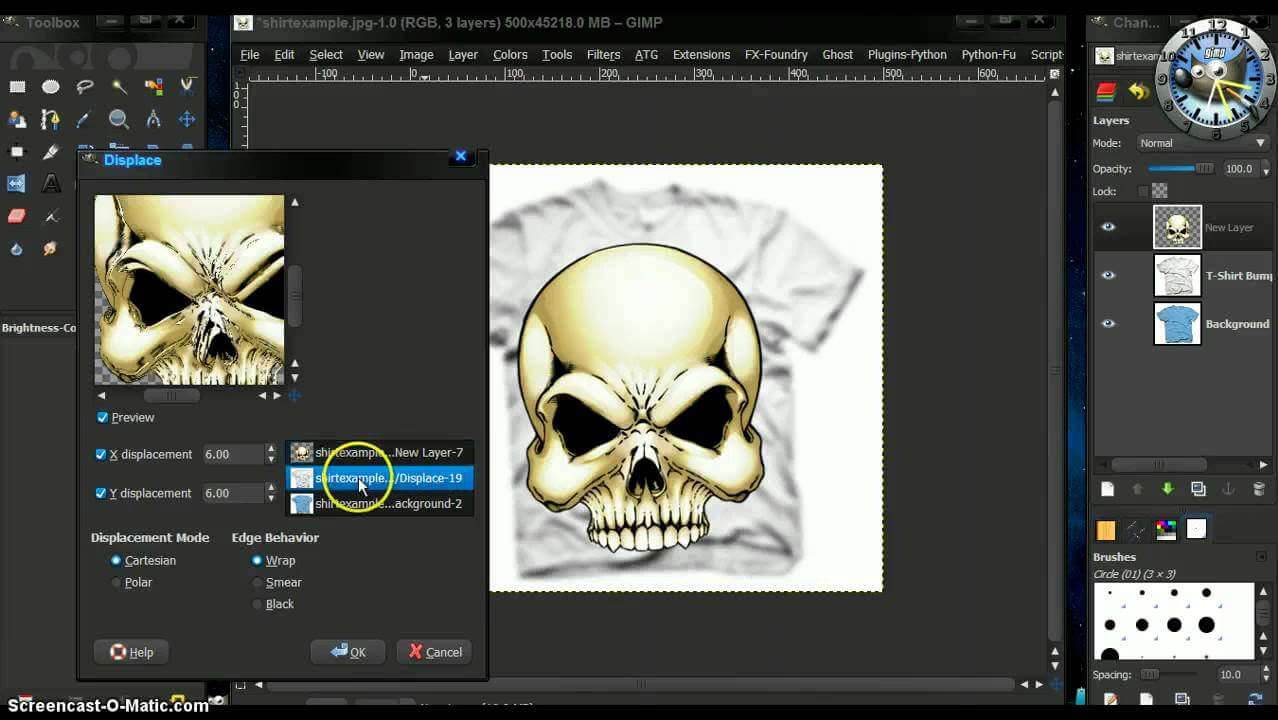
GIMP, short for GNU Image Manipulation Program, is a powerful open-source software available for Windows, Mac, and Linux. Although it’s primarily known as an image editor, GIMP’s versatile tools and features make it a handy tool for creating logos as well.
It offers various selection tools like lasso, rectangle, and ellipse selection, enabling precise editing and manipulation of logo components. GIMP provides a range of text editing options, allowing users to add and manipulate text elements within the logo design.
Features:
- Open-source graphic design software downloadable for PC/Mac.
- Layers and layer masks for composite image creation.
- Tools for drawings, paintings, retouching, etc.
- Massive library of fonts, brushes, gradients, and patterns.
- Plugins expand capabilities for animation or 3D.
Pros:
- Completely free and open-source.
- Extremely powerful and versatile tools.
- Huge community support for tutorials/troubleshooting.
- Great for full customization without limits.
- Can design other graphics assets besides logos.
Cons:
- Very steep learning curve for novice users.
- No templates or recommendations to start from.
- Time-intensive compared to online logo builders.
- Advanced features like 3D require more expertise.
Compatibility: Windows, macOS, and Linux.
7. Adobe Photoshop
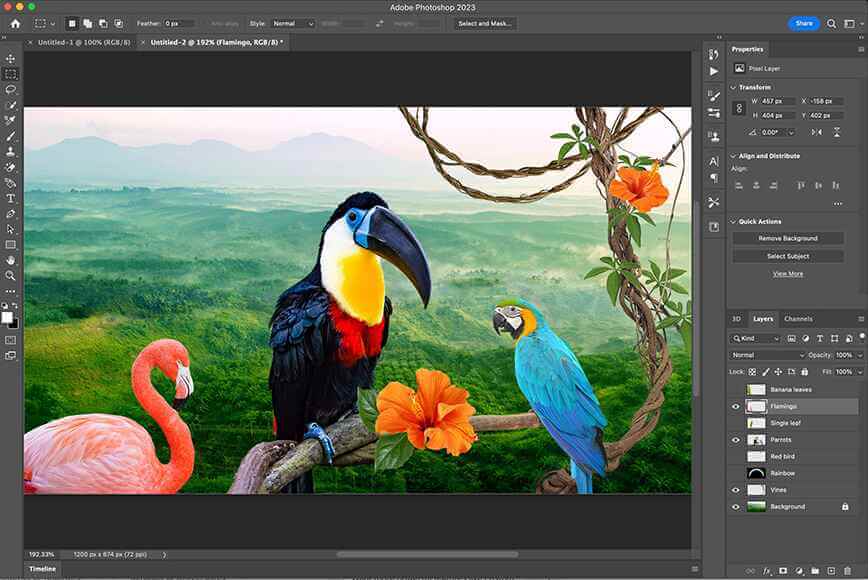
Adobe Photoshop is a highly versatile and powerful software primarily used for image editing, but it’s also extensively used for creating and manipulating graphics, including logo design. Photoshop provides extensive text editing capabilities, including various font styles, effects, and adjustments, enabling designers to incorporate text elements seamlessly into logos.
Features:
- Layers system for building composite visuals.
- Advanced typography tools for lettering.
- Offers a vast library of fonts, templates, brushes, and styles.
- Capabilities for mockups, photo manipulation, and illustrations.
Pros:
- Extremely robust set of design tools.
- Great for designing complementary brand assets.
- Customize every aspect with maximum flexibility.
- Create different versions and iterations.
- Professional grade output supported by industry standards.
Cons:
- Steep learning curve, especially for novices.
- Manual process with less guidance than AI tools.
- Overkill for simpler logo design needs.
Compatibility: Windows and Mac.
8. Inkscape
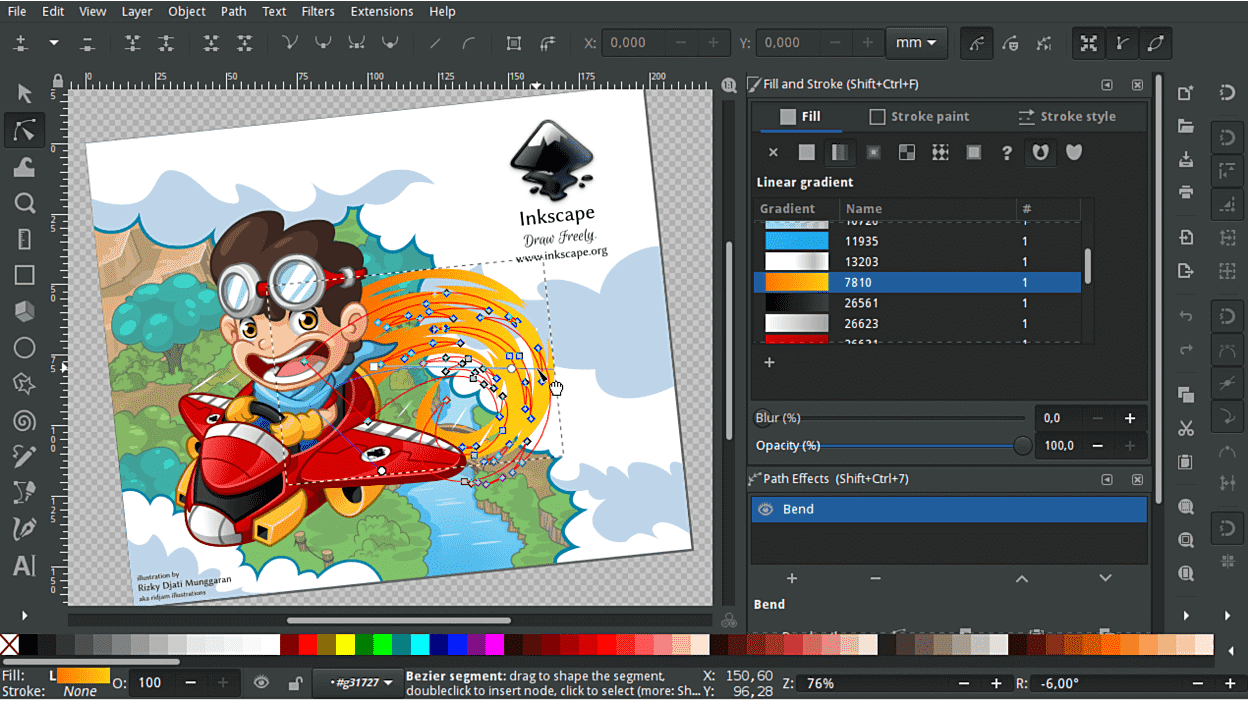
Inkscape is a powerful, open-source vector graphics editor that’s widely used for creating logos, illustrations, and other graphic design projects. As a vector graphics editor, Inkscape uses mathematical equations to create and manipulate shapes, allowing for scalability without loss of quality. This makes it ideal for designing logos that need to be resized for various purposes without losing sharpness.
Features:
- Free and open-source vector graphics editor
- Tools like shapes, text, fills, strokes, cloning
- Supports layers, image tracing, alpha blending
- Community-maintained library of extensions
- Can output PNG, JPG, SVG, PDF, and more
Pros:
- Completely free to use with no limits
- More powered than paid tools for vector work
- Great control for customizing every aspect
- Helpful for making flexible, resizable logos
- Allows for collaboration and version control
Cons:
- A manual process means less guidance.
- No templates or pre-sized artboards.
- Less specialized functionality than some tools.
Compatibility: Windows, macOS, and Linux.
9. Logoist 5
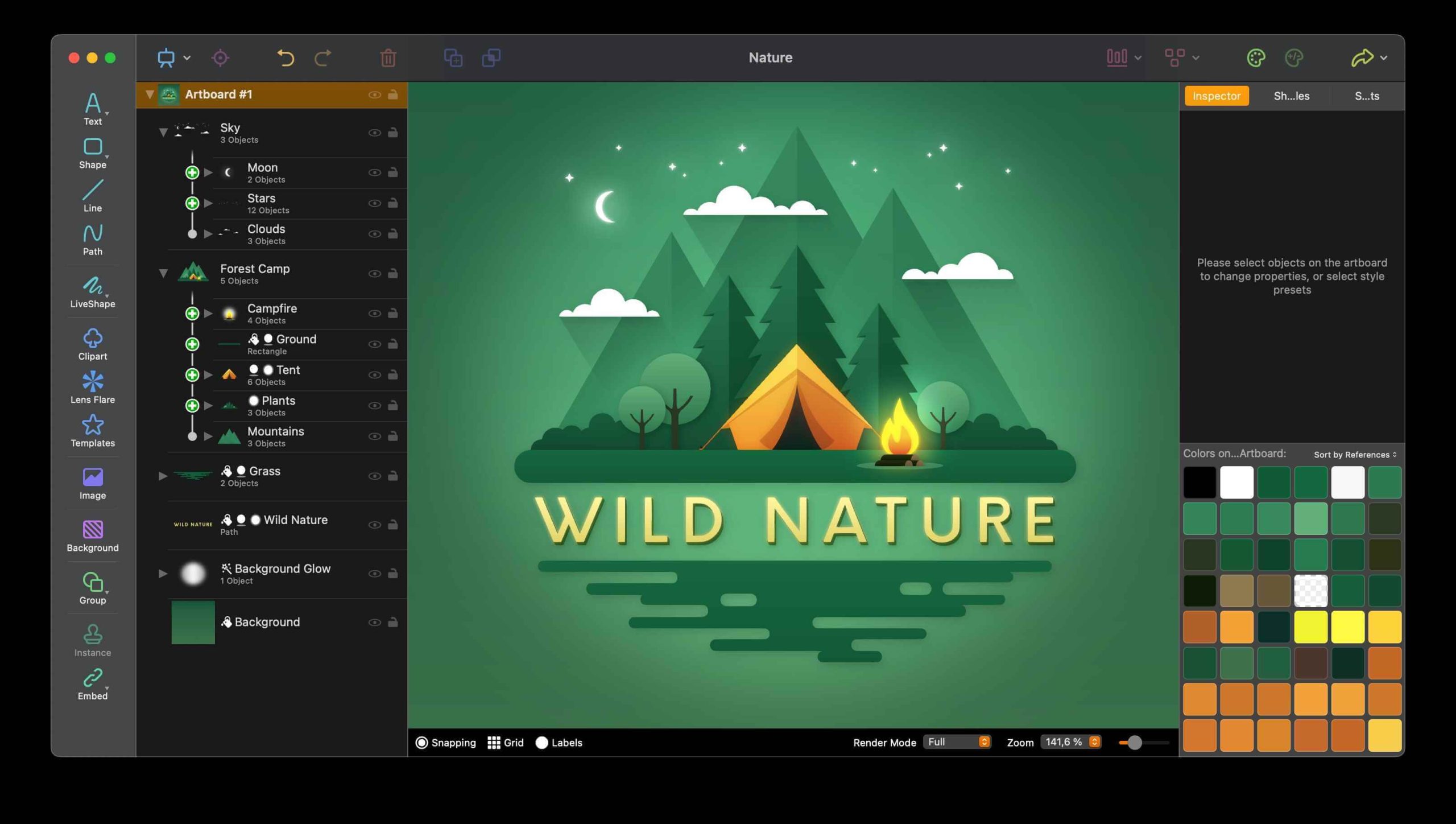
Logoist is a graphic design software available for macOS, specifically designed for creating logos, icons, and other vector-based designs. Logoist features an intuitive and user-friendly interface, making it accessible for beginners while offering advanced tools for seasoned designers.
It provides a range of vector drawing tools that allow users to create and customize shapes, paths, and illustrations, crucial for crafting unique logos.
Features:
- Library of icons, shapes, templates, and color palettes.
- Customizable layouts and structures for different logos.
- Tools like image cropper, background editor, and texture generator.
- Supports multiple file type exports like JPG, PNG, and SVG.
Pros:
- Easy to quickly mock up quality logo options.
- Helpful recommendations during editing.
- One-click background removal.
- Affordable paid software license.
- Sufficient tools for most logo projects.
Cons:
- More limited capabilities than advanced graphic suites.
- Less customizable and flexible than vector programs.
- No collaboration features.
- Less asset flexibility than web-based tools.
Compatibility: macOS.
10. Laughingbird Software Logo Creator
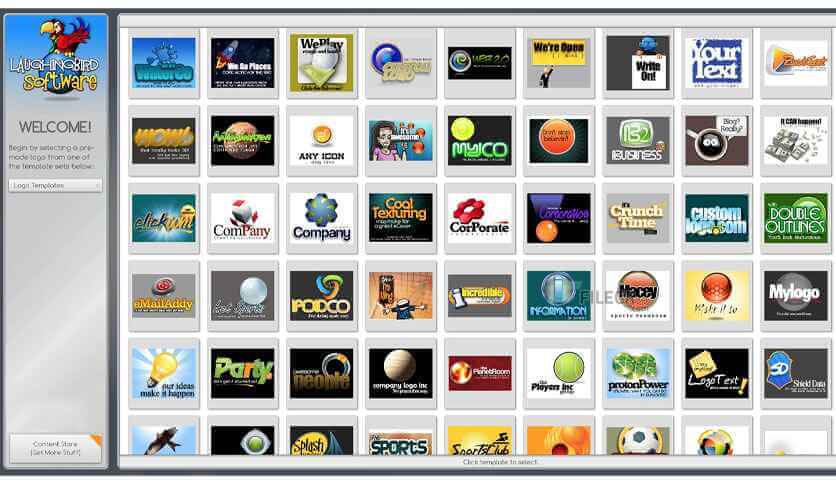
The Laughingbird Software Logo Creator targets users who prefer a more guided and template-driven approach to logo design. It aims to streamline the process and make logo creation accessible to those without extensive design experience.
The software provides a collection of pre-designed graphics, icons, shapes, and fonts that users can mix and match to create their logo designs without the need for extensive design skills.
Features:
- Downloadable app for Windows or Mac.
- Library of icons, fonts, templates, and color palettes.
- Drag-and-drop template editing tools.
- Image editing capabilities like crop, arrange, and align.
- Share and export multiple file formats.
Pros:
- Very easy to use with a simple interface.
- Great selection of logo templates.
- Affordably priced one-time purchase.
- Quickly create multiple logo versions.
- Friendly for all skill levels.
Cons:
- More limited asset library than web-based tools.
- Less capable than advanced graphic design suites.
- Fewer powerful customization options.
Compatibility: Windows and macOS.
Conclusion
This article showcased, a wealth of excellent free artificial intelligence-enhanced logo makers that have recently emerged that allow the creation of great DIY logos with no expertise required. We rounded up top online tools like impressively intelligent Turbologo, extraordinarily easy Canva and uniquely idea-generating Logojoy.
Offline, open-source powerhouses like GIMP and Inkscape provide unbounded versatility for experienced designers.
More affordable middle-ground tools like Logoist offer a balanced option too. So whether seeking cutting-edge AI assistance, targeted simplicity, or maximum control, multiple routes now exist for crafting superb logos within anyone’s reach.
FAQs:
Can I use these tools for commercial purposes?
Yes, most free logo makers allow commercial use. However, always check licensing terms before downloading. Some platforms may restrict usage unless you upgrade to a paid plan.
Which tool is best for beginners?
Canva is ideal for beginners. Its drag-and-drop interface and AI-powered design suggestions make it simple to create logos without prior experience.
Do these tools support vector exports?
Yes, most of them support vector formats like SVG or EPS. This ensures your logo stays sharp at any size. Inkscape and Adobe Photoshop offer the most control over vector editing.
Author Bio:
Dinesh Lakhwani 

Dinesh Lakhwani, the entrepreneurial brain behind “TechCommuters,” achieved big things in the tech world. He started the company to make smart and user-friendly tech solutions. Thanks to his sharp thinking, focus on quality and the motto of never giving up, TechCommuters became a top player in the industry. His commitment to excellence has propelled the company to a leading position in the industry.
Popular Post
Recent Post

Disk Drill Data Recovery Tool Explained: Full Review and Guide
It happens in a split second. You delete a folder by mistake. Your drive stops showing up. A photo album from your last trip just vanishes. And your stomach drops. Lost files feel personal. They are not just data. They are memories, work hours, and sometimes years of effort packed into a few gigabytes. When […]

Recover Deleted Files In Windows 11 With Software & Without
Introduction What is the first thing that goes through your mind the second an important file vanishes from a Windows 11 PC? For most people, it is a mix of panic and disbelief, followed by a frantic click through every folder that file could possibly be hiding in. It happens in a split second: one […]

EaseUS Data Recovery Wizard: Everything To Know
Data loss does not always come from a big disaster either. Most cases start small and boring. A drive gets formatted by mistake. A laptop freezes mid-save and restarts on its own. A memory card stops showing up after being pulled out too fast. None of these feel like emergencies at first, until you realize […]

Recuva Data Recovery Tool: Is it Actually Worth it?
When I first tried Recuva Data Recovery, I wanted to see if it could really bring back lost files. The tool is free, small in size, and promises quick recovery, which made me curious enough to test it on my own PC. The setup was fast, and the wizard guided me step by step. I […]

GetData Recover My Files Data Recovery Tool: Honest Review
A hard drive error brings a special kind of silence. Well, yes! The screen freezes, then a message appears saying the drive can’t be found or must be formatted. In that moment, years of photos and work files feel at risk. It never happens at a good time. Coffee spills near a laptop, a memory […]

Windows File Recovery: A Complete Review [Tried & Tested]
Imagine this. You spend hours perfecting a video project. You hit save. Then your laptop freezes, reboots, and when the screen comes back. The file is gone. Your stomach sinks. It’s not just you. Lost files happen all the time. A dropped hard drive, a bad update, an accidental delete, or a corrupted partition can […]

5 Best Data Recovery Software For Windows 11 and Windows 10
Introduction: A crashed drive can ruin a whole day. One minute your photos, work files, and tax records sit safe on your PC. The next minute they are gone. A power cut, a bad update, or one wrong click can wipe out years of memories and months of work in seconds. That sinking feeling is […]

How To Update NVIDIA Drivers On Windows 11/10 PC
Learn how to update NVIDIA drivers on Windows 11/10 with simple methods, safety tips, and easy steps for smoother gaming and better PC performance.

Top AI Features Hidden Inside Windows 11
Explore the top AI features in Windows 11, from Copilot to Recall, plus safety tips and simple steps to use each tool the right way.

