What is a ‘Good’ Internet Speed and How to Measure Internet Speed?

Last updated on October 16th, 2024 at 2:19 pm
There are numerous internet service providers in the market and every single one of them claims to offer a “good” internet speed. The big question is, what is a good internet speed? Is your good speed good enough? I think it’s high time we look at what really does a good internet speed entail and also look at what you have as opposed to what you need? After all, your internet speed determines how quickly you can execute your tasks online.
We all have run internet speed tests at home, more often than not, what most software report is the upload & download speed, ping, latency issues, packet losses, physical connectivity issues, etc. Nevertheless, for a person like you and me, only three of these factors are more comprehensible. The most important of which is the download & upload speed in terms of Mbps (Megabits per second).
Before we plunge into the technicalities, let’s have a quick glossary of terms that you must be accustomed to, in order to understand things better:
Bandwidth – In technical terms Bandwidth describes the maximum data transfer rate of the network, whereas in more layman-like terms we can say Bandwidth is what determines the number of frequencies a network connection can handle at any particular time.
Latency – Latency determines the lag in data transfer from the source to the destination.
Byte – A unit to measure the amount of digital data. 1 byte=8bits
Mbps – Megabits per second (Mbps) is a unit of data transfer used to gauge internet speed.
MBps – Megabytes per second (MBps). We all come across the MB symbol that signifies the size of a file. It’s the same thing, except that MBps tells us how much of the file is being transferred in one second.
Ping – Ping is a test to determine the reachability of a server.
What exactly is good Mbps?
Megabits per second is a measure that shows how fast you can upload or download files to and from the internet. In other words, it’s the unit of internet speed, and the greater the figure preceding the unit, the higher the internet speed. A little over a thousand Mbps make one Gbps (gigabyte per second).
Hence, if you wish to have an optimal internet experience, make sure you choose your internet service provider wisely as well as the number of Mbps you wish to subscribe to according to your usage, Spectrum internet plans have been a savior for me that introduced me to affordable yet reliable connectivity in one package. Don’t forget to check if you’re paying for something that you’re not necessarily using.
How much bandwidth do you need?
Your internet usage determines the bandwidth you will require. FCC endorses average internet speeds from 12-25 Mbps for households with multiple users and frequent streaming. For example, for streaming videos you need 10-25 Mbps on average, for online gaming 8-10 Mbps is alright.
However, if you plan to use the internet for heavy downloads or consistent video conferencing, you will need to subscribe to 50 Mbps internet, which will enable you to transfer more data per second.
What are good upload and download speeds?
The upload and download speeds define the rate at which you can transfer content to and from the internet respectively. The closer it is to your subscribed bandwidth, the better. This calls for a bonus tip: if you wish to upload or download large pieces of content and if time allows, try to do that at night. Since the internet demand is usually low at the time, you might get better speeds than you usually experience.
How to test your internet speed
Before you go ahead with your internet speed test, make sure to take care of the following considerations to get accurate results. Firstly, don’t split your connection among multiple users, test under normal working conditions – no special changes required – perform multiple tests, and calculate the average, try testing at different times of the day. After you have ensured this, you may look up the following speed test services, mostly free, to get the most accurate results.
1. Speedtest.net:
This service, powered by Ookla, is by far the most popular, accurate, and oldest. The service also lets you save data from previous sessions to compare current and previous results, good for professionals or curious residential users to keep track of the trends and patterns over time. You can also share the results if you need for personal or professional purposes.
2. Speedof.me:
The interface does not look like other speed test websites. Since the results are shown in a graph (a little difficult to comprehend) plotted over time to compare speed and determine the consistency of the internet connection.
3. Testmy.net:
Professional users have claimed it to be the most comprehensive option in the guild of speed testing websites. It provides uninterrupted hi-tech services while running on HTML5. TestMy.net coming from an independent provider has ensured fine-tuning of their processes to perfection. The online service also provides statistics for your connection speed, your internet service provider, and your city’s average speed. The only downside, in my opinion, is the user experience. Or as some may say the results are hard to read.
4. Internethealthtest.org:
This one is a lot more comprehensive than most entries on this list. So, if you are looking for a multi-step and extensive testing process then Internet Health Test is the way to go.
That’s a Wrap!
It’s always good to know if you’re actually getting what you are paying for. Since, if you can monitor your Internet Service Provider’s performance for real, you can always bargain on the price you are paying for it or demand better services in return. Share your experiences with ISPs in the comments below!
Author Bio:
Dinesh Lakhwani 

Dinesh Lakhwani, the entrepreneurial brain behind “TechCommuters,” achieved big things in the tech world. He started the company to make smart and user-friendly tech solutions. Thanks to his sharp thinking, focus on quality and the motto of never giving up, TechCommuters became a top player in the industry. His commitment to excellence has propelled the company to a leading position in the industry.
Popular Post











Recent Post

How To Get Help With Notepad in Windows [2026]
Notepad has been part of Windows for many years. And people still use it for quick notes, lists, and simple edits. Its clean layout helps new users, while its small set of tools supports everyday tasks. Yet problems can appear when features behave in unexpected ways or when users try something new, so clear guidance […]

Software Performance Optimization Tips: Complete Guide
Software often slows down over time, turning once-fast programs into frustrating delays. While many assume their device is outdated, the real issue often lies in how the software runs. With a few simple habits and checks, users can restore speed and avoid costly upgrades. This guide offers clear, beginner-friendly software performance optimization tips. It covers […]
How To Connect a Scanner to Your Device Windows 11 In 2026
Have you ever needed to scan a document in a hurry and did not know how to begin? Many people face this problem when they buy a new scanner or a new computer. Windows 11 includes helpful tools that make the process easy, but you must know the right steps. This guide explains each method […]

How To Connect to Your PC Remotely Windows [Complete Guide]
Many people need to reach their computer from far away. Well, yes! It may be for work, study, or personal use. Remote access helps you open files, use your apps, and control your system even when you are not near the device. It gives you the comfort of using your computer anywhere through the internet. […]
How To Connect to a Wi Fi Using a QR Code: Latest Guide
Wi-Fi is now a basic part of our lives. We use it at home, in offices, schools, and public places. But typing long passwords every time you connect can be annoying. Sometimes you might even forget your Wi-Fi password. That is where QR codes come in handy. With QR codes, you can connect to any […]
How To Connect a Wireless Printer Easily to Windows 11/10 PC
Printing tasks are part of most home and office work today. Isn’t it? Well, yes! Using a wireless printer makes printing easier and faster because you don’t need cables. It allows you to print documents and images from any corner of your room as long as your device and printer are connected to the same […]
How To Connect Your Windows 11 PC to a Projector or Another PC
A bigger screen can help you share your work with others. When you connect your Windows 11 PC to a projector, your screen becomes easier to view in a meeting room, classroom, or home. You can show slides, videos, notes, or entertainment. Most people do this for work or study, but it is also helpful […]

How To Set Up Dual Monitors Easily Windows 11/10: Complete Guide
Working with one screen can feel limiting. You switch between apps constantly. Your workflow slows down. A dual monitor setup changes everything. It gives you more space to work. You can see multiple things at once. This guide shows you how to set up dual monitors easily on Windows systems support. Windows 11 and Windows […]
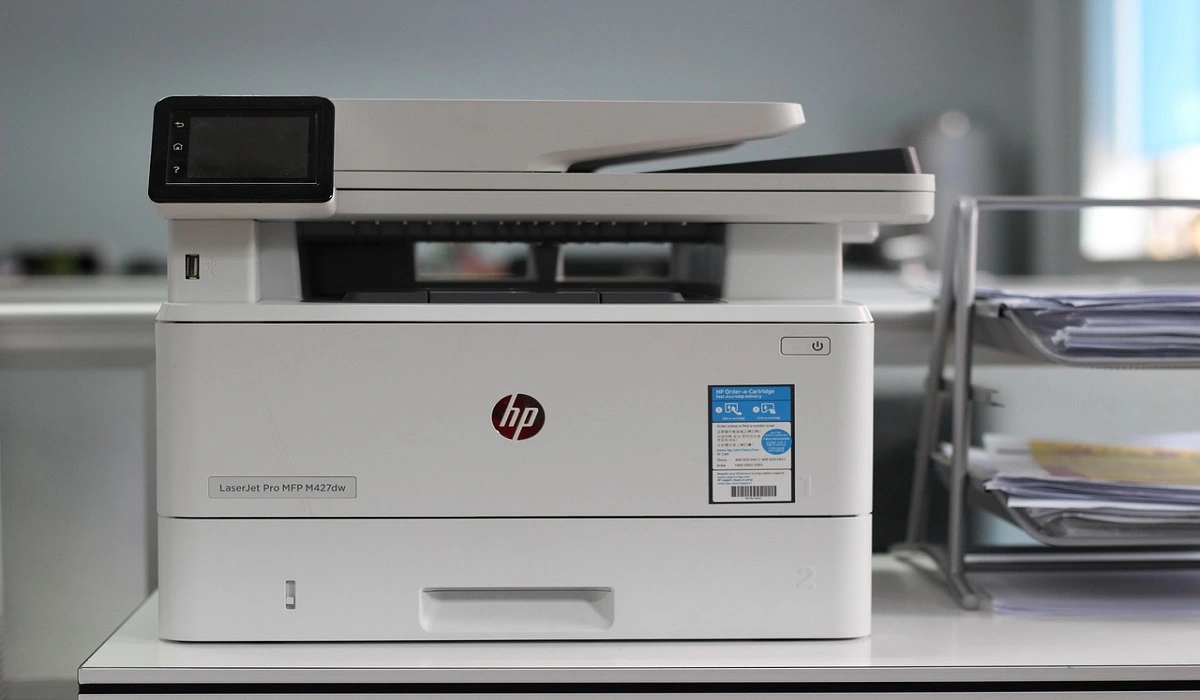
How to Set Your Preferred Default Printer On Windows 11/10: Complete Guide
Printing documents should be simple. But many users struggle with their printer settings. Windows often picks the wrong printer as the default. This creates delays and wastes paper. Setting up your preferred printer as the default saves time. It prevents printing errors. This guide shows you how to set your preferred default printer Windows systems […]
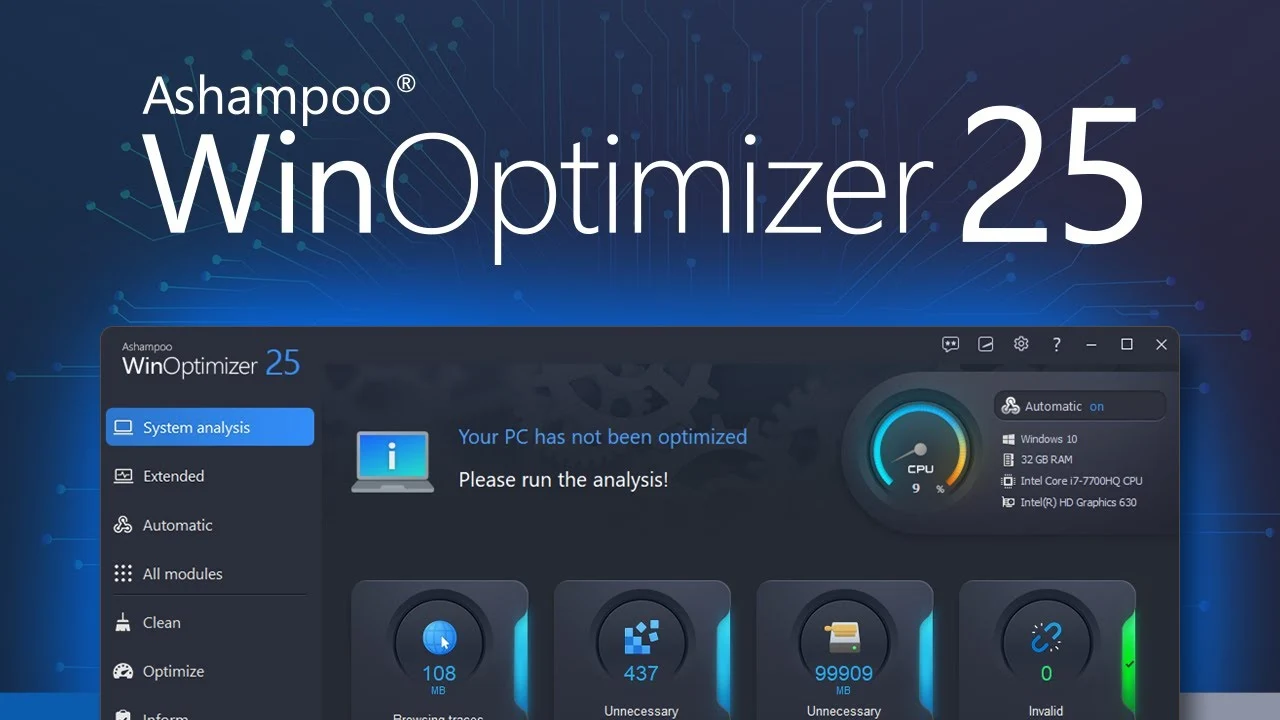
Ashampoo WinOptimizer Review: Can It Really Speed Up Your PC?
Is your computer running slowly? Do programs take forever to load? You’re not alone. Millions of PC users face this problem daily. Ashampoo WinOptimizer claims it can fix these issues. This software promises to clean junk files, boost speed, and make your computer run like new. But does it really work? Or is it just […]

