CamSurf Review: A Better Way to Make Friends and Find Dates?

Last updated on October 27th, 2025 at 7:05 am
Due to recent events, the way people meet and greet has totally changed. Now, you no longer find dates or make friends in social gatherings or via mutual friends.
Today, everything is virtual — from work to making new friends. Therefore, virtual dating and chat apps are getting highly popular these days. Among all the dating or chatting apps, CamSurf has gained a lot of attention in the last few years.
In fact, the CamSurf user base has crossed 4 million within a month. Impressed with the CamSurf growth, we thought of testing it and sharing a candid CamSurf review with our readers.
So, if you want to try CamSurf, but don’t know whether it is a good video chatting app or not. Then, let’s just walk with us on this post.
What Sets CamSurf Apart?
CamSurf took a unique approach to build an innovative chat experience in the pool of numerous video chatting and dating apps. They have enabled video chatting with a simple Start button and make it fast to connect with anyone around the globe.
CamSurf is a perfect blend of dating, random chatting, and talent showcasing platforms. You can here set your location and connect with someone around you to date or have a friendly conversation. Also, you can create your funny or musical videos and share them with your global community.
All in all, CamSurf is one app that can replace three applications on your phone — dating, chatting, and video sharing.
How to Use CamSurf?
Now, let’s test whether it is easy to set up a CamSurf account or not.
Here the first good thing about the CamSurf is you can download it on both Android and iPhone. On top of all, it is a web-based platform, so you can access it from the latest Chrome browser without any downloading hassle.

Secondly, you can easily sign up for CamSurf. If you are using CamSurf on the web, you simply have to mention your gender, location, email and set a password. And you are all set to video chat with anyone.

However, if you want to use the CamSurf app, go to Play Store or App Store, download the free app and complete the quick sign-up process. Additionally, the app is very lightweight — the iOS app version size is only 47 MB.
Once the app is set up, you just have to press the Start button, and you can start video chatting with strangers. If you don’t want to chat with someone, simply press the Next button to move forward.

So, it is easy and quick to use CamSurf on all your devices!
Is It Safe to Use CamSurf?
This is a very important question. Since you are chatting with strangers; thus, it is common to worry about your safety.
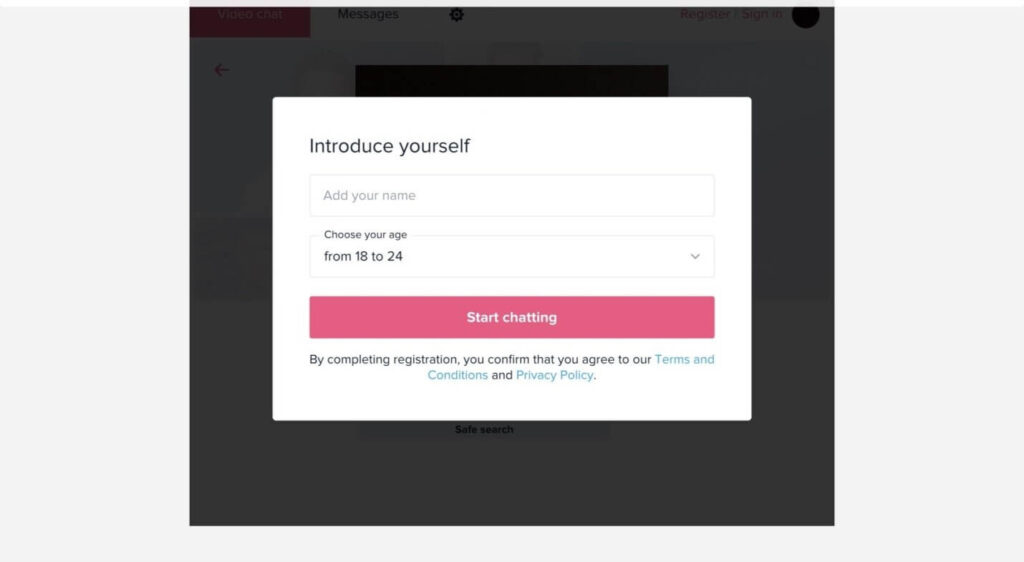
To create a friendly environment, CamSurf has fully maintained anonymity and safety to protect your personal information. That’s why they have kept the signup form minimal, allowing you to video chat on a secure platform.
CamSurf shares a brief list of rules and safety tips that users should follow while on a webcam. If anyone disobeys CamSurf terms, they can ban the person for a certain period.

So, the app is quite safe if you follow all the rules and regulations while video chatting with strangers.
CamSurf Highlights
CamSurf is a breath of fresh air in the same social media and chatting app environment. The app has many interesting features that other video chat messenger apps fail to provide, such as :
Global socializing
CamSurf allows you to connect with the entire world. You can chat with people coming from different cultures and ideologies to broaden your perception. For example, within a minute, you can discuss the political conditions in Brazil with a local or learn about the Eiffel Tower from someone who lives in Paris.
Local dating
If you are hoping to find a new friend or romantic partner locally, CamSurf can also help you. You simply need to set your local location, and you can connect with local people. You never know you might find your soulmate on the CamSurf.
Refreshing social networking
Today, when your parents are on Facebook, and your boss is constantly checking his or her Twitter feeds, CamSurf is a perfect solitude network for you to interact freely. CamSurf has refined the old AOL chat rooms experience with better features.
Chat in your language
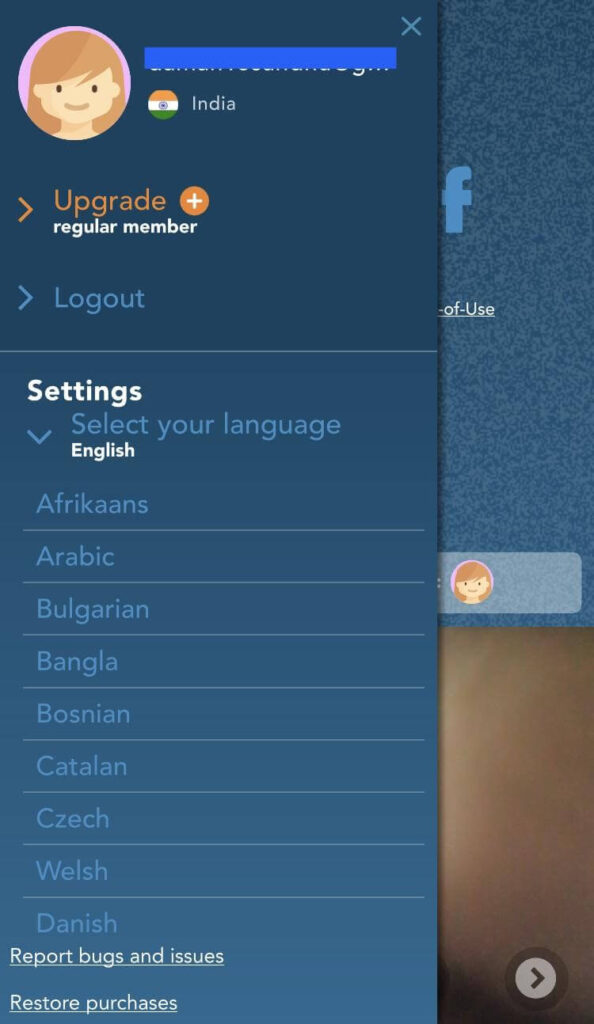
CamSurf is available in 200+ countries worldwide. Thus, you can easily find your local language in the app and start using it in your own language.
Gender filter
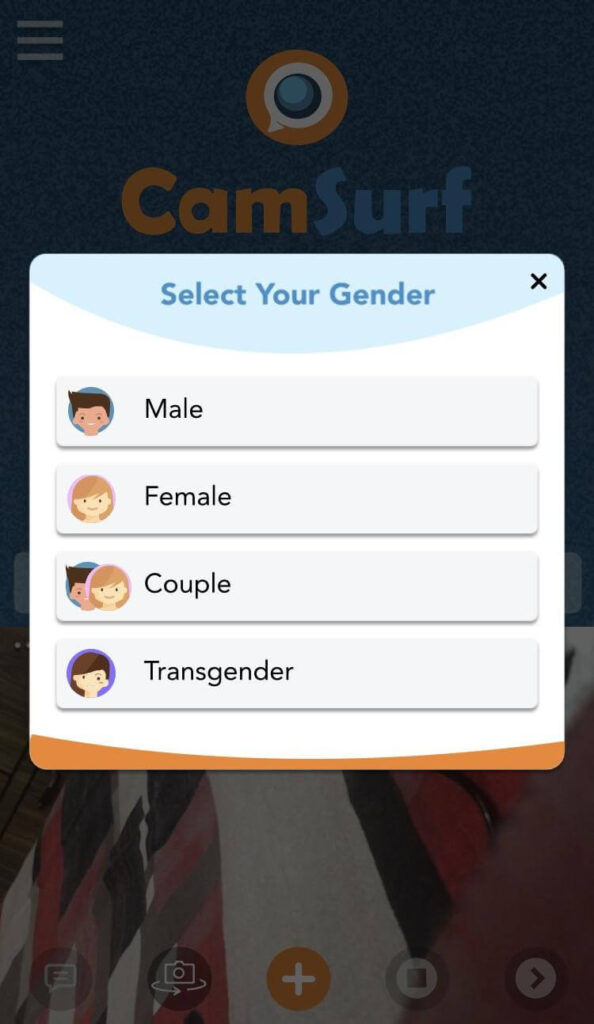
Using the gender filter, you can quickly find the right people to date and bloom a romantic relationship.
No formalities
Yep, there are no formalities with CamSurf. If a person is boring you with his or her talk, simply press the Next button and move on to another person. However, it is good social ethics to properly cut your call, but if a person is too annoying, just hit the Next button.
Pros
- Free video chat app.
- Allows maintaining anonymity.
- Available in the local languages.
- Connect with global users.
- Easy to use and set up.
Cons
- Only for users above 18 years.
- Some features are only available to premium members.
Final Remarks
CamSurf is indeed a fresh social networking app with many new features. It is a perfect tool to virtually connect with people living across your street or the continent. Plus, the anonymous and friendly chatting environment is great.
Overall, if you are looking for a lazy conversation with a stranger or wish to flirt with the opposite gender, CamSurf is the right tool for you. However, do follow all the safety protocols while using the webcam; otherwise, you can endanger your privacy.
If you stay cautious, you can fully enjoy CamSurf and make some new friends.
Author Bio:
Dinesh Lakhwani 

Dinesh Lakhwani, the entrepreneurial brain behind “TechCommuters,” achieved big things in the tech world. He started the company to make smart and user-friendly tech solutions. Thanks to his sharp thinking, focus on quality and the motto of never giving up, TechCommuters became a top player in the industry. His commitment to excellence has propelled the company to a leading position in the industry.
Popular Post











Recent Post
How To Fix Issues Downloading from the Microsoft Store On Windows
Introduction: Downloading apps from the Microsoft Store should be a simple task. You open the Store, search for an app, and click install. In most cases, the process works without any problem. However, there are times when the download does not start. In some cases, it may stay stuck at a certain percentage. You may […]
How To Fix Windows Update Issues Easily On Windows [2026]
Introduction Windows updates play an important role in keeping a computer stable and secure. They bring new features, fix known bugs, and improve overall performance. When updates work as expected, the system runs smoothly. However, when they fail, users often face slow performance, missing features, or security risks. This is why it becomes important to […]

How To Check If Your PC Is Infected? [Complete Guide]
Computers now sit at the center of almost everything we do. Well, yes! From sending emails to watching videos, we depend on them without much thought. Because of this, even a small issue can disrupt daily tasks. One common problem is hidden malware. It does not always show clear signs at first. It can enter […]

Repair Apps And Programs: Repair Apps That Aren’t Working
Computers have become an essential part of everyday life, supporting work, study, communication, and entertainment. Most of these activities rely on apps and programs, so when one stops functioning, even simple tasks can be disrupted. Common problems include error messages, frozen screens, or apps that fail to open. On Windows systems, such issues often arise […]

Troubleshooting Microphone Privacy Settings: Complete Guide
Sound is a basic part of how we use computers today. People attend meetings, record audio, speak to others, and use voice tools almost every day. A working microphone makes all these tasks easy. When the microphone fails, even simple work becomes difficult. Many users first think the device is broken. In reality, the issue […]
Windows Sound Settings – Sound Control Panel: Complete Guide
Sound plays an important role in how we use a computer every day. It supports both work and leisure. You need it for meetings, videos, music, and alerts. When audio fails, even simple tasks become difficult. Many users feel stuck when sound issues appear. This usually happens because they are not familiar with Windows Sound […]

Run a Troubleshooter For PC Issues Windows: Complete Guide
A computer plays an important role in everyday life. People use it for work, study, communication, and entertainment. When a problem appears, it can interrupt everything. Even a small issue can waste time and create frustration. Many users feel unsure about how to fix such problems. They often think they need expert help. In reality, […]
![Adjusting Audio Output Settings Complete Guide [2026]](https://www.techcommuters.com/wp-content/uploads/2026/03/Adjusting-Audio-Output-Settings-Complete-Guide.webp)
Adjusting Audio Output Settings: Complete Guide [2026]
Sound is part of almost everything we do on a computer. It lets you watch videos, join calls, play music, and hear alerts. When the audio stops working the right way, it can interrupt both work and daily use. That is why adjusting audio output settings matters for every user. Many people get unsure when […]

Artificial Intelligence Explained: Concepts, Terminology, Benefits, and Future Trends
Artificial Intelligence, or AI, is basically computers doing things that usually need a human brain. We’re talking about stuff like learning from experience, figuring out problems, understanding language, and making decisions. It’s not magic, just a lot of data, pattern-spotting, and math behind the scenes. Now, AI doesn’t actually think or feel like we do. […]

Resolving Microphone Detection Problems: Latest Guide [2026]
Microphones are important tools in daily life. People use them for office meetings, online classes, interviews, gaming, customer support, and content creation. When a system fails to detect a microphone, communication stops at once. This situation can cause stress and confusion. Many users believe the microphone is damaged. In reality, most problems are simple and […]

