10 Best Sites to Download PC Games For Free In 2026 [Latest List]

Last updated on December 23rd, 2025 at 4:20 pm
Looking for the best site to download PC games for free? You’ve come to the right place. In the golden age of digital distribution, there are more options than ever before for gamers to purchase and download PC games legitimately and legally. From major publishers’ platforms to online stores and subscription services, the PC gaming world has embraced convenient digital downloads.
As we look ahead to 2026, the market for legal digital game downloads continues to thrive and evolve.
In this comprehensive article, we will explore 10 free PC game download sites that allow you to purchase and download PC games safely, easily, and within the boundaries of the law.
What Makes a Great PC Game Download Site?
When hunting for free PC games online, not all sites are created equal. A reliable download platform should offer more than just a tempting library—it should ensure safety, usability, and legality. Whether you’re into indie gems or AAA titles, these features help separate trustworthy sources from risky ones.
- Verified Game Sources: Look for sites that host or link to games from official developers or publishers.
- No Hidden Costs: Ensure the site truly offers free downloads without sneaky paywalls or subscription traps.
- User-Friendly Interface: A clean layout with intuitive navigation makes browsing and downloading a breeze.
- Download Speed & Server Reliability: Fast, uninterrupted downloads are a must—especially for large game files.
- Game Variety & Genres: A good site caters to diverse tastes, from RPGs and shooters to puzzles and simulators.
- Community Reviews & Ratings: User feedback helps you gauge game quality and site credibility.
- Regular Updates: Sites that frequently refresh their game lists and fix broken links show active maintenance.
- Legal Compliance: The platform should operate within copyright laws to avoid pirated or unauthorized content.
Stay Safe: Precautions Before Downloading Free PC Games
Free game downloads can be thrilling—but they also come with risks. Malware, scams, and copyright violations lurk in shady corners of the internet. Before you hit that download button, take a moment to protect your device and your data.
- Use Antivirus Software: Always scan downloaded files before opening them to catch potential threats.
- Avoid Suspicious Pop-Ups: Legitimate sites rarely bombard you with aggressive ads or redirect loops.
- Check File Extensions: Stick to standard formats like .exe or .zip—avoid unfamiliar or double extensions.
- Read User Comments: Community feedback can warn you about broken links, malware, or fake downloads.
- Don’t Share Personal Info: Free game sites should never ask for sensitive data like credit card numbers.
- Beware of Cracked Games: These often violate copyright laws and may contain harmful code.
- Use a VPN: Adds a layer of privacy and security, especially when accessing international sites.
- Stick to Trusted Sources: Bookmark and revisit sites with a proven track record of safe downloads.
10 Best Free Sites To Download Games for PC in 2026 (Legit)
1. Steam
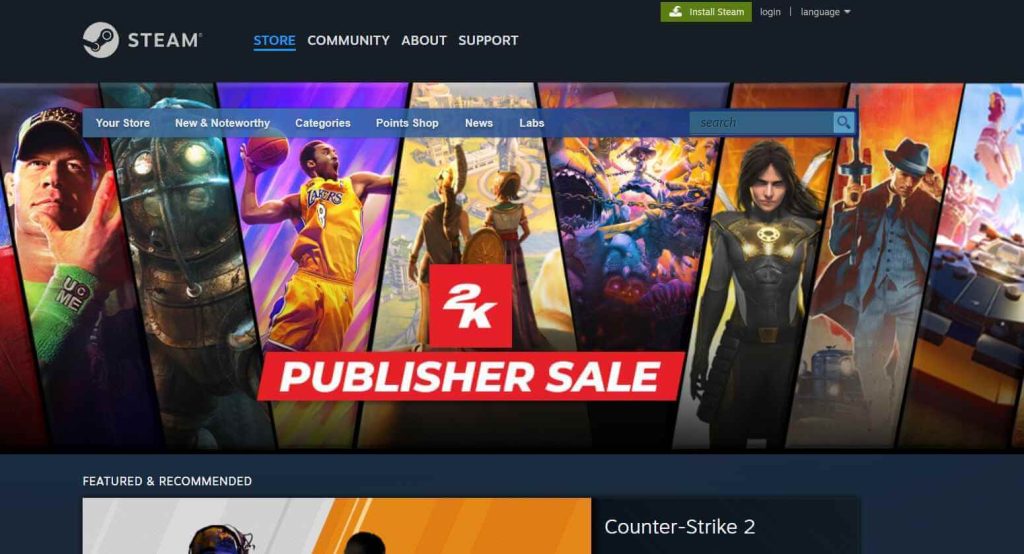
Valve Corporation’s Steam platform has long been the dominant force in digital PC game distribution. With a library of over 50,000 games and a user base of over 120 million active players, Steam remains the go-to destination for many PC gamers in 2026.
Agree or not but Steam is the best site to download PC games for free. It is an online gaming platform and store that allows users to purchase, download, and play a vast library of games on their PCs and laptops. Launched in 2003, Steam has grown into a giant in the gaming world, offering not just digital distribution but also social features, cloud saves, broadcasting, and more.
Key Features:
- Massive library of games across all genres from major publishers and indie developers
- Regular sales and discounts on games, often with significant price cuts
- Simple and centralized game library management across multiple devices
- Community features like friends lists, groups, workshops, streaming, etc.
- Cloud saves to sync game progress across computers
- Integrated voice and text chat
2. Epic Games Store
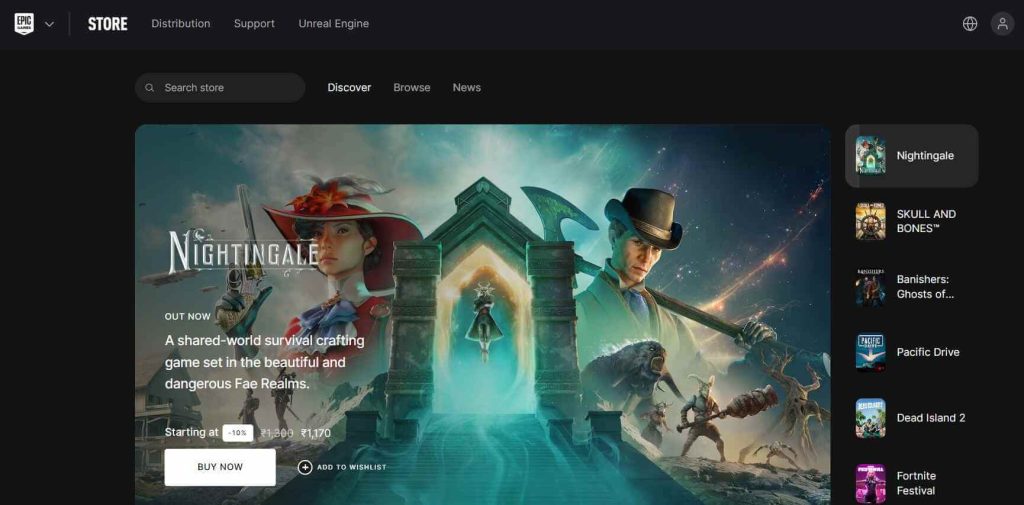
Launched in 2018 as a direct competitor to Steam, the Epic Games Store has quickly risen in popularity. With frequent free game giveaways, a user-friendly design, and a more generous revenue split for developers, Epic has carved out a substantial space in the PC gaming market.
The Epic Games Store is a digital video game storefront operated by Epic Games. It serves as a platform for developers to release their games and as an online store for players to purchase and download games for Windows and Mac.
Key Features:
- Free games offered every week to attract and retain users
- Straightforward and clean user interface with robust account security
- Generous 88/12 revenue split for game developers (compared to Steam’s 70/30 split)
- Support for features like cloud saves, achievements, overlay, and more
3. GOG (Good Old Games)
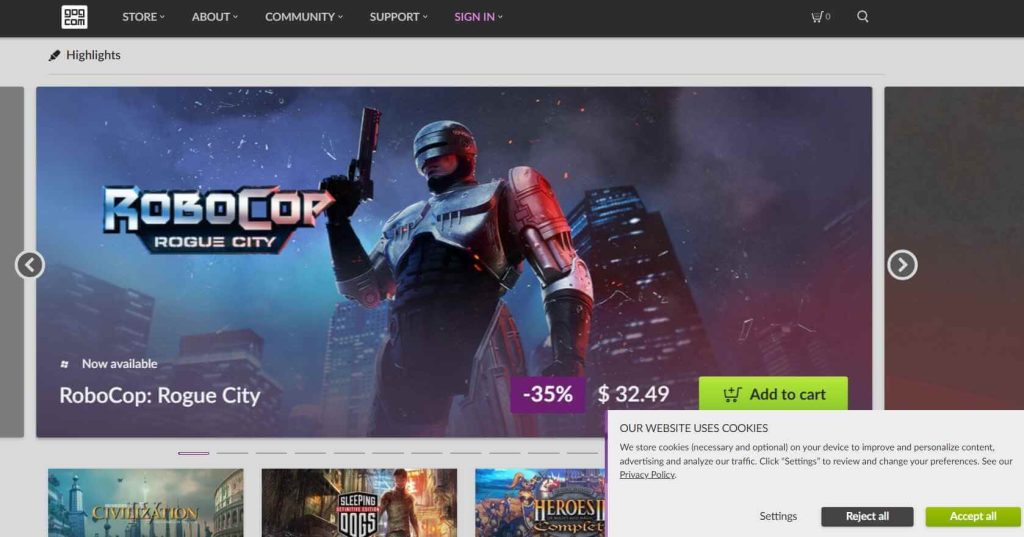
GOG, or Good Old Games, has made a name for itself by focusing on DRM-free game downloads and preserving classic game titles. With a commitment to games that can be played without DRM restrictions and an extensive back-catalog, GOG caters to both retro and modern gamers.
GOG.com, once called Good Old Games, is a website where you can buy and download video games. It’s owned by CD Projekt. What’s cool about GOG is they sell games without any pesky DRM, which means you truly own what you buy. This ensures that all games sold on the platform are playable without activation, dongles, or an internet connection required.
Key Features:
- The DRM-free policy ensures games can be played offline without restrictions
- Extensive collection of classic and retro games alongside modern titles
- Compatibility support for running older games on modern systems
- User forums and game guides to help with game-specific issues
- Fair pricing and frequent sales to attract buyers
4. Humble Bundle
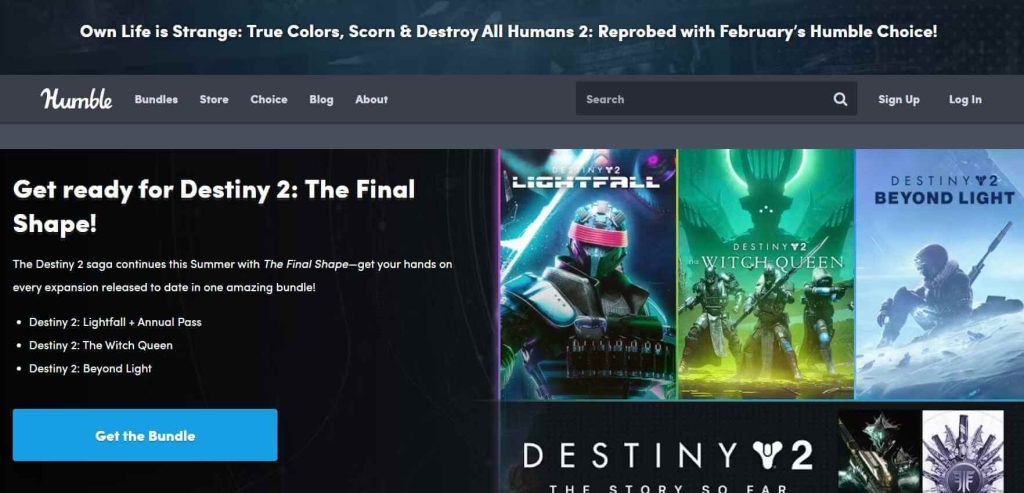
Here comes another best site to download PC games for free. While primarily known for its “pay what you want” game bundles, Humble Bundle is also a great platform for purchasing and downloading individual games. By partnering with game developers and publishers, Humble offers new and popular titles with a portion of sales going to charity.
Humble Bundle is a digital storefront for video games, ebooks, software, and other digital products. It’s best known for its “pay what you want” bundle sales, where consumers can get multiple games or other products by paying any desired price. A portion of these sales goes to charity organizations chosen by Humble Bundle.
Key Features:
- “Pay what you want” bundles with games across multiple platforms
- Option to allocate a portion of the payment to selected charities
- Growing store for purchasing individual games at set prices
- Support for downloading game soundtracks, books, software, and other digital products
- Cross-platform bundles covering games for Windows, Mac, Linux, and consoles
5. GamersGate
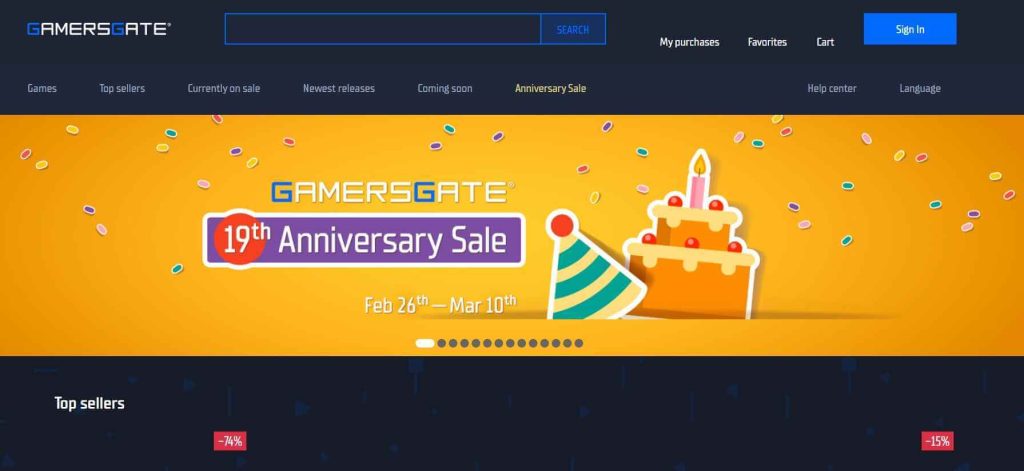
Established in 2006, GamersGate is one of the best websites to download games for PC free. It was earlier digital distribution platforms focused solely on PC games. With a massive catalog, frequent sales, and an easy-to-use interface, it remains a solid choice for downloading games lawfully.
GamersGate is a digital distribution platform that offers PC and Mac gamers the ability to purchase and download games directly to their computer. Owned by Paradox Interactive, GamersGate has a library of over 6,000 games from major publishers as well as indie developers.
Key Features:
- Huge library of over 6,000 games for PC and Mac
- User-friendly interface and store design
- Regular sales with deep discounts on game prices
- Blue Coin reward system to earn credit for future purchases
- Integrated download manager and game patching tool
6. Green Man Gaming
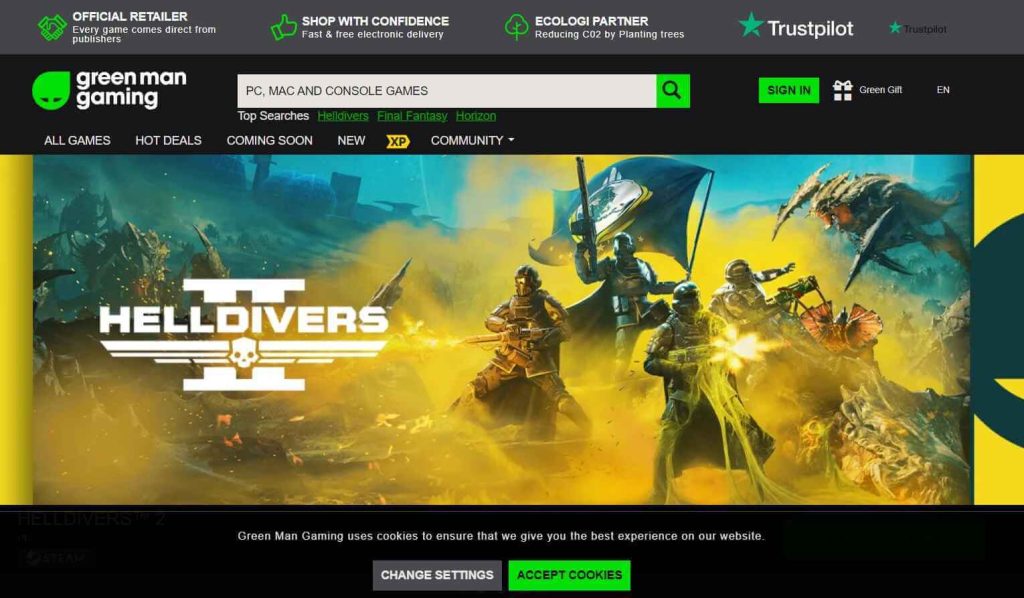
Founded in 2009, Green Man Gaming is the best site to download PC games for free. It has built a reputation for competitive pricing and great customer service. This UK-based gaming store is an excellent resource for buying digital PC game downloads and keys at discounted rates.
Green Man Gaming is an online video game retailer based in the United Kingdom. GMG offers digital game downloads, game keys, and DLC across multiple platforms. While primarily focused on PC games, the store also has selections for consoles like PlayStation, Xbox, and Nintendo Switch.
Key Features:
- Regular discounts and price cuts on new and popular game releases
- Credible customer support team praised for quick resolutions
- VIP membership program offering additional discounts, early access, and more
- Browser extensions and mobile apps for quick price checks and purchasing
- Digital Wallet system to store unused game keys and gifts
7. GameStop PC Downloads
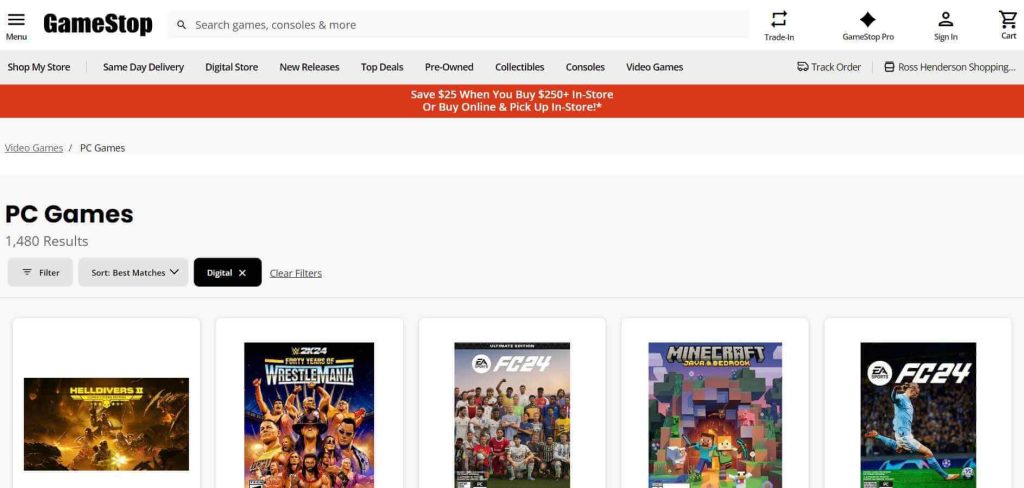
While better known for its retail games and merchandise, GameStop has developed a solid online store for digital game downloads. With competitive pricing and quick customer service, this trusted brand offers a familiar face in the PC gaming arena.
GameStop’s online PC game downloads store is an extension of their popular retail gaming brand. Customers can purchase full digital downloads of PC games, expansions, DLC, and other content directly from GameStop’s website. This provides a convenient digital option alongside their physical game sales.
Key Features:
- Website integrated directly with GameStop’s retail system and branding
- Option to redeem trade credits and apply reward certificates online
- Access to GameStop’s extensive library of PC game titles
- Easy refund/return process in line with GameStop’s generous refund policies
- Digital pre-order availability and benefits mirroring physical pre-orders
8. Fanatical
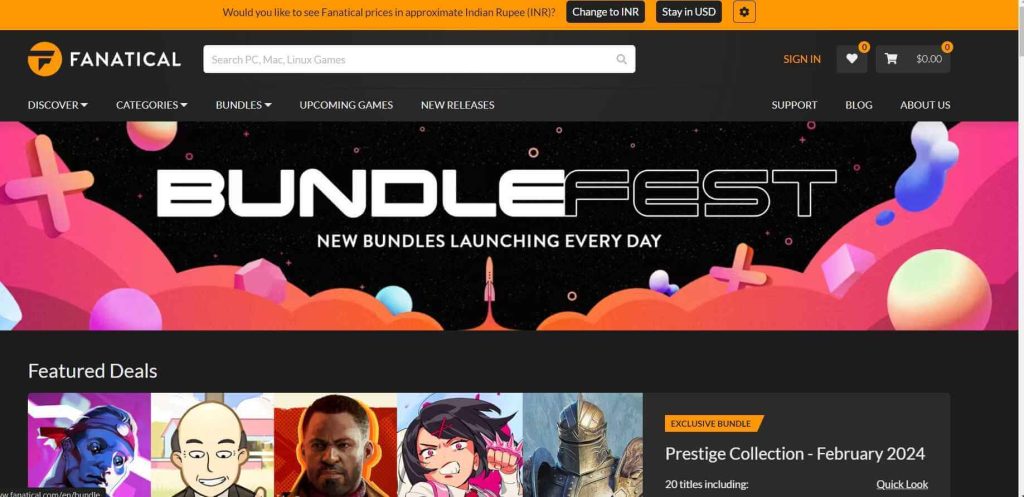
Originally launched in 2012 as “Bundle Stars”, Fanatical is a relative newcomer that has gained popularity for its unique game bundles and deals. With officially licensed game keys and fair pricing, this UK-based storefront is worth exploring.
Fanatical is an online video game storefront and bundle seller specializing in officially licensed game keys and bundles. Based in the UK, Fanatical partners directly with game publishers to bring deals and discounted bundles for PC games to customers worldwide.
Key Features:
- Unique bundle and pack offerings not available elsewhere
- Wide selection of game keys for over 4,500 titles at discounted prices
- Referral and affiliate programs to earn credit on future purchases
- Licensed global key reseller with official publishing partnerships
- Quick delivery of game keys via browser or email after purchase
9. Gog Galaxy
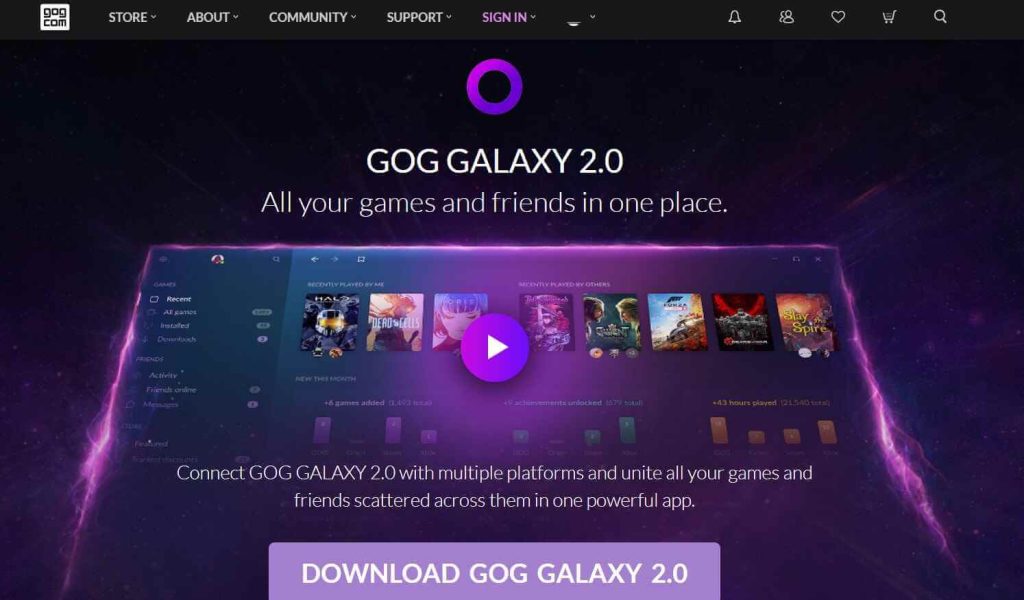
Gog Galaxy is a dedicated online distribution platform and game client created by CD Projekt Red, the same company behind GOG.com. It aims to provide a seamless experience for downloading, installing, and launching games across multiple libraries and platforms.
GOG Galaxy is a video game digital distribution platform and client made by CD Projekt for downloading, installing, and playing games purchased from GOG and other services like Steam, Epic Games Store, Origin, Humble Bundle, etc. The goal is to create a unified gaming hub to centralize games from across multiple libraries.
Key Features:
- Download, install, and launch games from multiple platforms through one client
- Unify friends lists, achievements, cloud saves, and statistics across libraries
- Add non-GOG games to your Galaxy library for centralized management
- Create and share custom game configurations and mods via community workshops
- Access game guides, forums, and support from within the Galaxy interface
10. Microsoft Store
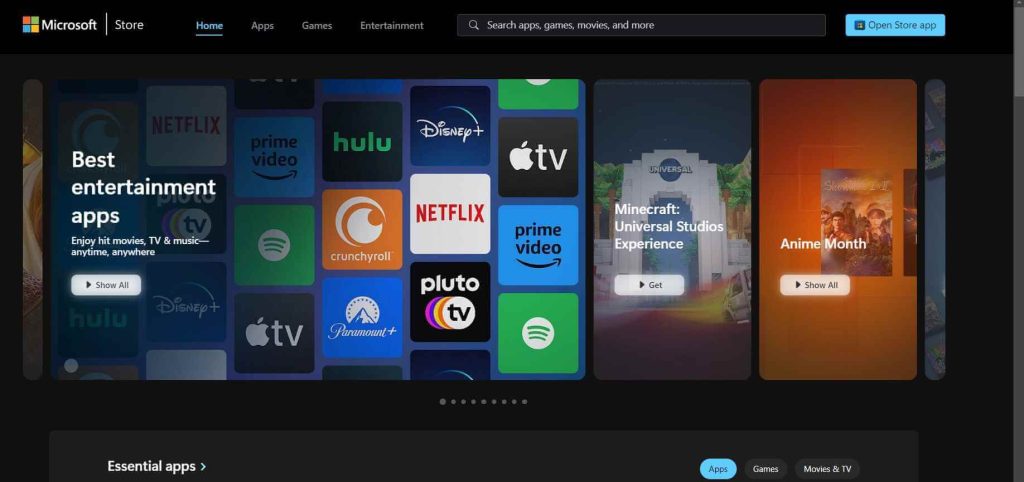
As an integral part of the Windows ecosystem, the official Microsoft Store cannot be ignored as a source for purchasing and downloading games. With growing Xbox integration, the Microsoft Store is evolving as a gaming platform for PC users.
The Microsoft Store, previously known as the Windows Store, is a digital distribution platform for Windows apps, games, multimedia, and other content. It serves as the primary store for downloading and installing software on Windows 10 and Windows 11 devices. The gaming section offers apps, games, DLC, and other gaming content.
Key Features:
- Seamless integration with the Windows operating system and Xbox ecosystem
- Combined library of apps and games optimized for Windows 10/11
- Simple installation and updating of games through the Microsoft Store app
- Integration with Microsoft accounts, purchasing, and payment methods
- Availability of some Xbox Game Pass titles as part of a subscription
Conclusion: Best Sites To Download PC Games
In conclusion, the digital distribution landscape for PC games in 2026 is thriving, with numerous excellent and fully legitimate to choose from. From major powerhouse platforms like Steam and the Epic Games Store to specialized storefronts like GOG, Humble Bundle, and Green Man Gaming, gamers truly have an embarrassment of riches when it comes to purchasing and downloading games legally and conveniently.
By supporting authorized digital distributors, we show our appreciation for the incredible work developers and publishers put into creating these gaming experiences. Respecting copyright laws and intellectual property rights is crucial for sustaining a healthy gaming industry that can continue to innovate and produce more incredible titles in the years to come.
So go forth, explore the wide array of options available, and game on with the satisfaction of knowing you’ve acquired your favorite titles through ethical and legal means. The future of digital game downloads is only going to get brighter from here.
FAQs:
Is it really safe to purchase games from digital storefronts?
Yes, the websites listed in this article are tocure for purchasing and downloading games. They are legitimate businesses that take security very seriously, utilizing encrypted connections, robust account security measures, and fair business practices to protect customers. As long as you stick to official, well-known digital distributors, you can purchase with full confidence.
Do I actually own the games I download, or am I just renting/licensing them?
This depends on the specific storefront’s terms, but generally, when you purchase a digital game download, you own a license to use that game indefinitely. The files remain accessible in your account library, and you can download and install them as many times as needed across your own devices. You do not rent or temporarily license the games – they are yours to keep, just without physical discs/boxes.
Can I get discounts or good deals on newly released games from digital stores?
Absolutely! One of the biggest advantages of digital distribution is how easy it is for stores to offer frequent sales, discounts, and special promotions even on brand-new game releases. Stores like Green Man Gaming, Fanatical, and even major platforms like Steam are known for their competitive pricing and deep discounts within weeks or months of a game’s launch. So you can definitely find great deals.
If I buy a game key from a third-party storefront, will it work with my existing game libraries like Steam?
Yes, most of the stores mentioned sell official game keys that can be redeemed on platforms like Steam, Epic, etc. However, it’s always wise to verify the specifics of where the key is redeemable before purchasing. Reputable stores will make this clear. If the key is listed as working with Steam, Epic, or your chosen platform, then it will integrate seamlessly with your existing library and account on that service.
Author Bio:
Dinesh Lakhwani 

Dinesh Lakhwani, the entrepreneurial brain behind “TechCommuters,” achieved big things in the tech world. He started the company to make smart and user-friendly tech solutions. Thanks to his sharp thinking, focus on quality and the motto of never giving up, TechCommuters became a top player in the industry. His commitment to excellence has propelled the company to a leading position in the industry.
Popular Post











Recent Post

How to Change Mouse Scrolling Settings In Windows
A mouse is one of the most used computer tools. People use it every day. They scroll through emails. They scroll through documents. They scroll through websites and images. The movement becomes automatic. Most users do not notice it. That is why problems often go unnoticed. Scrolling problems show up slowly. At first, it feels […]

Keyboard Light Settings: Keyboard Lighting Control [Complete Guide]
Keyboards are no longer simple typing tools. Well, yes! Over time, they have evolved to include features that improve comfort, visibility, and overall experience. One of the most useful features today is keyboard lighting. It helps users work comfortably in low-light conditions. It also reduces strain when typing for long hours. Many users first notice […]

Customizing Pointer Appearance: Complete Guide
The way your mouse pointer looks on your computer may seem like a small detail. But customizing pointer appearance can make using your PC more comfortable and visually appealing. Many users do not realize that they can change the pointer size, color, and style to fit their needs. Whether you want a bigger pointer for […]

How To Choose a Computer Monitor: Monitor Buying Guide
Buying a monitor looks easy. Many people think all screens are the same. That belief causes regret later. A monitor is not just a display. It is a daily tool. You read on it. You work on it. You relax with it. Small problems become big over time. Poor brightness hurts eyes. Bad size causes […]

How To Get Help With File Explorer in Windows 11 [Complete Guide]
File Explorer is one of the most important tools in Windows 11. It is used to open folders, view files, and manage stored data. Almost every action on a Windows computer depends on it in some way. When users open documents, save downloads, or organize photos, File Explorer is always involved. Because it is used […]

How To Fix A Frozen Computer: Complete Guide [Windows 11/10]
A frozen computer is one of the most common problems Windows users face. The screen stops responding. The mouse pointer does not move. Keyboard inputs do nothing. You may hear the fan running loudly. Sometimes the system looks alive, but nothing works. This situation often happens when you are busy or working on something important. […]

How to Upgrade Computer RAM: Complete Guide
Upgrading RAM is one of the simplest ways to improve a computer. It helps the system feel faster and smoother. Apps open quicker. Browsers handle more tabs. Games and tools run with less delay. Many users search for how to upgrade computer RAM because it gives real results without high cost. You do not need […]

How To Clean Your Computer Keyboard: Complete Guide
A computer keyboard is touched more than almost any other device you own. It is used during work, study, gaming, and casual browsing. Fingers carry natural oils, sweat, and dirt. Small food crumbs fall between keys without notice. Dust settles each day slowly. Over time, this creates a hidden layer of grime. Many users do […]
Computer Mouse Buying Guide for Beginners and Advanced Users
Buying a mouse looks easy at first. Many people think all mouse work the same way. Well, that idea often leads to regret later. A mouse affects comfort, speed, and daily work. It matters for office tasks, gaming, design, and study. The right choice reduces strain and improves control. The wrong one feels annoying every […]

How To Overclock a Computer: A Complete Guide
Overclocking is the process of making your computer run faster than its factory settings. It mainly affects the processor, graphics card, and sometimes memory. Many people choose this method to improve performance without buying new hardware. It is popular among gamers, video editors, and users who run heavy software. When done properly, overclocking can give […]

