Top 5 Best Domain Name Registrars 2026

Last updated on December 27th, 2025 at 1:47 am
In today’s internet-driven world, domain names are significant as they eliminate the need for long website IP addresses and simplify usability. Companies in charge of domain name registration are called domain registrars, which help acquire and register unique domain names for companies.
To get the best-personalized domain name for your site, you must rely on a suitable domain registrar for global ICANN-supported domain name options and management. These entities help manage accurate information, but they also provide exclusive domain registration services.
This article will give you more in-depth details on the top options available that provide domain name registration services.
Top Domain Name Registrars of 2026
Many of the available domain name registrar options in the market provide multiple benefits, like domain registration, web designing, and site hosting. Before making your choice, you need to understand each option thoroughly. To help here, we compiled and put forward this list of the top domain name registrars.
1. GoDaddy
GoDaddy is one of the best available platforms that professionals can access and search for available domain names. The platform has over 20 million active customers and provides low-cost domain name registration and options.
Users can also use the Personal Domain feature to manage their personalized digital ID across different platforms.
You can get expert-approved domain names with zero technical skill sets necessary. The service offers 30% cost-saving benefits for niche domains, like ‘.shop’, ‘.life’, etc. Users opting for one+ year of GoDaddy service get a free domain name for their initial term.
Besides that, users can have 1 domain if they opt for the Economy or the Starter plan, 10 sites with the Deluxe plan, or 24 domain names with the Ultimate plan.
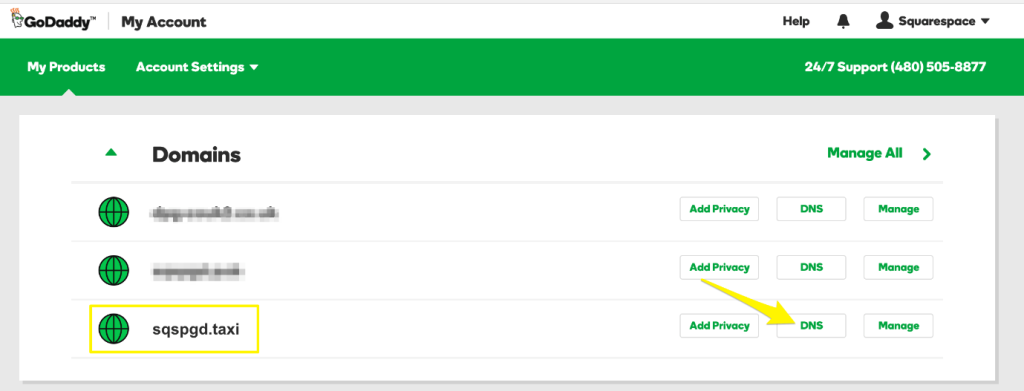
Pricing (Plans):
- Starter- USD 1.31 per month
- ● Economy- USD 2.63 per month
- Deluxe- USD 3.16 per month
- Ultimate- USD 5.25 per month
All four web hosting plans are available with 3 year-long terms.
Features:
- Setup process– The setup process of new domains is straightforward. Users with zero technical knowledge can quickly handle the steps as well.
- Real-time monitoring– The registrar works with real-time monitoring functionality to check the quality and reach of client domains after launch. They gather real-time insights at all times.
- Simple usability– GoDaddy comes with many simple-to-use tools that users can quickly operate to transfer new domains safely. Plus, users get around 100 subdomains available for custom building new web addresses without issues. This domain name registrar contains a wide range of domain name options.
- High-quality support– Users can expect top-notch support from reliable experts and domain specialists through GoDaddy. There is a 24×7 team available for customer service help via live chat or call.
- Best privacy protection– The domains available through GoDaddy come with a free privacy safety guarantee for optimized personal data protection. Email spam protection and unauthorized access blocking are other benefits available here.
- Bulk domain purchase and registration– Users can easily register around 2,000 domain names maximum. You must upload the list of keywords/domains in XLSX/XLS/CSV file format, keeping the limit at 500 per time. Review, and then purchase the acceptable registrar names.
- CashParking– GoDaddy offers the CashParking tool. This is useful for parking domain names and increasing cash income using pay-per-click ads.
Pros:
- Wide range of web services available for professional usage via one platform
- Phone and live chat support for 24×7
- The plans for the first term cost meager
Cons:
- The cost of domain names can be high for some users
- Premium DNS feature available only under the Ultimate hosting plan
Free WHOIS Privacy: Available
Best for: Multiple users. This is a comprehensive domain name registrar, site builder, web host, and other web services like marketing tools.
2. Domains.Google
Google Domains is a significant service for Domain name registration under Google. Users can easily register for a new domain site name directly using Google services or transfer an older domain. Utilizing the generated ‘domains.google’ domain, users can launch their unique sites, integrate third-party services, or prepare personalized email accounts.
In theory, this service provider has many standard features of other domain registrars. However, the best benefit is the additional Google Workspace benefits users can get. Plus, you can expect total protection of your personal data with the WHOIS privacy tool integration. This is available free of cost, unlike some other services that offer privacy benefits at higher costs.
There are no hidden controls during checkout when operating Google Domains. Besides that, you would not get any additional ICANN registration cost either.
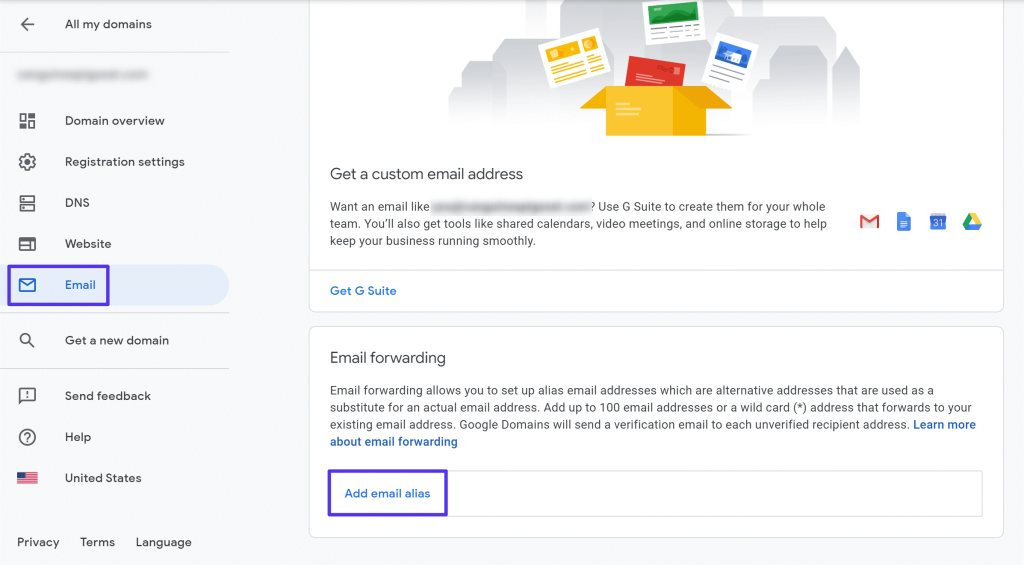
Pricing (Plans):
Users can make use of this domain name registrar starting at USD 12.
Features:
- Time-saving tools– The features available under Google Domains are intuitive and time-efficient. They assure a smoother user experience while utilizing the features and setting up the new domains.
- Quick multi-domain registration– This registration service assures a streamlined purchasing and usage experience. Users can register more than one domain simultaneously via Google Domains.
- Domain sharing– You can provide usability access to other people for your domain usage and management. Companies benefit from this feature as multiple team members can collaborate on the domain.
- DNS Export– Users of Google Domains can simply get information and to-the-point reports about the DNS records via YAML or BIND formats. They are available for download and easy migration/uploading across different DNS Servers.
- Free Cloud-based DNS support– With Google Domains, users can expect Cloud DNS benefits for free. This assures quick DNS resolutions at reduced cost and meets the high traffic demands of sites.
- Domain verification is automated– You can avoid extensive TXT record verification steps during site integration with Google products like Google App Engine and Google Search Console. These are integrated automatically.
Pros:
- Users can include Google Workspace add-on services
- Google Domains is very simple to understand and use
- The pricing plans are transparent
Cons:
- Users would not get the DDoS protection benefits with this domain registrar
- Not many domain extensions are present as options, especially compared to others like GoDaddy
Free WHOIS Privacy: Available
Best for: This is mainly a domain and an email registrar, with many related benefits. Users with another set web hosting service provider in mind can use it without problems.
3. Domain.com
In the context of the best domain name registrar available, Domain.com is an eligible entity available with various web service benefits. Users can easily find unique domains with memorable names and relevant brand-centric titles. Additionally, users can register additional TLDs using this service to assure brand safety.
This service provider has been operated for years and is helpful for people in need of personal or business site management and registration. Besides finding usable domain names, users get web designing, hosting, and management benefits through Domain.com.
Whether you want to purchase a new custom domain name or update the DNS of the existing registrar, all steps are easy to manage through this. Users who use both the hosting and domain name registration services expect more benefits.
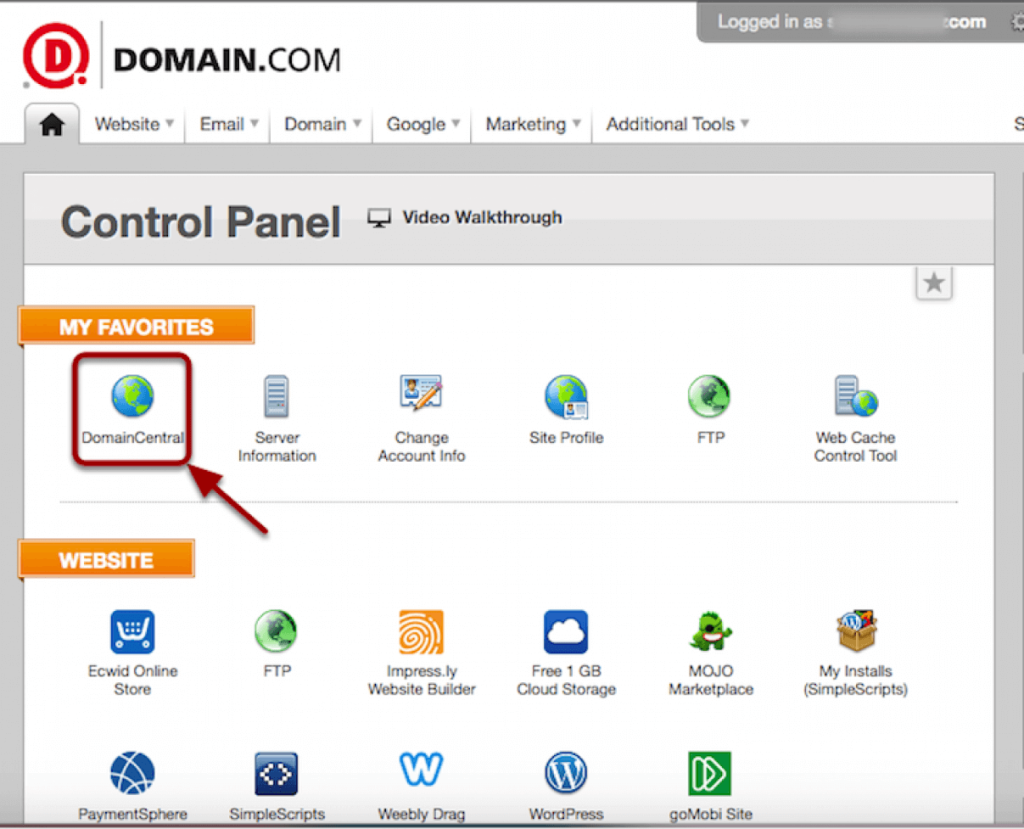
Pricing (Plans):
- Website Builder- starts at USD 1.99 per month
- Web Hosting- starts at USD 3.75 per month
- Web Design/Marketing- quoted cost after a free consultation
Features:
- Powerful domain search engine- Users can easily search for unique and suitable domain names via domain.com. The robust search engine can quickly bring the best suggestions for a needed domain name if the original choice is taken. Afterward, one needs to add the domain name to their cart for checkout.
- Domain generator- The free Generator for Domain Names is helpful for users who do not have a proper domain name in mind. It acquires random yet relevant website name suggestions instantly.
- Premium domains– There are short and unique options for domain names, with engaging wordplay and memorable terminology. The premium-level domain names hold a stronger branding appeal and gain higher visibility.
- New TLDs– Users of Domain.com can expect more than 300 different TLDs and many additional extensions.
- Domain transfers- You can easily transfer a pre-existing domain under another provider onto Domain.com. The migration process is easy to handle, especially with the high-quality domain experts available for help.
- WHOIS Lookup– Domain.com users can verify the ownership of different domain names if they park multiple domain names altogether. With the WHOIS Lookup feature, you can find other private details like the expiration date of their ownership. This is helpful if the current owner does not renew their domain ownership after expiration; it is open to purchase then.
- Website builder– There is an integrated website builder program available under Domain.com. Users can optimize the website design using this, adding customizable layouts, using built-in SEO tools, free images in the library, integrating social media icons, etc.
Pros:
- Users can use web hosting services
- The registration prices are relatively low
- Live chat and phone customer support are available
Cons:
- Very high renewal rates
- Extra costs for Domain privacy and DDoS protection
Free WHOIS Privacy: Unavailable
Best for: This is best for professionals running short-term projects, like needing a website domain for 5 years maximum.
4. Namecheap
NameCheap is another usable domain name registrar that assures high usability at low costs. Users can expect top-level domains or TLDs while using Namecheap after registering at very low rates. You can choose and buy different common and unique domain names for a year or 5 years altogether. The renewal costs can become higher for some TLDs, like ‘.io’ or ‘.org’.
Another notable benefit that many users experience while operating Namecheap is the WHOIS privacy guarantee. There is no additional cost necessary for standard-level domain protection.
However, a little higher cost is required for advanced SSL certification or DDoS protection guarantee. Additionally, users can opt for VPN hosting and web hosting services at reasonable costs.
Pricing (Plans):
Plans range from USD 9.48 to USD 13.48.
Features:
- Domain name search- It is straightforward to add a preferred name into the search engine field. Then, the system would run multiple available domain name suggestions with relevant keywords or similar phrases. The Namecheap search engine is highly intuitive.
- New TLDs– Users here can get a wide range of best TLDs that other companies or businesses do not capture.
- Domain transfer– It is simple to transfer the necessary data or already-build registrar to Namecheap with a high-quality migration process.
- Bulk domain search- Users can purchase more than one domain name simultaneously for easier management of multiple site URLs.
- WHOIS Lookup– This feature allows you to research the sellers or buyers of bulk domain names or specific domains. Later, it is easier to buy newly free domain names when the owner does not renew ownership on time.
- Handshake domains– Users get access to unique non-traditional domain names and extensions. Plus, one experiences a more secure and unrestricted handle over their domains.
Pros:
- Live chat feature available 24×7
- SSL certificates available at a very low cost
- Low registration cost and reasonable renewal costs
Cons:
- The cost of DDoS protection and domain name extensions is high
- Users can expect zero phone support
Free WHOIS Privacy: Available
Best for: Very user-friendly- this particular domain name registration service provider is helpful for any professional.
5. BlueHost
BlueHost is one of the most trustworthy web service providers available. This offers a wide range of web hosting benefits to users, but it is also known as a domain registrar. The costs of the available domains for purchase through BlueHost are reasonable, and there are different options available.
Web hosting via WordPress, shared hosting, and ecommerce-based hosting services are available under BlueHost. Under some hosting plans, users get free domains as an additional benefit. Website building and management functions are also available.
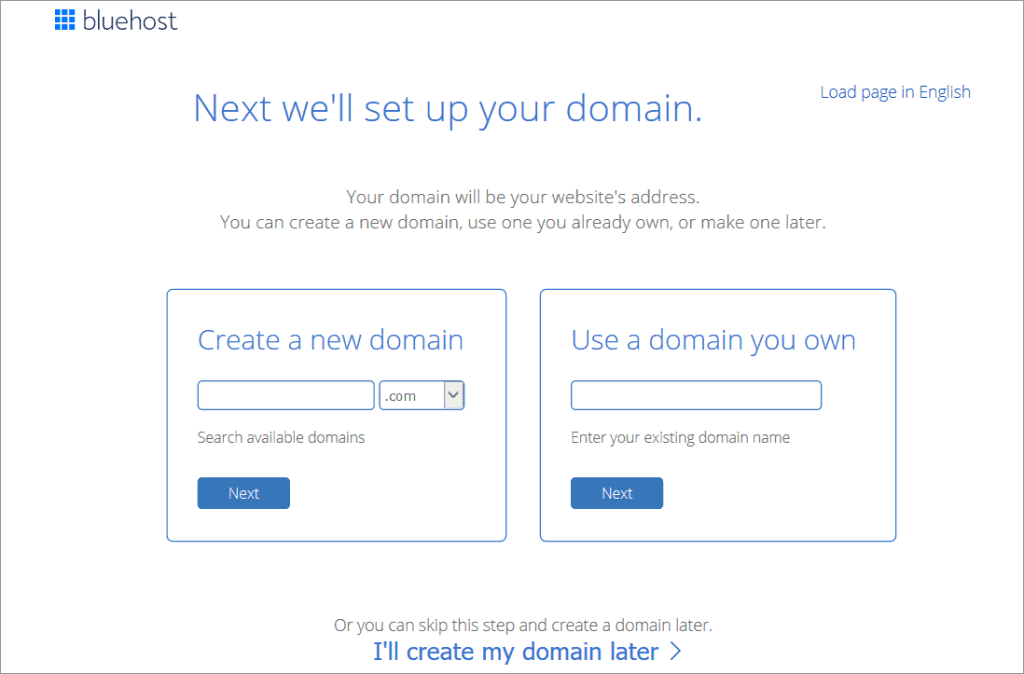
The search system through BlueHost is easy to use, and multiple features are available. All data and connections are well-organized and secure as well.
Pricing (Plans):
Hosting plans start their rates at:
- Shared Hosting- USD 2.36 per month
- WordPress Hosting- USD 2.36 per month
- Ecommerce Hosting- USD 5.91 per month
Plans under each hosting type cost higher. For example, here are the plans under BlueHost WordPress Hosting; they all offer one free domain for the first year.
- Basic- USD 2.36 per month
- Plus- USD 3.69 per month
- Choice Plus- USD 3.69 per month
Features:
- Wide range of domains– Users get a wide range of options for domain names. From ‘.com’ and ‘.net’ to ‘.online’ to ‘.store’ domain name options, users can search and buy their preferred TLD.
- Domain lock– After users get their custom domain names, they can use the domain lock feature to safeguard it from unsanctioned transfers.
- Auto-renewal– One of the best benefits of the BlueHost domain registrar is the auto-renewal feature. With this, the domain names of the users stay safe and renew during the entire term of usage, with zero expiration-related worries.
- Manage domains easily– There is a simple and highly intuitive control panel available under BlueHost. The control panel is easy to handle and comes with simple features in one location for easy access and management.
- Domain privacy– All information is safe from online hijackers or unauthorized personnel. The personal data on domains are safe from theft and spam issues.
- High-quality customer support- Users can expect support from a high-quality and trained group of domain experts. The in-house team is available via phone calls and live chat 24×7 and can handle queries on all relevant issues the clients may face.
Pros:
- Email support and live chat support are available
- Web hosting bundles with one domain name each, free for the first year
- Users get 24×7 call support
Cons:
- Users get extra added costs
- The renewal costs are very high
Free WHOIS Privacy: Unavailable
Best for: First-time web hosting users and e-commerce beginners. This is suitable for people who want both domain purchase and web hosting benefits in one comprehensive bundle.
Conclusion
Overall, the best domain name registrars offer a wide selection of unique and standard TLD options. Plus, options like BlueHost and GoDaddy offer additional web services like web hosting. Others like Domain.com provide high-quality website design benefits as well.
Know the correct information to make the appropriate selection based on your personalized needs. Also, download and use secure software like Avast Antivirus for additional data protection for your site.
Author Bio:
Dinesh Lakhwani 

Dinesh Lakhwani, the entrepreneurial brain behind “TechCommuters,” achieved big things in the tech world. He started the company to make smart and user-friendly tech solutions. Thanks to his sharp thinking, focus on quality and the motto of never giving up, TechCommuters became a top player in the industry. His commitment to excellence has propelled the company to a leading position in the industry.
Popular Post











Recent Post

How to Switch Windows 10 to a Local Account: Complete Guide
Windows 10 allows users to sign in with either a Microsoft account or a local account. When you set up a new computer, the system often suggests using a Microsoft account. This account connects your device to Microsoft services such as Outlook, OneDrive, and the Microsoft Store. It also syncs settings, themes, and passwords across […]

How To Change Default Apps For File Types In Windows
Windows is designed to make using your computer easy. One way it does this is by assigning default apps to different file types. This means when you open a file, Windows automatically opens it with a specific program. For example, photos may open with Photos, music with Groove Music, and PDFs with Edge. These default […]

How To Adjust The Mouse Pointer Speed: Complete Guide
Using a computer every day means you use the mouse a lot. The mouse pointer moves on the screen and helps you click, scroll, and select items. Many people never think about the speed of the mouse pointer. They have used the default setting for years. This can cause small problems over time. A slow […]

How to Change Mouse Scrolling Settings In Windows
A mouse is one of the most used computer tools. People use it every day. They scroll through emails. They scroll through documents. They scroll through websites and images. The movement becomes automatic. Most users do not notice it. That is why problems often go unnoticed. Scrolling problems show up slowly. At first, it feels […]

Keyboard Light Settings: Keyboard Lighting Control [Complete Guide]
Keyboards are no longer simple typing tools. Well, yes! Over time, they have evolved to include features that improve comfort, visibility, and overall experience. One of the most useful features today is keyboard lighting. It helps users work comfortably in low-light conditions. It also reduces strain when typing for long hours. Many users first notice […]

Customizing Pointer Appearance: Complete Guide
The way your mouse pointer looks on your computer may seem like a small detail. But customizing pointer appearance can make using your PC more comfortable and visually appealing. Many users do not realize that they can change the pointer size, color, and style to fit their needs. Whether you want a bigger pointer for […]

How To Choose a Computer Monitor: Monitor Buying Guide
Buying a monitor looks easy. Many people think all screens are the same. That belief causes regret later. A monitor is not just a display. It is a daily tool. You read on it. You work on it. You relax with it. Small problems become big over time. Poor brightness hurts eyes. Bad size causes […]

How To Get Help With File Explorer in Windows 11 [Complete Guide]
File Explorer is one of the most important tools in Windows 11. It is used to open folders, view files, and manage stored data. Almost every action on a Windows computer depends on it in some way. When users open documents, save downloads, or organize photos, File Explorer is always involved. Because it is used […]

How To Fix A Frozen Computer: Complete Guide [Windows 11/10]
A frozen computer is one of the most common problems Windows users face. The screen stops responding. The mouse pointer does not move. Keyboard inputs do nothing. You may hear the fan running loudly. Sometimes the system looks alive, but nothing works. This situation often happens when you are busy or working on something important. […]

How to Upgrade Computer RAM: Complete Guide
Upgrading RAM is one of the simplest ways to improve a computer. It helps the system feel faster and smoother. Apps open quicker. Browsers handle more tabs. Games and tools run with less delay. Many users search for how to upgrade computer RAM because it gives real results without high cost. You do not need […]

